Best Help Desk Software for Law Firms in 2026: Prices, Free Plans and 5 Picks
5 best help desk software for law firms, with entry costs, free tiers and the buyer each one serves. Short, factual notes on every option. Full profiles inside.
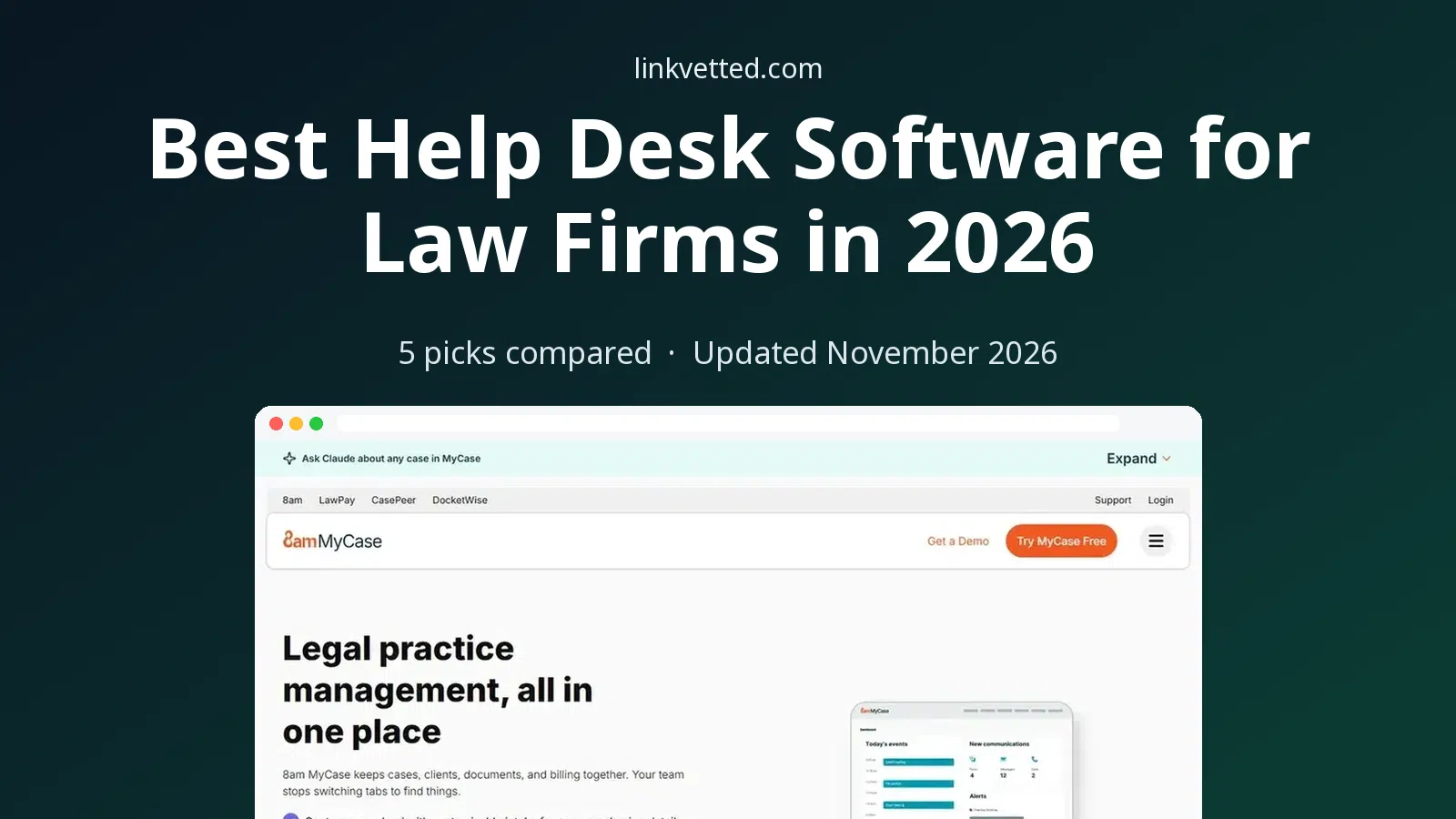
- Editor's choice
 Zendesk
High-volume client inquiry handling
Starts at$19 agent/month premium yearlyVisit zendesk.comFull review - Great alternative
 MyCase
Businesses managing cases, clients and payments
Starts at$50 per user a monthVisit mycase.comFull review - Also consider
 Smokeball
Businesses wanting matter-linked client communication
Starts atSee websiteVisit smokeball.comFull review
Direct answer
If you need high-volume client inquiry handling, Zendesk is the first tool to look at here. Listed starting prices: Zendesk from $19 agent/month premium yearly, MyCase from $50 per user a month and Front from $25 per seat per month. For a different need, MyCase covers businesses managing cases, clients and payments and Smokeball covers businesses wanting matter-linked client communication. All 5 tools are compared below on price, free plan and limits.
TL;DR:
- Zendesk sits first on this list: high-volume client inquiry handling.
- One limit worth knowing about Smokeball: legal-specific, not a general help desk.
- Front suits shared inboxes for client-facing teams.
- Starting prices begin at $19 agent/month premium yearly with Zendesk.
- Zendesk, Front and the 3 others all need a premium plan or a trial, since no free plan is listed.
Last checked November 2026. Prices and plan details were read from the vendors' own pages in November 2026; vendors change plans often, so confirm the current price on the vendor site before you buy.
Quick comparison
| Tool | Best for | Starts at | Free plan? | |
|---|---|---|---|---|
| Zendesk | High-volume client inquiry handling | $19 agent/month premium yearly | Free trial | Visit |
| MyCase | Businesses managing cases, clients and payments | $50 per user a month | Free trial | Visit |
| Smokeball | Businesses wanting matter-linked client communication | See website | Not stated | Visit |
 Filevine | Legal teams exploring AI-assisted case work | See website | Free trial | Visit |
 Front | Shared inboxes for client-facing teams | $25 per seat per month | Free trial | Visit |
The best help desk software for law firms
LinkVetted put together this guide to help desk software for law firms for readers who want a clear shortlist without reading every vendor page. It compares 5 tools on starting price, free plans, who each one suits and where each one falls short.
Choose Zendesk for high-volume client inquiry handling. For law businesses with steady inbound questions, like intake, scheduling or status requests, it gives you a structured ticketing environment that service teams already understand.
Where it falls short: Needs configuration for legal workflows.
Zendesk cost at the entry level: $19 agent/month premium yearly. Free options: Free trial.
- Scales with service teams
- Mature ticketing foundation
- Not legal-specific
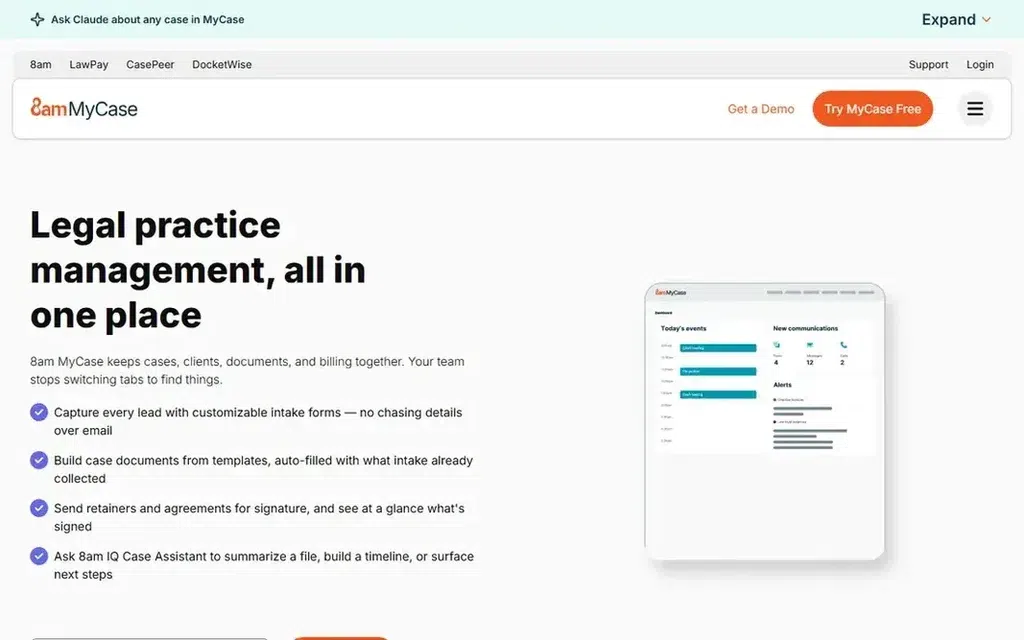
MyCase is built with firms managing cases, clients and payments in mind. MyCase is legal practice management software positioned around running a profitable firm instead of only managing cases.
Also, cases, clients, billing and payments live in one place, which helps businesses answer client questions with full context. Also, MyCase is not a dedicated ticketing system, so businesses with large inbound support volume may find routing choices restricted compared to help desk specialists. What you pay to start with MyCase: $50 per user per month. Trial and free access: Free trial.
Limits to weigh: Client portal features vary by setup.
- Billing and payments together
- Cases and clients in one place
- Not a standalone help desk
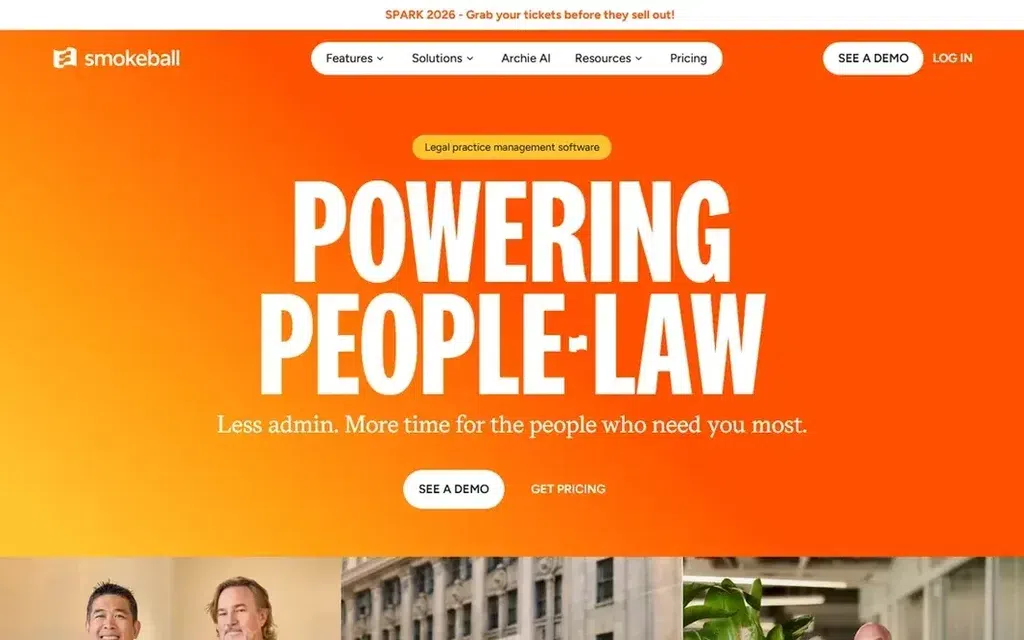
Smokeball is built with businesses wanting matter-linked client communication in mind. For a law firm, that means client communication and matter updates can sit alongside the work that produces revenue instead of in a separate system.
Businesses needing advanced multi-channel ticket routing may want a dedicated help desk alongside it. Pricing for Smokeball is not stated here, so ask the vendor for current figures. Free options: Not stated.
Where it falls short: not a general help desk.
- Trust and billing tools
- Automatic time tracking
- Legal-specific
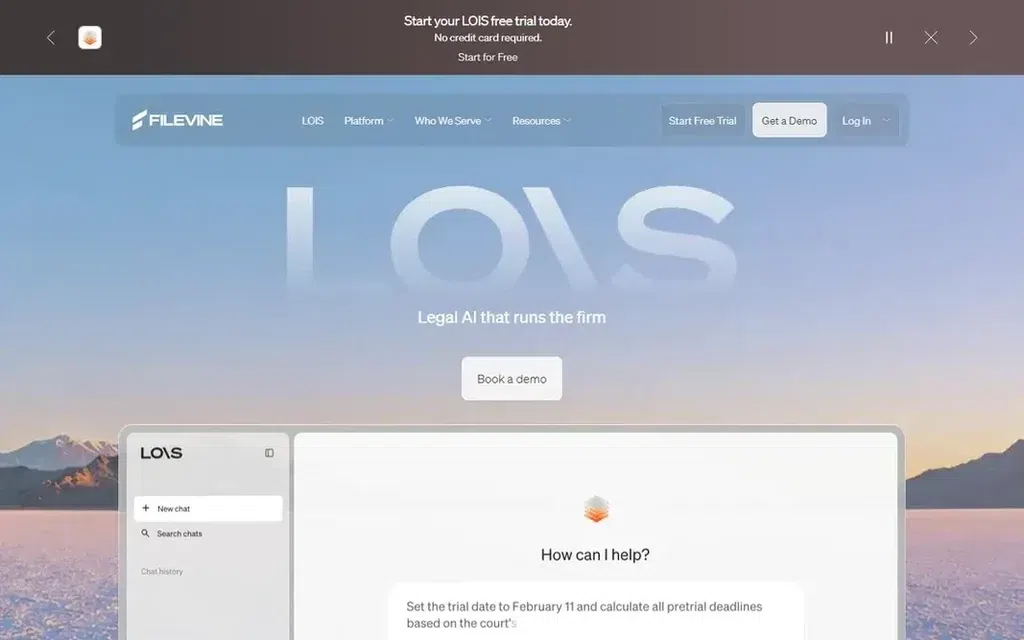
Filevine is aimed squarely at legal teams exploring AI-assisted case work. Evaluate the AI features against your own workflows before committing. From a buyer's view, as a legal product, Filevine is not designed as a conventional help desk with ticket queues and service-level routing.
From a buyer's view, Filevine presents itself as a legal AI platform for law businesses and legal teams, with LOIS as a named part of its offering. Its orientation is case work and legal operations instead of generic customer support. In practice, businesses that want client communication connected to case data may find it a reasonable fit when AI-assisted legal work is a priority. This comparison lists no price for Filevine; ask the vendor. Free options: Free trial.
Where it is weaker: AI capabilities need careful evaluation. Where Filevine stands out: Legal AI product focus.
- Designed for law businesses and legal teams
- Case-centric environment
- Help desk features are secondary
Front is designed for shared inboxes for client-facing teams. Front is a customer service system where support, sales, operations and AI agents come together to resolve complicated customer work. It performs well for businesses that want collaborative communication without a formal ticketing hierarchy.
Trade-offs to know: Pricing structure not covered here.
Front does not run matters, documents or billing, so it complements instead of replaces legal practice software. As for the details, pick Front when shared email and team collaboration are the core problem. Starting cost for Front: $25 per seat per month. As for free access: Free trial.
- Shared inbox collaboration
- Support and operations together
- Less depth in legal records
How we chose
We compared the tools on published pricing, free plan or trial availability, feature coverage for help desk software for law firms, and the limits each vendor documents. Plan names, prices and limits change often. Treat the figures here as a starting point and verify them with the vendor. Position on the page reflects fit for a typical buyer first, with price clarity and free access breaking ties. Treat it as a guide, not a ruling.
Questions to settle before buying
- Confirm the entry price on the vendor page. For Smokeball and Filevine that means a quote rather than a fixed price.
- Use real work to test the free trial from Zendesk, MyCase, Filevine and Front, rather than a demo project.
- Before choosing Zendesk, weigh its main limit: not legal-specific.
- Look at which plan of MyCase unlocks the features you need; entry tiers are often cut down.
- List the apps you already depend on and check that Smokeball supports each one on the plan you would buy.
FAQ
What is the cheapest option for help desk software for law firms in this list?
On published monthly entry prices, Zendesk is the lowest here at $19 agent/month premium yearly. Entry price is only part of the cost, because seats, add-ons and billing terms can change the total. For the full picture, the cards above cover all 5 entries of this help desk software for law firms list, including price, free plan and limits.
Do these tools publish their prices?
Not all of them. Smokeball and Filevine publish no starting price, so expect a quote request for those. The rest, Zendesk included, show a starting price, though seats and billing terms still change the final cost.
Does any tool for help desk software for law firms here have a free plan?
A permanent free plan is not offered by Zendesk, Front or the other tools here. Zendesk, MyCase, Filevine, Front offer a trial. Plan a short evaluation period instead.
How are the tools for help desk software for law firms ordered?
The order follows typical fit for help desk software for law firms, with Zendesk first and Front last, then price clarity and free access. It is editorial judgement, not a score, so another team could rank the tools differently.
Sources
- https://www.zendesk.com
- https://www.mycase.com
- https://www.smokeball.com
- https://www.filevine.com
- https://front.com