Best Heatmap Tools for Customer Feedback (2026): 6 Picks Checked on Vendor Pages
Searching for the best heatmap tools for customer feedback? Here are 6 options with prices and free plans. Costs and caveats sit beside each pick. No hype.
- Editor's choice
 Mixpanel
Product intelligence with analytics and replay
Starts at$100 a monthVisit mixpanel.comFull review - Great alternative
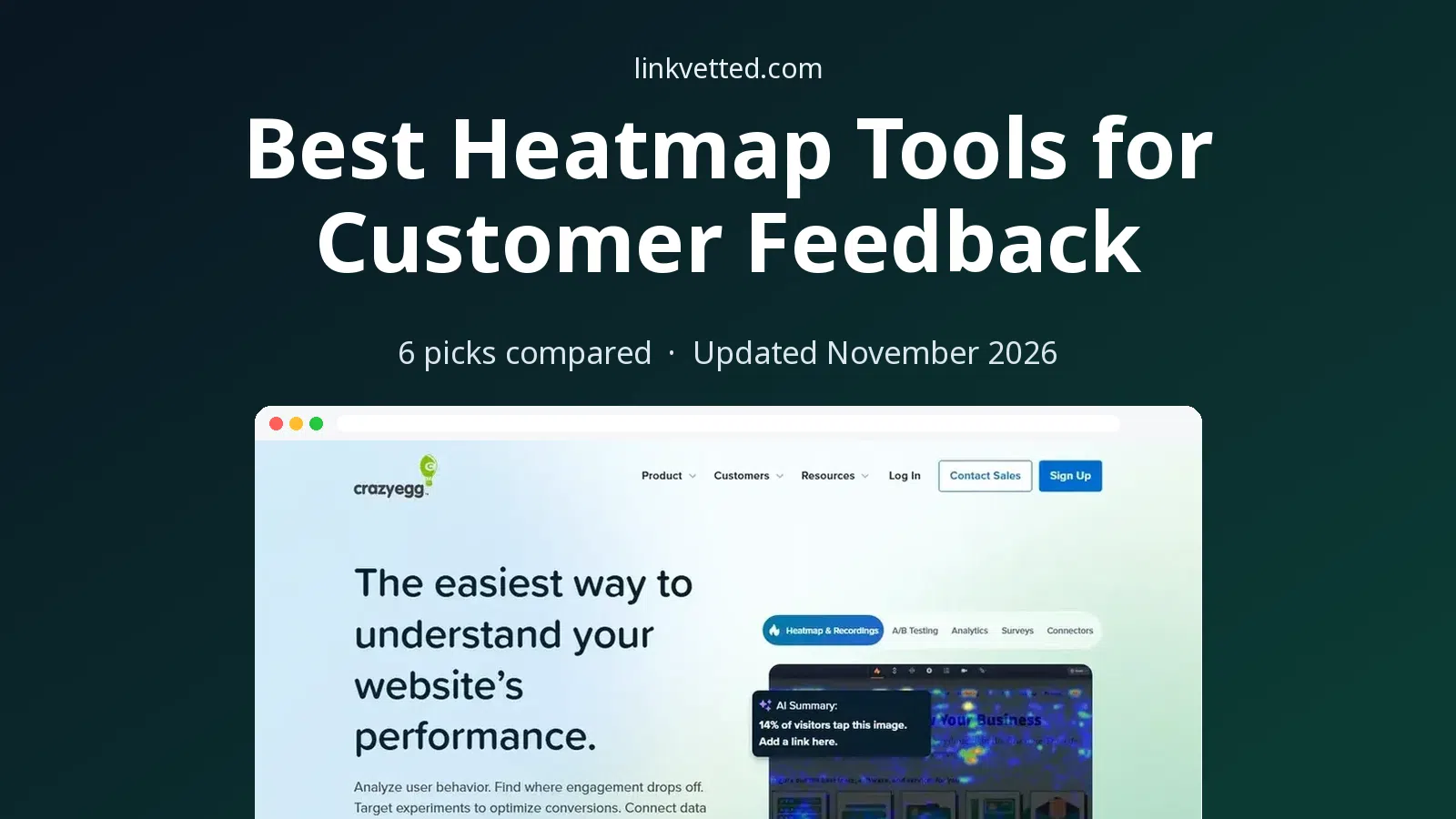
 Crazy Egg
All-in-one heatmaps, surveys, and testing
Starts at$29 a monthVisit crazyegg.comFull review - Also consider
 Heap
Digital insights with automatic event capture
Starts atSee websiteVisit heap.ioFull review
Direct answer
Mixpanel is the first pick on this list for product intelligence with analytics and replay. Listed starting prices: Mixpanel from $100 a month, Crazy Egg from $29 a month and Hotjar from $39 a month. Crazy Egg is the stronger choice for all-in-one heatmaps, surveys, and testing, while Heap suits digital insights with automatic event capture. All 6 tools are compared below on price, free plan and limits.
TL;DR:
- Number one here is Mixpanel, a fit for product intelligence with analytics and replay.
- A free plan is available from 3 of the 6 tools: Mixpanel, Heap, Hotjar.
- The cheapest monthly starting price in the list is $29 per month, offered by Crazy Egg.
- Check the limits for Hotjar before you commit: may lack advanced enterprise analytics.
Last checked November 2026. Prices and plan details were read from the vendors' own pages in November 2026; vendors change plans often, so confirm the current price on the vendor site before you buy.
Quick comparison
| Tool | Best for | Starts at | Free plan? | |
|---|---|---|---|---|
| Mixpanel | Product intelligence with analytics and replay | $100 a month | Yes | Visit |
| Crazy Egg | All-in-one heatmaps, surveys, and testing | $29 a month | Free trial | Visit |
| Heap | Digital insights with automatic event capture | See website | Yes | Visit |
 Hotjar | Combining heatmaps with feedback and surveys | $39 a month | Yes | Visit |
 Mouseflow | Session replay with heatmaps and feedback | See website | Free trial | Visit |
 Adobe Analytics | Enterprise digital experience analytics | See website | Not stated | Visit |
Heatmap Tools for Customer Feedback compared in detail
Choosing heatmap tools for customer feedback usually comes down to price, fit and limits. This LinkVetted guide sets 6 tools side by side on those three points, with the facts kept short and checkable.
Pick Mixpanel if this describes you: product intelligence with analytics and replay. Choose Mixpanel when product intelligence and experimentation are priorities and heatmaps are secondary.
The main drawbacks: Heatmaps may not be a primary feature.
Mixpanel is a product intelligence product for the AI era, combining analytics, session replay, experiments, feature flags, and AI-powered insights. On top of that, whereas heatmaps may not be its core offering, it offers deep behavioral data that can complement feedback initiatives. The starting price for Mixpanel: $100 per month. You can start on Mixpanel without paying. What Mixpanel does well: Analytics.
- AI-powered insights
- Feature flags included
- Can be complicated for non-product teams
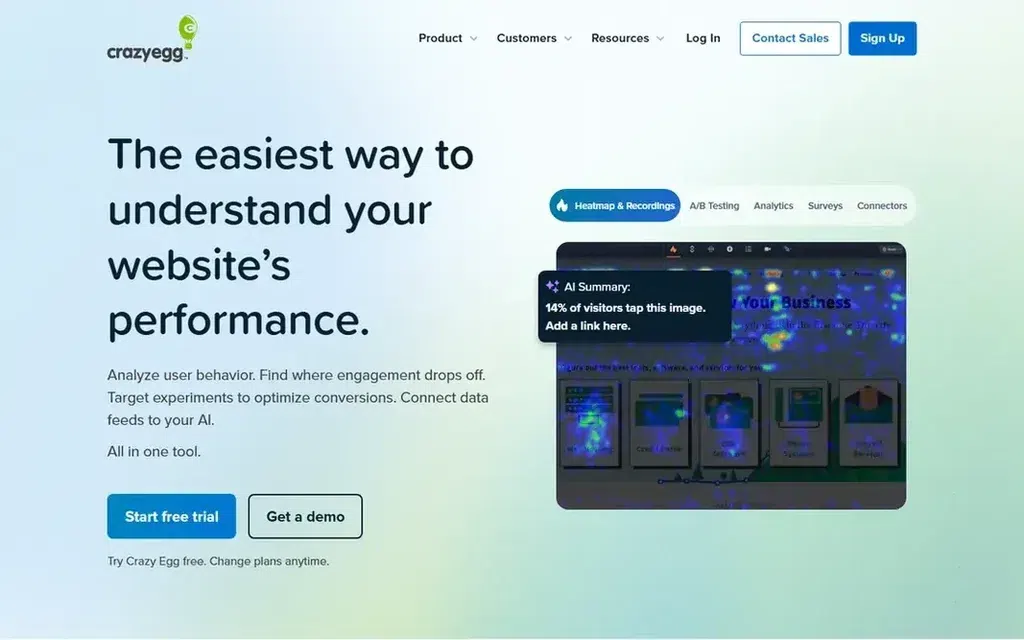
Crazy Egg targets all-in-one heatmaps, surveys, and testing. The breadth of features can feel complicated for new users. Some advanced analytics capabilities may be restricted compared with dedicated product analytics systems.
Honest limits: Can be overwhelming for beginners.
As for the details, Crazy Egg is a website optimization system that contains heatmaps, session recordings, surveys, and A/B testing. From a buyer's view, teams needing deep behavioral cohorts or enterprise-grade data governance might have to supplement it. Pick Crazy Egg when you want an integrated set of visual tools for optimization and feedback. The combination of visual behavior data and testing makes it handy for conversion rate optimization efforts. Crazy Egg cost at the entry level: $29 per month. On free options: Free trial.
- A/B testing included
- Heatmaps, recordings
- Advanced analytics may need other tools
Heap serves digital insights with automatic event capture. Heap may not offer dedicated heatmap or feedback tools out of the box.
So teams focused primarily on visual heatmaps might have to integrate extra options. It can also need thoughtful setup to align with feedback collection. Check the vendor site for Heap pricing; none is listed in this comparison. Free access exists with Heap.
Honest limits: Can need setup for feedback integration.
- Reveals unknown unknowns
- Records all user actions automatically
- Heatmaps may not be core focus
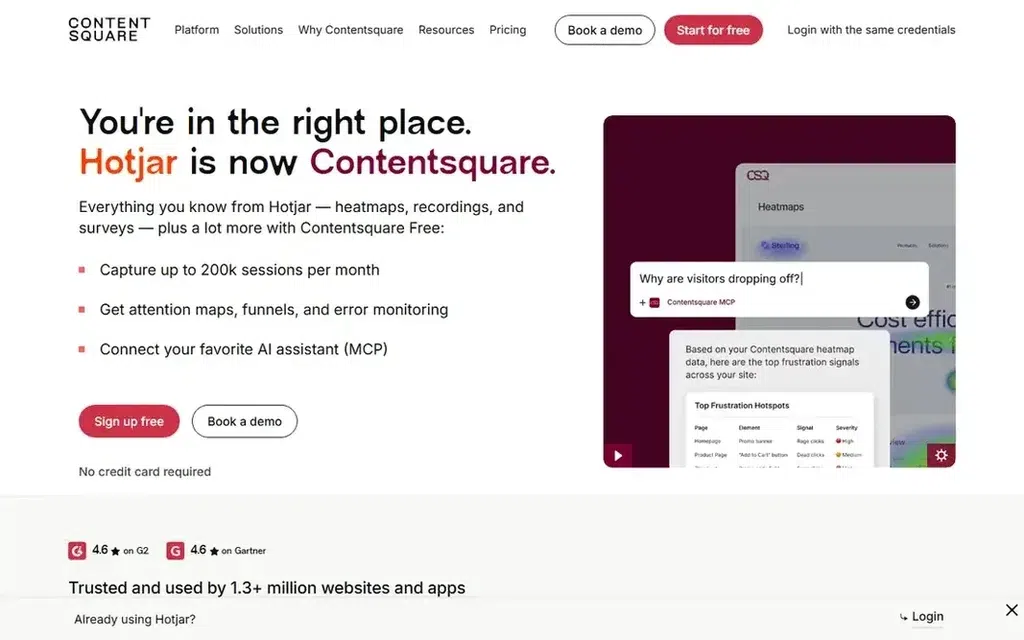
Hotjar was built for combining heatmaps with feedback and surveys. Hotjar is a behavior insights product that merges heatmaps with feedback and survey tools, helping teams see what visitors do and why.
It suits midsize and small to medium firms that want an accessible way to gather visual behavior data and direct customer input in one place. Hotjar cost at the entry level: $39 per month. A free plan is available with Hotjar.
Drawbacks to consider: Feedback choices can be entry-level for complicated needs.
- Feedback and survey tools built in
- Heatmaps display click and scroll behavior
- May lack advanced enterprise analytics
Choose Mouseflow for session replay with heatmaps and feedback. Mouseflow is a behavior analytics system that uses session replay, heatmaps, and feedback to boost website user experience.
More specifically, choose Mouseflow when session replay and heatmaps are central to your feedback and UX research process. The tool is geared toward UX and conversion optimization, helping identify friction points on websites. Mouseflow shows no starting price here, so confirm the cost on the vendor site. On free options: Free trial.
Where it is weaker: May lack advanced product analytics.
- Session replay and heatmaps combined
- Focus on UX improvement
- Feedback features can be entry-level
Adobe Analytics is aimed squarely at enterprise digital experience analytics. Adobe Analytics can be complicated and resource-intensive for small teams, and it may not bundle dedicated heatmap or feedback tools as core features.
What to check first: Needs expertise to implement.
Worth adding: choose Adobe Analytics when you need enterprise-grade analytics and are prepared to integrate specialized heatmap tools. Adobe Analytics does not show a starting price in this comparison, so check the vendor site for current pricing. Trial and free access: Not stated.
- Measures marketing performance
- Brings together customer data
- Complicated for small teams
Our selection method
We compared the tools on published pricing, free plan or trial availability, feature coverage for heatmap tools for customer feedback, and the limits each vendor documents. Prices and plan limits come from vendor pages and can change, so confirm them on the vendor site before you buy. We ordered the tools by general fit, then by how clearly pricing is shown, then by free access. A buyer with unusual needs may reorder them.
What to check before you buy
- Get a written quote from Heap, Mouseflow and Adobe Analytics; the list shows no starting price for them.
- Check what the free option really includes: Mixpanel, Heap and Hotjar offer a free plan, and usage caps differ.
- Run a trial of Crazy Egg and Mouseflow with real work before paying for a year; your own workflow is the best test.
- Before choosing Mixpanel, weigh its main limit: Heatmaps may not be a primary feature.
- Confirm that Heap connects to the apps your team already uses, on the plan you would actually buy.
- Before you load data into Hotjar, check what an export looks like and who can run it.
FAQ
What should I look for in a heatmap tool for customer feedback?
Look for tools that combine heatmaps with feedback collection, like surveys or feedback widgets, so you can see behavior and ask why. Also consider simplicity, integration with your analytics stack, and whether the tool scales with your team.
What is the cheapest option for heatmap tools for customer feedback in this list?
On published monthly entry prices, Crazy Egg is the lowest here at $29 per month. Entry price is only part of the cost, because seats, add-ons and billing terms can change the total. Prices, free plan details and limits for all 6 tools in this Heatmap tools for customer feedback roundup sit on the individual cards above.
Do these tools publish their prices?
Not all of them. Heap, Mouseflow and Adobe Analytics publish no starting price, so expect a quote request for those. The rest, Mixpanel included, show a starting price, though seats and billing terms still change the final cost.
How are the tools for heatmap tools for customer feedback ordered?
The order follows typical fit for heatmap tools for customer feedback, with Mixpanel first and Adobe Analytics last, then price clarity and free access. It is editorial judgement, not a score, so another team could rank the tools differently.
Is Mixpanel the right pick for everyone comparing heatmap tools for customer feedback?
No single tool suits every team. Mixpanel comes first because it fits product intelligence with analytics and replay, while Crazy Egg suits all-in-one heatmaps, surveys, and testing and Heap suits digital insights with automatic event capture. Match the tool to your own size, budget and workflow before deciding.
Sources
- https://mixpanel.com
- https://www.crazyegg.com
- https://www.heap.io
- https://www.hotjar.com
- https://mouseflow.com
- https://business.adobe.com/products/analytics/adobe-analytics.html