The 5 Best Heatmap Tool for Website Analytics in 2026, Ranked
Compare 5 best heatmap tool for website analytics, with prices, free plans and who each fits. Each pick comes with its main catch. Read before you buy.

- Editor's choice
 Mixpanel
Product intelligence with behavior views
Starts at$100 a monthVisit mixpanel.comFull review - Great alternative
 Heap
Digital insights across user actions
Starts atSee websiteVisit heap.ioFull review - Also consider
 Crazy Egg
All-in-one website optimization
Starts at$29 a monthVisit crazyegg.comFull review
Direct answer
Mixpanel comes first here, mainly for product intelligence with behavior views. Listed starting prices: Mixpanel from $100 a month, Crazy Egg from $29 a month and Hotjar from $39 a month. Alternatives: Heap for digital insights across user actions, and Crazy Egg for all-in-one website optimization. The other 2 tools in the list cover narrower or pricier cases.
TL;DR:
- The list opens with Mixpanel, aimed at product intelligence with behavior views.
- Contentsquare fits AI-first experience intelligence.
- Free plans exist at 4 of 5 tools (Mixpanel, Heap, Hotjar, Contentsquare).
- Crazy Egg is the lowest-priced starter here at $29 per month.
- Before buying Mixpanel, weigh this: Heatmaps are not the core focus.
Last checked November 2026. Prices and plan details were read from the vendors' own pages in November 2026; vendors change plans often, so confirm the current price on the vendor site before you buy.
Quick comparison
| Tool | Best for | Starts at | Free plan? | |
|---|---|---|---|---|
| Mixpanel | Product intelligence with behavior views | $100 a month | Yes | Visit |
| Heap | Digital insights across user actions | See website | Yes | Visit |
| Crazy Egg | All-in-one website optimization | $29 a month | Free trial | Visit |
 Hotjar | Midsize and SMB behavior insights | $39 a month | Yes | Visit |
 Contentsquare | AI-first experience intelligence | $39 per month | Yes | Visit |
Heatmap Tool for Website Analytics, one by one
Short on time? The summary and table above give the quick view of 5 heatmap tool for website analytics, and the profiles that follow give the detail behind each entry.
Mixpanel works best for product intelligence with behavior views. It suits product teams that want to understand user behavior across features and flows, with session replay supporting qualitative review.
What you pay to start with Mixpanel: $100 per month. Free access exists with Mixpanel.
Honest limits: Heatmaps are not the core focus.
- Experiments and feature flags
- Analytics with session replay
- Product analytics orientation
Heap is aimed squarely at digital insights across user actions. Heap by Contentsquare is a digital insights product that presents everything users do on a site, revealing the unknown unknowns that stay invisible with other tools.
The main drawbacks: Heatmaps are not the headline feature.
It is better suited to teams that want full digital insights and can use heatmaps as a secondary view. Choose Heap when wide action capture matters more than page-level heatmaps. Heap shows no starting price here, so confirm the cost on the vendor site. Heap includes a free tier.
- Records all user actions
- Reveals unknown unknowns
- Not a dedicated heatmap tool
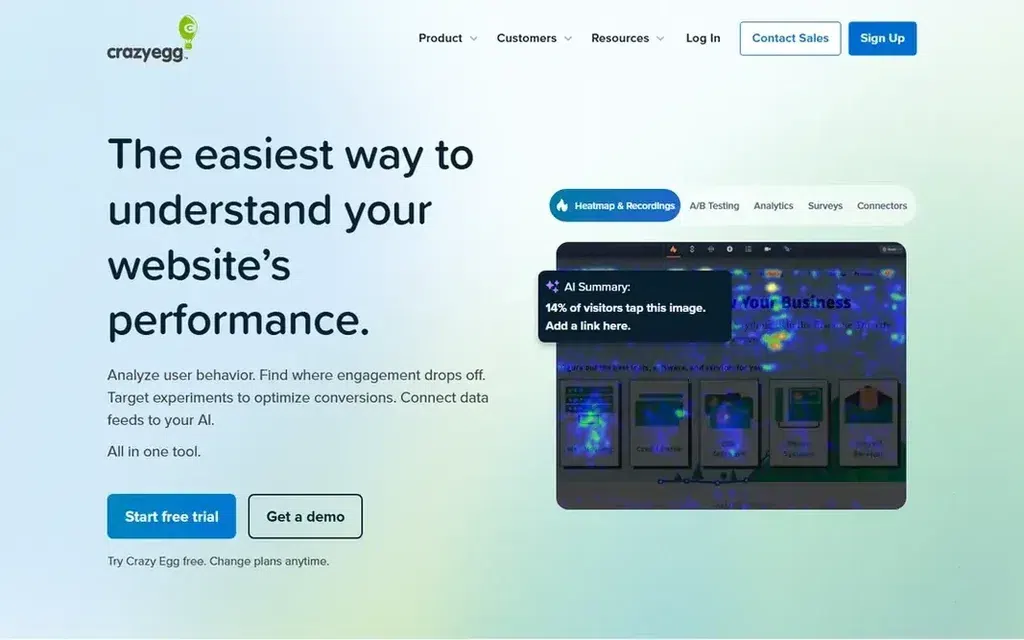
Crazy Egg is a good fit for all-in-one website optimization. The tool is built around seeing what is hot and what is not on a page.
What to check first: Optimization suite breadth can add complexity.
On cost, Crazy Egg starts like this: $29 per month. As for free access: Free trial.
- Clear optimization focus
- Surveys and A/B testing included
- May be more than heatmap-only users need
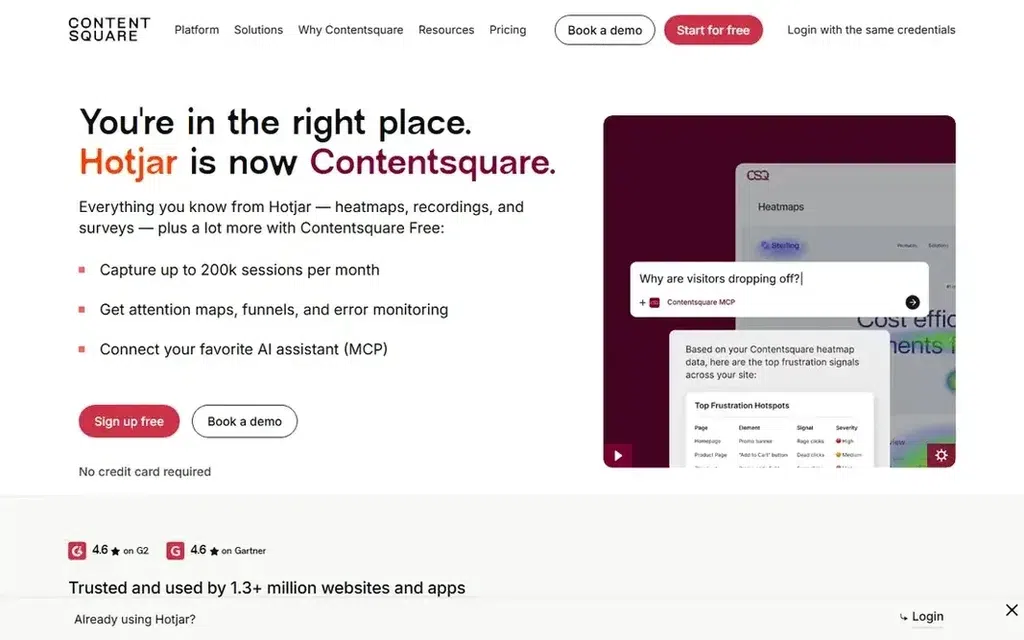
Think of Hotjar for midsize and SMB behavior insights. Hotjar is focused on behavior insights instead of deep product analytics or enterprise journey intelligence.
Where it falls short: Best value when heatmaps are a core need.
On cost, Hotjar starts like this: $39 per month. Hotjar includes a free tier.
- Suits SMB and midsize teams
- Heatmaps plus recordings
- Not a full product analytics suite
Think of Contentsquare for AI-first experience intelligence. Contentsquare is an AI-first experience system that hands brands intelligence to understand human and agent journeys and turn signals into better experiences. Contentsquare is a wide experience system, so teams seeking a straightforward, standalone heatmap tool may find it more than they need.
It is also not a product analytics in the same sense as Heap or Mixpanel. More specifically, the system is positioned for deeper, cross-journey understanding. Entry price for Contentsquare: $39 per month. A free plan is available with Contentsquare.
The main drawbacks: Wide product may exceed heatmap-only needs.
- AI-first experience system
- Journey-level intelligence
- Enterprise scope can need more setup
Our selection method
Pricing pages, product documentation and feature lists were the main sources, and every entry carries at least one honest drawback. Plan names, prices and limits change often. Treat the figures here as a starting point and verify them with the vendor. Tools are placed by general fit for heatmap tool for website analytics, with price clarity and free access as tie-breakers. A different team can reasonably rank them differently.
Things to verify first
- Get a written quote from Heap; the list shows no starting price for them.
- Read the fine print on the free plans from Mixpanel, Heap, Hotjar and Contentsquare; seat, project and feature caps differ.
- Take the trial from Crazy Egg and push a live task through it before you pay.
- Before choosing Mixpanel, weigh its main limit: Heatmaps are not the core focus.
- Check the support hours and onboarding help Hotjar offers; smaller vendors vary a lot here.
- Pick one real project and run it in Heap first; a small pilot shows fit faster than a checklist.
FAQ
What is the cheapest option for heatmap tool for website analytics in this list?
On published monthly entry prices, Crazy Egg is the lowest here at $29 per month. Entry price is only part of the cost, because seats, add-ons and billing terms can change the total. Prices, free plan details and limits for all 5 tools in this Heatmap tool for website analytics roundup sit on the individual cards above.
What should a heatmap tool for website analytics contain?
A handy heatmap tool should present click, scroll, and movement patterns plainly and link them to session recordings or feedback where possible. It should also fit your team's workflow, whether that means straightforward page analysis or deeper journey intelligence.
Is Mixpanel the right pick for everyone comparing heatmap tool for website analytics?
No single tool suits every team. Mixpanel comes first because it fits product intelligence with behavior views, while Heap suits digital insights across user actions and Crazy Egg suits all-in-one website optimization. Match the tool to your own size, budget and workflow before deciding.
Which heatmap tool for website analytics have a free plan?
Mixpanel, Heap, Hotjar and Contentsquare offer a free plan in this list. Free plans usually cap users, projects or features, so check the limits on the vendor page. One other tool offers a trial instead.
How do heatmap tools differ from product analytics?
Heatmap tools focus on page-level visual behavior, for example where visitors click and how far they scroll. Product analytics like Heap and Mixpanel focus on events, funnels, and feature usage across the product.
Do these tools publish their prices?
Not all of them. Heap publishes no starting price, so expect a quote request for it. The rest, Mixpanel included, show a starting price, though seats and billing terms still change the final cost.
Sources
- https://mixpanel.com
- https://www.heap.io
- https://www.crazyegg.com
- https://www.hotjar.com
- https://contentsquare.com