6 Best Headless CMS Hosting for Developers for 2026, Vetted and Compared
6 best headless CMS hosting for developers, with entry costs, free tiers and the buyer each one serves. Pros and cons for every tool. Read before you buy.
- Editor's choice
 AWS Amplify
Full-stack web and mobile apps
Starts atSee websiteVisit aws.amazon.comFull review - Great alternative
 Render
Easy-to-learn cloud for apps and agents
Starts at$25 per monthVisit render.comFull review - Also consider
 Vercel
Framework-first headless front ends
Starts at$20 a monthVisit vercel.comFull review
Direct answer
AWS Amplify comes first here, mainly for full-stack web and mobile apps. Listed starting prices: Render from $25 per month, Vercel from $20 a month and Netlify from $9 a month. Render fits easy-to-learn cloud for apps and agents; Vercel fits framework-first headless front ends. The full list of 6 tools follows, with prices and free plan facts.
TL;DR:
- Top of the list is AWS Amplify, which targets full-stack web and mobile apps.
- Fly.io is the one to check for hardware-isolated VM deployments.
- The lowest published monthly entry price here is $2.19 per month, from Fly.io.
- What to know about Render first: general-purpose, so frontend polish varies by setup.
- A free plan is available from 4 of the 6 tools: AWS Amplify, Render, Vercel, Netlify.
Last checked November 2026. Prices and plan details were read from the vendors' own pages in November 2026; vendors change plans often, so confirm the current price on the vendor site before you buy.
Quick comparison
| Tool | Best for | Starts at | Free plan? | |
|---|---|---|---|---|
| AWS Amplify | Full-stack web and mobile apps | See website | Yes | Visit |
| Render | Easy-to-learn cloud for apps and agents | $25 per month | Yes | Visit |
| Vercel | Framework-first headless front ends | $20 a month | Yes | Visit |
 DigitalOcean App Platform | Straightforward code-to-production deployments | See website | Not stated | Visit |
 Netlify | Adaptable opens from prompt or code | $9 a month | Yes | Visit |
 Fly.io | Hardware-isolated VM deployments | $2.19 per month | Free trial | Visit |
Headless CMS Hosting for Developers, one by one
LinkVetted compared 6 headless CMS hosting for developers. The goal is a practical shortlist: published prices, free plan facts, best-fit use cases and honest limits for every entry.
Think of AWS Amplify for full-stack web and mobile apps. For headless CMS projects, it suits teams that want frontend hosting plus connected backend capabilities in one place, notably when mobile apps consume the same content.
Upsides: Simple to start.
It suits organizations already leaning toward the AWS ecosystem. Check the vendor site for AWS Amplify pricing; none is listed in this comparison. A free plan is available with AWS Amplify. What to check first: Wide scope can feel heavy for a straightforward site.
- No cloud expertise needed per vendor
- Simple to scale
- Deep customization may need cloud knowledge
Render was built for easy-to-learn cloud for apps and agents. In a headless CMS context, it does well when the front end is only part of the picture and you also need services, background jobs, or databases running nearby.
Drawbacks to consider: General-purpose, so frontend polish varies by setup.
In daily use, choose Render when your headless CMS architecture bundles several services and you want them under one roof. What you pay to start with Render: $25 per month. Free access exists with Render.
- Made for the modern web
- Deploy and scale apps or agents
- Needs some configuration decisions
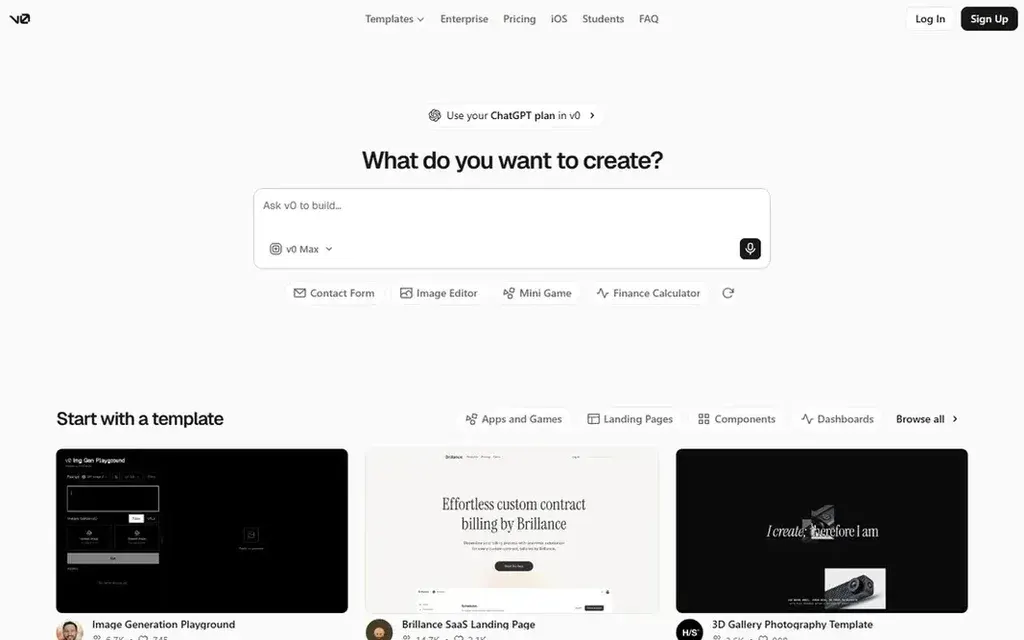
Vercel is designed for framework-first headless front ends. Vercel presents itself as agentic infrastructure, an autonomous stack for every app and agent. For headless CMS work, that means a product oriented around shipping front ends that pull content from an API and rendering it quick.
What to check first: Feature depth can overwhelm newcomers.
In daily use, compare with Render or Fly.io when broader app hosting matters more. Beyond that, decide elsewhere if you want deep control over underlying servers or you are hosting backend services that are not tied to a frontend. Starting cost for Vercel: $20 per month. Vercel includes a free tier.
- Capable fit for frontend frameworks
- Simplified deploy workflow
- Best value relies on project shape
DigitalOcean App Platform
Best for: Straightforward code-to-production deployments
DigitalOcean App Platform works best for straightforward code-to-production deployments. For headless CMS hosting, it fits developers who want a direct deployment path for the frontend and any supporting services without plenty of ceremony. Teams with complicated multi-service architectures should weigh Render or Fly.io.
From a buyer's view, pick App Platform when straightforward deployment and a straightforward mental model are the priorities. More specifically, DigitalOcean App Platform is presented as a straightforward, economical way to build, deploy, and scale apps, going from code to production in a handful of clicks. DigitalOcean App Platform does not show a starting price in this comparison, so check the vendor site for current pricing. Trial and free access: Not stated.
Upsides: Code to production in a handful of clicks.
Limits to weigh: Scaling choices need planning.
- Economical positioning
- Straightforward
- Fewer frontend-specific niceties
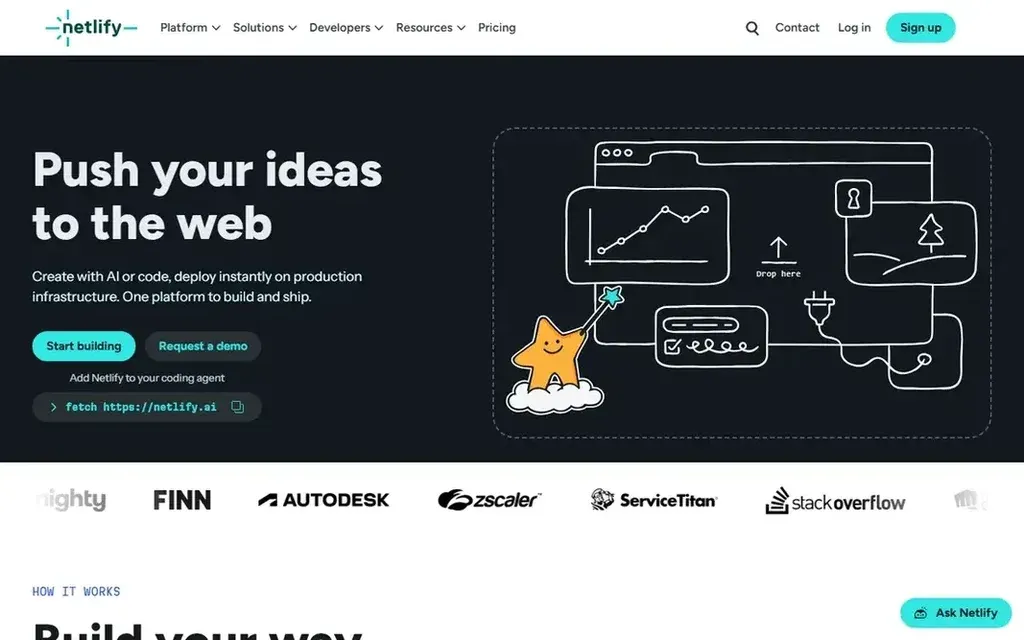
Netlify serves flexible opens from prompt or code. Netlify describes itself as where apps come to life, letting teams start with a prompt, an agent, or code and then build, share, and run the app at any scale.
Where it falls short: Less appealing if you want raw infrastructure control.
Choose Netlify when frontend delivery and sharing are the core needs. In daily use, the range of starting choices means teams should agree on conventions early to avoid drift. Netlify cost at the entry level: $9 per month. Netlify includes a free tier.
- Start from a prompt, agent
- Run apps
- Numerous entry paths need clear team conventions
Choose Fly.io for hardware-isolated VM deployments. It suits teams comfortable with infrastructure concepts who want fine-grained control over how workloads run.
Choose Fly.io when isolation, databases, and per-second billing align with your architecture. Fly.io starts at: $2.19 per month. Free access: Free trial.
The main drawbacks: More infrastructure-oriented than frontend-focused.
- Hardware-isolated VMs
- Pay only for the seconds they run
- Needs comfort with VM-level concepts
How we compared the tools
We compared the tools on published pricing, free plan or trial availability, feature coverage for headless CMS hosting for developers, and the limits each vendor documents. Seat minimums, billing terms and add-ons can move the real cost, so the starting prices here are a guide and not a quote. Tools are placed by general fit for headless CMS hosting for developers, with price clarity and free access as tie-breakers. A different team can reasonably rank them differently.
A buyer's checklist
- Get a written quote from AWS Amplify and DigitalOcean App Platform; the list shows no starting price for them.
- Read the fine print on the free plans from AWS Amplify, Render, Vercel and Netlify; seat, project and feature caps differ.
- Take the trial from Fly.io and push a live task through it before you pay.
- Before choosing AWS Amplify, weigh its main limit: broad scope can feel heavy for a straightforward site.
- A short pilot of Vercel with your real workflow tells you more than a feature table.
- Verify that exporting from Netlify is possible on your plan and covers all your records.
FAQ
How are the tools for headless CMS hosting for developers ordered?
The order follows typical fit for headless CMS hosting for developers, with AWS Amplify first and Fly.io last, then price clarity and free access. It is editorial judgement, not a score, so another team could rank the tools differently.
What makes a host a decent match for headless CMS front ends?
Look for steady build pipelines, preview deployments, and serverless or runtime support for content APIs. Products like Vercel and Netlify are oriented around these frontend workflows, whereas Render and Fly.io add room for supporting services.
Should I pick a frontend-focused host or a general cloud?
Frontend-focused hosts cut setup for content-driven sites, whereas general clouds suit architectures with databases and background services. Match the choice to how much of your stack lives beside the CMS front end.
Is AWS Amplify the right pick for everyone comparing headless CMS hosting for developers?
No single tool suits every team. AWS Amplify comes first because it fits full-stack web and mobile apps, while Render suits intuitive cloud for apps and agents and Vercel suits framework-first headless front ends. Match the tool to your own size, budget and workflow before deciding.
Can I try these tools before paying?
Often, yes. AWS Amplify, Render, Vercel and Netlify have a free plan and Fly.io offers a free trial. Use your own data and a real task during the test, and check what the free tier or trial limits before you rely on it.
Do these tools publish their prices?
Not all of them. AWS Amplify and DigitalOcean App Platform publish no starting price, so expect a quote request for those. The rest, Render included, show a starting price, though seats and billing terms still change the final cost.
Sources
- https://aws.amazon.com/amplify
- https://render.com
- https://vercel.com
- https://www.digitalocean.com/products/app-platform
- https://www.netlify.com
- https://fly.io