The 5 Best Handwriting Practice Apps for Early Learners in 2026, Ranked
Best Handwriting practice apps for early learners in 2026: 5 contenders with entry costs and free tiers. Short, factual notes on every option. Numbers first.
- Editor's choiceLetterSchool
Focused alphabet tracing and spelling
Starts atPricing on requestVisit letterschool.orgFull review - Great alternativeHandwriting Without Tears
Structured multisensory handwriting instruction
Starts atPricing on requestVisit lwtears.comFull review - Also consider
 Khan Academy Kids
General early learning supplement
Starts atPricing on requestVisit khanacademy.orgFull review
Direct answer
Our first pick is LetterSchool, best for focused alphabet tracing and spelling. Handwriting Without Tears is better for structured multisensory handwriting instruction, and Khan Academy Kids is better for general early learning supplement. The full list of 5 tools follows, with prices and free plan facts. None of these vendors publish plan prices, so pricing is on request for every option.
TL;DR:
- LetterSchool is the opening pick, best for focused alphabet tracing and spelling.
- For classroom portfolios and family updates, Seesaw is worth a look.
- None of the 5 tools, from LetterSchool to Seesaw, has a free plan, so budget for a subscription or use a trial.
- LetterSchool, Seesaw and the 3 others all sell by quote; expect sales conversations before you see a price.
- What to know about Handwriting Without Tears first: primarily a curriculum, not a casual app.
Last checked November 2026. Pricing on request: vendors did not publish plan prices when this guide was last checked (November 2026), so ask each vendor for a written quote.
Quick comparison
| Tool | Best for | Starts at | Free plan? | |
|---|---|---|---|---|
| LetterSchool | Focused alphabet tracing and spelling | Pricing on request | Not stated | Visit |
| Handwriting Without Tears | Structured multisensory handwriting instruction | Pricing on request | Not stated | Visit |
| Khan Academy Kids | General early learning supplement | Pricing on request | Not stated | Visit |
 Teach Your Monster to Read | Phonics and reading games | Pricing on request | Not stated | Visit |
 Seesaw | Classroom portfolios and family updates | Pricing on request | Not stated | Visit |
The 5 tools in detail
LinkVetted compared 5 Handwriting practice apps for early learners. The goal is a practical shortlist: published prices, free plan facts, best-fit use cases and honest limits for every entry.
LetterSchool
Best for: Focused alphabet tracing and spelling
LetterSchool was built for focused alphabet tracing and spelling. Children who require a full early learning curriculum may need another tool alongside it.
Worth adding: pick LetterSchool when the goal is direct, repeated practice in forming letters and simple words. LetterSchool does not show a starting price in this comparison, so check the vendor site for current pricing. Free options: Not stated.
Watch-outs: Practice is screen-based.
- Dedicated alphabet tracing practice
- Used by parents, teachers, therapists
- Narrower scope than full curricula
Handwriting Without Tears
Best for: Structured multisensory handwriting instruction
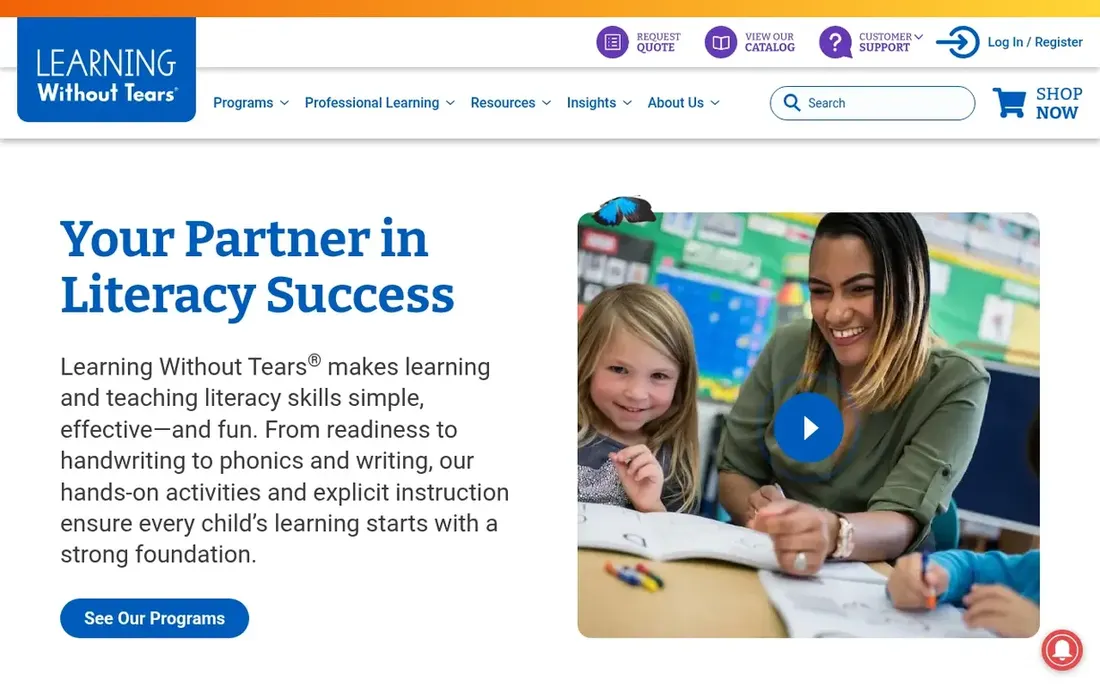
Where Handwriting Without Tears fits: structured multisensory handwriting instruction. Families wanting fast, self-directed practice might prefer LetterSchool.
Downsides: May need purchasing materials separately.
For everyday use, the program pairs physical materials with instruction, so it suits early learners who benefit from varied sensory input during practice. Check the vendor site for Handwriting Without Tears pricing; none is listed in this comparison. Free options: Not stated.
- Part of the Learning Without Tears program
- Multisensory approach to writing
- Primarily a curriculum
Pick Khan Academy Kids if this describes you: general early learning supplement. Khan Academy Kids is a general early learning resource from Khan Academy pitched at young children. It is not designed specifically for handwriting instruction, so it lacks guided letter-formation feedback.
What to check first: Needs a device and adult setup.
Children who require direct tracing practice should use LetterSchool or Handwriting Without Tears. Worth adding: choose Khan Academy Kids as a wide supplement instead of a primary handwriting option. This comparison lists no price for Khan Academy Kids; ask the vendor. Free options: Not stated.
- Child-friendly design
- Handy as a supplemental resource
- Not a dedicated handwriting tool
Pick Teach Your Monster to Read if this describes you: Phonics and reading games. Its game-based format engages early learners with letters and sounds, which can support writing readiness indirectly.
Children needing direct practice should use a dedicated tool. For everyday use, the program does not center on handwriting mechanics, so it will not replace a tracing app for letter formation. Teach Your Monster to Read does not show a starting price in this comparison, so check the vendor site for current pricing. As for free access: Not stated.
Honest limits: Handwriting is not a core feature.
- Game-based approach for children
- Also contains mathematics games
- Focus is on reading instead of writing
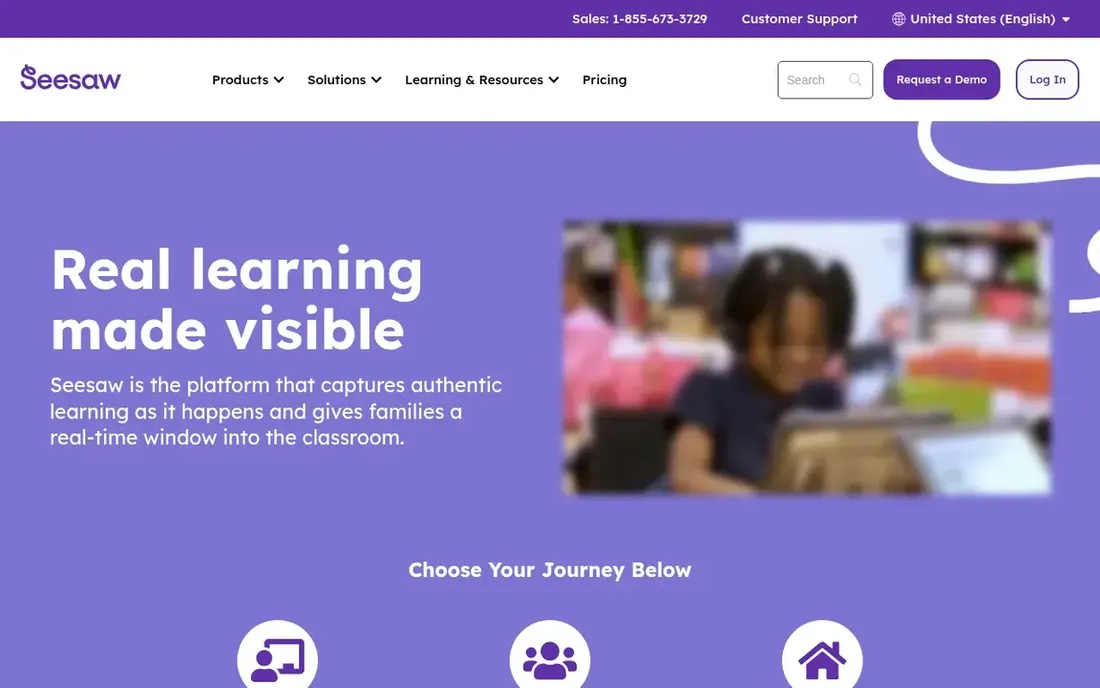
Seesaw was built for classroom portfolios and family updates. Seesaw is a Learning Experience Platform for elementary education that emphasizes engagement, school culture, and academic success.
For everyday use, families seeking a focused practice app should look at LetterSchool or Handwriting Without Tears instead. Seesaw does not show a starting price in this comparison, so check the vendor site for current pricing. Free access: Not stated.
What to check first: Needs setup by teachers or families.
- Widely used in elementary settings
- Supports elementary engagement and school culture
- Not a dedicated handwriting tracer
How we chose
A buyer's checklist
- Confirm the entry price with every vendor: no tool from LetterSchool to Seesaw shows a fixed starting price.
- Read the limits listed for LetterSchool first: narrower scope than full curricula.
- Read the plan comparison for Handwriting Without Tears carefully; key features often start on a higher tier.
- Test how quickly LetterSchool answers a pre-sales question; it hints at how support will feel later.
- Compare total cost, not headline price: for Seesaw, add extra seats, add-ons and any usage-based charges.
FAQ
Is LetterSchool the right pick for everyone comparing Handwriting practice apps for early learners?
No single tool suits every team. LetterSchool comes first because it fits focused alphabet tracing and spelling, while Handwriting Without Tears suits structured multisensory handwriting instruction and Khan Academy Kids suits general early learning supplement. Match the tool to your own size, budget and workflow before deciding.
Do these tools publish their prices?
No. None of the tools, from LetterSchool to Seesaw, shows a fixed starting price here, so budget time for quotes.
Can I try these tools before paying?
Not by default. None of the tools, from LetterSchool to Seesaw, lists a free plan or a free trial here, so ask each vendor for a demo before committing.
Does any tool for Handwriting practice apps for early learners here have a free plan?
A permanent free plan is not offered by LetterSchool, Seesaw or the other tools here. Plan a short evaluation period instead.
Which app is a good match for pure letter tracing?
Start with LetterSchool if you need focused alphabet tracing and spelling. Handwriting Without Tears is the better match for structured multisensory handwriting instruction, and Khan Academy Kids for general early learning supplement. The best choice depends on budget, team size and workflow.
Is a multisensory program necessary for early learners?
Handwriting Without Tears uses a multisensory approach to make writing fun and simple, which can help children who benefit from varied sensory input. It is not required for every child, and more straightforward tracing apps work for numerous.
Sources
- https://www.letterschool.org
- https://www.lwtears.com
- https://www.khanacademy.org/kids
- https://www.teachyourmonstertoread.com
- https://seesaw.com