Best Free Outreach Tools for 2026: Our 6 Vetted Picks
A practical guide to the best free outreach tools in 2026, compared from vendor documentation and public sources, with limits and buying checks.
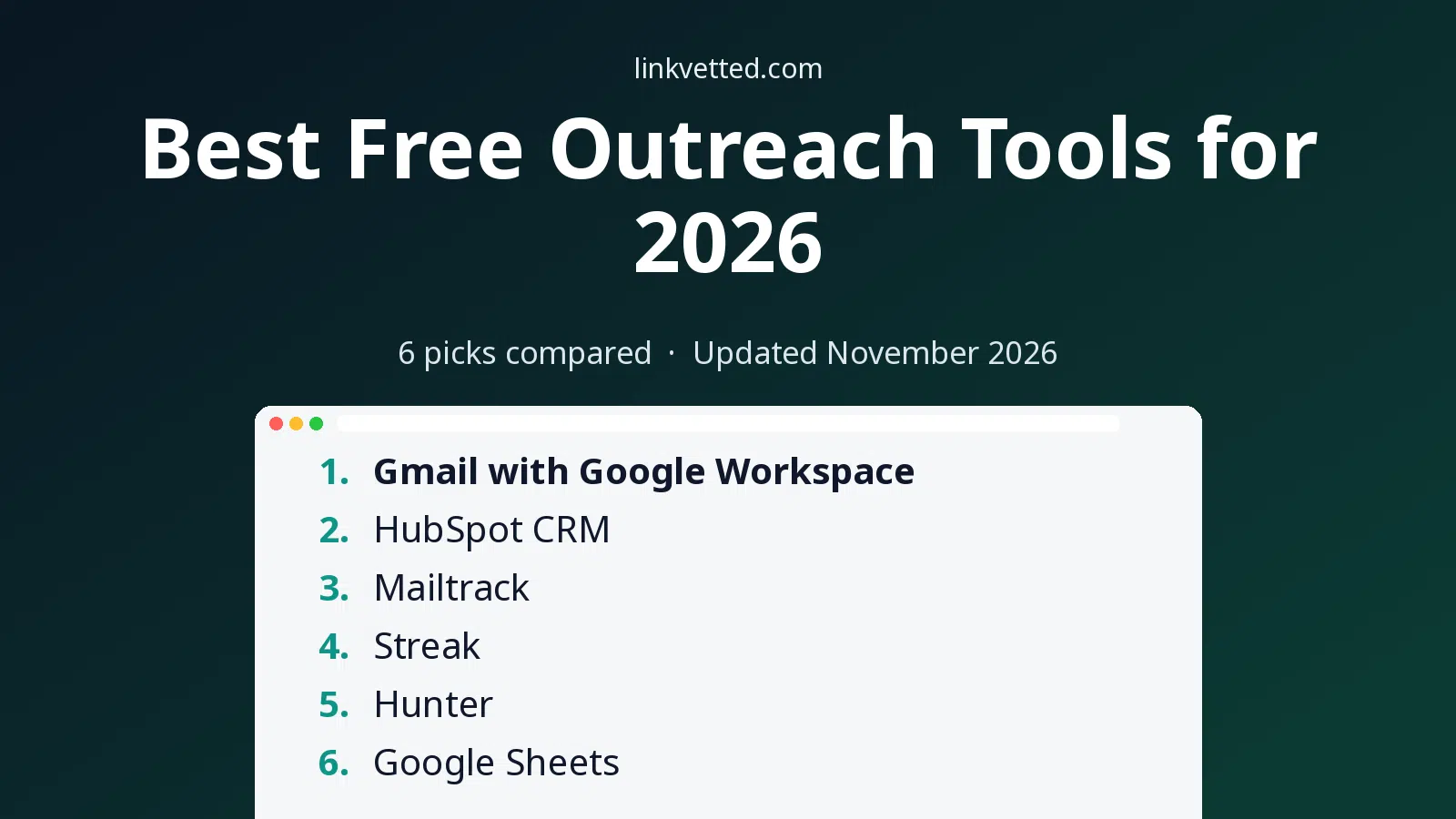
- Editor's choiceGmail with Google Workspace
Everyday email outreach from one inbox
Starts atSee websiteVisit workspace.google.comFull review - Great alternative
 HubSpot CRM
Shared contact records for small teams
Starts atSee websiteVisit hubspot.comFull review - Also considerMailtrack
Simple open tracking in Gmail
Starts atSee websiteVisit mailtrack.ioFull review
Direct answer
My first pick is Gmail with Google Workspace, because most outreach still runs through email and its free tier covers sending, labels and filters. For finding and managing contacts, HubSpot's free CRM is the strongest second option. If you need to track opens and clicks on a budget, Mailtrack is the simplest third choice. None of these is a full outreach platform on its own, so the right pick depends on whether your gap is sending, contact management or tracking.
TL;DR:
- Free outreach tools usually cover one job well, such as sending, contact storage or open tracking, rather than the whole workflow.
- Gmail with Google Workspace is the most practical free base for email outreach because almost every other tool connects to it.
- HubSpot's free CRM suits small teams that need a shared contact record before they pay for anything.
- Tracking tools like Mailtrack are useful for learning what gets replies, but free tiers limit volume and history.
- Always check current free-plan limits on the vendor's own page, because terms change without notice.
Last checked November 2026. Plan prices are not quoted in this guide because they change often; see each vendor's own pricing page for current figures before you buy.
Quick comparison
| Tool | Best for | Starts at | Free plan? | |
|---|---|---|---|---|
| Gmail with Google Workspace | Everyday email outreach from one inbox | See website | Free plan | Visit |
| HubSpot CRM | Shared contact records for small teams | See website | Free plan | Visit |
| Mailtrack | Simple open tracking in Gmail | See website | Free plan | Visit |
 Streak | Pipeline tracking inside Gmail | See website | Free plan | Visit |
 Hunter | Finding and verifying email addresses | See website | Free plan | Visit |
 Google Sheets | A manual, flexible prospect list | See website | Free plan | Visit |
The best free outreach tools compared
I put this list together from vendor documentation and public sources, not from hands-on tests. I looked at what each free tier actually includes, where it stops, and which part of an outreach workflow it covers. Treat it as a starting shortlist to check against your own process.
Gmail with Google Workspace
Best for: Everyday email outreach from one inbox
Gmail is where most outreach starts, and the free version is enough for a solo operator sending a modest number of pitches. Labels let you mark prospects as contacted, replied or follow-up due, and filters can route replies into a folder so they do not get lost. It is not an outreach tool by design, but it is the inbox everything else plugs into.
For outreach work, the value is in the organisation. You can create a label per campaign, apply a filter that tags any reply, and use canned responses for repeat answers. Combined with a spreadsheet of prospects, that covers the basic send-and-track loop without paying for a dedicated platform.
The limits matter once volume grows. Free Gmail caps how many messages you can send per day, and there is no shared inbox for a team. If two people need to work the same campaign, look at a paid workspace plan or a CRM.
- Familiar interface
- labels and filters for sorting replies
- works with most outreach add-ons
- Free Gmail has daily sending limits
- no shared mailbox on the free tier
HubSpot's free CRM stores contacts, companies and deals in one place, which is useful when outreach moves beyond a single spreadsheet. You can log emails against a contact, see the last touch, and keep a simple pipeline of who replied and who needs a follow-up. It suits a small agency or in-house team that wants one shared record.
In an outreach workflow, the free CRM acts as the memory of the campaign. You import a prospect list, assign owners, and record each contact attempt. Because it connects to Gmail and Outlook, sent emails can appear on the contact record, which reduces the manual copying that a spreadsheet requires.
The free tier is contact management, not an outreach engine. Bulk sending, sequences and detailed reporting sit on paid plans. If you only need to store and share contacts, the free version is enough; if you need automated follow-up sequences, it is not.
- Free contact storage
- deal pipeline view
- email logging against contacts
- Free tier is not built for cold outreach at scale
- marketing features sit behind paid plans
Mailtrack
Best for: Simple open tracking in Gmail
Mailtrack adds read receipts to Gmail, so you can see whether a prospect opened your pitch. That single signal helps you decide when to follow up and which subject lines get attention. Setup takes a few minutes as a browser extension, and it works with the Gmail account you already use.
For outreach, open tracking is a feedback loop. If a batch of pitches goes unopened, the subject line or send time is the likely problem. If they are opened but not answered, the body copy needs work. Mailtrack gives you that basic read without a full outreach platform.
The free plan limits how far back you can see tracking history and adds a signature line to your emails, which some senders dislike. It also tracks opens, not replies, so pair it with a label or filter for actual responses. Skip it if a visible signature is a problem for your brand.
- Shows when a pitch is opened
- works inside Gmail
- quick to set up
- Free plan limits tracking history
- adds a visible signature to emails
Streak turns Gmail into a light CRM with pipelines, so you can move a prospect from first contact to replied without leaving your inbox. It is useful for outreach where the follow-up matters as much as the first email, because each contact sits in a stage you can scan at a glance. It fits freelancers and small teams already living in Gmail.
In practice, you create a pipeline for a campaign, add prospects as boxes, and move them along as replies arrive. Notes and reminders sit on each box, which keeps context close to the email thread. That is a lighter setup than a separate CRM and quicker to start.
The free plan limits saved snippets and bulk actions, so heavy senders will hit the ceiling fast. It is also Gmail-only, which rules out teams on Outlook. If you need multi-channel outreach or large sequences, this is not the tool.
- Runs inside Gmail
- pipeline and stage views
- contact and deal notes
- Free tier caps saved snippets and bulk features
- best features are paid
Hunter finds email addresses tied to a company domain and checks whether they are likely to deliver. For outreach, that solves the first practical problem: getting a real address instead of guessing a pattern. The browser extension lets you look up a contact while reading a site or a search result.
In a workflow, you search a domain, pick the most relevant contact, verify the address, then add it to your list. Verification matters because bounced pitches waste sends and can hurt your sender reputation. Hunter fits the research stage, before you move to sending.
The free plan caps searches and verifications each month, so it suits low-volume prospecting rather than a large list build. It also cannot find every address, especially at smaller companies. If you need thousands of contacts a month, the free tier will not cover it.
- Domain search for company emails
- verification to cut bounces
- browser extension
- Free searches are capped each month
- not every address is found
Google Sheets is the simplest outreach tracker there is. You build columns for name, company, email, status, last contact date and notes, then work down the list. It costs nothing, everyone knows how to use it, and it adapts to any campaign without a setup wizard.
For outreach, the sheet is the source of truth. You can sort by follow-up date, filter by status, and share it with a colleague in seconds. Many small teams run their whole outreach on a sheet plus Gmail, and only move to a CRM when the list outgrows manual updates.
The drawback is that nothing is automated. There is no sending, no tracking and no reminder unless you build it. At a few hundred prospects it works; at a few thousand, errors creep in. Skip it if you need sequences or shared ownership at scale.
- Free and familiar
- easy to share
- flexible columns for any campaign
- No built-in sending or tracking
- manual updates get messy at scale
How I chose
I selected these tools by reading vendor documentation and public sources, then checking which part of an outreach workflow each free tier actually covers. I did not run hands-on tests, and I have not measured results for any of them. The aim was to cover the main stages: sending, contact storage, tracking, address research and list building, so the list works as a shortlist rather than a ranking.
I also weighed the limits, because a free plan is only useful if its ceiling matches your volume. A tool that caps searches or history is fine for a solo sender and frustrating for a team. Where a free tier was unclear, I noted it rather than guessing. Before you commit time to any of these, confirm the current limits on the vendor's own page, since terms change.
What to check before you buy
- Confirm the current free-plan limits on the vendor's page, including sending caps, search caps and history length.
- Check whether the tool works with your email provider, since several options here are Gmail-only.
- Decide which stage you actually need help with: sending, contact storage, tracking or address research.
- Look at how your data leaves the tool if you upgrade or cancel, so your prospect list is not stranded.
- Check whether the free tier adds branding or a signature to your emails, which can affect how pitches look.
- Test the export options, because a list you cannot move is a list you do not own.
FAQ
What is the best free outreach tool overall?
Gmail with Google Workspace is the most practical starting point, because most outreach happens by email and it connects to the other tools on this list. It handles sending, labels and filters on the free tier. Add a CRM or tracking tool only when you hit a specific gap, such as shared contacts or open data.
Can I run outreach entirely on free tools?
Yes, for low volume. A combination of Gmail, Google Sheets and a free tracking tool covers sending, list management and basic feedback. The limits appear as your list grows: sending caps, search caps and manual updates. At that point, one paid tool is usually cheaper than the time lost to workarounds.
Are free outreach tools safe to use?
They are safe if you use the official vendor sites and check what data the tool can access. Browser extensions that read your inbox need careful permission review. Also follow your email provider's sending rules, because free plans still have daily limits and bulk sending from a personal inbox can cause problems.
Do I need a CRM for outreach?
Only when more than one person works the same prospects, or when you lose track of who was contacted and when. A spreadsheet handles a solo sender fine. A free CRM becomes useful when you need shared ownership, contact history and a pipeline view in one place.
Which free tool is best for finding email addresses?
Hunter is the most direct option on this list for domain searches and verification. Its free plan caps searches each month, so it suits low-volume research. Always verify before sending, because a bounced pitch wastes a send and can affect how your future emails are delivered.
Sources
- https://workspace.google.com
- https://www.hubspot.com
- https://mailtrack.io
- https://www.streak.com
- https://hunter.io
- https://sheets.google.com