Best Food Service Management Software in 2026: 9 Tools Compared
Compare the best food service management software in 2026, with POS, inventory, labor, purchasing, and accounting tools for restaurants of every size.
- Editor's choice
 Toast
Full-service restaurants needing an all-round POS
Starts at$69 per monthVisit toasttab.comFull review - Great alternative
 Square for Restaurants
Small restaurants, cafes, and food trucks
Starts atFreeVisit squareup.comFull review - Also consider
 Lightspeed Restaurant
Growing groups needing POS plus inventory
Starts atSee websiteVisit lightspeedhq.comFull review
TL;DR:
- Food service management software covers point of sale, inventory, labor, purchasing, and accounting, and the best choice depends on whether you need front of house, back office, or both.
- Toast and Square lead for point of sale, while Restaurant365 and MarginEdge lead for back-office cost control and accounting.
- Per-location pricing is the norm for back-office tools, so model total cost across all sites, not just the first location.
- Payment processing rates often matter more than subscription prices for POS tools, so compare the full cost before signing.
- Our pick for most single-location restaurants is Toast for its breadth, with Square as the budget alternative and Restaurant365 for multi-unit groups.
Quick comparison
| Tool | Best for | Starts at | Free plan? | |
|---|---|---|---|---|
| Toast | Full-service restaurants needing an all-round POS | $69 per month | No | Visit |
| Square for Restaurants | Small restaurants, cafes, and food trucks | Free | Yes | Visit |
| Lightspeed Restaurant | Growing groups needing POS plus inventory | See website | Free trial | Visit |
 TouchBistro | iPad-based restaurant POS | See website | Free trial | Visit |
 Restaurant365 | Multi-unit accounting, inventory, and labor | $499 per location per month | No | Visit |
 MarginEdge | Food cost visibility and invoice automation | $350 per location per month | No | Visit |
 MarketMan | Inventory, purchasing, and supplier ordering | $199 per month | Free trial | Visit |
 7shifts | Restaurant labor scheduling and team communication | Free | Yes | Visit |
 Crunchtime | Enterprise multi-unit operations | See website | No | Visit |
The best food service management software
These tools span the front and back of house. Some run the till and the floor, others run costs and payroll, and a few try to do both. Pick the side of the business that hurts most first.
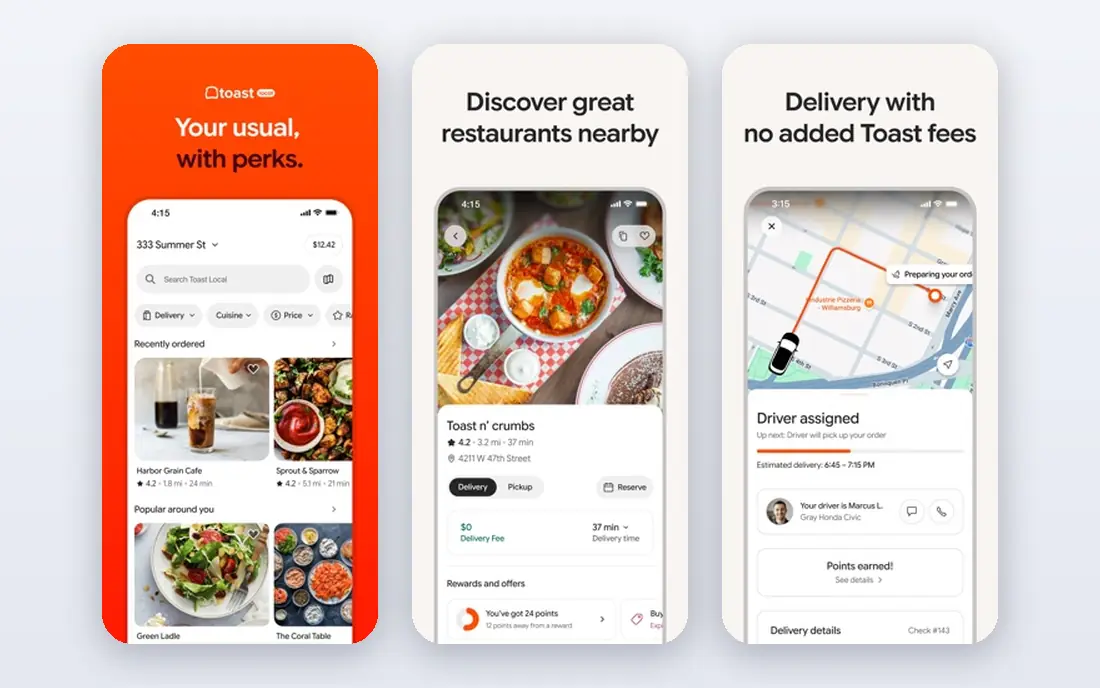
Toast is the most complete restaurant POS for full-service operators, covering tables, handheld ordering, online ordering, payments, gift cards, loyalty, and reporting in one system. Its restaurant-specific design shows in details such as menu management and kitchen workflows, and its reporting gives managers a clear daily view of sales and labor. The partner ecosystem also covers many back-office add-ons.
The catch is total cost. Subscription pricing starts near $69 per month, but payment processing sits on top, and Toast works best when you stay inside its ecosystem. For full-service restaurants that want one strong POS, Toast is our top pick. Smaller cafes may find Square cheaper overall.
- Broad POS, ordering, and reporting features
- Strong restaurant-specific design
- Large partner ecosystem
- Processing rates affect total cost
- Best value only inside the Toast ecosystem

Square for Restaurants suits small sites that need to start fast without a large upfront bill. The free tier covers basic POS, sales, and labor reporting, while paid tiers add advanced features for larger teams. Hardware is affordable, setup is simple, and payments are built in, which helps food trucks, cafes, and single-location restaurants.
Reporting and back-office depth lag Toast and Restaurant365, and processing fees apply to every transaction, so high-volume sites should compare total cost carefully. For small operators that value simplicity and a free start, Square is the best budget choice.
- Free starter option
- Simple setup
- Low hardware cost
- Built-in payments
- Reporting depth lags enterprise tools
- Processing fees apply to every sale
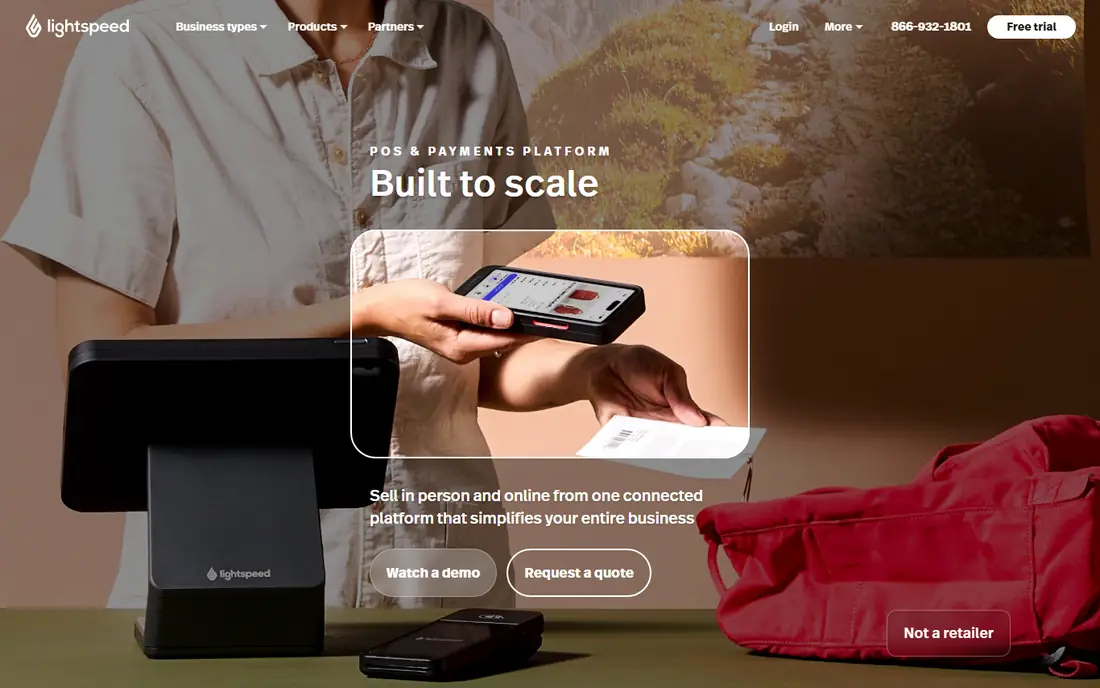
Lightspeed Restaurant gives growing groups a capable POS with menu, table, and ordering tools, plus inventory features that help track stock alongside sales. Multi-location support suits brands expanding from one site to several, and its reporting covers sales and stock performance in one view. That combination reduces the need for a separate inventory tool at smaller scales.
Full pricing is quoted, and deeper inventory features sit in add-ons, so get a scoped quote for your site count and inventory needs. For groups that want POS and inventory from one vendor without jumping to an enterprise back-office suite, Lightspeed is a strong middle path.
- Strong POS and menu tools
- Inventory features, with add-ons for depth
- Multi-location support
- Quote-based pricing for full plans
- Inventory depth needs add-ons
TouchBistro is built around iPad POS, which suits restaurants that want tableside ordering, flexible floor plans, and a modern front-of-house feel without bulky terminals. Menu management, table layouts, and staff permissions are designed for restaurant workflows, and its reporting covers sales and labor basics well.
The iPad-only approach limits hardware choice, and pricing is quoted, so compare hardware and subscription totals against Toast and Square. For restaurants committed to iPad service, TouchBistro offers a polished and focused POS.
- IPad-native design
- Tableside ordering
- Menu and floor management
- IPad-only approach limits hardware choice
- Pricing is quoted
Restaurant365 is the back-office platform for multi-unit operators that want accounting, inventory, labor scheduling, and vendor management under one roof. It integrates with more than 80 POS systems, so groups with mixed front-of-house tools can still consolidate financials. Cross-location profit and loss reporting is its core strength, giving owners a clear view across every site.
The price, near $499 per location per month, and the learning curve put it out of reach for single small sites. Setup also takes effort, and users report occasional feed issues with banks and cards. For multi-unit groups that need one financial truth across locations, Restaurant365 earns its price.
- Accounting, inventory, scheduling, and payroll in one platform
- 80 plus POS integrations
- Consolidated multi-unit reporting
- High per-location price
- Steep learning curve
- Setup takes time
MarginEdge helps independent restaurants and small groups see food costs in real time without manual invoice entry. Staff photograph invoices, the system codes them, and POS sales sync to show daily controllable profit and loss and actual versus theoretical food cost. Recipe costing helps with menu pricing decisions, and QuickBooks integration keeps accounting in sync.
MarginEdge is not a full inventory platform, and its price, near $350 per location per month, is steep for a single tiny cafe. For operators whose main pain is invoice work and food cost drift, it pays for itself quickly in time saved and waste spotted. Pair it with a POS and an accounting tool for a complete stack.
- Photo-based invoice capture
- Real-time food cost tracking
- Recipe costing and POS sync
- Not a full inventory platform
- High cost for very small operations
MarketMan focuses on the purchasing side of food service: inventory counts, purchase orders, supplier ordering, recipe costing, and cost of goods reporting. That focus suits restaurants that lose margin to over-ordering, waste, or supplier price drift. Its supplier catalogs and ordering workflows cut phone and email ordering work.
MarketMan does not replace a full accounting platform, so groups needing consolidated financials should pair it with QuickBooks or Restaurant365. Pricing starts near $199 per month and varies by plan, so check outlet counts and features. For inventory-led operators, MarketMan is a strong specialist pick.
- Purchase orders and supplier ordering
- Cost of goods reporting
- Recipe and stock control
- Less accounting depth than Restaurant365
- Price varies by plan and outlets
7shifts solves the labor side of food service: scheduling, availability, time off, team messaging, and sales-based labor forecasting. Its free tier covers one location, which helps small restaurants start without cost, while paid plans add forecasting, task management, and deeper reporting. Restaurant-specific design shows in shift templates and labor cost views.
7shifts is not a POS, inventory, or accounting tool, so it belongs alongside those systems, not instead of them. For operators whose main headache is rotas and labor cost, it is the clearest specialist choice, and it integrates with many POS platforms.
- Free tier for one location
- Restaurant-specific scheduling and forecasting
- Team messaging
- Not a POS or accounting tool
- Advanced features sit on higher tiers
Crunchtime serves large restaurant groups and franchises that need centralized control over sales, labor, inventory, tasks, and audits across many locations. Its enterprise scale and audit tools suit brands where consistency across sites matters as much as cost control. Task and checklist features help headquarters push standards to every store.
Pricing is quoted and the sales and setup cycle is enterprise-grade, which rules it out for single sites. For large groups that have outgrown Restaurant365 or need deeper operational control, Crunchtime is the enterprise step up.
- Centralized ops, labor, inventory, and audits across large networks
- Strong enterprise scale
- Task management
- Quote-only pricing
- Enterprise sales cycle and setup effort
How we picked these
We compared official product pages and independent 2026 restaurant software comparisons for tools covering POS, inventory, labor, purchasing, or accounting for food service. We favored tools with real restaurant deployments, clear pricing or widely reported price points, and a distinct use case, and we kept a mix of front-of-house, back-office, and specialist tools. We did not claim hands-on testing. Where pricing is quoted or varies by location, we say so.
What to check before you buy
Start with your biggest pain: the till, the stockroom, the rota, or the books. A POS will not fix food cost drift, and a cost tool will not fix slow table service. Trial the tool on your real menu, your real suppliers, and your real staff rota, since demo data hides the messy details that matter.
Next, model total cost honestly. Add subscription fees, per-location fees, hardware, and payment processing rates, and compare that total across vendors for your volume and site count. Finally, check integrations with your existing POS, accounting, payroll, and supplier systems, since a food service stack only works when sales, stock, labor, and money flow between tools without manual re-entry.
Front of house versus back office
Front-of-house tools run orders, payments, and tables. Back-office tools run costs, inventory, labor, and accounting. Most restaurants need both, but they do not have to come from one vendor. A strong pairing, such as Toast or Square for POS plus MarginEdge or Restaurant365 for back office, often beats a single mediocre all-in-one.
FAQ
What is the best software for restaurants?
Toast leads for full-service POS, Square for small restaurants, and Restaurant365 for multi-unit back office. The best overall stack often pairs a POS with a back-office tool, rather than forcing one vendor to cover both sides equally well.
What is the best restaurant software for small businesses?
Square for Restaurants suits small cafes and food trucks with its free starter tier, while Toast suits full-service single sites that need more depth. For cost control, MarginEdge or MarketMan can be added once sales volume justifies their per-location price.
How much does food service management software cost?
POS pricing ranges from free with Square to around $69 per month with Toast, plus processing fees. Back-office tools cost more: MarketMan from around $199 per month, MarginEdge near $350 per location per month, and Restaurant365 near $499 per location per month. Enterprise tools such as Crunchtime are quoted.
Do I need separate POS and back-office software?
Often, yes. POS tools excel at orders and payments, while back-office tools excel at inventory, costs, and accounting. Some POS platforms add back-office features, but specialist tools usually go deeper. Choose based on which side causes more lost margin in your business.
Can these tools integrate with QuickBooks and payroll?
Yes, in most cases. MarginEdge, MarketMan, and Restaurant365 integrate with QuickBooks or include accounting features, and 7shifts and Restaurant365 cover labor and payroll workflows. Confirm the exact integration for your accounting and payroll setup during a trial.
What should multi-unit restaurants prioritize?
Multi-unit groups should prioritize consolidated reporting, consistent inventory and labor controls, and POS integrations that work across all sites. Restaurant365 and Crunchtime lead here, while Toast, Lightspeed, and 7shifts can support multi-site operations at smaller scales.