Best Financial Dashboard Software for 2026: Our 5 Vetted Picks
Best financial dashboard software, compared. 5 tools with published prices, free plans and limits. Weak spots flagged for every entry. Refreshed for 2026.
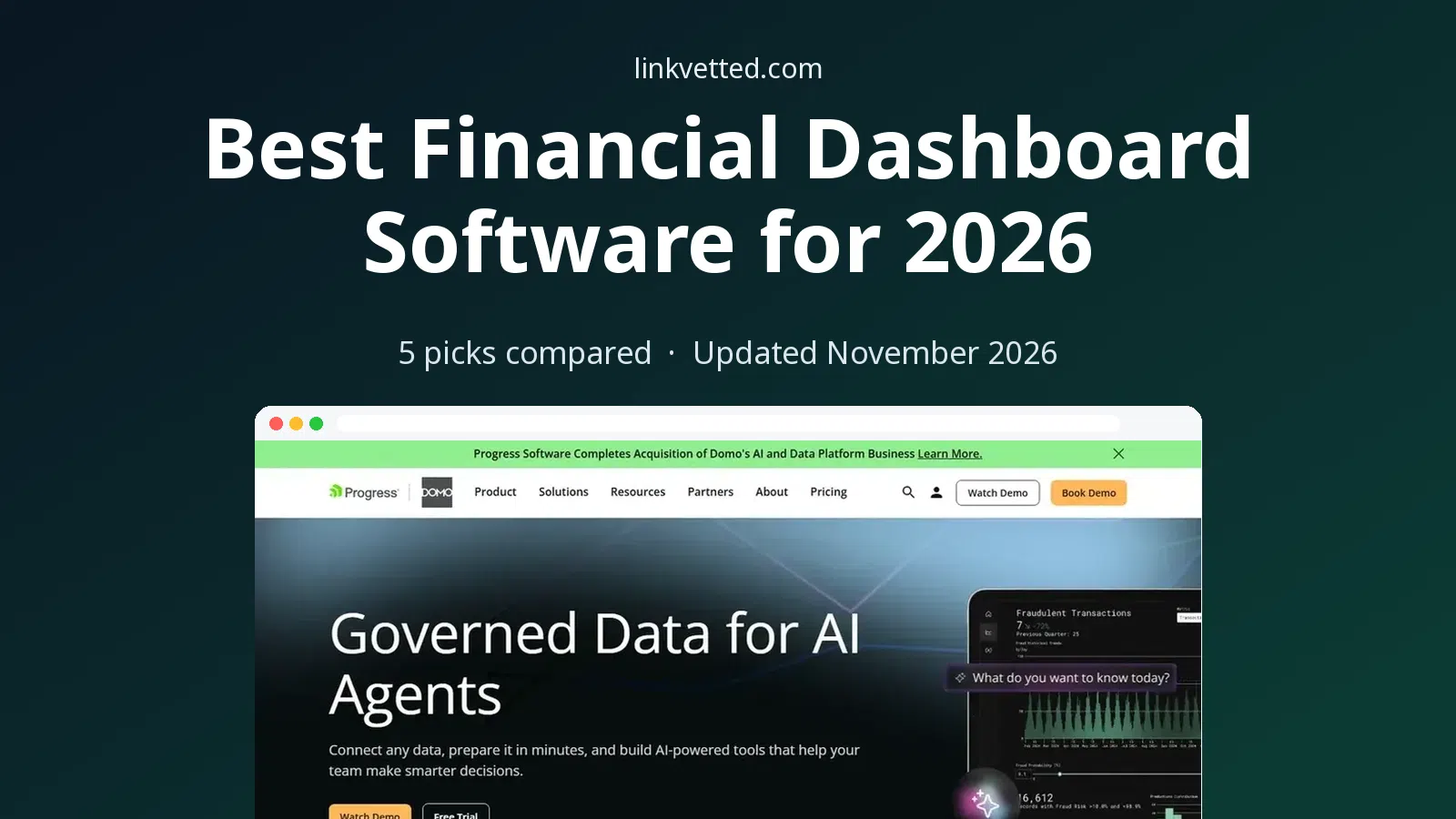
- Editor's choice
 Domo
End-to-end data journey with AI support
Starts atSee websiteVisit domo.comFull review - Great alternative
 Klipfolio
Spreadsheet-style dashboards with clarity
Starts at$120 per monthVisit klipfolio.comFull review - Also consider
 Qlik Sense
Data integration and associative analytics
Starts atSee websiteVisit qlik.comFull review
Direct answer
This list puts Domo first for end-to-end data journey with AI support. Listed starting prices: Klipfolio from $120 per month and Tableau from $15 per user a month. Alternatives: Klipfolio for spreadsheet-style dashboards with clarity, and Qlik Sense for data integration and associative analytics. The other 2 tools in the list cover narrower or pricier cases.
TL;DR:
- Domo sits first on this list: end-to-end data journey with AI support.
- What to know about Klipfolio first: less suited to deep statistical modeling.
- For adaptable visual analysis of financial data, Tableau is worth a look.
- Tableau is the only tool of the 5 with a free plan.
Last checked November 2026. Prices and plan details were read from the vendors' own pages in November 2026; vendors change plans often, so confirm the current price on the vendor site before you buy.
Quick comparison
| Tool | Best for | Starts at | Free plan? | |
|---|---|---|---|---|
| Domo | End-to-end data journey with AI support | See website | Free trial | Visit |
| Klipfolio | Spreadsheet-style dashboards with clarity | $120 per month | Free trial | Visit |
| Qlik Sense | Data integration and associative analytics | See website | Not stated | Visit |
 Sisense | Embedding analytics into financial products | See website | Free trial | Visit |
 Tableau | Adaptable visual analysis of financial data | $15 per user a month | Yes | Visit |
Our 5 picks for financial dashboard software
Choosing financial dashboard software usually comes down to price, fit and limits. This LinkVetted guide sets 5 tools side by side on those three points, with the facts kept short and checkable.
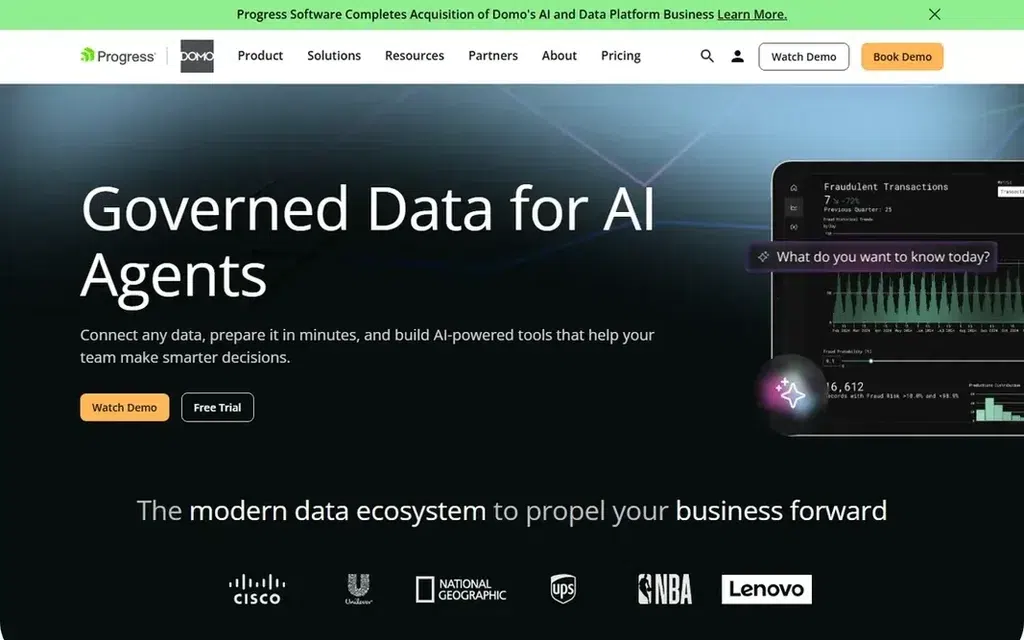
Where Domo fits: end-to-end data journey with AI support. The breadth of Domo can mean more configuration before financial dashboards are ready, and smaller teams may prefer a narrower tool. Domo presents itself as a product for governed data and AI agents, including the full data journey.
It links and moves data from any source, prepares and expands access for exploration, and accelerates business-critical insights. In practice, finance organizations that want one place for data movement, preparation and dashboarding may find the combined scope handy, especially when several source systems feed financial reporting. Also, pick Domo when you need data pipelines and dashboards under one roof and have the resources to run the system. Check the vendor site for Domo pricing; none is listed in this comparison. As for free access: Free trial.
Where it falls short: Needs planning for data governance.
- Prepares and expands data access
- AI and data products in one product
- Wide scope may overwhelm small teams
Pick Klipfolio if this describes you: spreadsheet-style dashboards with clarity. Finance teams comfortable with spreadsheet logic may appreciate the lower learning curve when building financial dashboards.
Honest limits: Less suited to deep statistical modeling.
As for the details, choose Klipfolio when spreadsheet familiarity and straightforward dashboard distribution are the main goals. In daily use, Klipfolio offers a complete dashboard option built around Klips, which automate data retrieval and supply adaptable presentation and distribution choices with the familiarity of spreadsheets. Klipfolio cost at the entry level: $120 per month. Trial and free access: Free trial.
- Familiar spreadsheet power
- Adaptable dashboard presentation and distribution
- May need extras for complicated governance
For data integration and associative analytics, Qlik Sense is a natural candidate. Since Qlik's portfolio spans several products, buyers should confirm which capabilities belong to Qlik Sense specifically. As for the details, Qlik Sense sits within Qlik's broader offering, which now comes with Talend for data integration, data quality and analytics.
Drawbacks to consider: Product naming can confuse new buyers.
From a buyer's view, the system emphasizes a data fabric approach and next-level insights, making it relevant for finance teams that require to combine integration work with dashboarding. In practice, consider Qlik Sense when data integration and quality are as important as the dashboards themselves. This comparison lists no price for Qlik Sense; ask the vendor. As for free access: Not stated.
- Data quality and analytics together
- Associative exploration style
- Integration setup may need specialist help
Sisense works best for embedding analytics into financial products. If you only need internal financial reporting, Sisense's embedded emphasis may be more than required, and deeper integrations call for development resources.
What to check first: Embedded focus may exceed internal needs.
Choose Sisense when embedding analytics into a product or portal is a core requirement. Beyond that, finance-oriented software vendors and internal product teams that require to expose financial dashboards to customers or partners may find the embedded model a strong fit. Sisense shows no starting price here, so confirm the cost on the vendor site. Free options: Free trial. Best features of Sisense: AI-powered embedded analytics.
- Pro-code
- Focus on converting data into revenue
- Needs development resources for deep integration
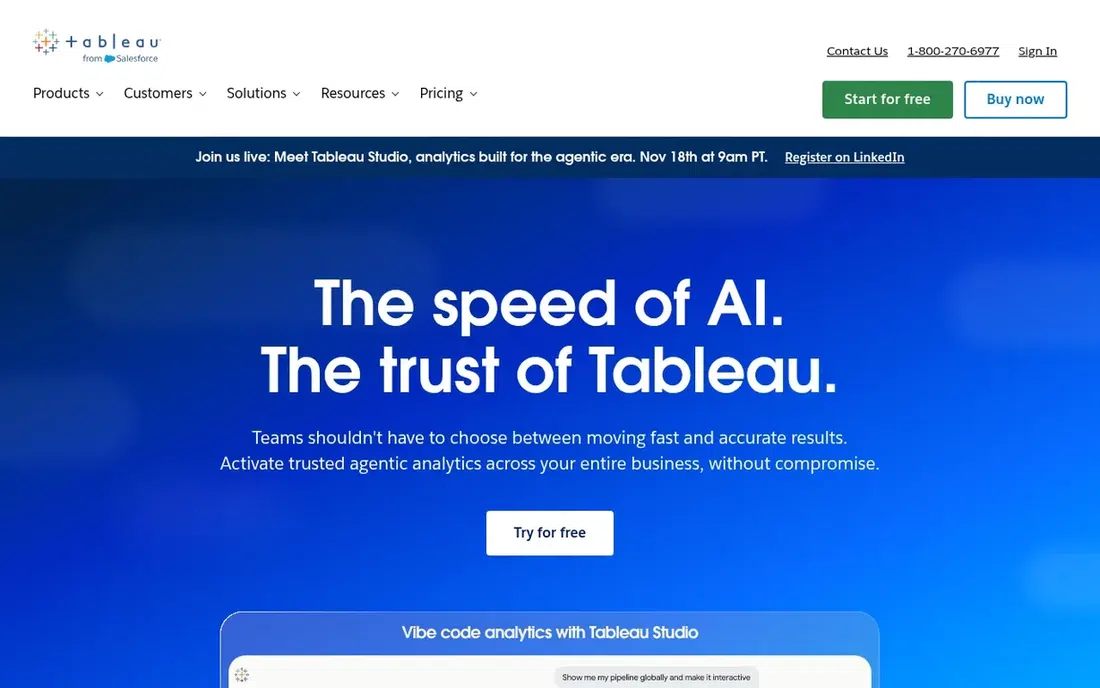
For adaptable visual analysis of financial data, Tableau is a natural candidate. Choose Tableau when visual adaptability and wide connectivity matter most.
In practice, Tableau is less centred on a single governed metric layer, so organizations with strict financial consolidation rules may need additional governance work. Finance teams that want exploratory dashboards and visual storytelling tend to fit well here, notably when analysts have to blend several sources without heavy coding. The starting price for Tableau: $15 per user per month. A free plan is available with Tableau.
Points against: Advanced modeling may need training.
- Links to almost any database
- Share dashboards with a click
- Can need setup for governed metrics
How we built this list
Pricing pages, product documentation and feature lists were the main sources, and every entry carries at least one honest drawback. Prices and plan limits come from vendor pages and can change, so confirm them on the vendor site before you buy. The order reflects how well each tool fits the most common buying scenario for financial dashboard software, then price clarity, then free plan access. It is a starting point, not a verdict.
What to check before you buy
- Ask Domo, Qlik Sense and Sisense for a written quote, since no starting price is shown.
- Look at the free plan from Tableau closely: its caps decide whether it is usable for real work.
- Run a trial of Domo, Klipfolio and Sisense with real work before paying for a year; your own workflow is the best test.
- Before choosing Domo, weigh its main limit: wide scope may overwhelm small teams.
- Test how quickly Tableau answers a pre-sales question; it hints at how support will feel later.
- Look at the renewal terms for Domo: auto-renewal, notice periods and price changes can matter more than the first-year price.
FAQ
Which options for financial dashboard software have a free plan?
Tableau is the only tool in this list with a free plan. Free plans usually cap users, projects or features, so check the limits on the vendor page. Several others offer a trial instead. Each of the 5 options in this financial dashboard software guide has its own card above with the price, free plan and limits.
Can I try these options before paying?
Often, yes. Tableau has a free plan and Domo, Klipfolio and Sisense offer a free trial. Use your own data and a real task during the test, and check what the free tier or trial limits before you rely on it.
Is Domo the right pick for everyone comparing financial dashboard software?
No single tool suits every team. Domo comes first because it fits end-to-end data journey with AI support, while Klipfolio suits spreadsheet-style dashboards with clarity and Qlik Sense suits data integration and associative analytics. Match the tool to your own size, budget and workflow before deciding.
What is the cheapest option for financial dashboard software in this list?
On published monthly entry prices, Tableau is the lowest here at $15 per user per month. Entry price is only part of the cost, because seats, add-ons and billing terms can change the total. All 5 picks in this financial dashboard software comparison list a starting price, free plan details and the main limits on their cards above.
Sources
- https://www.domo.com
- https://www.klipfolio.com
- https://www.qlik.com
- https://www.sisense.com
- https://www.tableau.com