Best Accounting Software With Dashboard in 2026: 8 Tools Compared
Compare the best accounting software with dashboard views for cash flow, invoices and profit, with current pricing and dashboard strengths for small businesses.
- Editor's choice
 QuickBooks Online
Most small businesses
Starts at$38 per monthVisit quickbooks.intuit.comFull review - Great alternative
 Xero
Unlimited user dashboards
Starts at$25 per monthVisit xero.comFull review - Also consider
 FreshBooks
Service business dashboards
Starts at$23 per monthVisit freshbooks.comFull review
TL;DR:
- QuickBooks Online is our pick for most small businesses because its dashboard pairs cash flow, invoices, and profit views with the widest accountant support.
- Xero suits teams that want unlimited users and a clean dashboard without paying per seat for every staff member.
- Zoho Books is the best value dashboard for a small business, with a free plan for businesses under 50,000 dollars in annual revenue.
- A good dashboard is not just pretty charts: check whether it shows overdue invoices, cash runway, and profit by project without extra reports.
Quick comparison
| Tool | Best for | Starts at | Free plan? | |
|---|---|---|---|---|
| QuickBooks Online | Most small businesses | $38 per month | Free trial | Visit |
| Xero | Unlimited user dashboards | $25 per month | Free trial | Visit |
| FreshBooks | Service business dashboards | $23 per month | Free trial | Visit |
 Zoho Books | Budget dashboard value | $15 per month | Yes | Visit |
 Wave | Free dashboard basics | Free | Yes | Visit |
 Sage Accounting | Inventory and job dashboards | See website | Free trial | Visit |
 FreeAgent | Freelancer dashboards | See website | Free trial | Visit |
 Kashoo | Simple owner dashboards | See website | Free trial | Visit |
The best accounting software with dashboard
A dashboard should answer three questions at a glance: what cash is coming in, what is overdue, and whether the business is profitable this month. The tools below do that with different levels of depth and polish.

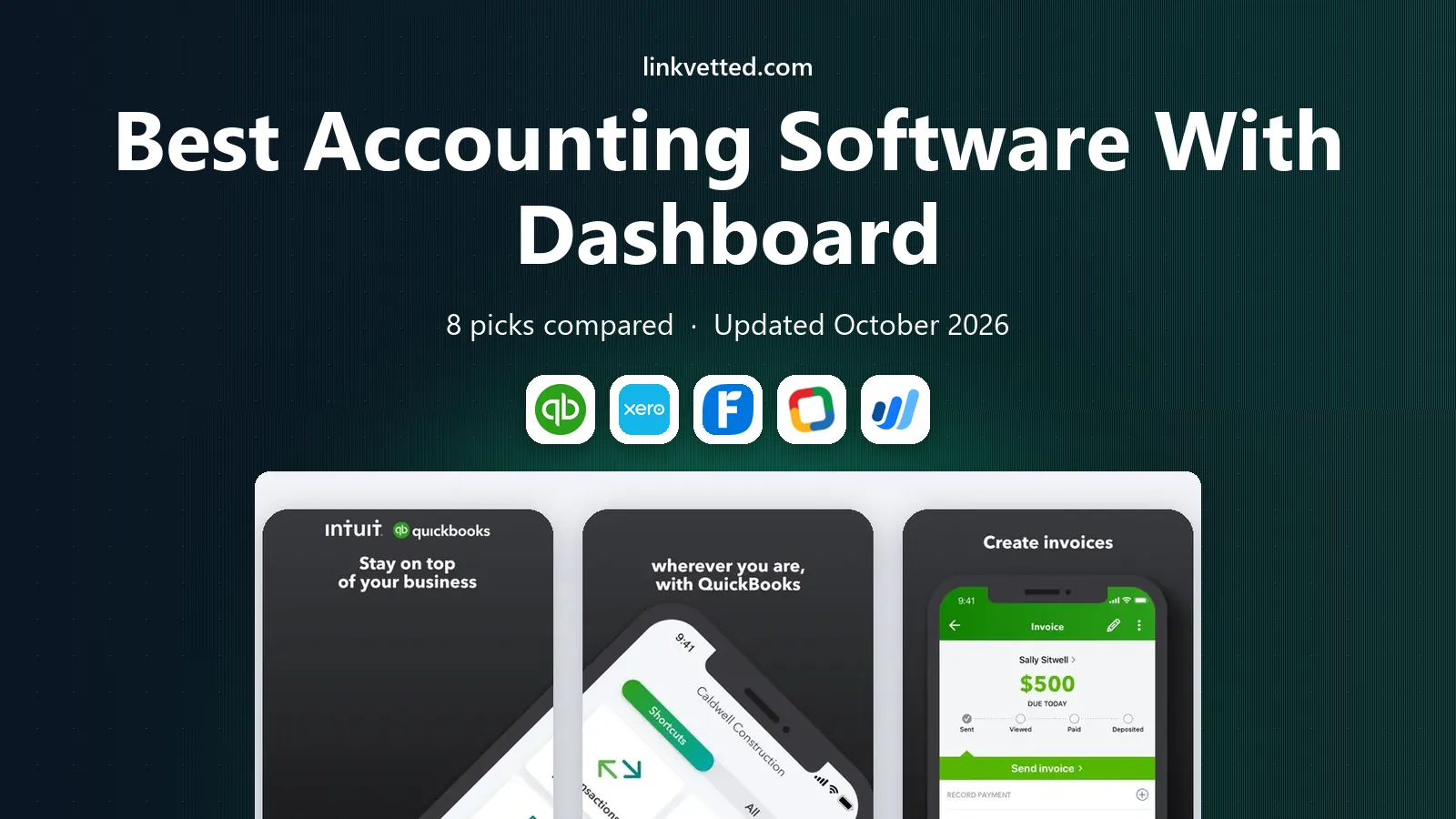
QuickBooks Online opens with a dashboard that shows profit and loss, income and expenses, invoice status, and bank balances in one view, with shortcuts to overdue invoices and upcoming bills. That daily snapshot helps an owner spot a late-paying client or a cash dip before it becomes a problem, and the underlying reports go deep when a month-end review needs detail. Bank feeds, invoicing, and payroll add-ons sit behind the same dashboard, so the numbers stay current without manual entry.
The catch is user limits and price. Simple Start, at 38 dollars per month, allows one user plus accountant access, so a team that needs several staff on the books should price the next tier. Promotional pricing also expires, so budget on the list price. For most US small businesses, especially those with a QuickBooks accountant, the dashboard depth and ecosystem still make it our pick.
- Clear cash flow and profit dashboard
- Widest accountant familiarity
- Strong invoicing and bank feeds
- Entry plan allows one user
- Price rises on higher tiers
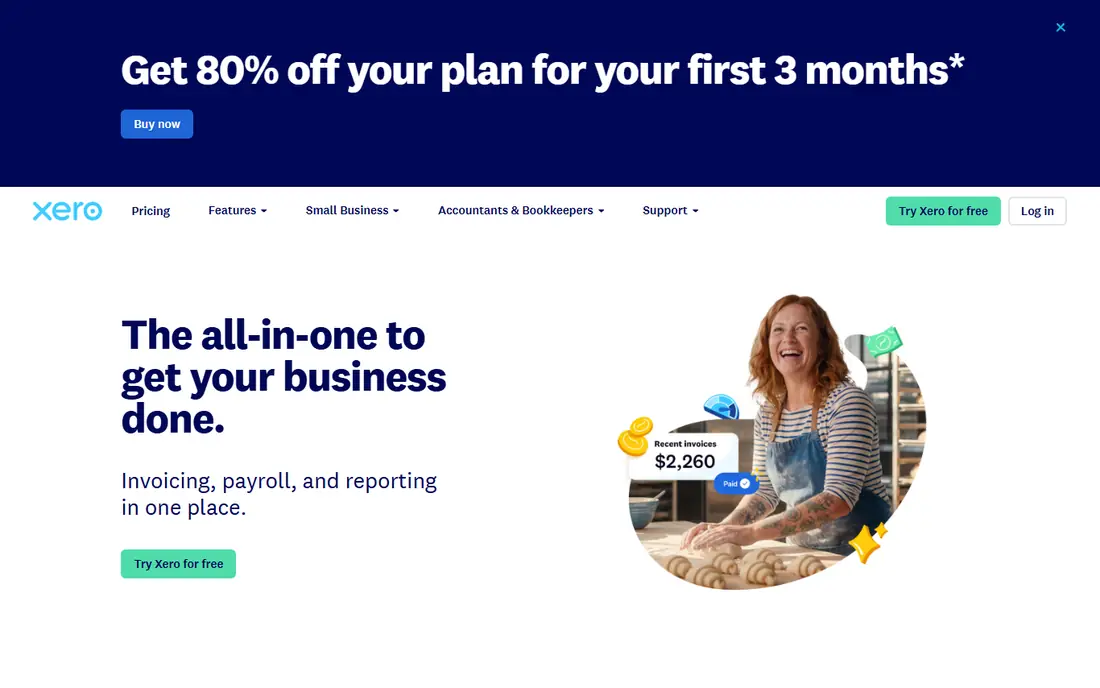
Xero gives every plan unlimited users, which changes the dashboard math for a team. The owner, bookkeeper, and staff can all see cash, invoices, bills, and profit views without per-seat fees, and the dashboard is clean enough that a non-accountant can follow it. Bank reconciliation is a strength, and the dashboard widgets can be arranged to show the numbers that matter most to your business.
The limit is on the entry plan, which caps invoices at 20 per month and bills at 5, so a busy business will need the Growing plan at a higher price. US payroll also runs through a partner rather than built in. If several people need dashboard access and you want a calm, readable view, Xero is a strong rival to QuickBooks.
- Unlimited users on all plans
- Clean dashboard with cash and invoice views
- Strong bank reconciliation
- Entry plan caps invoices and bills
- US payroll needs a partner

FreshBooks is built for service businesses that live on invoices. The dashboard shows outstanding invoices, overdue amounts, profit, and time tracked, with a clear path from tracked time to invoice to payment. That focus makes it easy for a freelancer or agency owner to see who owes what and how the month is shaping up, without wading through a full accounting ledger.
The honest catch is accounting depth. FreshBooks is not a full double-entry system in the way QuickBooks or Xero are, and inventory management is thin. A product business or a company with complex books should look elsewhere. For a service business that values invoicing clarity, FreshBooks offers one of the friendliest dashboards in this list.
- Excellent invoicing dashboard
- Time tracking and expenses included
- Easy for non-accountants
- Not full double-entry accounting on entry plans
- Inventory tools are thin
Zoho Books gives a small business a full accounting dashboard at a low price, and free for businesses with annual revenue under 50,000 dollars. The dashboard shows cash flow, receivables, payables, and profit, with drill-down reports for detail. Invoicing, expenses, inventory, and project tracking are included, so a growing business does not outgrow the tool quickly.
The trade-off is integration breadth. Zoho Books has fewer third-party links than QuickBooks, and it works best alongside other Zoho apps. A business that relies on a niche tool that only integrates with QuickBooks should check compatibility first. For value alone, Zoho Books is hard to beat, and its dashboard is clear enough for a first-time owner.
- Free plan under 50,000 dollars revenue
- Full double-entry accounting
- Good dashboard and reports
- Fewer third-party integrations than QuickBooks
- Zoho ecosystem works best together
Wave offers a free starter dashboard for solopreneurs and very small businesses, with unlimited invoices, estimates, bills, and bookkeeping records. The dashboard shows cash flow, income, expenses, and overdue invoices in a simple view that a new owner can read without training. That free core makes Wave the lowest-risk way to move from spreadsheets to real books.
The catch is that automatic bank import now needs the paid Pro plan at 19 dollars per month, and payroll is a separate add-on. A business with many transactions will feel that limit quickly. Even so, for a freelancer or side business with modest volume, Wave gives a usable dashboard at no monthly cost.
- Free starter plan
- Unlimited invoices and bookkeeping records
- Simple dashboard
- Bank feeds need the paid Pro plan
- Payroll is an add-on
Sage Accounting suits a product or trade business that needs more than cash and invoices on the dashboard. Inventory levels, job costs, and profitability by project or product show alongside standard cash and profit views, which helps a business that sells stock or runs jobs with materials and labor. Reporting is deeper than the simplest tools, and Sage has served small businesses for decades.
The drawback is learning curve and pricing clarity. Sage plans and prices vary, and the interface takes more time to learn than FreshBooks or Wave. A service-only freelancer will find Sage more than needed. For a business with inventory or job costing, the dashboard depth is worth the extra learning.
- Strong inventory and job costing views
- Solid reporting
- Long history with small business
- Learning curve is steeper
- Pricing varies by region and plan
FreeAgent is designed for freelancers and small service businesses, and its dashboard reflects that. Cash flow, tax estimates, overdue invoices, and project profitability sit in one view, with a tax timeline that helps a sole trader plan for filing. Invoicing, expenses, and time tracking are included, and the interface stays friendly for a non-accountant.
The limit is scale and geography. FreeAgent is stronger in the UK than in the US, and a larger team with complex payroll or inventory needs will outgrow it. For a US freelancer who wants a clear, calm dashboard and does not need deep inventory tools, FreeAgent is still worth a trial, with pricing confirmed on the vendor site.
- Dashboard built for freelancers
- Tax timeline and cash flow views
- Easy invoicing
- Less suited to larger teams
- US presence is smaller than UK
Kashoo keeps the dashboard deliberately simple: income, expenses, invoices, and cash position, without a maze of menus. That clarity suits an owner who wants to check the business in two minutes a day and leave detailed work to an accountant. Setup is fast, invoicing is straightforward, and the tool does not demand accounting knowledge to use well.
The trade-off is depth. Reporting, inventory, and multi-user controls are thinner than the leaders, and a growing business may need to migrate later. For a very small business that values simplicity over power, Kashoo is a calm, low-friction dashboard choice.
- Very simple dashboard for non-accountants
- Invoicing and expenses included
- Easy setup
- Feature set is limited
- Reporting depth is thinner than QuickBooks or Xero
How we picked these
We compared official feature pages, published pricing, free plans, and public reviews for accounting tools with a real dashboard, not just a report list. We favored tools that show cash flow, invoice status, and profit on the home view, that are actively sold in the US in 2026, and that fit a clear business size. Tools without a usable dashboard, or that require a separate BI tool for basic cash views, were left out.
What to check before you buy
Open the dashboard on a trial and ask whether it answers your daily questions without running a report. Can you see overdue invoices, cash in the bank, profit this month, and bills due this week in one glance. Check whether the dashboard updates from bank feeds automatically, or whether it needs manual imports that will go stale. A dashboard that lags by a week is decoration, not a management tool.
Price the user count and the features behind the dashboard, such as payroll, inventory, or project tracking, since some views need a higher plan. Confirm accountant access, because an accountant who cannot see your dashboard will ask for exports anyway. Finally, test the mobile dashboard, since many owners check cash and invoices on a phone between jobs.
FAQ
What is the best accounting software with a dashboard?
QuickBooks Online is our pick for most small businesses because its dashboard covers cash flow, invoices, profit, and bank balances with wide accountant support. Xero is best when several staff need dashboard access without per-seat fees, and Zoho Books is best for value.
Does Xero have a good dashboard?
Yes. Xero shows cash, invoices, bills, and profit in a clean, customizable dashboard, and all plans include unlimited users. The entry plan caps invoices and bills, so a busy business should check the Growing plan limits before choosing on price alone.
Is there free accounting software with a dashboard?
Yes. Wave offers a free starter plan with a simple dashboard, unlimited invoices, and bookkeeping records, and Zoho Books is free for businesses with annual revenue under 50,000 dollars. Paid plans add bank feeds, payroll, and deeper reporting.
What should an accounting dashboard show?
At minimum, it should show cash on hand, income and expenses, overdue invoices, bills due, and profit for the current month. A strong dashboard also shows cash flow trends, profit by project or client, and tax estimates, so an owner can act before a cash problem arrives.
Can I customize the accounting dashboard?
Most tools in this list allow some customization, such as rearranging widgets or choosing which reports appear on the home view. QuickBooks Online and Xero offer the most flexibility, while simpler tools such as Wave and Kashoo offer a fixed, clean view with less customization.
Does the dashboard replace an accountant?
No. A dashboard helps an owner spot problems early, but an accountant still handles tax planning, year-end close, and complex reporting. Choose a tool your accountant can access, and use the dashboard for daily decisions rather than as a substitute for professional advice. This article is general information, not financial advice.