Best Finance Analytics Software (2026): 5 Picks Checked on Vendor Pages
5 tools for the best finance analytics software, compared on pricing, free plans and best-fit use. Every pick gets a straight assessment. Easy to scan.
- Editor's choice
 Domo
Governed data and business-critical insights
Starts atSee websiteVisit domo.comFull review - Great alternative
 Anaplan
Scenario planning and analysis at scale
Starts atSee websiteVisit anaplan.comFull review - Also consider
 Oracle NetSuite
Finance analytics inside a cloud ERP
Starts atSee websiteVisit netsuite.comFull review
Direct answer
Domo leads the list, best for governed data and business-critical insights. Listed starting prices: Tableau from $15 per user a month. For a different need, Anaplan covers scenario planning and analysis at scale and Oracle NetSuite covers finance analytics inside a cloud ERP. Details, prices and limits for the rest of the 5 tools are below.
TL;DR:
- Top of the list is Domo, which targets governed data and business-critical insights.
- Tableau has the lowest monthly starting price in this list: $15 per user per month.
- Just one of the 5 tools, Tableau, has a free plan.
- Workday Adaptive Planning fits connected enterprise planning across finance and operations.
- What to know about Tableau first: visualization focus, not planning.
Last checked November 2026. Prices and plan details were read from the vendors' own pages in November 2026; vendors change plans often, so confirm the current price on the vendor site before you buy.
Quick comparison
| Tool | Best for | Starts at | Free plan? | |
|---|---|---|---|---|
| Domo | Governed data and business-critical insights | See website | Free trial | Visit |
| Anaplan | Scenario planning and analysis at scale | See website | Not stated | Visit |
| Oracle NetSuite | Finance analytics inside a cloud ERP | See website | Not stated | Visit |
 Tableau | Visual analysis and shareable dashboards | $15 per user a month | Yes | Visit |
 Workday Adaptive Planning | Connected enterprise planning across finance and operations | See website | Not stated | Visit |
Finance Analytics Software profiles
If you are comparing finance analytics software, this page covers 5 tools in one place: what each is best for, what it costs to start, whether it has a free plan, and the main limit to know about.
Domo is a good fit for governed data and business-critical insights. Domo provides AI and data products that link and move data from any source, prepare and expand access for exploration, and accelerate business-critical insights. Consider Domo when data integration and governed access are the primary challenges, and pair it with planning tools if forecasting is also a priority.
More specifically, teams wanting a narrow finance-specific planning tool may prefer a more specialized choice. On top of that, as a wide data product, Domo can involve meaningful setup work to link sources and establish governance. More specifically, the product is positioned around strengthening the entire data journey instead of a single reporting layer. Pricing for Domo is not stated here, so ask the vendor for current figures. Free access: Free trial.
Limits to weigh: Analytics depth varies by setup.
- Prepares and expands data access
- Links and moves data from numerous sources
- Wide data system can feel deep
Pick Anaplan if this describes you: scenario planning and analysis at scale. Since Anaplan emphasizes modeling and scenario work, teams that mainly need static reports or straightforward dashboards may find it more than required.
Decent results rely on well-structured models and clean data. As for the details, choose Anaplan when scenario planning is central to your finance process, and consider lighter analytics tools for straightforward reporting. Anaplan shows no starting price here, so confirm the cost on the vendor site. Free plan details: Not stated.
Trade-offs to know: Needs planning discipline to use well.
- Supports connected decision-making
- Scenario planning and analysis focus
- Modeling focus may exceed straightforward reporting needs
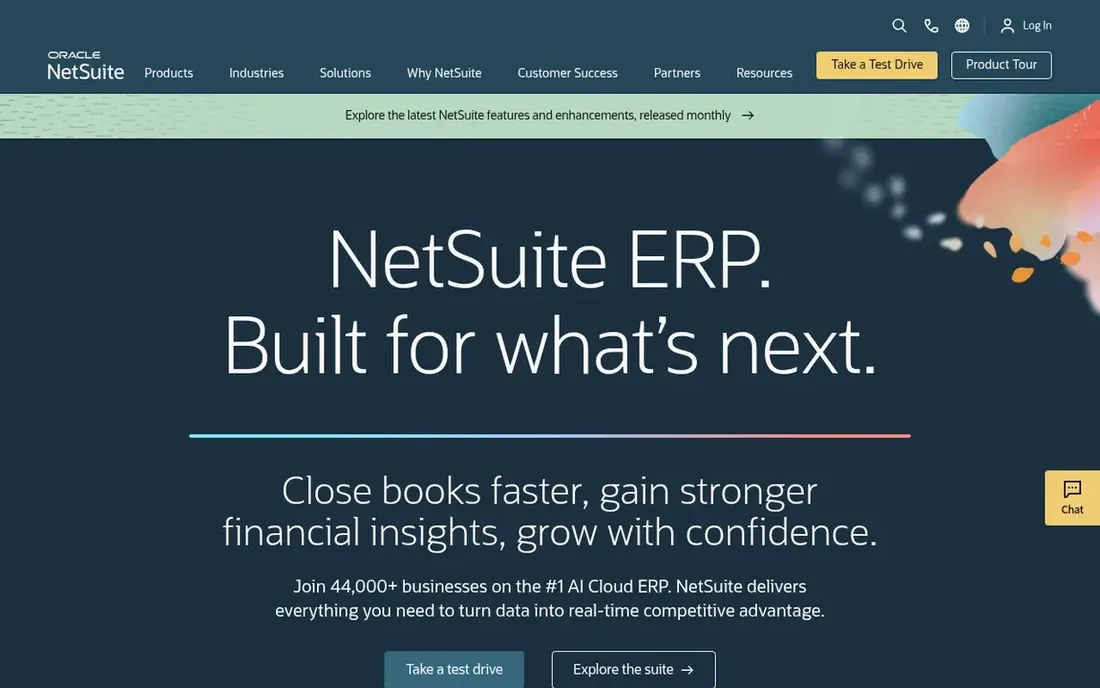
Think of Oracle NetSuite for finance analytics inside a cloud ERP. For finance teams that want reporting and analytics connected to the same system that runs accounting, it gives you a single environment instead of a separate analytics layer.
Oracle NetSuite shows no starting price here, so confirm the cost on the vendor site. Free access: Not stated.
Where it falls short: Analytics tied to the NetSuite ecosystem.
- Merges financials, CRM, accounting
- Broad inventory and operations coverage
- Broad suite can be complicated to adopt
In short, Tableau is for visual analysis and shareable dashboards. It suits finance analysts who want adaptable visual exploration of financial data and dashboards that stakeholders can read rapidly, instead of a full planning suite.
Limits to weigh: Visualization focus, not planning.
From a buyer's view, results rely on the quality of the data sources it links to. Starting cost for Tableau: $15 per user per month. You can start on Tableau without paying.
- Drag-and-drop visualization building
- Connects to almost any database
- Requires data preparation upstream
Workday Adaptive Planning
Best for: Connected enterprise planning across finance and operations
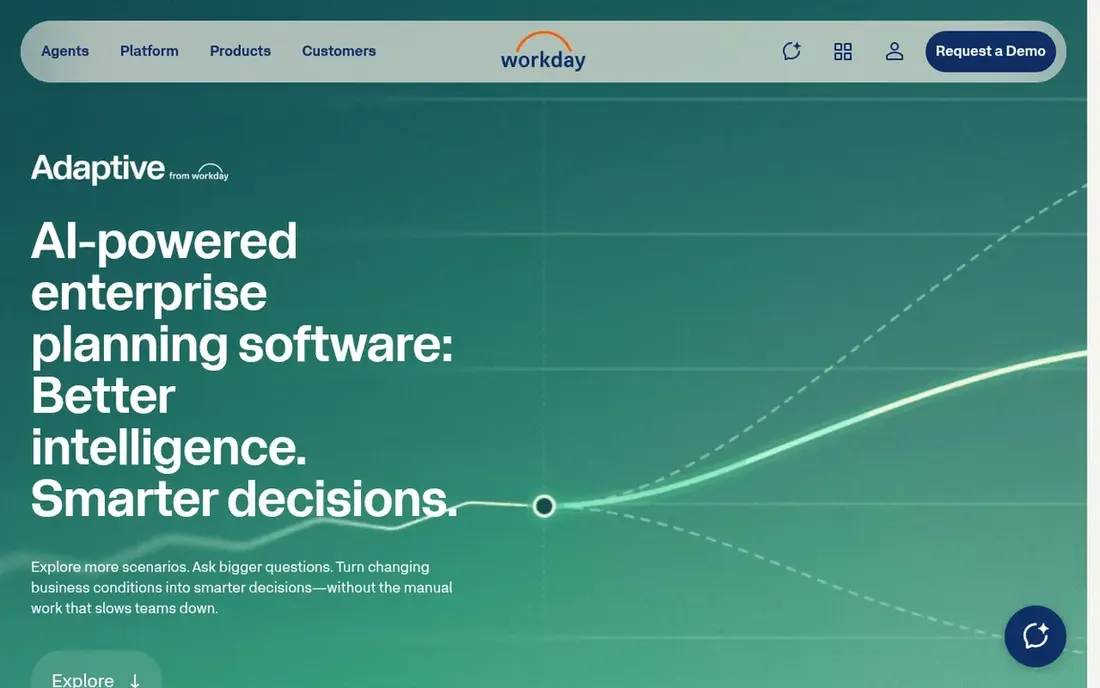
Workday Adaptive Planning is designed for connected enterprise planning across finance and operations. Adaptive from Workday is enterprise planning software that links finance, workforce, and operations data to support AI-driven planning and quicker, more confident decisions.
Where it is weaker: Planning focus instead of wide BI.
On top of that, value also relies on how well source data is prepared and connected. In practice, pick Workday Adaptive Planning when connected enterprise planning is the priority, and look elsewhere for pure visual analytics. This comparison lists no price for Workday Adaptive Planning; ask the vendor. Free access: Not stated.
- AI-driven planning for quicker decisions
- Designed for enterprise planning workflows
- Best fit for organizations with planning needs
How the list was put together
For each of the 5 tools we noted price, free plan or trial, fit for finance analytics software and the main limit, using vendor pages and documentation. Where a price is missing, the vendor does not list one publicly or ties it to a quote. Always confirm before budgeting. The ranking is editorial: typical fit first, then clear pricing, then free access. If your needs are unusual, read the profiles rather than relying on position.
What to confirm before you sign up
- Ask Domo, Anaplan, Oracle NetSuite and Workday Adaptive Planning for a written quote, since no starting price is shown.
- Look at the free plan from Tableau closely: its caps decide whether it is usable for real work.
- Use real work to test the free trial from Domo, rather than a demo project.
- Read the limits listed for Domo first: wide data system can feel broad.
- Find out whether the entry plan of Domo covers your must-haves or only a trimmed-down version.
- Test how quickly Anaplan answers a pre-sales question; it hints at how support will feel later.
FAQ
Do these tools publish their prices?
Not all of them. Domo, Anaplan, Oracle NetSuite and Workday Adaptive Planning publish no starting price, so expect a quote request for those. The rest, Tableau included, show a starting price, though seats and billing terms still change the final cost.
Which options for finance analytics software have a free plan?
Tableau is the only tool in this list with a free plan. Free plans usually cap users, projects or features, so check the limits on the vendor page. One other tool offers a trial instead. For the full picture, the cards above cover all 5 entries of this finance analytics software list, including price, free plan and limits.
What should I check before buying finance analytics software?
Confirm data source connectivity, governance and access controls, and how much implementation work is involved. Also verify whether planning or visualization is the primary need and how the tool suits your existing systems.
Is Domo the right pick for everyone comparing finance analytics software?
No single tool suits every team. Domo comes first because it fits governed data and business-critical insights, while Anaplan suits scenario planning and analysis at scale and Oracle NetSuite suits finance analytics inside a cloud ERP. Match the tool to your own size, budget and workflow before deciding.
How are the tools for finance analytics software ordered?
The order follows typical fit for finance analytics software, with Domo first and Workday Adaptive Planning last, then price clarity and free access. It is editorial judgement, not a score, so another team could rank the tools differently.
Sources
- https://www.domo.com
- https://www.anaplan.com
- https://www.netsuite.com
- https://www.tableau.com
- https://www.workday.com/en-us/products/adaptive-planning/overview.html