Best Farm Accounting Software in 2026: 8 Tools Compared
Looking for the best farm accounting software? We compared eight accounting tools for farmers on Schedule F, inventory, payroll, enterprises, and price.
- Editor's choice
 FarmBooks
Farm-specific US accounting
Starts at$595 first yearVisit farmbooks.comFull review - Great alternative
 QuickBooks Online
Accountant compatibility and cloud
Starts atSee websiteVisit quickbooks.intuit.comFull review - Also consider
 Xero
Modern cloud accounting
Starts atSee websiteVisit xero.comFull review
TL;DR:
- FarmBooks is the best farm-specific pick for US farmers, with native Schedule F support, inventory by commodity, and farm payroll tools.
- QuickBooks Online is best when accountant compatibility and cloud access matter most, though farm features need setup.
- AgExpert is the best free starting point for Canadian farmers, with a free basic tier and a paid premium plan at 399 dollars a year.
- Xero plus Figured suits farms that want modern cloud accounting with whole-farm budgeting and forecasting.
- CenterPoint, EasyFarm, Sage 50, and AgCinect cover desktop, single-entry, and whole-operation needs that cloud general tools miss.
Quick comparison
| Tool | Best for | Starts at | Free plan? | |
|---|---|---|---|---|
| FarmBooks | Farm-specific US accounting | $595 first year | No | Visit |
| QuickBooks Online | Accountant compatibility and cloud | See website | Free trial | Visit |
| Xero | Modern cloud accounting | See website | Free trial | Visit |
 AgExpert | Canadian farm accounting | Free | Yes | Visit |
 CenterPoint Accounting for Agriculture | Desktop farm accounting | See website | Free trial | Visit |
 EasyFarm | Simple single-entry farm records | See website | No | Visit |
 Sage 50 | Desktop small business accounting | See website | Free trial | Visit |
 AgCinect | Whole-operation farm management | See website | No | Visit |
The best farm accounting software
Farm accounting is not the same as general small business accounting. A farm needs enterprise tracking by field, crop, or livestock group, inventory in bushels or head count, loan amortization, and tax reports that map to Schedule F in the United States or Canadian farm returns. We compared farm-specific tools and general accounting tools that farmers actually use, using vendor pages, pricing pages, and farm software guides.
Prices below reflect vendor and guide listings checked in October 2026, and many farm tools quote by operation size or module. Check the current price and module list on the vendor site before buying, and confirm tax report support for your country before tax season.
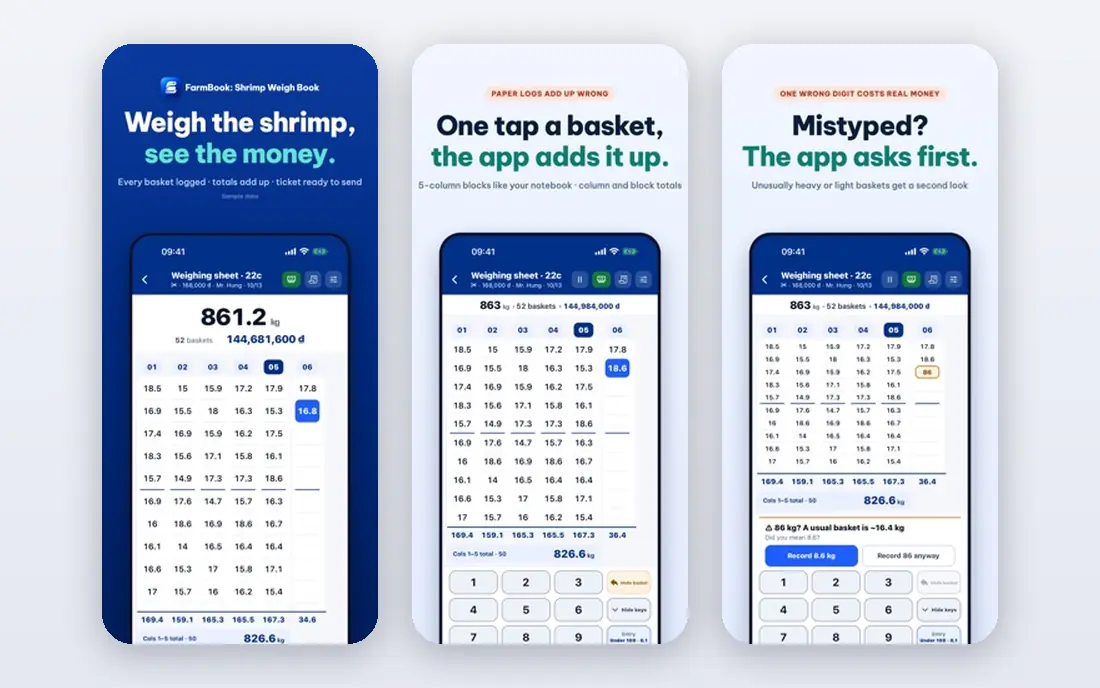
FarmBooks is built for farms, not adapted from a general ledger, and that shows at tax time. It generates Schedule F reports, tracks inventory by commodity with quantities in two units of measure, and handles payroll, invoicing, bill tracking, and check writing in one place. Loan amortization schedules help you plan cash flow, and the Detail Register lets you filter by payee or detail for a clear audit trail.
Pricing in recent guides lists 595 dollars for the first year, including license and first-year maintenance, with annual renewal around 100 dollars after that, though FarmBooks does not maintain a public pricing page, so confirm the current figure with the vendor. There is no free tier. If you farm in the United States and you want the most farm-specific accounting at a low long-run cost, FarmBooks is the pick.
- Native Schedule F generation
- Inventory by commodity with two units of measure
- Farm payroll and loan amortization tools
- Desktop-focused, not a full cloud app
- No permanent free tier
- First-year price includes license and maintenance, with renewal after
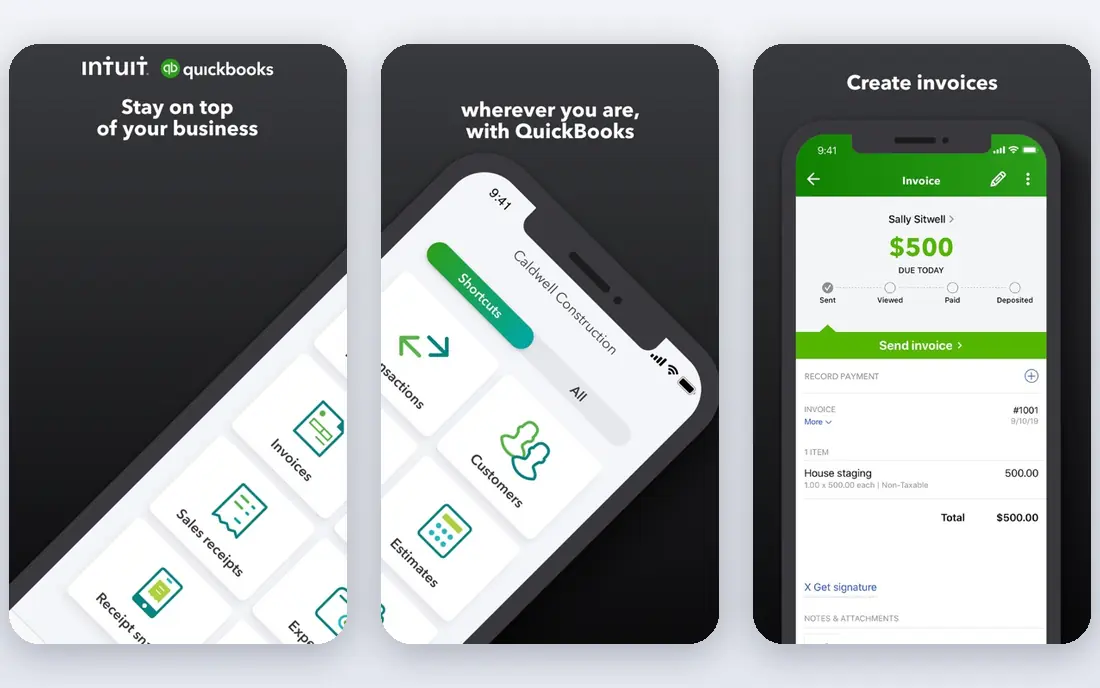
QuickBooks Online is the safe choice when accountant compatibility matters. Most US accountants know it, it runs in the cloud, and it connects with banks, payroll, and many farm apps. Setting the company type to agriculture gives a rough farm chart of accounts, which is a start, though not a full farm system.
The gaps need work. QuickBooks has no dedicated agriculture version, so you must set up Schedule F line items, inventory units for bushels or head count, and class tracking for enterprise costing yourself. The Plus plan, listed around 115 dollars a month in recent guides, is usually the tier farms need for class tracking and inventory. If your accountant uses QuickBooks and you want cloud access, it is a strong pick. If you want farm reports out of the box, FarmBooks will save setup time.
- Widely used by accountants
- Cloud access from any device
- Class tracking for enterprise costing on higher plans
- No dedicated agriculture version
- Schedule F mapping needs manual setup
- Plus plan needed for class and inventory features

Xero suits farms that want modern cloud accounting with a clean interface and strong integrations. Bank feeds, invoicing, and reporting work well, and higher plans allow unlimited users, which helps a family operation with several people entering data. For US and other markets, Xero is a credible QuickBooks alternative, especially if your accountant prefers it.
Xero alone does not give farm-specific reports, enterprise costing, or Schedule F mapping out of the box. Many farms pair Xero Established with Figured, a farm planning tool, for whole-farm budgeting and forecasting, with Figured priced separately. If you want a modern cloud ledger and you are willing to add a farm planning layer, Xero plus Figured is a strong combination.
- Clean cloud interface with unlimited users on higher plans
- Strong bank feeds and integrations
- Pairs well with Figured for farm budgeting
- No native farm features
- Needs Figured or add-ons for whole-farm planning
- Pricing rises with plan and add-ons
AgExpert, from Farm Credit Canada, is built for Canadian producers, with income and expense reports, GST and HST handling, and farm management tools for Canadian operations. The basic tier is free, which makes it the best starting point for a Canadian farmer who wants to test farm accounting without paying. The mobile app works with or without an internet connection, which matters in the field.
Premium costs 399 dollars a year, or 999 dollars for three years, and a premium bundle with AgExpert Field costs 499 dollars a year. US farmers should note the Canadian focus: Schedule F support is not the core, so a US operation should check tax report mapping before choosing it. For Canadian farms, AgExpert is the clear free-to-start pick.
- Free basic tier to start
- Built for Canadian agriculture and tax reporting
- Mobile app works offline
- Canadian focus, less suited to US Schedule F needs
- Premium features require a paid plan
- Field premium is a separate bundle
CenterPoint Accounting for Agriculture, from Red Wing Software, is a desktop farm accounting system with depth for larger operations. It handles farm-specific reporting, multiple entities, and enterprise analysis, which suits farms with several operations or partnerships. Desktop control also appeals to farmers who want data on their own machines rather than only in the cloud.
The trade-offs are cloud access and price transparency. CenterPoint is not cloud-first, so remote access needs a different setup, and pricing is quote-based, so you must contact the vendor for your operation size. The interface rewards training more than a quick start. If you run a larger farm and you want deep desktop farm accounting, CenterPoint is worth a demo.
- Built for agriculture with farm-specific reports
- Desktop control and depth
- Handles multiple entities and enterprises
- Desktop-focused, not cloud-first
- Pricing is quote-based
- Learning curve is steeper than QuickBooks
EasyFarm has served farm and ranch producers since the early 1990s, with a simple idea: enter a transaction once, and the software handles the rest. That single-entry approach suits farmers who want records without learning double-entry accounting. Crop and field tracking, livestock management, and in-depth reports cover the core farm record job, with a companion Android app for field entry in newer versions.
Online pricing and feature detail are less current than for cloud rivals, so confirm the current license and support terms with the vendor before buying. Integration with banks and accountants is also narrower than QuickBooks or Xero. If you want simple farm records and you do not need a cloud ledger, EasyFarm is a practical, low-friction pick.
- Single-entry input that handles the rest
- Crop and field tracking plus livestock management
- Long history with farm producers
- Interface and pricing detail are less current online
- Desktop roots with limited cloud features
- Smaller integration range than QuickBooks or Xero
Sage 50 is a desktop small business accounting tool that many farms use when they want strong inventory, payroll, and job costing without a farm-specific label. Accountants know Sage well, and the desktop model gives control over data and backups. For a farm that already uses Sage for another business, keeping one system can simplify bookkeeping.
Farm features need setup, just as with QuickBooks. You must build enterprise tracking, commodity inventory units, and tax report mapping yourself, and there is no native Schedule F generator. Pricing varies by plan and user count, so get a quote for your team size. If you want a proven desktop ledger and you are comfortable setting up farm categories, Sage 50 works. If you want farm reports out of the box, FarmBooks or AgExpert will save time.
- Strong desktop accounting with inventory and payroll
- Widely known by accountants
- Good control over data
- Not farm-specific, so farm reports need setup
- Desktop-focused
- Pricing varies by plan and user count
AgCinect is a cloud-based system that manages a whole farm or ranch operation, from accounting and financials to crop inputs and livestock tracking. It can keep data allocated to each owner or partner in one instance, which helps family farms and partnerships. Alerts for tasks and deadlines help a busy operation stay on top of records during planting and harvest.
The breadth is also the cost. Setting up accounting, crops, livestock, and partners takes longer than starting a simple ledger, and pricing is quote-based. Public reviews are fewer than for QuickBooks or Xero, so a demo on your own operation matters. If you want one cloud system for the whole farm, not just the ledger, AgCinect is worth a look.
- Cloud-based whole-operation management
- Accounting plus crop, livestock, and partner tracking
- Alerts for tasks and deadlines
- Broader scope means a longer setup
- Pricing is quote-based
- Smaller public review base than QuickBooks or Xero
How we picked these
We compared vendor pages, pricing pages, and farm software guides, and we favored tools with farm-specific reports, inventory by commodity or head count, enterprise tracking, and current availability. We included farm-specific desktop tools, a Canadian free option, and general cloud tools that farmers pair with farm planning add-ons, so different countries and operation sizes can find a fit. We excluded tools with no accounting core, such as pure field mapping apps.
We did not claim hands-on use on a working farm, and prices change. Confirm tax report support for your country, check whether payroll and inventory sit in the quoted plan, and test data entry with your real enterprises before tax season.
How to choose farm accounting software
Start with tax and enterprise reports
Ask each vendor to show a Schedule F report for the United States, or the equivalent farm tax report for Canada, using your enterprises. If the tool cannot map income and expenses to those lines without heavy manual work, it will cost you time every tax season. Enterprise reports by field, crop, or livestock group matter just as much for management decisions.
Decide between cloud and desktop
Cloud tools such as QuickBooks Online, Xero, and AgCinect give access from any device and easier accountant sharing, but they charge monthly and need internet. Desktop tools such as FarmBooks, CenterPoint, and Sage 50 give data control and often lower long-run cost, but remote access is harder. Pick the model that fits how you and your accountant actually work.
Test with a real month of records
Enter a full month of real transactions, including sales, inputs, payroll, and loan payments, before you commit. Check inventory units, loan schedules, and enterprise totals, and ask your accountant to review the trial reports. A demo with sample data will not reveal setup gaps that a real month will show.
FAQ
What is the best accounting software for farmers?
FarmBooks is the best farm-specific pick for US farmers, with native Schedule F support and commodity inventory. QuickBooks Online is best for accountant compatibility and cloud access, AgExpert is best for Canadian farmers starting free, and Xero plus Figured is best for cloud budgeting and forecasting.
Is there free farm accounting software?
Yes, for Canadian farmers. AgExpert offers a free basic tier with core accounting features, with premium plans at 399 dollars a year. US farmers have fewer free farm-specific options, though QuickBooks Online and Xero offer free trials. A free trial is a good way to test setup before paying.
Does QuickBooks work for farming?
Yes, with setup. QuickBooks Online has no dedicated agriculture version, but it offers class tracking and inventory on higher plans, and most accountants know it. You must set up farm categories, inventory units, and Schedule F mapping yourself, or work with an accountant who has done it for farms before.
What is Schedule F, and why does it matter?
Schedule F is the US federal tax form for profit or loss from farming, and it groups farm income and expenses into specific lines. Farm accounting software that maps transactions to Schedule F lines saves time at tax season and reduces errors. Canadian farmers need equivalent farm tax reporting, which AgExpert handles for Canadian returns.
Should a small farm use farm-specific software or a general ledger?
A small farm with simple records can start with a general ledger such as QuickBooks or Xero, plus a spreadsheet for enterprises. As soon as you track multiple enterprises, commodity inventory, or farm payroll, a farm-specific tool such as FarmBooks or AgExpert will save time and reduce tax-season work.