5 Best Field Sales Software for Small Business for 2026, Vetted and Compared
Searching for the best field sales software for small business? Here are 5 options with prices and free plans. Every entry states what it lacks. Facts only.
- Editor's choice
 Housecall Pro
Home service business management
Starts at$59 per monthVisit housecallpro.comFull review - Great alternative
 ServiceTitan
Home and commercial contractors
Starts atSee websiteVisit servicetitan.comFull review - Also consider
 Kickserv
Jobs, customers, and payments
Starts at$60 a monthVisit kickserv.comFull review
Direct answer
Start with Housecall Pro if you need home service business management. Listed starting prices: Housecall Pro from $59 per month and Kickserv from $60 a month. ServiceTitan fits home and commercial contractors; Kickserv fits jobs, customers, and payments. The full list of 5 tools follows, with prices and free plan facts.
TL;DR:
- Housecall Pro is the opening pick, best for home service business management.
- A permanent free plan is missing from all 5 tools, Housecall Pro and Jobber included; plan for a trial or a premium start.
- Jobber fits quoting, scheduling, and payments in one app.
- Before buying Microsoft Dynamics 365 Field Service, weigh this: wide platform may need setup time.
Last checked November 2026. Prices and plan details were read from the vendors' own pages in November 2026; vendors change plans often, so confirm the current price on the vendor site before you buy.
Quick comparison
| Tool | Best for | Starts at | Free plan? | |
|---|---|---|---|---|
| Housecall Pro | Home service business management | $59 per month | Free trial | Visit |
| ServiceTitan | Home and commercial contractors | See website | Free trial | Visit |
| Kickserv | Jobs, customers, and payments | $60 a month | Free trial | Visit |
| Microsoft Dynamics 365 Field Service | AI-driven scheduling and live data | See website | Not stated | Visit |
 Jobber | Quoting, scheduling, and payments in one app | See website | Not stated | Visit |
Every option for field sales software for small business explained
LinkVetted put together this guide to field sales software for small business for readers who want a clear shortlist without reading every vendor page. It compares 5 tools on starting price, free plans, who each one suits and where each one falls short.
In short, Housecall Pro is for home service business management. Housecall Pro is described as a software option for home service companies, with a focus on field service professionals.
Its home service focus means companies outside that space may not get the best fit. Price to start with Housecall Pro: $59 per month. As for free access: Free trial.
Watch-outs: Feature set may be broader than straightforward job tracking.
- Field service professional focus
- Management tools in one option
- Home service focus may not suit other industries
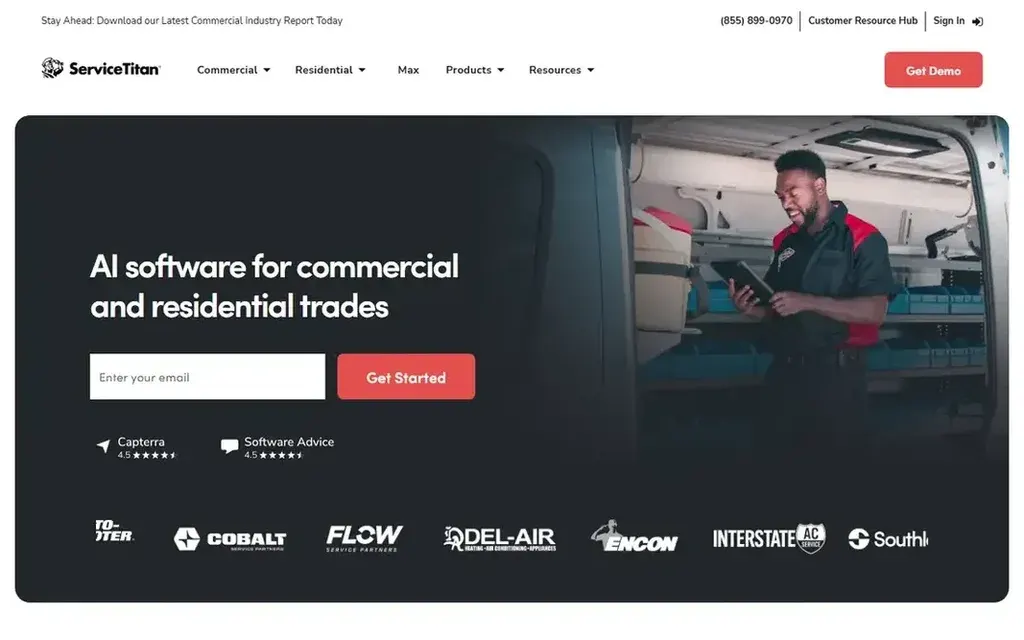
ServiceTitan is aimed squarely at home and commercial contractors. ServiceTitan describes its all-in-one software as made for home and commercial contractors to keep service visits and construction projects running smoothly.
Points against: May be more than a very small team needs.
On top of that, since it targets contractors with service visits and construction projects, a very small business with straightforward scheduling needs may find it heavier than necessary. Pricing for ServiceTitan is not stated here, so ask the vendor for current figures. Free options: Free trial.
- Supports service visits and construction projects
- All-in-one software for contractors
- Contractor-focused setup
Kickserv makes the most sense for jobs, customers, and payments. Kickserv supplies field service management software for managing jobs, customers, communication, and payments for home service firms.
It fits small home service teams that want a straightforward way to track jobs and customer interactions whereas handling payments in the same system. The starting price for Kickserv: $60 per month. As for free access: Free trial.
Points against: Home service focus.
- Handles jobs and customers
- Takes care of payments
- May lack deeper asset-centric features
Microsoft Dynamics 365 Field Service
Best for: AI-driven scheduling and live data
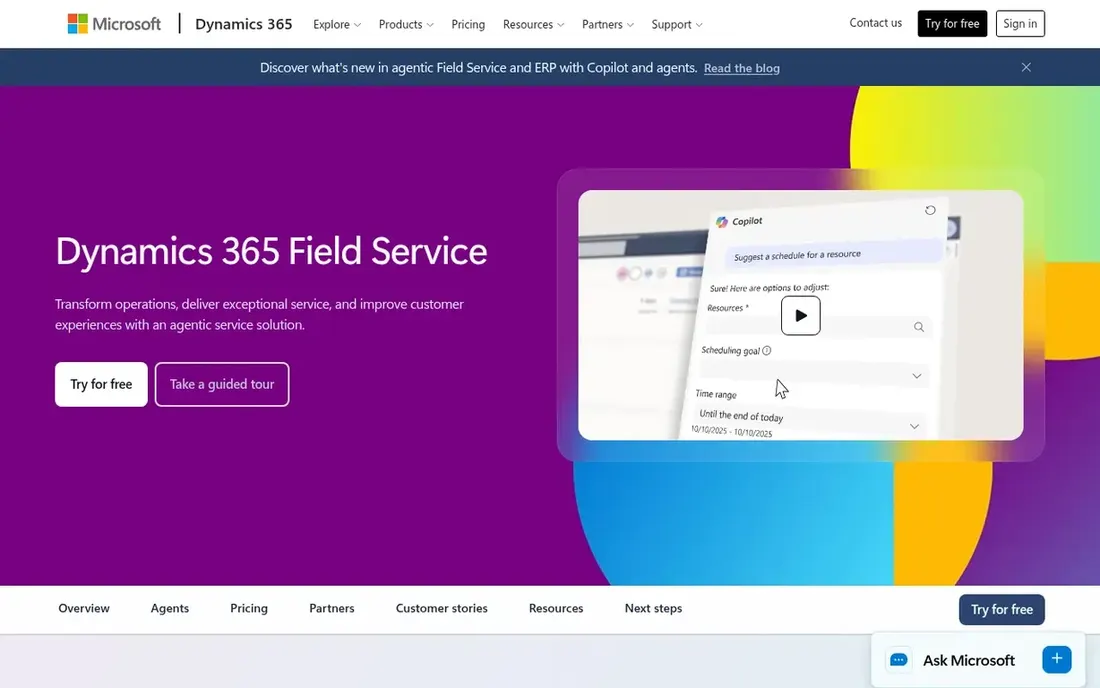
Think of Microsoft Dynamics 365 Field Service for AI-driven scheduling and live data. Microsoft Dynamics 365 Field Service is a field service management system that emphasizes AI-driven self-service scheduling, live data, and automatic service reminders.
In practice, the product is wide, so smaller teams may need time to configure it around their workflows. If you want a more straightforward tool focused only on quoting and invoicing, a lighter choice for example Jobber or Kickserv may be a better fit. Pricing for Microsoft Dynamics 365 Field Service is not stated here, so ask the vendor for current figures. Free access: Not stated.
The main drawbacks: Wide product may need setup time.
- Live data access
- Automatic service reminders
- A good match for teams already using Microsoft tools
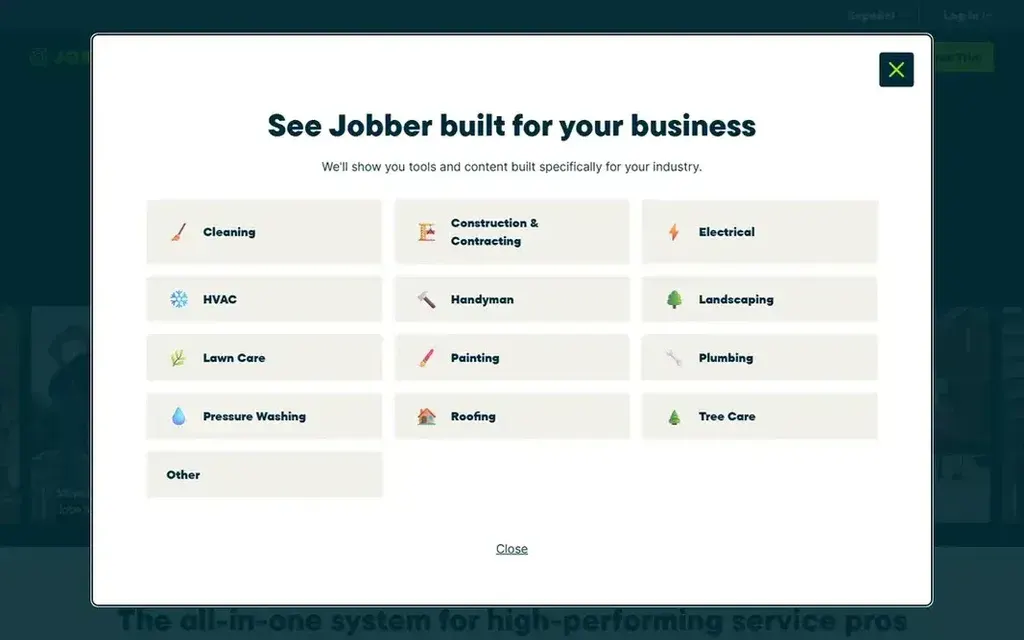
Jobber works best for quoting, scheduling, and payments in one app. Jobber presents its home and commercial service software as a way to organize a service business by quoting, scheduling, invoicing, and getting premium in one place.
In daily use, Jobber is centered on service business workflows, so a team that needs asset-centric maintenance or complex dispatch may outgrow it. This comparison lists no price for Jobber; ask the vendor. On free options: Not stated.
The main drawbacks: May not fit teams needing deep asset tracking.
- Quote, schedule
- Supports sales, operations
- Concentrated on service companies instead of general sales
How these tools were picked
For each of the 5 tools we noted price, free plan or trial, fit for field sales software for small business and the main limit, using vendor pages and documentation. Treat prices as a snapshot: vendors change plans often, so check the vendor site for the figure that applies today. Order on the page follows fit for the typical buyer first, then price transparency and free access. Your own requirements should decide the final pick.
What to check before you buy
- Ask ServiceTitan, Microsoft Dynamics 365 Field Service and Jobber for a written quote, since no starting price is shown.
- Run a trial of Housecall Pro, ServiceTitan and Kickserv with real work before paying for a year; your own workflow is the best test.
- Before choosing Housecall Pro, weigh its main limit: home service focus may not suit other industries.
- The entry price of Microsoft Dynamics 365 Field Service is only the starting point; model the full cost with seats and extras.
- Confirm you can export your data from Housecall Pro, so leaving later does not mean losing records.
FAQ
Does any tool for field sales software for small business here have a free plan?
A permanent free plan is not offered by Housecall Pro, Jobber or the other tools here. Housecall Pro, ServiceTitan, Kickserv offer a trial. Plan a short evaluation period instead.
What should a small business look for in field sales software?
Also consider whether the tool is aimed at your industry, like home services or asset-heavy maintenance, and how much setup it needs.
Do these tools publish their prices?
Not all of them. ServiceTitan, Microsoft Dynamics 365 Field Service and Jobber publish no starting price, so expect a quote request for those. The rest, Housecall Pro included, show a starting price, though seats and billing terms still change the final cost.
Can I try these tools before paying?
Often, yes. Housecall Pro, ServiceTitan and Kickserv offer a free trial. Use your own data and a real task during the test, and check what the free tier or trial limits before you rely on it.
Is Housecall Pro the right pick for everyone comparing field sales software for small business?
No single tool suits every team. Housecall Pro comes first because it fits home service business management, while ServiceTitan suits home and commercial contractors and Kickserv suits jobs, customers, and payments. Match the tool to your own size, budget and workflow before deciding.
How do Jobber and Housecall Pro differ for home service companies?
Both target home services, so compare the specific workflows and features you need on their vendor pages.
Sources
- https://www.housecallpro.com
- https://www.servicetitan.com
- https://www.kickserv.com
- https://www.microsoft.com/en-us/dynamics-365/products/field-service
- https://getjobber.com