Best Expense Management Software for Startups in 2026: 8 Compared
Compare the best expense management software for startups, from free card-first tools like Ramp and Brex to Expensify, Zoho Expense and Navan in 2026.
- Editor's choice
 Ramp
Free card-first spend management
Starts atFreeVisit ramp.comFull review - Great alternative
 Brex
Free startup cards and spend controls
Starts atFreeVisit brex.comFull review - Also consider
 Expensify
Keeping existing cards
Starts at$5 per member per monthVisit expensify.comFull review
TL;DR:
- Ramp and Brex lead for startups that qualify, because both offer corporate cards plus expense management with a free core tier.
- Expensify and Zoho Expense suit startups that want to keep existing cards and still automate receipts and approvals.
- Navan suits startups where travel booking and expenses should live in one flow, with free expensing for the first few users in many cases.
- Card-first tools are free because they earn from card use, so check card eligibility, credit limits and accounting sync before you commit.
- Start with one tool, one card program and one accounting sync, then add controls as headcount grows, rather than buying enterprise features too early.
Quick comparison
| Tool | Best for | Starts at | Free plan? | |
|---|---|---|---|---|
| Ramp | Free card-first spend management | Free | Yes | Visit |
| Brex | Free startup cards and spend controls | Free | Yes | Visit |
| Expensify | Keeping existing cards | $5 per member per month | Yes | Visit |
 Zoho Expense | Budget expense automation | $3 per user per month | Yes | Visit |
 Navan | Travel plus expenses | Free for first 5 users | Yes | Visit |
 BILL Spend and Expense | Free card budgets | Free | Yes | Visit |
 Airbase | Procure-to-pay control | See website | No | Visit |
 Fyle | Real-time control on existing cards | See website | Free trial | Visit |
The best expense management software for startups
The best expense management software for startups saves finance time without adding a heavy enterprise system. Early teams need receipt capture, approvals, card controls and accounting sync, but they do not need complex multi-entity workflows on day one. We compared official pricing pages and current expense guides, and we kept only tools that serve US startups in 2026. Prices below are starting prices, and card-first tools often have platform fees or paid tiers, so check the vendor site for your team size.
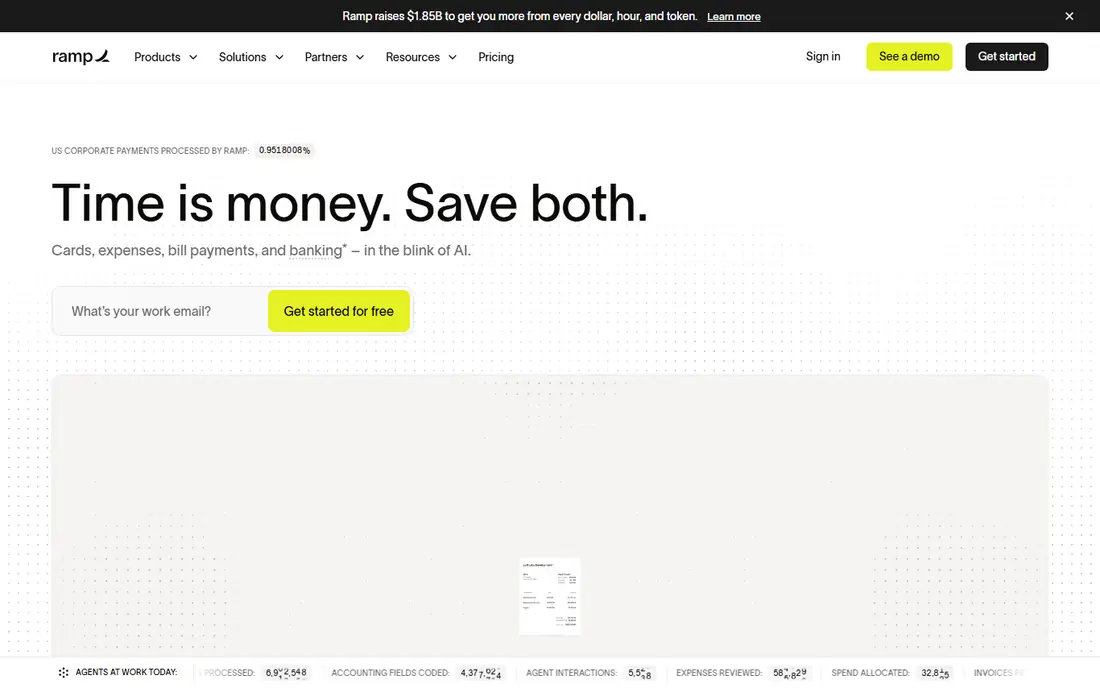
Ramp is our top pick for many startups, because the core platform is free and pairs corporate cards with expense controls, bill pay and accounting sync. Receipts can be captured by app, email or text, approvals can be set by amount and category, and spend limits can be set per employee or vendor. That automation saves hours for a small finance team, and integrations with QuickBooks, Xero and NetSuite keep books tidy.
The trade is card lock-in and paid tiers. You must use Ramp cards to get the free platform, and Ramp Plus, at $15 per user per month plus a platform fee, adds advanced controls that some growing teams will want. Eligibility also depends on your business type and location. If your startup can use Ramp cards, Ramp is a strong, low-cost starting point.
- Free core platform with corporate cards
- Strong receipt automation
- Accounting integrations with QuickBooks, Xero and NetSuite
- Requires Ramp cards
- Ramp Plus costs $15 per user per month plus platform fee
- Eligibility rules apply
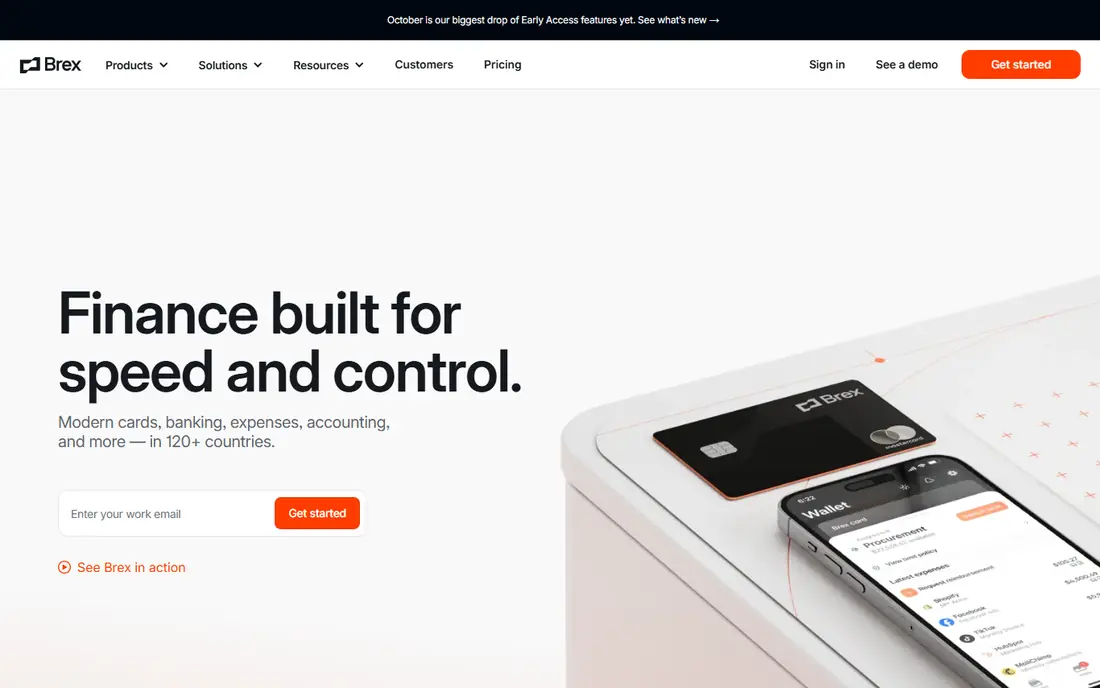
Brex is a close rival to Ramp for startups, with a free Essentials tier that includes corporate cards, expense management and accounting integrations. It suits funded startups and teams with international staff, because it handles multi-currency spend and global cards in one platform. Controls by employee, vendor and category help founders set budgets early, before spend habits harden.
The limits mirror Ramp. You need Brex cards to use the platform, Premium costs $12 per user per month for advanced features, and Enterprise plans are by quote. Brex is now part of Capital One, which may affect future product direction, though the core product remains available. If you want a free card-first tool and prefer Brex's card and global features, it is a strong alternative to Ramp.
- Free Essentials tier
- Corporate cards with spend controls
- Good for startups with international teams
- Requires Brex cards
- Premium costs $12 per user per month
- Enterprise pricing is by quote
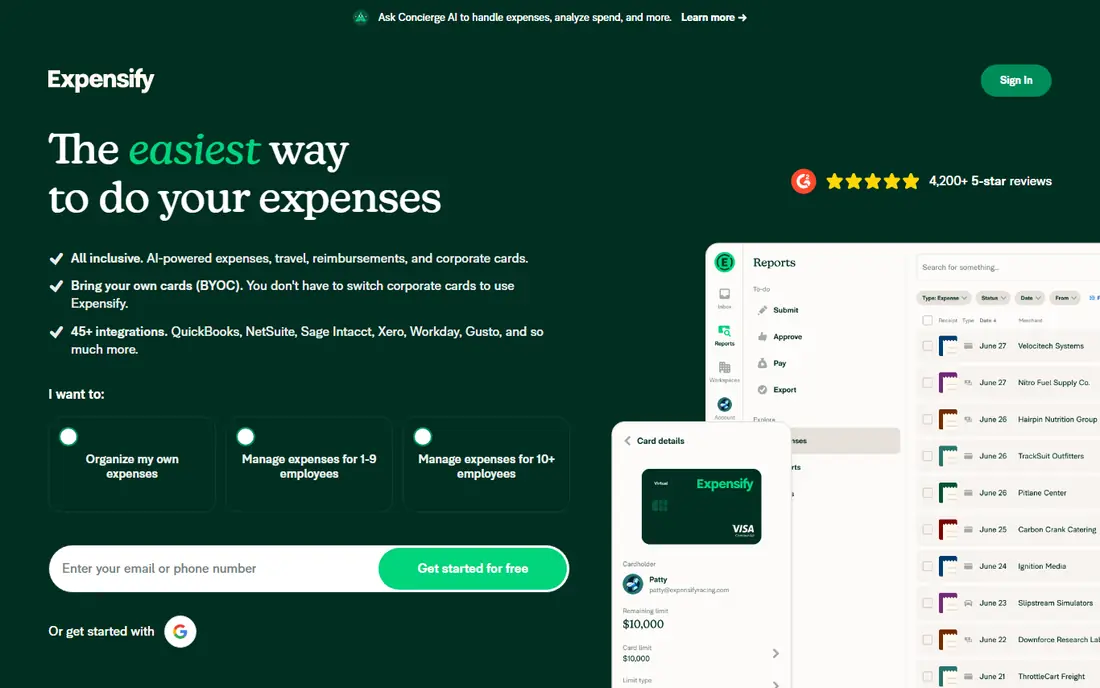
Expensify is the best pick for startups that do not want to switch cards. It captures receipts, creates expense reports, handles approvals and reimbursements, and syncs with QuickBooks, Xero and NetSuite, while letting staff use cards they already have. That flexibility matters if your bank card program, rewards or credit limits are already set, and you only need better expense workflow.
The cost is per-member pricing. Collect starts around $5 per member per month, Control around $9, and the free tier is limited to basic individual use, so a growing team will pay. Some card-first rivals offer a free core tier, which can make Expensify look costly by comparison. If keeping your cards matters more than a free tier, Expensify is the practical pick.
- Works with existing cards
- Strong receipt scanning
- Flexible approvals and reimbursements
- Paid plans start at $5 per member per month
- Free tier is limited
- Advanced controls need higher tiers
Zoho Expense is the budget pick for startups, especially those already using Zoho Books. A free plan covers up to 3 users, and paid Standard plans start around $3 to $4 per user per month depending on billing, which is lower than many rivals. Receipt scanning, approvals, mileage and accounting sync cover core expense needs, and the tool works with existing cards, so you do not need a new card program.
The trade is depth. Zoho Expense lacks the card-first automation and spend controls of Ramp and Brex, and its interface feels less refined for some users. For a very small team that needs simple, low-cost expense tracking, that trade is worth it. If you already use Zoho, Zoho Expense is an easy, low-cost choice.
- Free plan for up to 3 users
- Low paid pricing
- Strong Zoho Books integration
- Paid Standard pricing varies by billing
- Fewer card-first features
- Interface less polished than Ramp
Navan, formerly TripActions, suits startups where travel is a large share of spend. Booking flights and hotels in Navan feeds directly into expense reports, which cuts manual entry and policy checks for travel. For companies with up to 300 employees, the first 5 monthly expensing users are often free, with further users around $15 per user per month, which makes it a low-cost trial for small teams.
The limit is scope and price after the free tier. If your team rarely travels, Navan's travel strength may not justify its expense price compared with Ramp or Zoho Expense. Free tier limits also need checking for your headcount. If travel plus expenses is your main pain, Navan is a strong pick.
- Travel booking and expenses in one flow
- First 5 expensing users free for many firms
- Corporate cards available
- Expense plan costs $15 per user per month after free users
- Travel features may be more than a small team needs
- Limits apply to free tier
BILL Spend and Expense, formerly Divvy, offers a free plan with corporate cards, budgets and expense controls, funded by card interchange rather than software fees. That model suits small teams that want employee cards with built-in budgets and accounting sync, without paying per user. Integrations with QuickBooks, Xero and NetSuite keep finance work simple.
The trade is card lock-in, as with Ramp and Brex, and enterprise pricing varies for larger teams. Travel depth is also less than Navan, so travel-heavy teams may need another tool. For a startup that wants free card budgets and simple controls, BILL Spend and Expense is a solid option to compare with Ramp.
- Free plan with BILL corporate cards
- Budgets and controls per employee
- Accounting integrations
- Requires BILL cards
- Enterprise pricing varies
- Less travel depth than Navan
Airbase, now Paylocity for Finance in some listings, suits startups that are growing into mid-market controls. It combines procurement, bill pay, corporate cards and expenses, with approval workflows that help finance teams control spend before it happens. That procure-to-pay depth is useful when purchase requests, vendor bills and expenses all need the same controls.
The limits are price and stage. Pricing is quote-based with no free plan, and the platform is more suited to mid-market firms than a two-person startup. Very early teams may find Ramp or Zoho Expense simpler and cheaper. If your startup already needs procurement controls alongside expenses, Airbase is worth a demo.
- Procurement, bill pay and expenses in one platform
- Strong approval workflows
- Now part of Paylocity
- Quote-based pricing
- No free plan
- More suited to mid-market than very early startups
Fyle, now Sage Expense Management in some listings, gives real-time expense control on cards you already use. Transactions feed into the app as they happen, receipts can be matched by app or email, and approvals and accounting sync work without switching card programs. That real-time view helps finance teams catch out-of-policy spend early, rather than at month end.
The trade is price transparency. Pricing varies by plan and often needs a quote, with Growth pricing cited around $14.99 per user per month in some guides, and a minimum user count may apply. Fyle is also a smaller brand than Ramp or Expensify, though its Sage link adds stability. If keeping existing cards with real-time control matters, Fyle is worth a quote.
- Works with existing cards
- Real-time expense feeds
- Strong accounting integrations
- Pricing varies and often needs a quote
- Growth pricing around $14.99 per user per month in some listings
- Smaller brand than Ramp
How we picked these
We compared official pricing pages and current expense guides for tools that serve US startups in 2026. We favored tools with clear startup pricing, receipt automation, approvals and accounting sync, and we covered both card-first and card-agnostic models, because that choice drives cost and workflow. We left out enterprise-only tools such as SAP Concur from the main list, because they suit large firms more than startups, though they remain an option for later growth.
We also noted where free means free core tier with a card program, not free software with any card. That distinction matters for budgeting, because a free tier that requires a new card program has a switching cost, even if software fees are zero. Check eligibility, card limits and accounting sync before you choose.
What to check before you choose
Decide card-first or card-agnostic first
Card-first tools such as Ramp, Brex and BILL offer free software but require their cards, which means new cards, limits and rewards. Card-agnostic tools such as Expensify, Zoho Expense and Fyle charge per user but let you keep existing cards. That single choice narrows the list quickly, so decide it before you compare features.
Test receipt, approval and accounting sync
Run a pilot with real receipts, a real approval chain and a real sync to your accounting tool. Check how receipts match to card transactions, how approvals handle out-of-policy spend, and how clean the sync is for your chart of accounts. A tool that looks good in a demo can still create manual work if sync or receipt matching is weak.
Set controls that grow with headcount
Start with simple limits by employee and category, plus approval thresholds that match your risk. Add vendor limits, procurement controls and travel policies as headcount grows, rather than locking a small team into enterprise rules too early. Controls should save finance time, not slow every purchase to a crawl.
FAQ
Which expense management app is best for startups?
Ramp and Brex are the best starting points for many startups that qualify, because both offer free core tiers with corporate cards and expense controls. Expensify is the best pick if you want to keep existing cards, while Zoho Expense is the best budget pick for very small teams. The right app depends on card choice, travel needs and accounting tool.
What is the best expense management software for startups with no budget?
Ramp, Brex and BILL Spend and Expense all offer free core tiers with their corporate cards, which makes them the best no-budget options for eligible startups. Zoho Expense also offers a free plan for up to 3 users without requiring a new card program. Check card eligibility and accounting sync, because free software still needs a card or accounting setup to work well.
Is Ramp or Brex better for startups?
Ramp and Brex are close, with Ramp often cited for automation and receipt capture, and Brex often cited for global cards and startup banking features. Both offer free Essentials tiers and paid Premium tiers around $12 to $15 per user per month. Try both with your accounting tool and card needs, and choose the one with better card limits and sync for your team.
Can startups use Expensify for free?
Expensify offers a free tier for basic individual use, but team plans start around $5 per member per month for Collect. That free tier suits a solo founder testing receipt capture, but a team will usually need a paid plan for approvals, reimbursements and accounting sync. Check current plan limits on Expensify's site before you rely on the free tier.
How do expense tools integrate with accounting software?
Most tools in this list sync with QuickBooks, Xero and NetSuite, and some also sync with Sage and Microsoft tools. Sync usually sends categorized expenses, receipts and card transactions to your books, which cuts manual entry and month-end work. Test the sync with your chart of accounts during a trial, because a clean sync saves more time than any single feature.