Best Expense Management Software for SMB in 2026: 9 Products Compared
Compare the best expense management software for smb teams on cards, receipt capture, approvals and price, with free plans and accounting links checked.
- Editor's choice
 Ramp
Card-first spend control
Starts atFreeVisit ramp.comFull review - Great alternative
 Brex
Startups and growing teams
Starts atFreeVisit brex.comFull review - Also consider
 Expensify
Keeping your current cards
Starts at$5 per user per monthVisit expensify.comFull review
TL;DR:
- Ramp and Brex offer a free core tier built around their own corporate cards, while paid tiers add deeper controls and reporting.
- Expensify and Zoho Expense suit teams that want to keep existing cards and focus on receipt capture and approvals.
- Navan is the natural shortlist pick when travel booking and expenses need to sit in one workflow.
- SAP Concur and Emburse fit larger small businesses with stricter policy, audit and multi-entity needs, at quote-based prices.
- Check who pays per user, who charges a platform fee, and which accounting system each tool syncs with before you commit.
Quick comparison
| Tool | Best for | Starts at | Free plan? | |
|---|---|---|---|---|
| Ramp | Card-first spend control | Free | Yes | Visit |
| Brex | Startups and growing teams | Free | Yes | Visit |
| Expensify | Keeping your current cards | $5 per user per month | Free trial | Visit |
 Zoho Expense | Low-cost receipt and approval workflows | $3 per user per month | Yes | Visit |
 BILL Spend and Expense | Free cards with team budgets | Free | Yes | Visit |
 Navan | Travel plus expenses in one place | $15 per user per month | Free trial | Visit |
 SAP Concur | Strict travel and expense policy | See website | No | Visit |
 Emburse | Audited expense workflows | See website | Free trial | Visit |
 Pleo | Employee cards with simple controls | See website | Free trial | Visit |
The best expense management software for smb
Small businesses rarely need the heaviest enterprise suite, but they do need receipts that stop getting lost and spending that stops surprising finance at month end. We compared official feature pages, pricing pages, app store listings and public reviews for the tools below, with a focus on cards, approvals, accounting links and total cost.
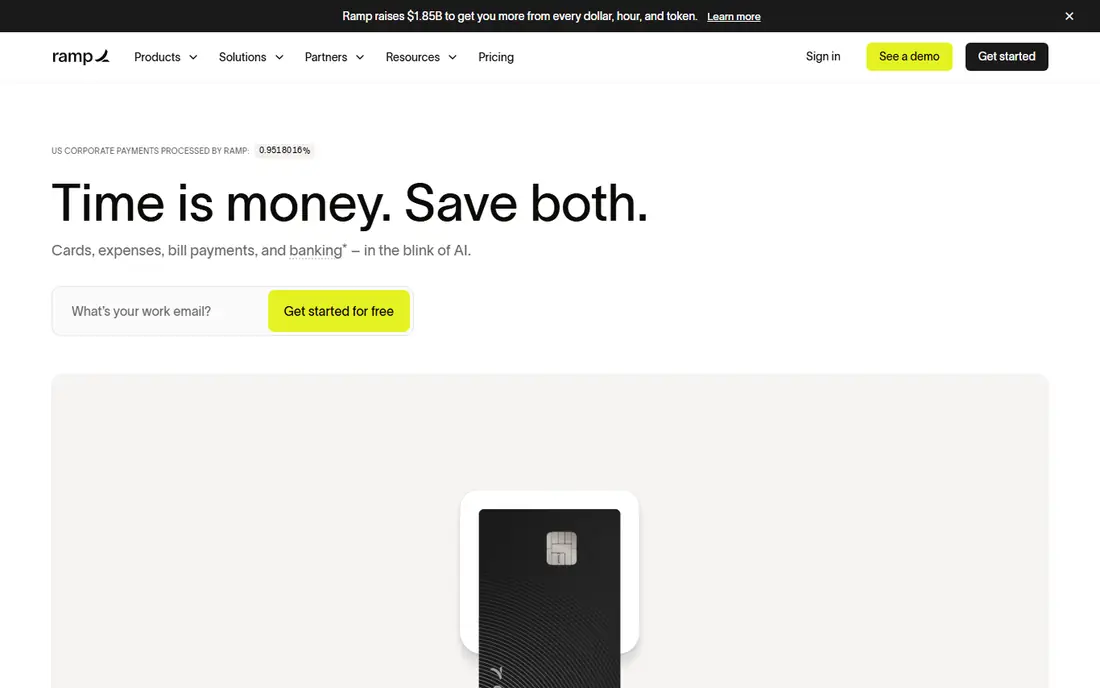
Ramp starts with a simple idea: set the limit before the money goes out, rather than chasing a receipt after it is spent. Teams issue physical and virtual cards, set limits by person or team, and get expenses coded as transactions come in. That control helps a small finance team stay ahead of spending without adding a weekly approval pile.
The free tier covers a lot of ground, including cards, expense management and bill pay, which makes Ramp easy to test with a real team. Ramp Plus, at $15 per user per month, adds deeper controls, reporting and support for larger workflows. The honest catch is that Ramp works best when the team actually uses Ramp cards. If your company has a card program it cannot leave, a card-independent tool may fit better.
- Free core tier with cards and expense tools
- Strong pre-spend controls and limits
- Fast accounting sync and receipt matching
- Best value depends on using Ramp cards
- Advanced features sit in the paid Plus tier
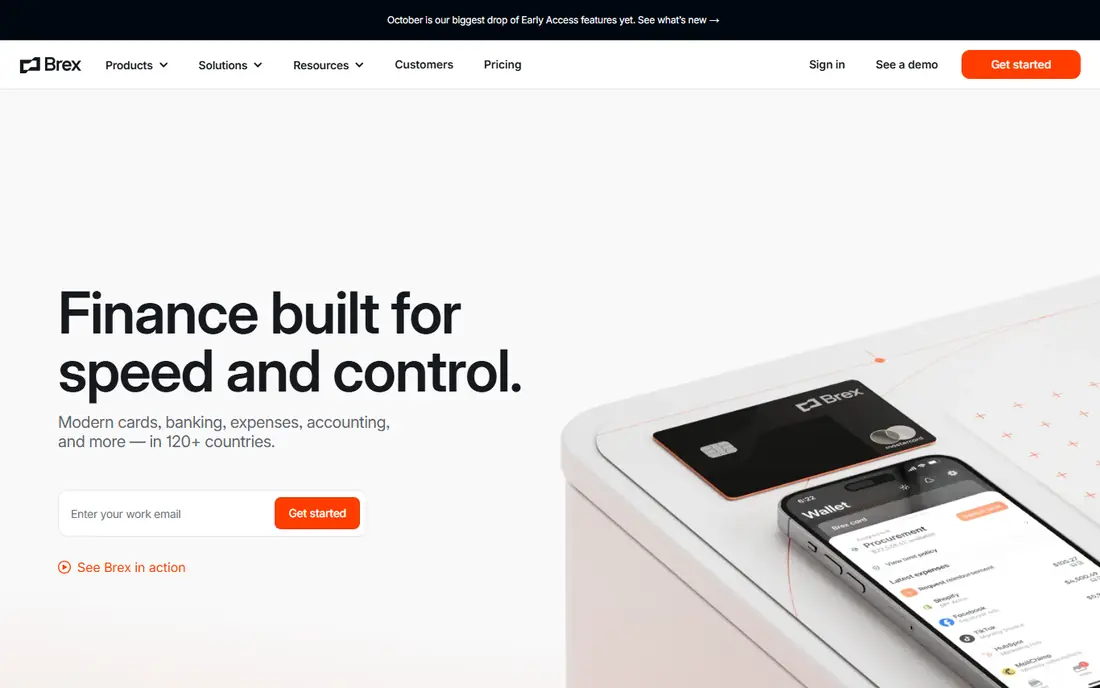
Brex pairs corporate cards with expense management, banking style accounts and bill pay, which appeals to funded startups and growing companies that want fewer vendors. The Essentials tier is free, while Premium is listed at $12 per user per month and adds advanced controls and reporting. Employees submit receipts in the app, managers approve in one place, and finance sees spend as it happens.
That breadth is also the trade-off. Brex is a full financial platform, not a narrow receipt app, so teams that only want expense reports may find more product than they need. Card limits, account eligibility and the move to paid features all deserve a check during a trial. For a team ready to centralize cards and expenses, though, the free starting point is hard to beat.
- Free Essentials tier with cards and expenses
- Clear spending policies and real-time visibility
- Bill pay included in the wider platform
- Premium features require the paid tier
- Eligibility and card approval can limit some applicants
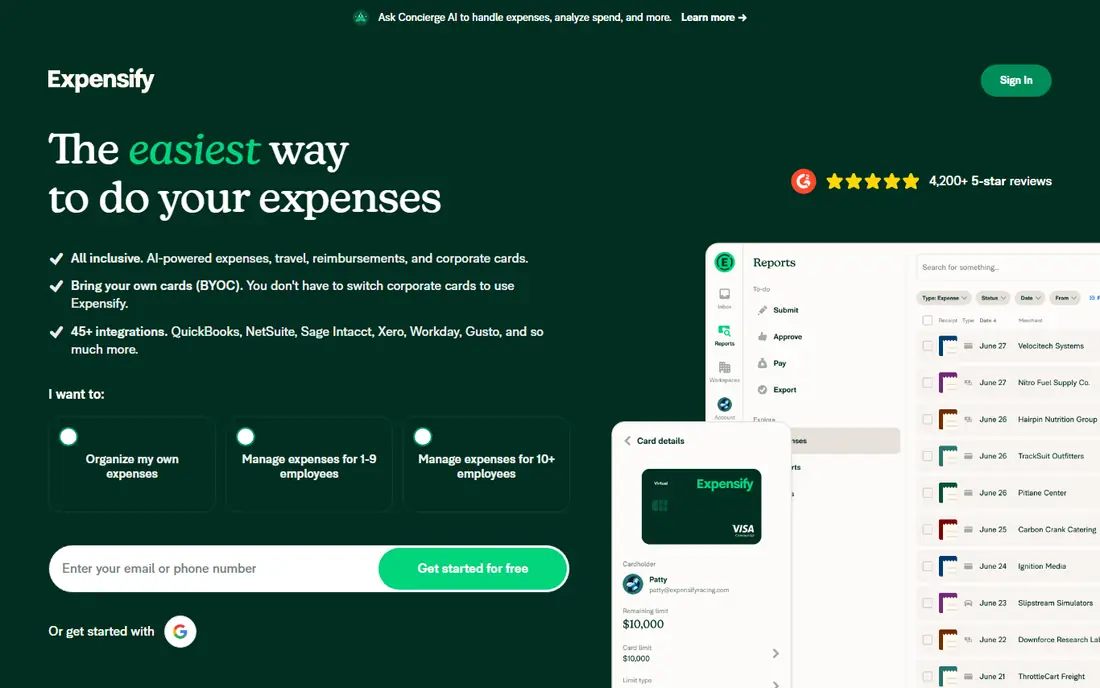
Expensify has been the default receipt app for many small businesses for years, and that familiarity still counts. Staff photograph receipts, SmartScan pulls out the details, and expenses move through approvals to reimbursement or accounting sync. Collect starts at $5 per user per month, while Control starts at $9 per user per month and adds stronger policy and approval tools.
The main reason to pick Expensify is freedom from a new card program. If your team already uses a bank card or a corporate card it likes, Expensify layers expense tracking on top without forcing a switch. The downside is price over time: a tool that starts cheap can add up across a whole company, and the free option is limited compared with card-first rivals.
- Works with cards you already have
- SmartScan receipt capture is quick to learn
- Wide currency support for travel
- No permanent free plan for teams
- Higher tier needed for deeper controls
Zoho Expense is the budget pick that still feels like a complete product, not a demo. It handles receipt scanning, mileage, per diem, approvals and accounting sync, with a free plan for up to three users and paid plans from $3 per user per month when billed annually. That price makes it easy for a small business to give every employee an account without a long approval debate.
Zoho users get the most from it, since expenses flow into Zoho Books with little manual work. Other accounting systems are supported too, but check your exact integration before you buy. Zoho Expense does not push its own card program in the same way Ramp or Brex do, so it suits teams that want expense software first and cards second.
- Very low starting price
- Free plan for very small teams
- Strong fit with Zoho Books and other Zoho apps
- Advanced multi-country features sit on higher tiers
- Interface feels plain next to card-first rivals
BILL Spend and Expense, formerly Divvy, gives small teams a free way to issue cards, set budgets and track spending in real time. Managers can cap spending by team or vendor, staff submit receipts from a phone, and finance watches budgets without waiting for statements. That budget-first design works well for companies where overspending in one department is the main problem.
The wider BILL platform also handles bill pay and payments, which can reduce the number of tools finance has to open. The catch is that the free tier is built around BILL cards, and some advanced BILL features sit in paid plans. If your team is happy to adopt BILL cards, the starting cost is low. If not, compare a card-independent option first.
- Free plan with employee cards
- Budgets by team, vendor or project
- Bill pay sits in the same BILL platform
- Deeper accounting and approval features may need paid BILL plans
- Card program is central to the free value
Navan, formerly TripActions, is the pick for companies where travel is a large share of expenses. Staff book flights and hotels inside policy, receipts match to trips, and finance sees travel and non-travel spending together. That single workflow removes the usual gap between a booking tool, a card statement and an expense report.
Pricing for the expense plan is listed from $15 per user per month, with travel booking available free in some plans, so check the exact bundle for your team size. The honest limit is focus: a company with little travel may get better value from a cheaper expense-only tool. For a team that travels often, the time saved on matching trips to receipts can justify the price.
- Travel booking and expenses in one workflow
- Receipts can match to trips automatically
- Clear policy controls for travel spend
- Full value depends on using Navan for travel
- Expense-only teams may pay for features they rarely use
SAP Concur is the enterprise end of this list, and it belongs here for small businesses that are already growing into complex policy needs. It handles expense reports, travel booking, approvals, audit rules and card feeds with a depth that simpler tools do not try to match. Companies with multiple entities, strict approval chains or heavy audit needs often find that depth worth the effort.
The trade-off is clear: pricing is by quote, implementation takes longer, and day-to-day admin is more involved. A ten-person company will likely find Concur more tool than it needs. A larger small business with formal policy, frequent travel and an SAP or major ERP system nearby should still shortlist it.
- Mature policy, audit and reporting tools
- Deep corporate card and travel integrations
- Strong fit for complex, multi-entity companies
- Quote-based pricing with no public starting price
- Setup and admin work is heavier than small-team tools
Emburse focuses on expense workflows that can stand up to review, with receipt capture, policy checks, approvals and reporting built for finance teams that need a clear trail. It suits companies moving off spreadsheets or a basic tool because audits, reimbursements or policy exceptions have become painful. Card feeds and travel data can flow in, which keeps manual entry down.
Because pricing is quote-based, you will need a sales conversation to get a firm number, and that can slow down a small buying process. Emburse also feels more formal than a free card app, which is a strength for audit-heavy teams and a drawback for teams that want the lightest possible tool. Shortlist it when control and audit matter more than the lowest monthly fee.
- Strong receipt capture and audit trails
- Good support for complex approvals
- Works across cards, travel and reimbursements
- Pricing is quote-based
- Smaller teams may find the platform more formal than needed
Pleo gives employees their own cards with limits set by managers, then asks for a receipt photo in the app when a purchase needs one. That design reduces the usual month-end chase, because spending, receipts and approvals live in one place. It works well for distributed teams, agencies and companies where many staff spend small amounts often.
Pleo pricing is not a single public starting number for every region, so confirm the plan and price for the United States before budgeting. Higher tiers add deeper controls and integrations, which means the cheapest plan may not cover everything a growing finance team wants. For teams that value a simple employee experience, Pleo is still a strong, modern option.
- Employee-friendly cards and app
- Simple spending limits and receipt capture
- Good fit for distributed small teams
- Pricing varies by plan and region, so verify your local price
- Some advanced finance features need higher tiers
How we picked these
We compared official feature pages, pricing pages, app store listings and public reviews for expense tools that serve small and mid-size businesses in the United States. We kept tools that handle receipt capture, approvals and accounting sync today, and we favored a mix of free card-first platforms, low-cost standalone tools and stricter enterprise options. Prices shown are starting prices from vendor pages or recent vendor listings, and where a vendor does not publish a price we wrote See website rather than guessing.
What to check before you buy
Start with your card situation, because it shapes the whole shortlist. If you can switch cards, Ramp, Brex, BILL and Pleo offer strong free or low-cost starting points. If you must keep existing cards, Expensify, Zoho Expense and Emburse deserve a closer look. Then check accounting sync: confirm the exact system you use, the sync direction, and whether expenses post as bills, journal entries or reimbursements in the way your accountant expects.
Count the real monthly cost
Multiply the per-user price by every person who will submit expenses, not just finance staff, and add any platform fee listed on the pricing page. Ask whether requesters, approvers and accountants each need a paid seat. A free tier can look cheap until a paid tier is needed for approvals, multi-entity reporting or a key integration.
Test approvals with real receipts
Run a two-week trial with real trips, meals and subscriptions, including one out-of-policy purchase and one missing receipt. Watch how long approvals take, how clearly policy breaches are flagged, and how much manual coding finance still has to do. The tool that feels easiest for employees usually wins, because expenses only work when staff actually submit them on time.
FAQ
What is the cheapest expense management software for a small business?
Zoho Expense and the free tiers from Ramp, Brex and BILL are among the lowest-cost starting points, with Zoho paid plans from $3 per user per month when billed annually. The cheapest option still depends on whether you need cards, travel booking or advanced approvals. Compare total cost per user, not just the headline price.
Do I need to switch corporate cards to use expense software?
No, tools such as Expensify and Zoho Expense work with cards you already have, while Ramp, Brex and BILL offer the most value when you use their cards. Decide which route fits your bank and card contracts before you shortlist. Card-first tools usually offer stronger pre-spend controls.
How does expense software connect to accounting?
Most tools sync approved expenses, receipts and card transactions to systems such as QuickBooks, Xero or Zoho Books, and some sync to larger ERP systems. Check whether the sync is automatic, how often it runs, and whether it posts in the format your accountant needs. A trial with your real chart of accounts will reveal gaps quickly.
Can expense software handle travel expenses too?
Yes, and Navan and SAP Concur are built for travel plus expenses, while other tools handle travel receipts as ordinary expenses. If travel is a major cost, pick a tool that matches receipts to trips and enforces travel policy at booking. That saves more time than receipt scanning alone.
Is a free plan enough for a small team?
A free plan can be enough for a very small team with simple approvals and one entity, especially from Ramp, Brex, BILL or Zoho Expense. Larger teams, multi-entity companies and teams that need audit trails or advanced reporting usually need a paid tier. Start free, then upgrade when a specific limit blocks your workflow.
What should finance check about security and privacy?
Check how receipts and card data are stored, who can see spending by employee, and whether the vendor offers controls such as role-based access and audit logs. Review the vendor privacy policy and data retention terms before connecting bank or card feeds. Limit admin access to staff who need it, and turn on approval alerts for large or unusual purchases.