Best Expense Management Software for Businesses in 2026: 8 Tools Compared
Compare the best expense management software for businesses in 2026. We review 8 tools for cards, receipts, approvals, travel and accounting integrations.
- Editor's choice
 Ramp
Card first spend control
Starts atFreeVisit ramp.comFull review - Great alternative
 Brex
Startups and growing teams
Starts atFreeVisit brex.comFull review - Also consider
 Expensify
Receipts and reimbursements
Starts at$5 per user per monthVisit expensify.comFull review
TL;DR:
- Card first tools such as Ramp and Brex bundle corporate cards with expense tracking, which suits teams that want controls at the point of spend.
- Card agnostic tools such as Expensify, Zoho Expense and SAP Concur work with cards you already use, which suits firms that want to keep existing banking.
- Free tiers are real at several vendors, but advanced approvals, analytics and integrations usually sit on paid plans.
- The cheapest headline price is not always the cheapest total cost, so model fees, card terms and accounting time together.
- Test receipt scanning, approval routing and your accounting integration during a trial before rolling a tool out company wide.
Quick comparison
| Tool | Best for | Starts at | Free plan? | |
|---|---|---|---|---|
| Ramp | Card first spend control | Free | Yes | Visit |
| Brex | Startups and growing teams | Free | Yes | Visit |
| Expensify | Receipts and reimbursements | $5 per user per month | Yes | Visit |
 SAP Concur | Large enterprise travel and expense | See website | No | Visit |
 Navan | Travel and expense in one place | See website | Yes | Visit |
 Zoho Expense | Small business value | Free | Yes | Visit |
 Airbase | Mid market approvals and payables | See website | No | Visit |
 Rippling | Expenses tied to HR data | See website | No | Visit |
The best expense management software for businesses
These eight tools cover card based spend, classic reimbursement, enterprise travel and HR connected expenses.
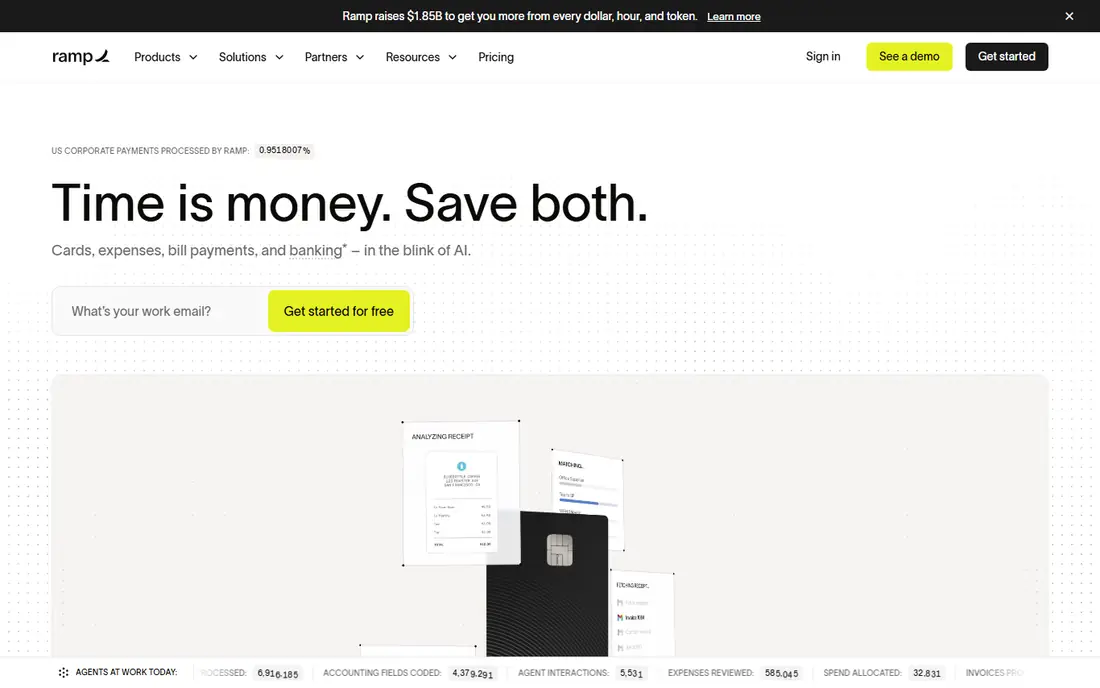
Ramp is built around the idea that controlling spend at the card is easier than chasing receipts later. Managers set limits by team, vendor or category, and transactions are coded as they happen. That design suits finance teams that want fewer month end surprises and a clear audit trail.
The catch is that Ramp works best when your team actually uses Ramp cards. Companies that want to keep another card program, or that need complex enterprise travel rules, may find a card agnostic tool a better fit. For card first teams, the free base tier makes it easy to test.
- Corporate cards with built in limits
- Receipt capture and accounting sync
- Free base tier
- Best value comes with Ramp cards
- Some advanced features need paid tiers
- Card approval depends on underwriting
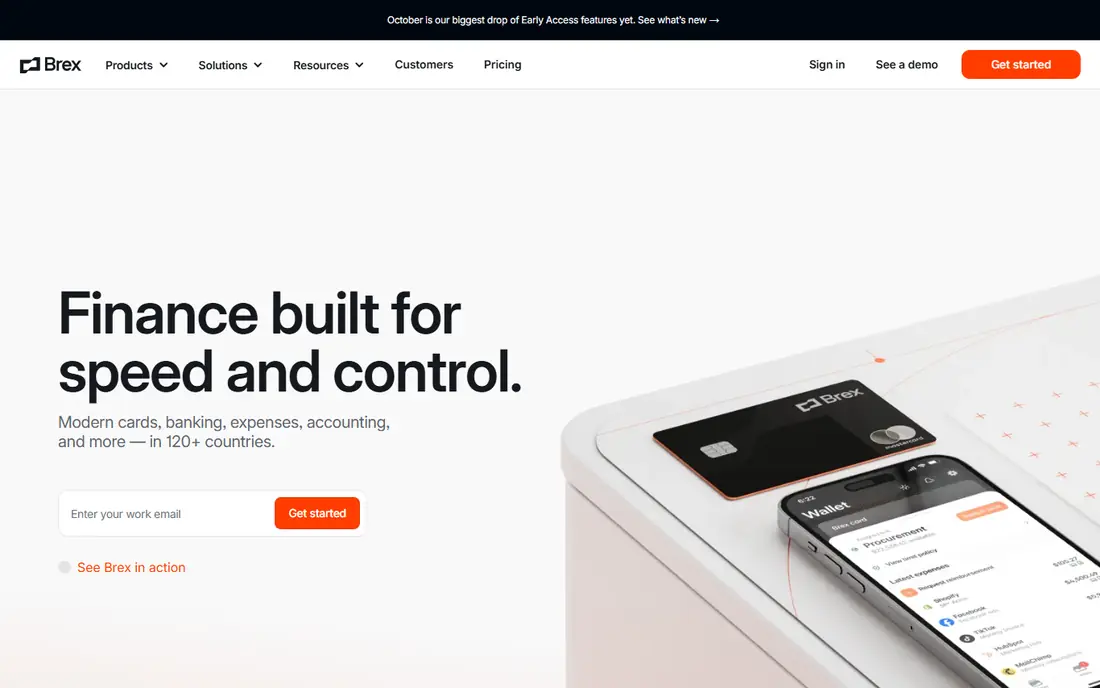
Brex appeals to startups and growing companies that want cards, expenses and bill pay without a separate software fee for the base tier. Receipts are matched automatically, policies can block out of policy spend, and finance teams get a live view of burn by team. The platform grew up serving venture backed firms, so its onboarding feels built for fast moving teams.
Brex is less natural for companies that cannot qualify for its cards, or for enterprises with deep travel and procurement rules. Paid tiers add controls and integrations, so check which features your finance team actually needs before assuming the free tier covers everything.
- Corporate cards with no base software fee
- Expense automation
- Bill pay in the same platform
- Card qualification can exclude some firms
- Premium features cost extra
- Support for very large enterprises is thinner
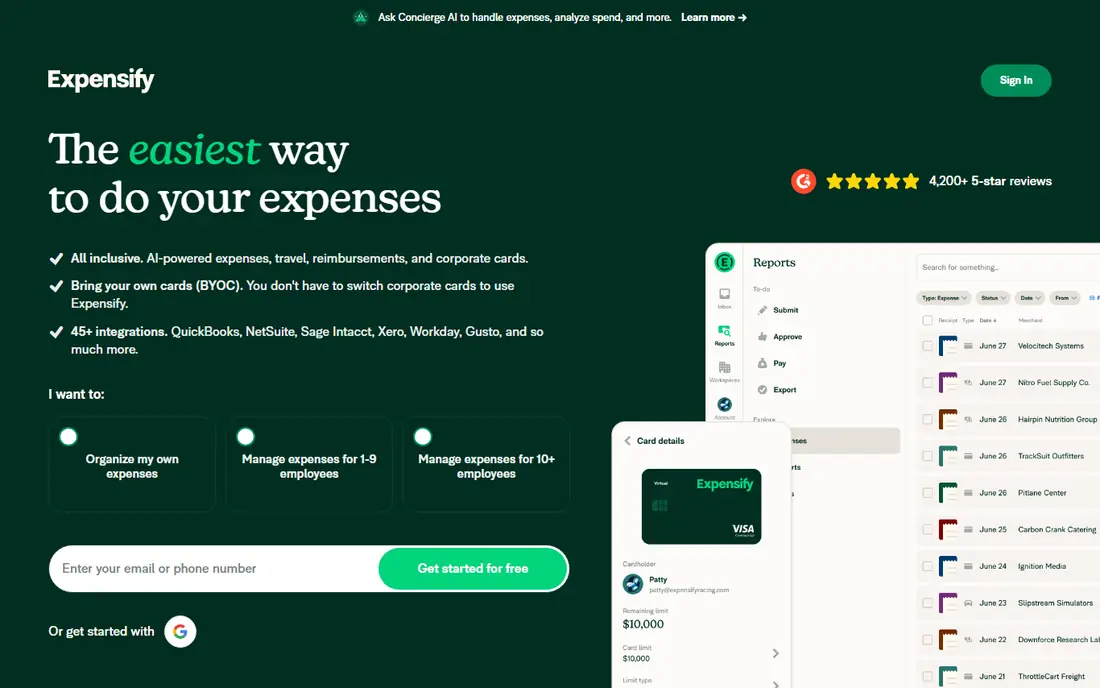
Expensify is the classic choice for teams that mainly need clean reimbursements. Employees photograph receipts, the app reads the details, and managers approve from a phone. It works with cards you already hold, so you do not need to change banking to adopt it.
The weakness is that the cheapest plans cover the basics, while multi level approvals, deep integrations and stronger controls cost more. Companies that need card first controls may prefer Ramp or Brex, while teams that live on reimbursements will find Expensify simple and familiar.
- Strong mobile receipt scanning
- Works with existing cards
- Simple reimbursement flow
- Advanced controls sit on higher tiers
- Card features are optional rather than central
- Pricing varies by plan
SAP Concur is the enterprise standard for travel and expense, especially inside companies that already run SAP systems. It handles complex policies, multi country tax rules and travel booking in one workflow, and it connects to large ERP setups that smaller tools cannot match. For global firms with thousands of travellers, that depth matters.
Small firms should look elsewhere. Pricing is quoted rather than listed, setup is a project rather than a quick signup, and the interface is more functional than friendly. Concur earns its place here for scale, not for simplicity.
- Mature travel and expense controls
- Deep ERP integration
- Strong global support
- Pricing by quote
- Implementation can take months
- Interface feels dated to some users
Navan combines travel booking and expense management, so a trip booked in policy flows straight into expenses. Travellers see allowed options at booking time, finance sees spend in real time, and receipts can be captured on the go. That joined up design cuts the usual gap between booking, spending and reporting.
Companies that rarely travel may pay for features they do not use. Navan is strongest when travel is a regular cost, and weaker as a bare bones receipt tool. Check the plan that matches your headcount, since pricing scales with users.
- Travel booking with policy built in
- Expense capture in the same app
- Cards available
- Paid tiers rise with headcount
- Travel focus may exceed a pure expense need
- Some features need the full platform
Zoho Expense is a strong value pick for small businesses, especially those already using Zoho Books or other Zoho apps. The free tier covers basic expense tracking, and paid plans add approvals, corporate card feeds and deeper reporting at modest prices. Setup is quick, and the mobile app covers the daily receipt job well.
Limits appear on the lower plans, including caps on receipt scans per user per month. Larger firms with complex policies or multi entity accounting will outgrow it. For a small team that wants low cost and low fuss, it is hard to beat.
- Free tier for small teams
- Good Zoho integrations
- Simple approval workflows
- Receipt scan caps on lower plans
- Fewer enterprise controls
- Advanced analytics need premium tiers
Airbase targets mid market finance teams that need approvals to be airtight. Requests, cards, expenses and vendor bills run through one approval chain, with accounting codes applied before money moves. That control helps firms that have outgrown simple receipt apps but are not ready for a full enterprise suite.
The trade off is effort. Pricing is quoted, onboarding takes weeks, and very small teams may find the platform heavier than they need. For finance leaders who want control without enterprise complexity, Airbase sits in a useful middle ground.
- Strong approval workflows
- Combines expenses, cards and bill pay
- Good accounting integrations
- Pricing by quote
- Implementation takes longer than card first tools
- Best suited to mid market firms
Rippling Spend stands out because expense policy follows the employee record. When someone joins, changes team or leaves, their spend limits and approvals update from HR data rather than from a separate manual step. That reduces the stale access problem that finance teams know well.
Rippling works best for companies already using, or planning to use, Rippling for HR and payroll. As a standalone expense tool it is harder to judge on price, since quotes include platform fees. For firms that want one employee system feeding spend, it is a compelling choice.
- Spend controls follow employee records
- Unified HR, payroll and IT data
- Strong policy automation
- Pricing by quote plus platform fees
- Full value needs wider Rippling adoption
- Smaller firms may find it broad
How we picked these
We compared official pricing pages, product documentation and public reviews for expense tools aimed at businesses rather than personal budgeting. We looked at card options, receipt capture, approvals, accounting integrations, travel support and total cost. We favoured tools with a clear business use case in October 2026 and noted where pricing is quoted rather than published, so readers are not misled by headline figures.
How to choose the right expense tool
Start by deciding whether you want a new corporate card program or not. Card first tools give the tightest control, but they ask your team to change how it pays. Card agnostic tools are easier to adopt, but they rely more on policy and reimbursement discipline after the spend happens.
Next, map your approval chain and your accounting system. A tool that cannot route to the right manager, or sync cleanly to your ledger, will create manual work no matter how good its app looks. Run a trial with a small group, including one travelling employee and one frequent submitter, and measure how long approvals and month end close actually take.
Also review reporting before you buy. Finance teams live in month end reports, audit trails and spend by category, so a pretty app with weak exports will cost hours later. Ask for a sample report during a trial, check how corrections are handled, and confirm that historical data can be exported if you switch vendors.
FAQ
What is the best expense management software for businesses?
The best tool depends on size and spend style. Ramp and Brex suit card first teams, Expensify and Zoho Expense suit reimbursement heavy small firms, and SAP Concur suits large enterprises with travel needs.
Is free expense management software really free?
Several tools offer a free base tier, but advanced approvals, integrations and analytics usually cost extra. Card first vendors can offer free software because they earn card revenue, so check card terms and qualification rules too.
Do we need corporate cards to use expense software?
No. Expensify, Zoho Expense, SAP Concur and Airbase work with existing cards or pure reimbursements. Ramp, Brex and Navan offer cards as part of the product, but the card is a feature rather than a universal requirement.
How long does implementation take?
Card first tools can go live in days once card underwriting clears, while small receipt tools take one to three weeks. Mid market and enterprise tools can take a month or longer, so ask for a written timeline before signing.
What integrations matter most?
Accounting sync matters most, followed by HR data for approvals, travel booking if your team travels, and bank or card feeds for automatic transaction import. Test each integration in a trial rather than trusting a logo list.
How much does expense software cost per user?
Free tiers exist at Ramp, Brex and Zoho Expense, while paid plans in this list range from about $5 per user per month at Expensify to quoted enterprise pricing at SAP Concur, Airbase and Rippling. Model a full year at your headcount before deciding.