Best Encrypted File Sharing App for Healthcare (2026): 6 Picks Checked on Vendor Pages
Compare 6 picks for the best encrypted file sharing app for healthcare, with prices, free plans and who each fits. Every tool lists pros and cons. Easy to scan.
- Editor's choice
 Google Workspace
Secure collaboration in Google environments
Starts atSee websiteVisit workspace.google.comFull review - Great alternative
 Egnyte
Governing sensitive content at scale
Starts at$22 per user a monthVisit egnyte.comFull review - Also consider
 Dropbox Business
Storage and sharing for professional teams
Starts atSee websiteVisit dropbox.comFull review
Direct answer
For secure collaboration in Google environments, Google Workspace is where this list starts. Listed starting prices: Egnyte from $22 per user a month, Virtru from $119 a month and ShareFile from $16.50 per user a month. If your case is different, Egnyte suits governing sensitive content at scale and Dropbox Business suits storage and sharing for professional teams. The full list of 6 tools follows, with prices and free plan facts.
TL;DR:
- Number one here is Google Workspace, a fit for secure collaboration in Google environments.
- Starting prices begin at $16.50 per user per month with ShareFile.
- ShareFile suits secure document workflows and sharing.
- None of the 6 tools, from Google Workspace to ShareFile, has a free plan, so budget for a subscription or use a trial.
- One limit worth knowing about Google Workspace: encryption specifics need confirmation.
Last checked November 2026. Prices and plan details were read from the vendors' own pages in November 2026; vendors change plans often, so confirm the current price on the vendor site before you buy.
Quick comparison
| Tool | Best for | Starts at | Free plan? | |
|---|---|---|---|---|
| Google Workspace | Secure collaboration in Google environments | See website | Not stated | Visit |
| Egnyte | Governing sensitive content at scale | $22 per user a month | Free trial | Visit |
| Dropbox Business | Storage and sharing for professional teams | See website | Not stated | Visit |
 Box | Content management with workflow automation | See website | Not stated | Visit |
 Virtru | End-to-end encryption with access control | $119 a month | No | Visit |
 ShareFile | Secure document workflows and sharing | $16.50 per user a month | Free trial | Visit |
Every option for encrypted file sharing app for healthcare explained
If you are comparing encrypted file sharing app for healthcare, this page covers 6 tools in one place: what each is best for, what it costs to start, whether it has a free plan, and the main limit to know about.
Choose Google Workspace for secure collaboration in Google environments. Google Workspace presents a suite of secure online productivity and collaboration tools pitched at teams of all sizes. As for the details, for healthcare groups that already work in Google's document tools, sharing files and collaborating happens inside the same environment where content is created.
Drawbacks to consider: Encryption specifics need confirmation.
That cuts the friction of moving records between separate systems. In practice, the homepage describes the suite broadly, so buyers should verify the encryption and administrative controls relevant to protected health information. Evaluate Workspace alongside your existing account structure and compliance requirements instead of in isolation. This comparison lists no price for Google Workspace; ask the vendor. Free options: Not stated.
- Familiar document tools
- Security emphasized for teams of all sizes
- Best fit for Google-centric organizations
Egnyte is designed for governing sensitive content at scale. Egnyte describes a content cloud aimed at enterprises, emphasizing governance of sensitive content and collaboration on large files in one secure system. Healthcare organizations with substantial imaging, research or records libraries frequently need that combination of scale and control.
From a buyer's view, smaller teams may prefer a simpler tool, while bigger organizations should weigh Egnyte's governance strengths against their specific content workflows. Administrative setup and policy configuration take effort. Egnyte starts at: $22 per user per month. Free plan details: Free trial.
Drawbacks to consider: Setup needs administrative effort.
- Single secure system
- Governance for sensitive content
- Enterprise orientation may be heavy for small teams
Think of Dropbox Business for storage and sharing for professional teams. Its appeal for healthcare offices is familiarity: staff frequently already know how Dropbox works, which shortens training time.
Drawbacks to consider: Encryption details need vendor confirmation.
From a buyer's view, the added products around storage suggest it can handle typical document tasks beyond straightforward file transfer. Pricing for Dropbox Business is not stated here, so ask the vendor for current figures. Free access: Not stated.
- Cloud storage and sharing
- Backup choices
- Advanced controls tied to business offerings
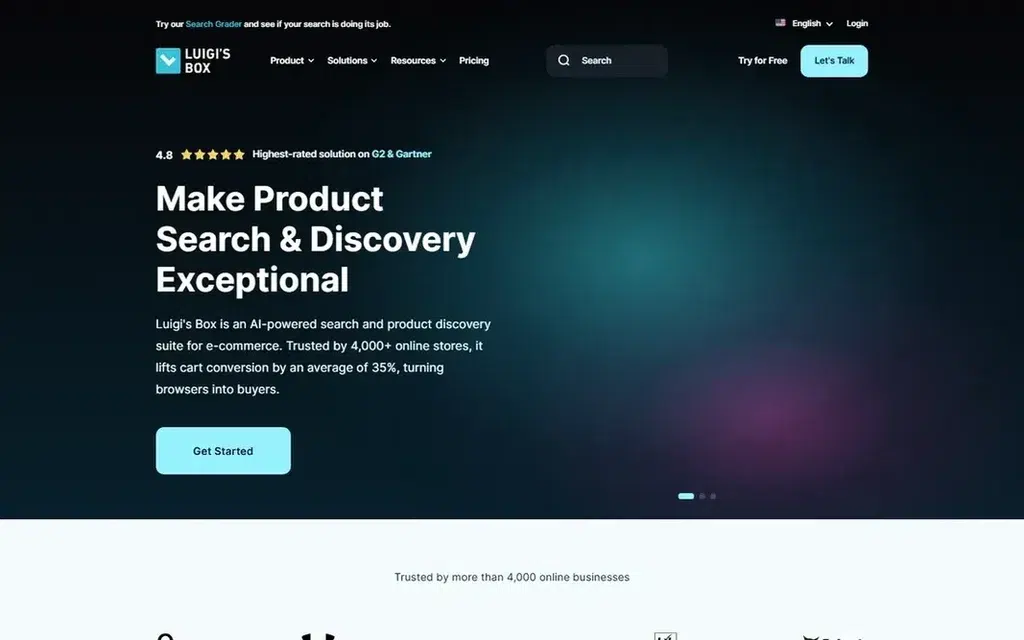
Box is a good fit for content management with workflow automation. On top of that, the product's breadth can be more than a small practice needs if the goal is just encrypted sharing.
Drawbacks to consider: Governance setup needs planning.
Beyond that, teams seeking a light sharing tool may prefer a narrower choice, whereas those managing complicated content should evaluate Box against their workflow requirements. Box does not show a starting price in this comparison, so check the vendor site for current pricing. Free access: Not stated.
- Internal and external collaboration
- Protection for sensitive data
- Wide product may exceed straightforward sharing needs
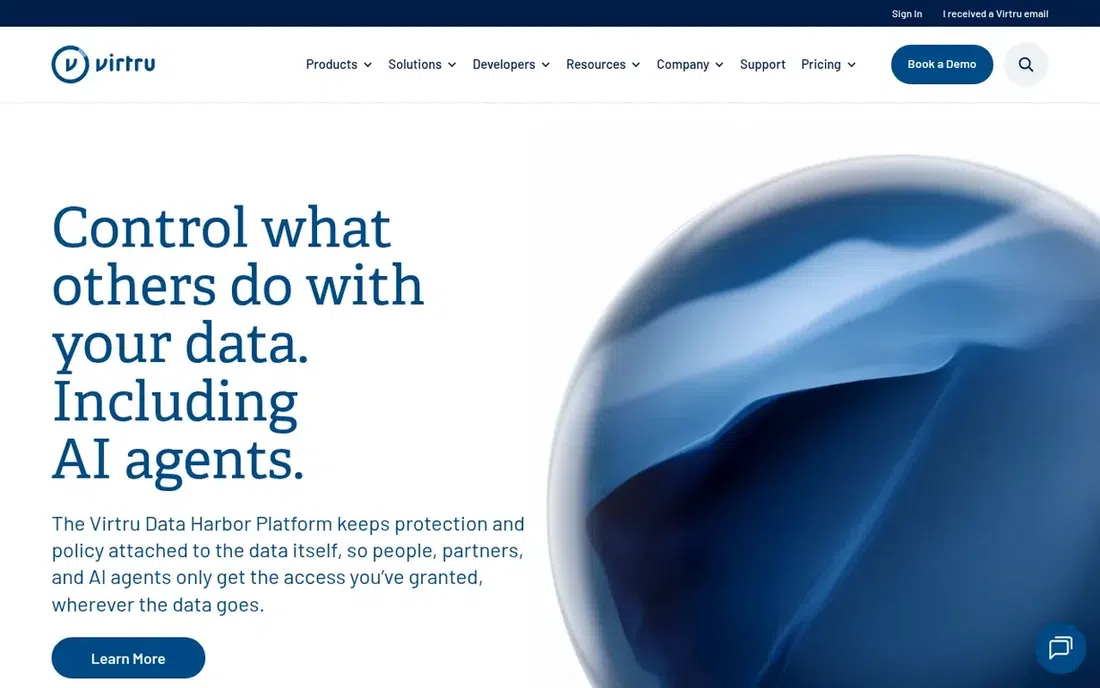
In short, Virtru is for end-to-end encryption with access control. Healthcare teams that already use standard email and storage tools may find it handy for adding an encryption layer without replacing everything.
Honest limits: Configuration may need IT involvement.
In daily use, Virtru presents itself as a data protection platform that applies end-to-end encryption and access control to email, files and apps. What you pay to start with Virtru: $119 per month. Virtru has no permanent free option.
- Designed for enterprise and defense use
- End-to-end encryption for email and files
- Overlaps with existing email and storage tools
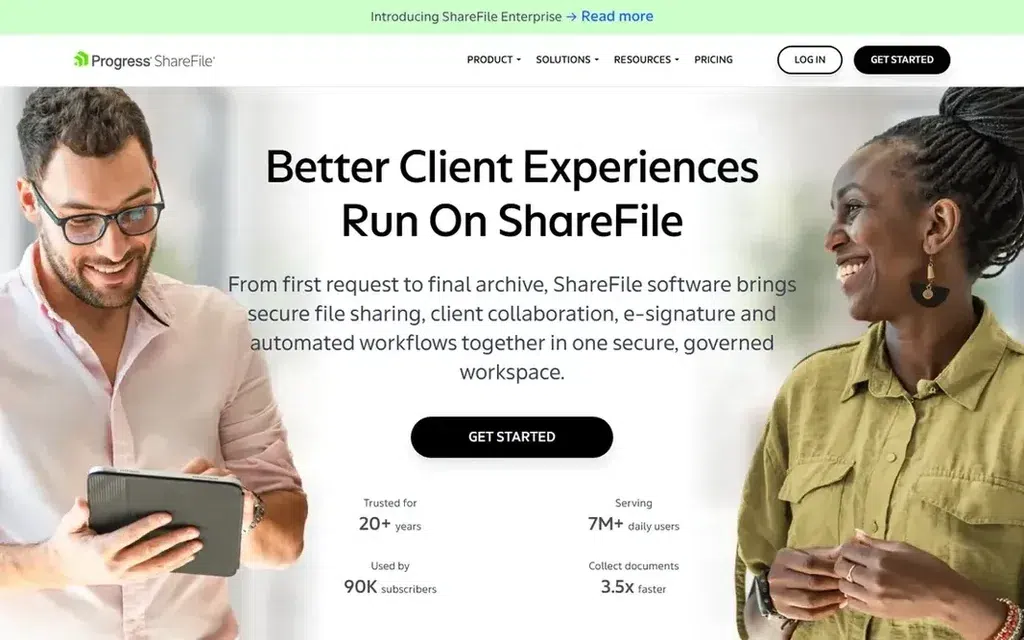
ShareFile is designed for secure document workflows and sharing. That combination fits healthcare offices that send and receive documents on a regular basis and want sharing controls built into the workflow instead of added afterward.
Downsides: Workflow setup can take planning.
Organizations already standardized on a broader productivity suite may prefer to use its built-in sharing instead of add another tool. What you pay to start with ShareFile: $16.50 per user per month. Trial and free access: Free trial.
- Familiar file sharing model
- Document workflow features
- Feature depth varies by configuration
How we built this list
A buyer's checklist
- Get a written quote from Google Workspace, Dropbox Business and Box; the list shows no starting price for them.
- Run a trial of Egnyte and ShareFile with real work before paying for a year; your own workflow is the best test.
- Before choosing Google Workspace, weigh its main limit: encryption specifics need confirmation.
- Ask the daily users to test Virtru on a live task before you roll it out to everyone.
- Map your must-have features to a specific Dropbox Business plan before you compare prices.
FAQ
Can I try these tools before paying?
Often, yes. Egnyte and ShareFile offer a free trial. Use your own data and a real task during the test, and check what the free tier or trial limits before you rely on it. Each of the 6 options in this encrypted file sharing app for healthcare guide has its own card above with the price, free plan and limits.
What is the cheapest option for encrypted file sharing app for healthcare in this list?
On published monthly entry prices, ShareFile is the lowest here at $16.50 per user per month. Entry price is only part of the cost, because seats, add-ons and billing terms can change the total. All 6 picks in this encrypted file sharing app for healthcare comparison list a starting price, free plan details and the main limits on their cards above.
Is Google Workspace the right pick for everyone comparing encrypted file sharing app for healthcare?
No single tool suits every team. Google Workspace comes first because it fits secure collaboration in Google environments, while Egnyte suits governing sensitive content at scale and Dropbox Business suits storage and sharing for professional teams. Match the tool to your own size, budget and workflow before deciding.
Does any tool for encrypted file sharing app for healthcare here have a free plan?
A permanent free plan is not offered by Google Workspace, ShareFile or the other tools here. Egnyte, ShareFile offer a trial. Plan a short evaluation period instead.
Sources
- https://workspace.google.com
- https://www.egnyte.com
- https://www.dropbox.com/business
- https://www.box.com
- https://www.virtru.com
- https://www.sharefile.com