Best Employee Training Software for Freelancers in 2026: Prices, Free Plans and 5 Picks
Weighing the best employee training software for freelancers? We lined up 5 products by cost, free access and fit. Short verdicts, no fluff. Easy to scan.
- Editor's choice
 LearnWorlds
Building and scaling a learning business
Starts atSee websiteVisit learnworlds.comFull review - Great alternative
 Teachable
Selling courses, coaching and memberships
Starts at$39 a monthVisit teachable.comFull review - Also consider
 TalentLMS
Quick cloud course creation and management
Starts at$119 per monthVisit talentlms.comFull review
Direct answer
For building and scaling a learning business, LearnWorlds is where this list starts. Listed starting prices: Teachable from $39 a month, TalentLMS from $119 per month and iSpring Learn from $6.91 USD per user/month. Teachable is better for selling courses, coaching and memberships, and TalentLMS is better for quick cloud course creation and management. The other 2 tools in the list cover narrower or pricier cases.
TL;DR:
- This list starts with LearnWorlds, which is built for building and scaling a learning business.
- Just one of the 5 tools, TalentLMS, has a free plan.
- Docebo fits skills intelligence and workforce readiness.
- Check the limits for LearnWorlds before you commit: geared toward learning firms instead of one-off client projects.
Last checked November 2026. Prices and plan details were read from the vendors' own pages in November 2026; vendors change plans often, so confirm the current price on the vendor site before you buy.
Quick comparison
| Tool | Best for | Starts at | Free plan? | |
|---|---|---|---|---|
| LearnWorlds | Building and scaling a learning business | See website | Free trial | Visit |
| Teachable | Selling courses, coaching and memberships | $39 a month | Free trial | Visit |
| TalentLMS | Quick cloud course creation and management | $119 per month | Yes | Visit |
 iSpring Learn | Onboarding, compliance and employee development | $6.91 USD per user/month | Free trial | Visit |
 Docebo | Skills intelligence and workforce readiness | See website | Not stated | Visit |
Every option for employee training software for freelancers explained
LinkVetted put together this guide to employee training software for freelancers for readers who want a clear shortlist without reading every vendor page. It compares 5 tools on starting price, free plans, who each one suits and where each one falls short.
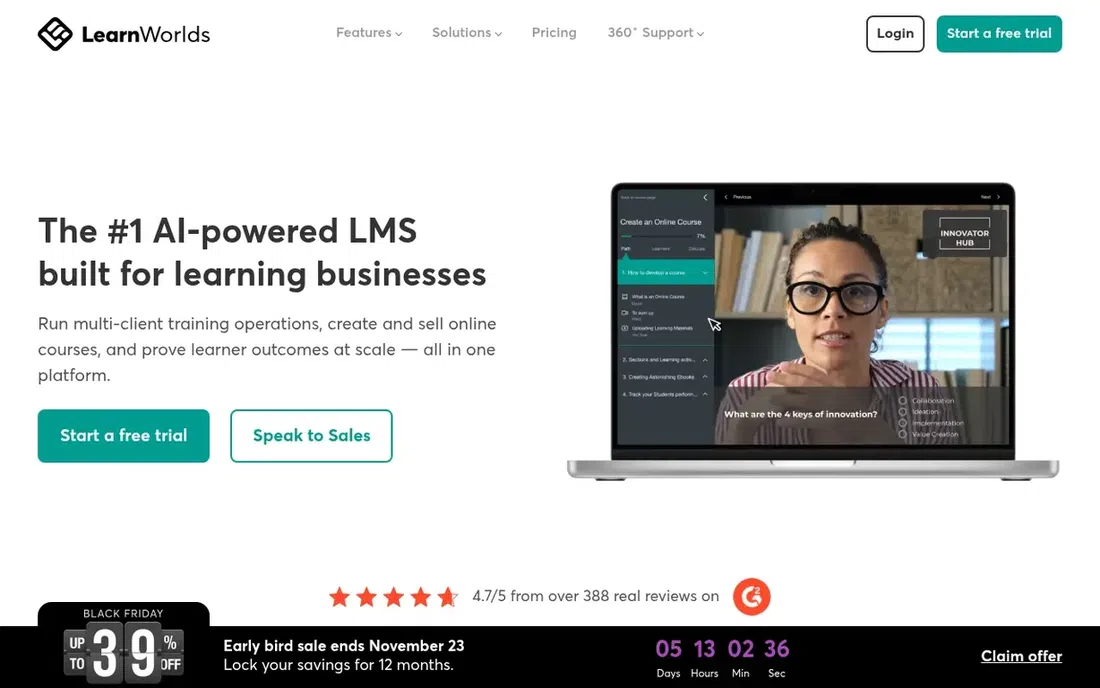
For building and scaling a learning business, LearnWorlds is a natural candidate. LearnWorlds presents itself as a complete LMS for learning firms that build, deliver and scale training programs.
Downsides: May feel wide for a single small course.
Pick LearnWorlds when scaling a branded training catalog is the plan. Pricing for LearnWorlds is not stated here, so ask the vendor for current figures. Free plan details: Free trial.
- Fits branded training offerings
- Supports building
- Geared toward learning companies instead of one-off client projects
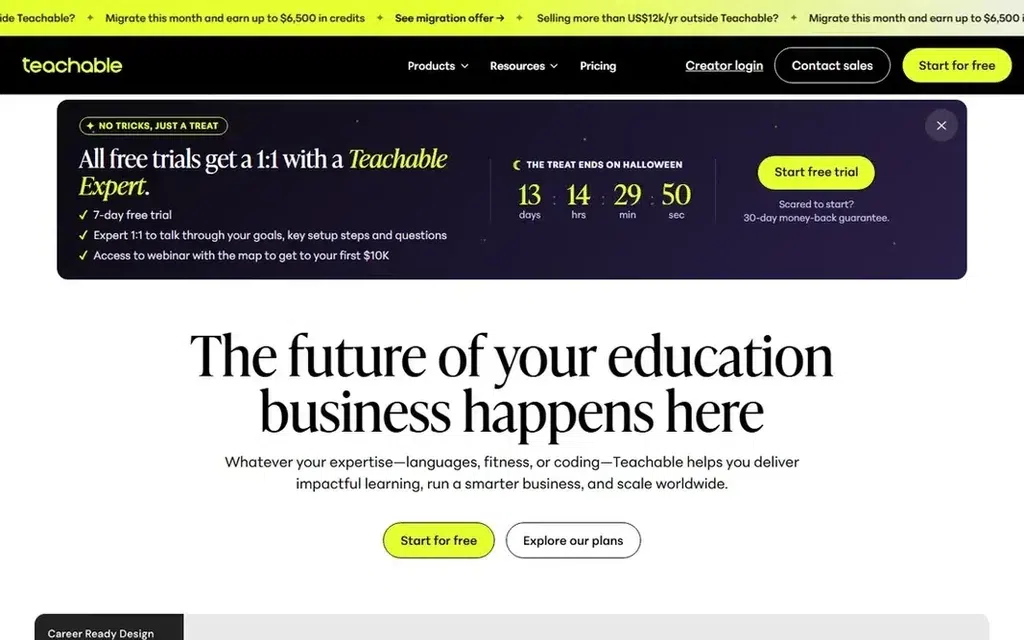
Teachable works best for selling courses, coaching and memberships. Its creator focus means internal employee training workflows, for example compliance tracking for a client's workforce, are not the core strength.
Watch-outs: Less centred on internal employee compliance training.
Entry price for Teachable: $39 per month. As for free access: Free trial.
- Creator-oriented storefront approach
- Built around selling courses and digital products
- Learner administration is lighter than corporate LMS tools
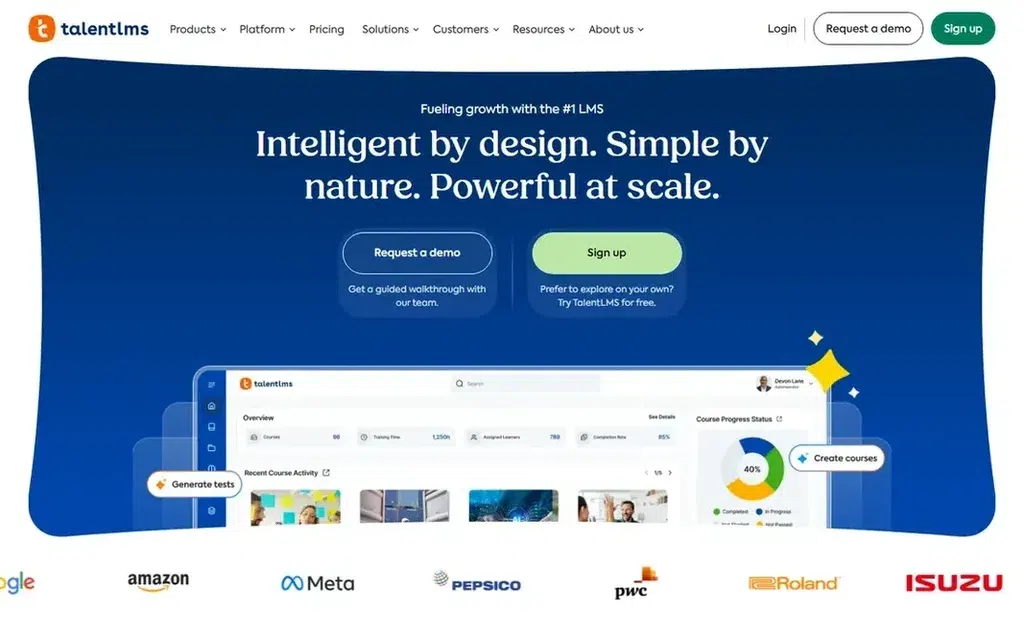
Think of TalentLMS for quick cloud course creation and management. For freelancers, the appeal is a single workspace where you can assemble training content, enroll learners and track progress without maintaining your own infrastructure. From a buyer's view, choose TalentLMS when managed corporate-style training is the priority.
Honest limits: Branding depth relies on the setup you choose.
If your central goal is selling courses to the public instead of training a client's staff, a creator-focused system may be a better match. Since it is positioned as a wide cloud LMS, some of its depth targets bigger learning operations, so a solo freelancer may not use every capability. TalentLMS starts at: $119 per month. You can start on TalentLMS without paying.
- Straightforward course and learner organization
- Cloud system for creating and managing online courses
- Advanced enterprise features sit outside a freelancer's usual needs
Where iSpring Learn fits: onboarding, compliance and employee development. The system is aimed at corporate training functions, so its compliance and development framing may not apply to every freelance project.
Where it is weaker: Compliance features matter only in relevant engagements.
Price to start with iSpring Learn: $6.91 USD per user/month. Trial and free access: Free trial.
- Structured employee development support
- Corporate LMS targeted at business growth
- Corporate framing instead of creator selling
Pick Docebo if this describes you: skills intelligence and workforce readiness. For freelancers, it is most relevant when a client engagement involves mapping skills and readiness across a workforce, not just delivering a course.
Where it is weaker: Enterprise orientation can outweigh freelancer needs.
It suits consultants brought in for capability or readiness programs inside bigger organizations. Pricing for Docebo is not stated here, so ask the vendor for current figures. Free access: Not stated.
- Bundles knowledge and AI agent capabilities
- Links skills intelligence with learning
- Setup depth may need client-side support
How we built this list
What to check before you buy
- Get a written quote from LearnWorlds and Docebo; the list shows no starting price for them.
- Test the free plan from TalentLMS against your real workload before relying on it.
- Run a trial of LearnWorlds, Teachable and iSpring Learn with real work before paying for a year; your own workflow is the best test.
- Before choosing LearnWorlds, weigh its main limit: geared toward learning firms instead of one-off client projects.
- Ask whether TalentLMS integrates with your current software, and whether that comes standard or as an add-on.
- Verify that exporting from Docebo is possible on your plan and covers all your records.
FAQ
How are the tools for employee training software for freelancers ordered?
The order follows typical fit for employee training software for freelancers, with LearnWorlds first and Docebo last, then price clarity and free access. It is editorial judgement, not a score, so another team could rank the tools differently.
Is LearnWorlds the right pick for everyone comparing employee training software for freelancers?
No single tool suits every team. LearnWorlds comes first because it fits building and scaling a learning business, while Teachable suits selling courses, coaching and memberships and TalentLMS suits fast cloud course creation and management. Match the tool to your own size, budget and workflow before deciding.
What is the cheapest option for employee training software for freelancers in this list?
On published monthly entry prices, iSpring Learn is the lowest here at $6.91 USD per user/month. Entry price is only part of the cost, because seats, add-ons and billing terms can change the total. All 5 picks in this employee training software for freelancers comparison list a starting price, free plan details and the main limits on their cards above.
Can I try these tools before paying?
Often, yes. TalentLMS has a free plan and LearnWorlds, Teachable and iSpring Learn offer a free trial. Use your own data and a real task during the test, and check what the free tier or trial limits before you rely on it. For the full picture, the cards above cover all 5 entries of this employee training software for freelancers list, including price, free plan and limits.
How do I hand training over to a client at the end of a project?
Pick a product the client can administer without you, and confirm reporting and learner management are understandable to their team. Ask about branding and content export before you start.
Sources
- https://www.learnworlds.com
- https://teachable.com
- https://www.talentlms.com
- https://www.ispringlearn.com
- https://www.docebo.com