6 Employee Training Software for Churches Worth Shortlisting in 2026
Weighing the best employee training software for churches? We lined up 6 products by cost, free access and fit. Each tool gets a one-line verdict. Start here.
- Editor's choice
 LearnDash
Churches already running WordPress sites
Starts atSee websiteVisit learndash.comFull review - Great alternative
 Teachable
Courses, coaching and memberships in one place
Starts at$39 per monthVisit teachable.comFull review - Also consider
 iSpring Learn
Onboarding and compliance training for staff
Starts at$6.91 per user a monthVisit ispringsolutions.comFull review
Direct answer
This list puts LearnDash first for churches already running WordPress sites. Listed starting prices: Teachable from $39 per month, iSpring Learn from $6.91 per user a month and TalentLMS from $119 per month. If your case is different, Teachable suits courses, coaching and memberships in one place and iSpring Learn suits onboarding and compliance training for staff. The other 3 tools in the list cover narrower or pricier cases.
TL;DR:
- The list opens with LearnDash, aimed at churches already running WordPress sites.
- iSpring Learn is the lowest-priced starter here at $6.91 per user per month.
- One limit worth knowing about Teachable: geared toward selling, not staff compliance.
- Just one of the 6 tools, TalentLMS, has a free plan.
Last checked November 2026. Prices and plan details were read from the vendors' own pages in November 2026; vendors change plans often, so confirm the current price on the vendor site before you buy.
Quick comparison
| Tool | Best for | Starts at | Free plan? | |
|---|---|---|---|---|
| LearnDash | Churches already running WordPress sites | See website | Not stated | Visit |
| Teachable | Courses, coaching and memberships in one place | $39 per month | Free trial | Visit |
| iSpring Learn | Onboarding and compliance training for staff | $6.91 per user a month | Free trial | Visit |
 Litmos | Organizations training staff, volunteers and partners | See website | Not stated | Visit |
 TalentLMS | Cloud course creation for staff and volunteers | $119 per month | Yes | Visit |
 Docebo | Bigger churches mapping skills and readiness | See website | Not stated | Visit |
Employee Training Software for Churches, one by one
Choosing employee training software for churches usually comes down to price, fit and limits. This LinkVetted guide sets 6 tools side by side on those three points, with the facts kept short and checkable.
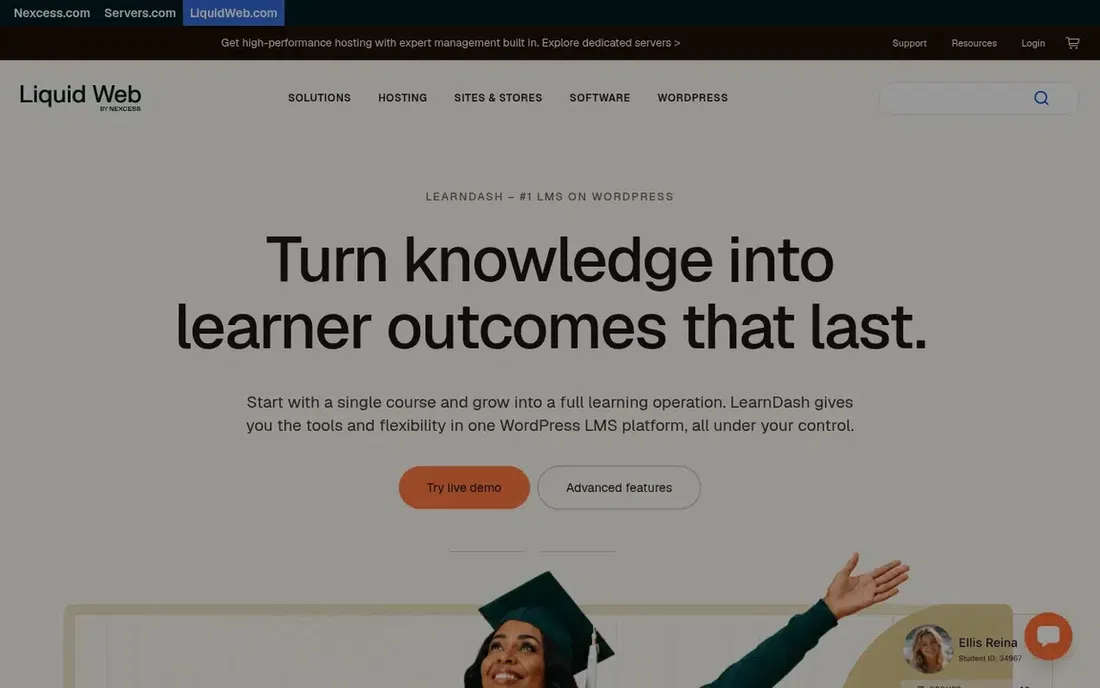
LearnDash works best for churches already running WordPress sites. LearnDash is a WordPress learning management plugin with a drag-and-drop builder, quizzes and memberships. For everyday use, if you would rather not handle a website stack, a hosted system is the more straightforward route.
Where it is weaker: You handle hosting and maintenance.
More specifically, the plugin relies on WordPress, so you carry hosting, updates and plugin upkeep yourself, which can strain a small volunteer tech team. In practice, churches that already publish on WordPress can add courses to the same site, keeping sermons, pages and training under one roof. It is a natural fit when you want training content to live alongside your public website instead of in a separate system. LearnDash shows no starting price here, so confirm the cost on the vendor site. Trial and free access: Not stated.
- Drag-and-drop course builder
- Quizzes and memberships included
- Needs a WordPress site to run
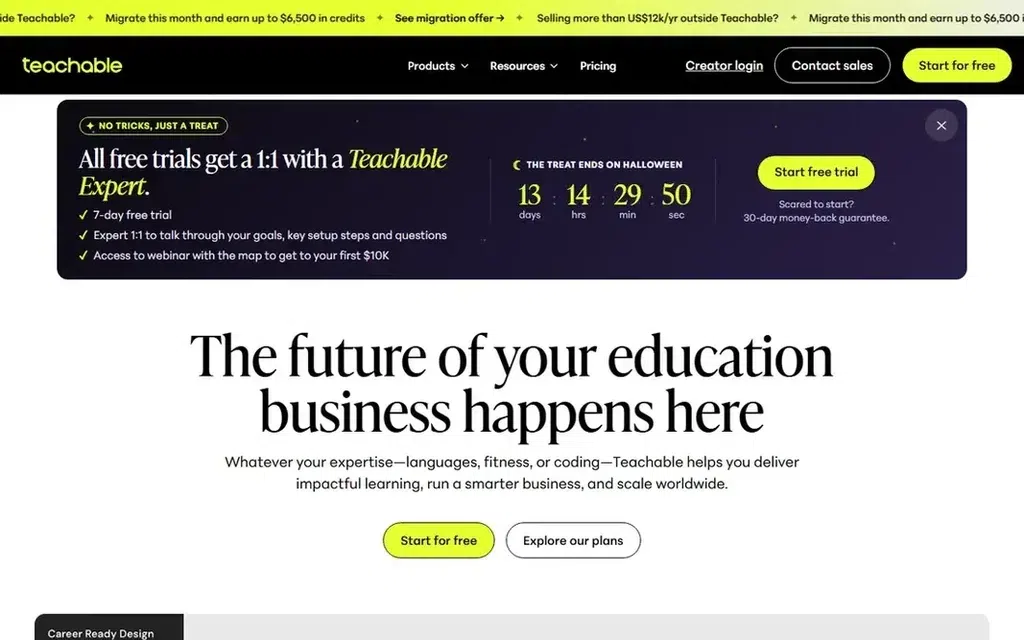
Choose Teachable for courses, coaching and memberships in one place. A church could use it for community classes, discipleship tracks or premium workshops, whereas also hosting internal lessons.
Where it is weaker: Less emphasis on internal workforce reporting.
For everyday use, if your priority is documenting required training for employees and volunteers, a corporate-style system is a better match. What you pay to start with Teachable: $39 per month. Free access: Free trial.
- Supports courses
- Creator-oriented course delivery
- Geared toward selling, not staff compliance
iSpring Learn was built for onboarding and compliance training for staff. Churches can map that to new staff orientation, required safety or policy training, and continuing volunteer development.
Drawbacks to consider: Corporate framing instead of ministry focus.
From a buyer's view, if your primary goal is community-facing courses instead of internal onboarding, a creator system may be the better fit. The starting price for iSpring Learn: $6.91 per user per month. Trial and free access: Free trial.
- Also supports employee development
- Simplifies onboarding and compliance training
- Best value when paired with iSpring authoring tools
Litmos targets organizations training staff, volunteers and partners. Litmos presents its Learning Acceleration Platform as a way to build human capability across employees, customers and partners.
Where it falls short: Not tailored to ministry content.
In daily use, a church with staff, volunteers and perhaps partner ministries could use it to deliver consistent training to each group. This comparison lists no price for Litmos; ask the vendor. Trial and free access: Not stated.
- Learning acceleration positioning
- Aimed at employees
- Enterprise orientation may exceed church needs
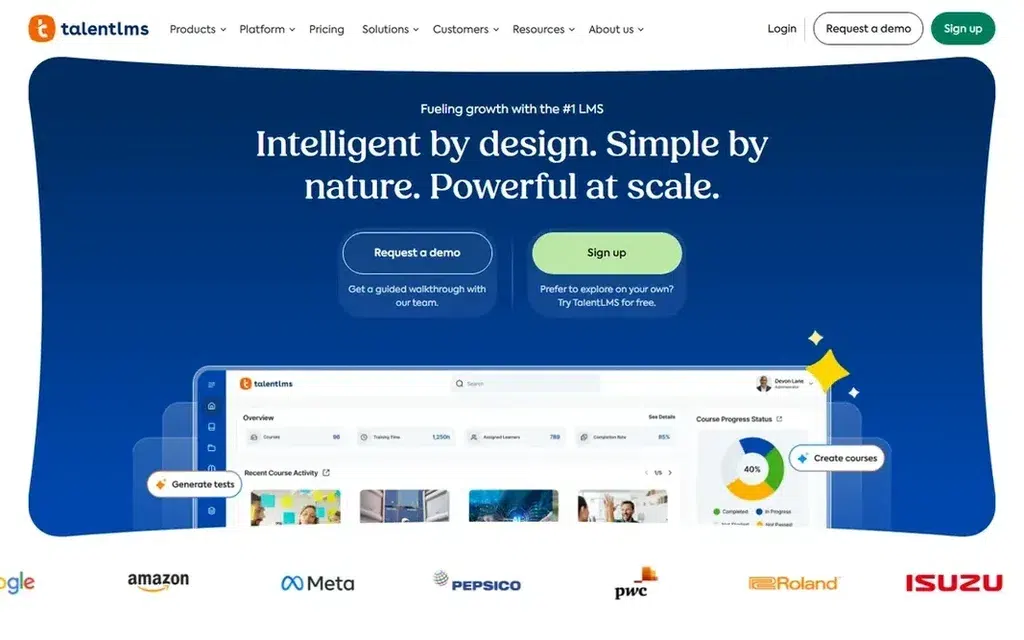
For cloud course creation for staff and volunteers, TalentLMS is a natural candidate. For a church, that translates into a central place to build short lessons on safeguarding, volunteer orientation or ministry basics, then assign them to staff and volunteers.
Where it falls short: Less centred on selling content.
More specifically, TalentLMS presents itself as a cloud learning system for creating and managing online courses. The starting price for TalentLMS: $119 per month. TalentLMS offers a free plan.
- Straightforward setup for small teams
- Cloud-based course building and management
- Advanced reporting may need the fuller editions
Where Docebo fits: bigger churches mapping skills and readiness. Docebo describes itself as a workforce readiness product that links skills intelligence, learning, knowledge and AI agents.
Downsides: Wide feature set may overwhelm small teams.
For a bigger church or a multi-site ministry with numerous roles, that means mapping which skills each position needs and seeing who is ready. Worth adding: if you chiefly want to publish a handful of courses rapidly, a more straightforward hosted tool will get you there with less setup. Docebo shows no starting price here, so confirm the cost on the vendor site. Free plan details: Not stated.
- Links skills intelligence with learning
- Contains knowledge and AI agent features
- Geared toward workforce programs, not church-specific needs
How these tools were picked
Each tool was reviewed on what its vendor publishes: price, plan limits, core features and stated drawbacks. We did not run hands-on tests. Where a price is missing, the vendor does not list one publicly or ties it to a quote. Always confirm before budgeting. Tools are placed by general fit for employee training software for churches, with price clarity and free access as tie-breakers. A different team can reasonably rank them differently.
Questions to settle before buying
- Get a written quote from LearnDash, Litmos and Docebo; the list shows no starting price for them.
- Look at the free plan from TalentLMS closely: its caps decide whether it is usable for real work.
- Take the trial from Teachable and iSpring Learn and push a live task through it before you pay.
- Read the limits listed for LearnDash first: needs a WordPress site to run.
- Confirm that Litmos connects to the apps your team already uses, on the plan you would actually buy.
- See whether iSpring Learn offers onboarding or training, and whether it is included in the price.
FAQ
What is the cheapest option for employee training software for churches in this list?
On published monthly entry prices, iSpring Learn is the lowest here at $6.91 per user per month. Entry price is only part of the cost, because seats, add-ons and billing terms can change the total. For the full picture, the cards above cover all 6 entries of this employee training software for Churches list, including price, free plan and limits.
Is LearnDash the right pick for everyone comparing employee training software for churches?
No single tool suits every team. LearnDash comes first because it fits churches already running WordPress sites, while Teachable suits courses, coaching and memberships in one place and iSpring Learn suits onboarding and compliance training for staff. Match the tool to your own size, budget and workflow before deciding.
Is a WordPress plugin better than a hosted product?
A plugin like LearnDash keeps training on your existing WordPress site, which fits churches with technical help on hand. A hosted product removes hosting and maintenance work but lives outside your website.
How are the tools for employee training software for churches ordered?
LearnDash sits first and Docebo last because the order follows typical fit for employee training software for churches, then price clarity and free access. It is a judgement call, so read each profile for fit and limits.
Can I try these tools before paying?
Often, yes. TalentLMS has a free plan and Teachable and iSpring Learn offer a free trial. Use your own data and a real task during the test, and check what the free tier or trial limits before you rely on it. Prices, free plan details and limits for all 6 tools in this employee training software for Churches roundup sit on the individual cards above.
Sources
- https://www.learndash.com
- https://teachable.com
- https://www.ispringsolutions.com/ispring-learn
- https://www.litmos.com
- https://www.talentlms.com
- https://www.docebo.com