Best Employee Scheduling Software for Wholesale Distributors for 2026: Our 5 Vetted Picks
5 best employee scheduling software for wholesale distributors, compared on pricing, free plans and best-fit use. Short verdicts, no fluff. Refreshed for 2026.
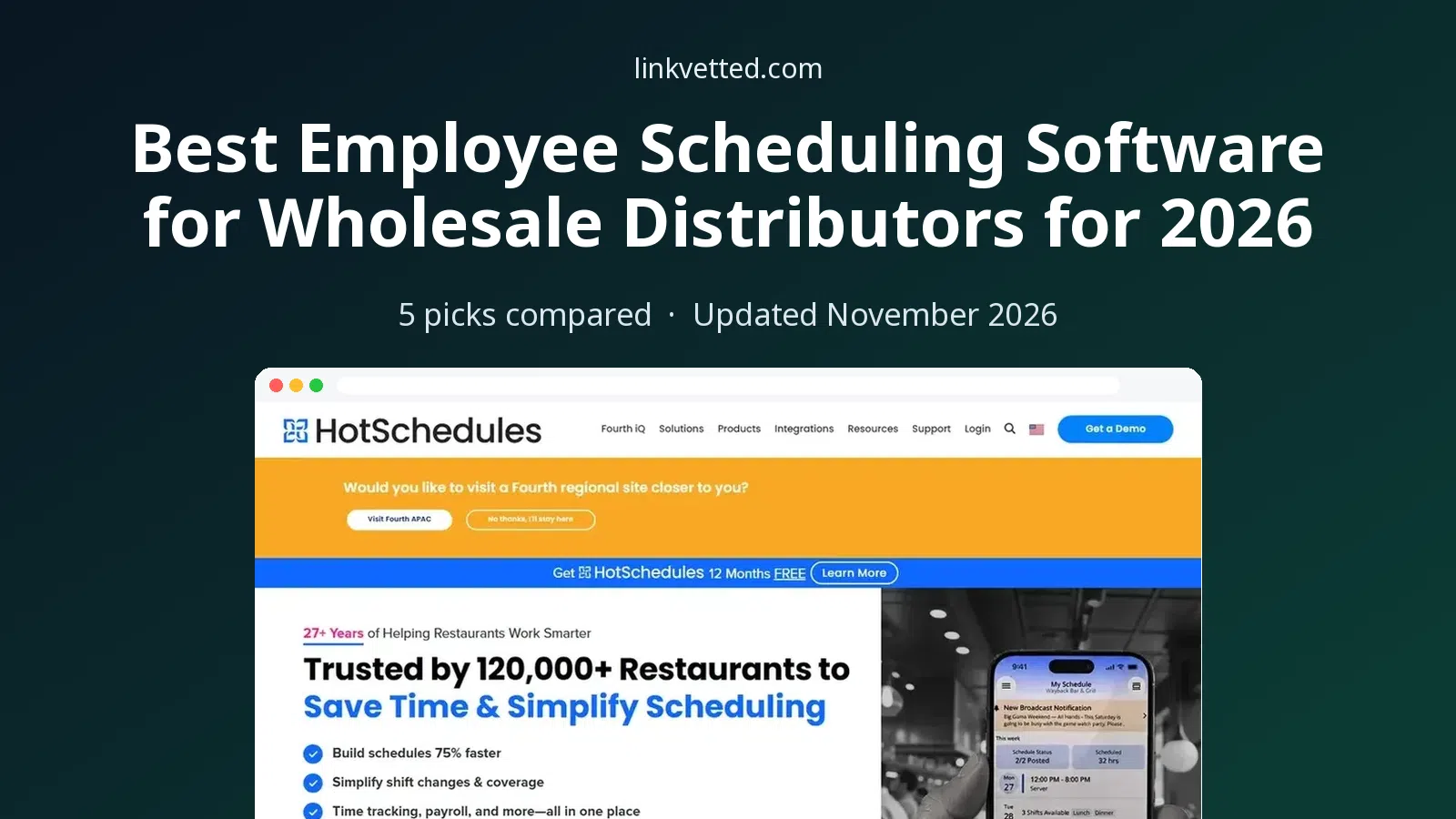
- Editor's choiceHotSchedules
Hospitality-focused scheduling and engagement
Starts atSee websiteVisit hotschedules.comFull review - Great alternative
 Sling
Simple shift planning and team communication
Starts at$1.70 per user per monthVisit getsling.comFull review - Also consider
 When I Work
Straightforward shift scheduling and team messaging
Starts at$2.50 per user a monthVisit wheniwork.comFull review
Direct answer
This list puts HotSchedules first for hospitality-focused scheduling and engagement. Listed starting prices: Sling from $1.70 per user per month, When I Work from $2.50 per user a month and Deputy from $5 per user per month. If your case is different, Sling suits simple shift planning and team communication and When I Work suits straightforward shift scheduling and team messaging. All 5 tools are compared below on price, free plan and limits.
TL;DR:
- HotSchedules sits first on this list: hospitality-focused scheduling and engagement.
- The main caution on HotSchedules: hospitality focus may not fit wholesale distribution.
- Sling, Homebase: these are the 2 tools out of 5 that offer a free plan.
- Homebase suits small companies combining scheduling and payroll.
Last checked November 2026. Prices and plan details were read from the vendors' own pages in November 2026; vendors change plans often, so confirm the current price on the vendor site before you buy.
Quick comparison
| Tool | Best for | Starts at | Free plan? | |
|---|---|---|---|---|
| HotSchedules | Hospitality-focused scheduling and engagement | See website | Not stated | Visit |
| Sling | Simple shift planning and team communication | $1.70 per user per month | Yes | Visit |
| When I Work | Straightforward shift scheduling and team messaging | $2.50 per user a month | Free trial | Visit |
 Deputy | Distributors needing scheduling with labor forecasting | $5 per user per month | Free trial | Visit |
 Homebase | Small firms combining scheduling and payroll | $30 per location per month | Yes | Visit |
Our 5 employee scheduling software for wholesale distributors
LinkVetted put together this guide to employee scheduling software for wholesale distributors for readers who want a clear shortlist without reading every vendor page. It compares 5 tools on starting price, free plans, who each one suits and where each one falls short.
HotSchedules
Best for: Hospitality-focused scheduling and engagement
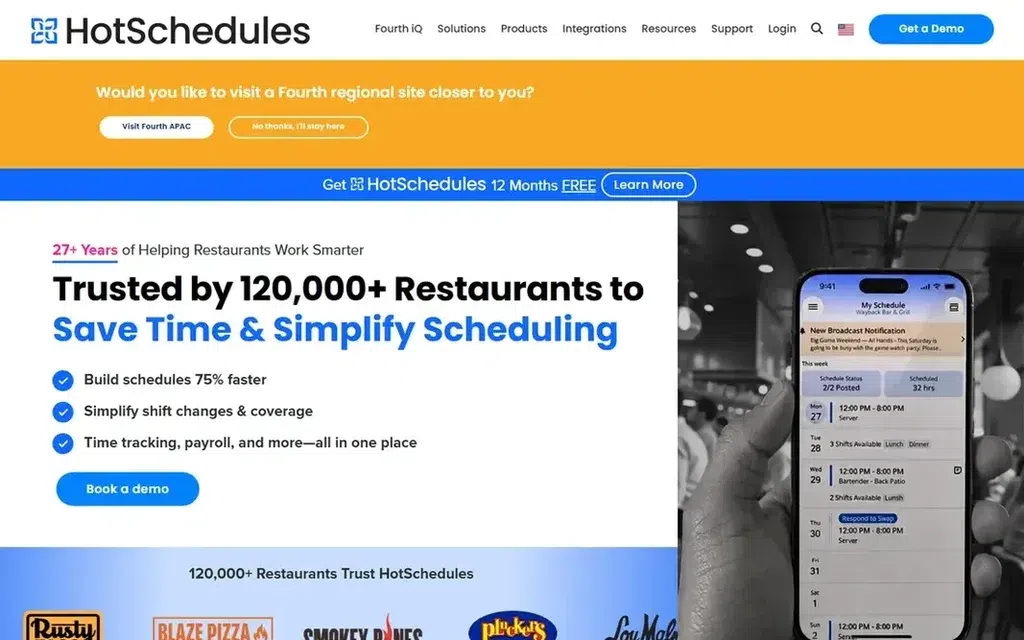
HotSchedules is aimed squarely at hospitality-focused scheduling and engagement. It helps teams handle shifts and stay connected. Wholesale distributors with hospitality-like shift patterns may find its scheduling and engagement features handy.
The product is tailored to a different industry context. Also, since HotSchedules is targeted at hospitality, wholesale distributors may find fewer features specific to distribution workflows for example multi-site warehouse staffing. It may work for small teams that primarily need scheduling and communication, but bigger distributors should compare broader products. This comparison lists no price for HotSchedules; ask the vendor. Free plan details: Not stated.
The main drawbacks: Restricted broader HR and payroll depth.
- Scheduling and engagement app for teams
- Helps handle shift communication
- Hospitality focus may not fit wholesale distribution
Choose Sling for easy shift planning and team communication. Sling concentrates on scheduling and communication, so distributors needing integrated payroll or advanced HR may need extra systems.
On top of that, Sling is employee shift scheduling and planning software that helps companies handle shifts and communicate with employees. Bigger distributors with complicated multi-site needs should compare broader systems. Sling starts at: $1.70 per user per month. Sling includes a free tier.
Points against: May not scale to complicated operations.
- Straightforward for small teams
- Free and simple to use for shift scheduling
- Restricted payroll and HR depth
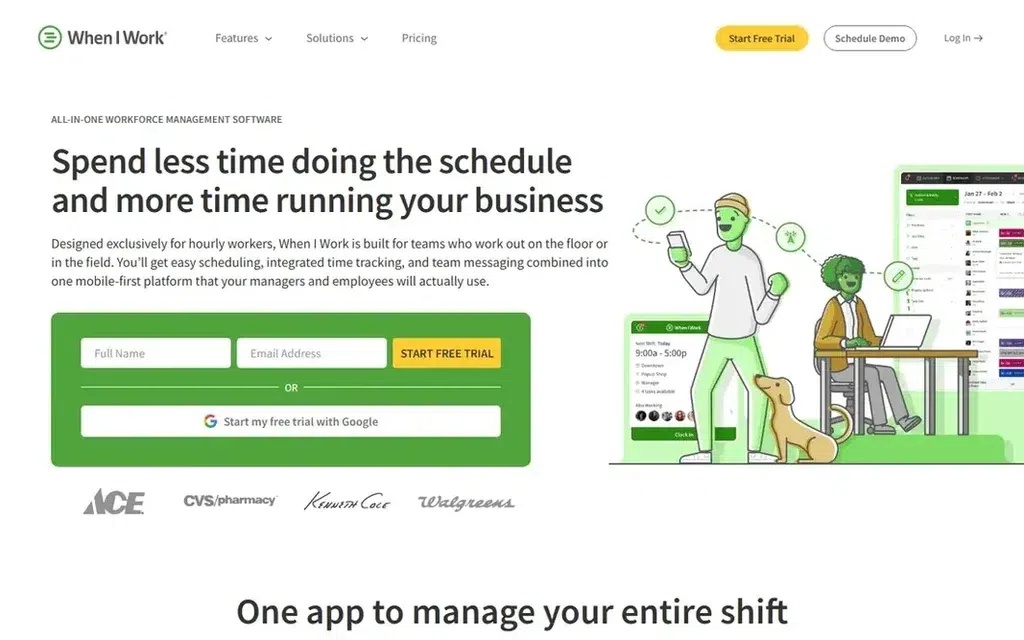
For straightforward shift scheduling and team messaging, When I Work is a natural candidate. It fits wholesale distributors with hourly staff who require a clear, shared schedule and fast communication.
Where it is weaker: May not suit complicated multi-site operations.
- Schedule shifts
- Message in one app
- Payroll and HR features are limited
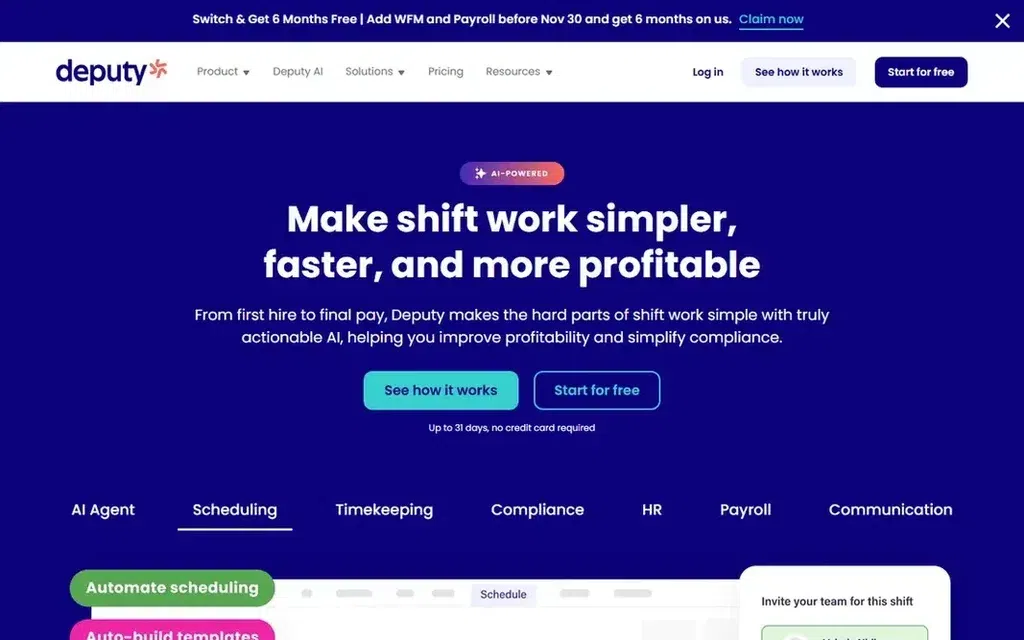
Think of Deputy for distributors needing scheduling with labor forecasting. Deputy is employee scheduling, HR, and payroll software that emphasizes simplicity and AI labor forecasting.
What to check first: May be more than small teams need.
Teams seeking only entry-level shift planning might prefer a simpler tool. Beyond that, since Deputy includes HR and payroll alongside scheduling, smaller distributors may find some features beyond their immediate needs. Entry price for Deputy: $5 per user per month. Trial and free access: Free trial.
- Easy-to-use interface for managers and staff
- Payroll features
- Advanced features could need training
Homebase makes the most sense for small businesses combining scheduling and payroll. Homebase is an all-in-one employee scheduling, time clock, payroll, and hiring app designed for small firms with hourly teams.
Beyond that, the app aims to keep hourly team management straightforward. It is a solid fit when scheduling, time tracking, and payroll are the core requirements. Entry price for Homebase: $30 per location per month. You can start on Homebase without paying.
Downsides: Payroll and HR depth is restricted compared with HCM suites.
What Homebase does well: time clocks, payroll.
- All-in-one scheduling
- Simple app for small companies
- May lack advanced features for large distributors
How we compared the tools
LinkVetted used vendor pricing pages and product documentation as the base, then compared plans, free access and documented limits for 5 tools. Where a vendor does not publish a price, the entry says quote. Where a price depends on seats or billing term, the entry says so. Tools are placed by general fit for employee scheduling software for wholesale distributors, with price clarity and free access as tie-breakers. A different team can reasonably rank them differently.
Questions to settle before buying
- Confirm the entry price on the vendor page. For HotSchedules that means a quote rather than a fixed price.
- Look at free plan limits closely: Sling and Homebase have one, and the caps decide whether it is usable for real work.
- Run a trial of When I Work and Deputy with real work before paying for a year; your own workflow is the best test.
- Before choosing HotSchedules, weigh its main limit: hospitality focus may not fit wholesale distribution.
- Ask Homebase about contract length, onboarding fees and user minimums before you sign.
- Test the integrations you rely on with When I Work before committing; some connectors sit on upper tiers.
FAQ
Which options for employee scheduling software for wholesale distributors have a free plan?
Sling and Homebase offer a free plan in this list. Free plans usually cap users, projects or features, so check the limits on the vendor page. Several others offer a trial instead. Each of the 5 options in this employee scheduling software for wholesale distributors guide has its own card above with the price, free plan and limits.
What features matter most in scheduling software for wholesale distributors?
Labor forecasting can help align staffing with fluctuating order volumes. Mobile access is also important for staff who are not at a desk.
How does scheduling software link with payroll?
Time tracking data can commonly be exported or synced to payroll to cut manual entry. Beyond that, confirm the specific integration choices and whether they match your payroll process.
Do these tools publish their prices?
Not all of them. HotSchedules publishes no starting price, so expect a quote request for it. The rest, Sling included, show a starting price, though seats and billing terms still change the final cost. All 5 picks in this employee scheduling software for wholesale distributors comparison list a starting price, free plan details and the main limits on their cards above.
Is HotSchedules the right pick for everyone comparing employee scheduling software for wholesale distributors?
No single tool suits every team. HotSchedules comes first because it fits hospitality-focused scheduling and engagement, while Sling suits easy shift planning and team communication and When I Work suits simple shift scheduling and team messaging. Match the tool to your own size, budget and workflow before deciding.
Can I try these tools before paying?
Often, yes. Sling and Homebase have a free plan and When I Work and Deputy offer a free trial. Use your own data and a real task during the test, and check what the free tier or trial limits before you rely on it. For the full picture, the cards above cover all 5 entries of this employee scheduling software for wholesale distributors list, including price, free plan and limits.
Sources
- https://www.hotschedules.com
- https://getsling.com
- https://wheniwork.com
- https://www.deputy.com
- https://www.joinhomebase.com