Best Employee Scheduling Software for Law Firms for 2026: Our 6 Vetted Picks
Best employee scheduling software for law firms: 6 tools compared on price, free plans and fit. Each listing flags where it falls short. Full profiles inside.
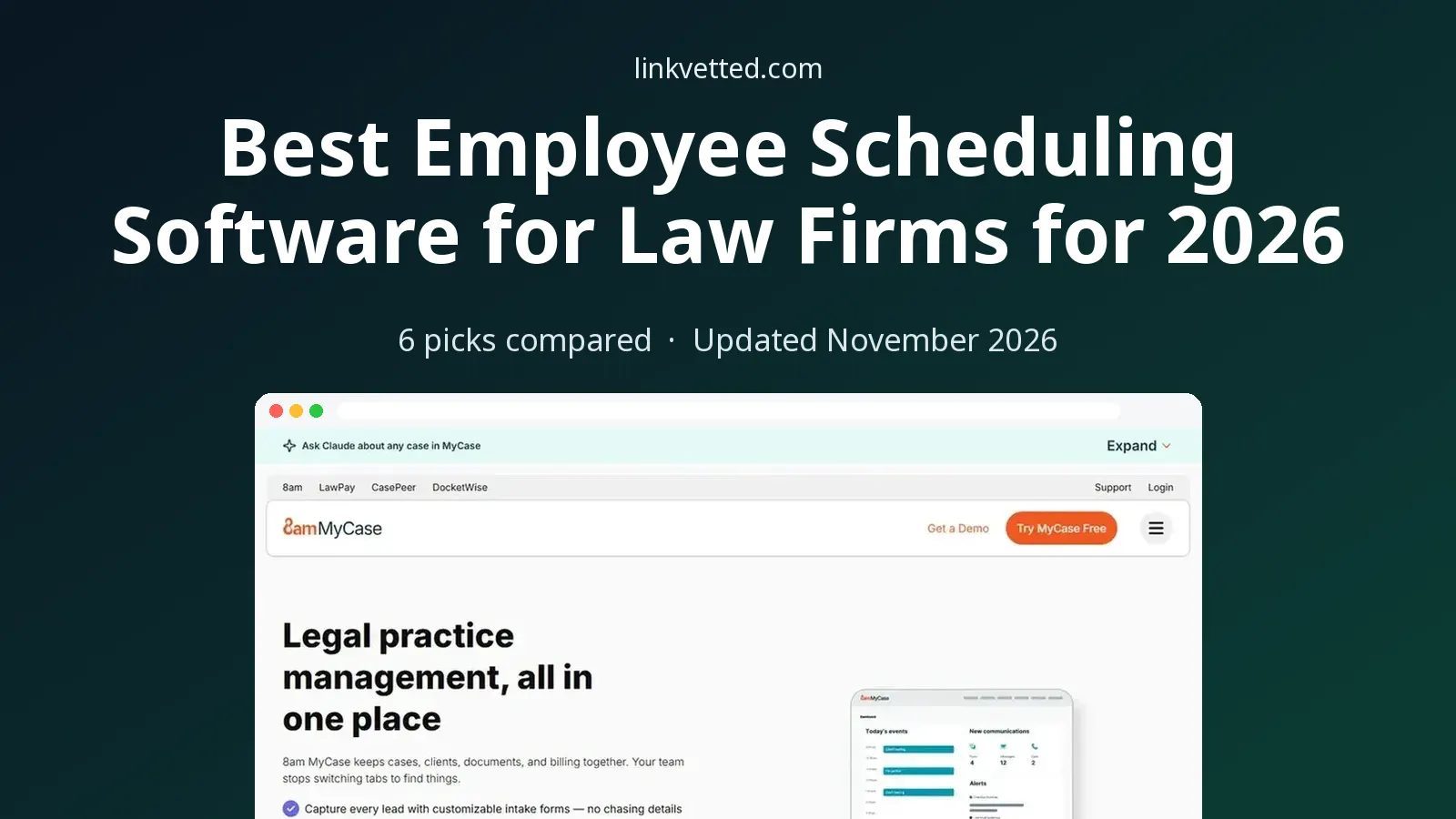
- Editor's choice
 MyCase
All-in-one case, client, and billing management
Starts at$50 per user per monthVisit mycase.comFull review - Great alternative
 TimeSolv
Time and billing with scheduling context
Starts at$147 a monthVisit timesolv.comFull review - Also consider
 PracticePanther
Automating firm processes, billing, and time tracking
Starts at$49 per user a monthVisit practicepanther.comFull review
Direct answer
Start with MyCase if you need all-in-one case, client, and billing management. Listed starting prices: MyCase from $50 per user per month, TimeSolv from $147 a month and PracticePanther from $49 per user a month. Alternatives: TimeSolv for time and billing with scheduling context, and PracticePanther for automating firm processes, billing, and time tracking. The full list of 6 tools follows, with prices and free plan facts.
TL;DR:
- MyCase takes the first slot, best suited to all-in-one case, client, and billing management.
- Check the limits for MyCase before you commit: scheduling is part of a larger suite.
- When I Work is the lowest-priced starter here at $2.50 per user per month.
- Smokeball fits businesses wanting scheduling with automatic time tracking.
- None of the 6 tools, from MyCase to Smokeball, has a free plan, so budget for a subscription or use a trial.
Last checked November 2026. Prices and plan details were read from the vendors' own pages in November 2026; vendors change plans often, so confirm the current price on the vendor site before you buy.
Quick comparison
| Tool | Best for | Starts at | Free plan? | |
|---|---|---|---|---|
| MyCase | All-in-one case, client, and billing management | $50 per user per month | Free trial | Visit |
| TimeSolv | Time and billing with scheduling context | $147 a month | Free trial | Visit |
| PracticePanther | Automating firm processes, billing, and time tracking | $49 per user a month | Free trial | Visit |
 When I Work | Shift scheduling, time tracking, and team messaging | $2.50 per user a month | Free trial | Visit |
 Rocket Matter | Businesses seeking a single source of truth | $39 a month per user billed annually | Free trial | Visit |
 Smokeball | Businesses wanting scheduling with automatic time tracking | See website | Not stated | Visit |
Employee Scheduling Software for Law Firms compared in detail
If you are comparing employee scheduling software for law firms, this page covers 6 tools in one place: what each is best for, what it costs to start, whether it has a free plan, and the main limit to know about.
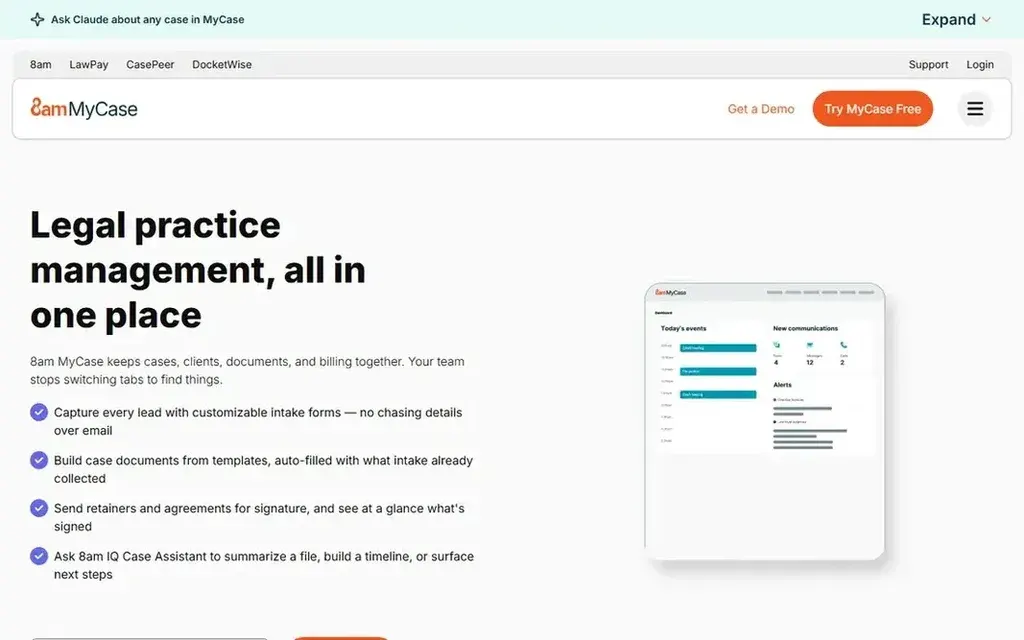
MyCase is built with all-in-one case, client, and billing management in mind. MyCase is legal practice management software built to help run a profitable firm, bringing cases, clients, billing, and payments together in one place.
Evaluate whether the full case and billing feature set matches your workflows before committing. What you pay to start with MyCase: $50 per user per month. Trial and free access: Free trial.
The main drawbacks: Scheduling is part of a bigger suite.
- Cases and clients in one place
- Billing and payments integrated
- May need setup time
TimeSolv works best for time and billing with scheduling context. If you need detailed staff rosters or hourly team scheduling, pair it with a dedicated scheduling tool or confirm whether its calendar features meet your needs.
TimeSolv cost at the entry level: $147 per month. Trial and free access: Free trial.
Limits to weigh: May need integration for full HR scheduling.
- Automatic invoicing support
- Billable hour tracking
- Scheduling is secondary to billing
PracticePanther
Best for: Automating firm processes, billing, and time tracking
PracticePanther targets automating firm processes, billing, and time tracking. PracticePanther is positioned as a wide legal practice management tool, so businesses seeking only employee shift scheduling may find it spans more than needed.
What to check first: Feature depth may vary by firm size.
It suits law businesses that want to cut repetitive admin around matter management and time capture whereas keeping schedules and tasks visible, making it a candidate for businesses standardizing their operations on a single legal system. What you pay to start with PracticePanther: $49 per user per month. On free options: Free trial.
- Legal practice management focus
- Billing and time tracking
- Scheduling is one part of the suite
When I Work targets shift scheduling, time tracking, and team messaging. When I Work is not designed for law businesses, so it may not link straight to legal billing or matter management.
Honest limits: Not legal-specific.
In practice, businesses that require scheduling tightly integrated with case and time data should consider a legal practice management system instead, or plan for integration work. When I Work pricing: $2.50 per user per month. As for free access: Free trial.
- Team messaging built in
- Shift scheduling in one app
- May lack matter or billing integration
Pick Rocket Matter if this describes you: businesses seeking a single source of truth. Rocket Matter is legal practice management software described as a single source of truth for managing and expanding a firm, turning effort into efficiency and practice into profit.
From a buyer's view, since Rocket Matter is a full practice management system, businesses with straightforward shift scheduling needs may prefer a narrower tool. Worth adding: review how its calendar and task features map to your team's scheduling patterns before adopting it firm-wide. Entry price for Rocket Matter: $39 per month per user billed annually. As for free access: Free trial.
Downsides: Scheduling is part of a bigger system.
- Aims to turn effort into efficiency
- Legal practice management focus
- Adoption needs workflow review

Smokeball targets businesses wanting scheduling with automatic time tracking. Consider a dedicated scheduling app if your central need is hourly staff rosters instead of matter and billing integration.
Where it is weaker: Centred on legal practice management.
Smokeball is legal practice management software that aims to boost productivity through automatic time tracking, document automation, and trust and billing features. Check the vendor site for Smokeball pricing; none is listed in this comparison. Free options: Not stated.
- Trust and billing tools
- Document automation
- May be more than small businesses need
Our selection method
Before you commit
- Confirm the entry price on the vendor page. For Smokeball that means a quote rather than a fixed price.
- Use real work to test the free trial from MyCase, TimeSolv, PracticePanther and others, rather than a demo project.
- Read the limits listed for MyCase first: scheduling is part of a bigger suite.
- Check whether the features you need in PracticePanther sit on the entry plan or only on higher tiers.
- Ask Rocket Matter which support channels and response times come with the plan you would buy.
FAQ
How are the tools for employee scheduling software for law firms ordered?
MyCase sits first and Smokeball last because the order follows typical fit for employee scheduling software for law firms, then price clarity and free access. It is a judgement call, so read each profile for fit and limits.
Can I try these tools before paying?
Often, yes. MyCase, TimeSolv, PracticePanther and others offer a free trial. Use your own data and a real task during the test, and check what the free tier or trial limits before you rely on it.
Do these tools publish their prices?
Not all of them. Smokeball publishes no starting price, so expect a quote request for it. The rest, MyCase included, show a starting price, though seats and billing terms still change the final cost.
Can general scheduling tools work for law firms?
Yes, general tools like When I Work can manage shift scheduling, time tracking, and team messaging for support staff. That said, they may not plug into legal billing or matter management, so businesses frequently pair them with legal-specific software.
Does any tool for employee scheduling software for law firms here have a free plan?
A permanent free plan is not offered by MyCase, Smokeball or the other tools here. MyCase, TimeSolv, PracticePanther, When I Work, Rocket Matter offer a trial. Plan a short evaluation period instead.
Sources
- https://www.mycase.com
- https://www.timesolv.com
- https://www.practicepanther.com
- https://wheniwork.com
- https://www.rocketmatter.com
- https://www.smokeball.com