Best Employee Communications Software for Remote Teams in 2026: Prices, Free Plans and 5 Picks
5 products for the best employee communications software for remote teams, ranked by fit, with starting costs and free tiers. Plain-spoken summaries throughout.
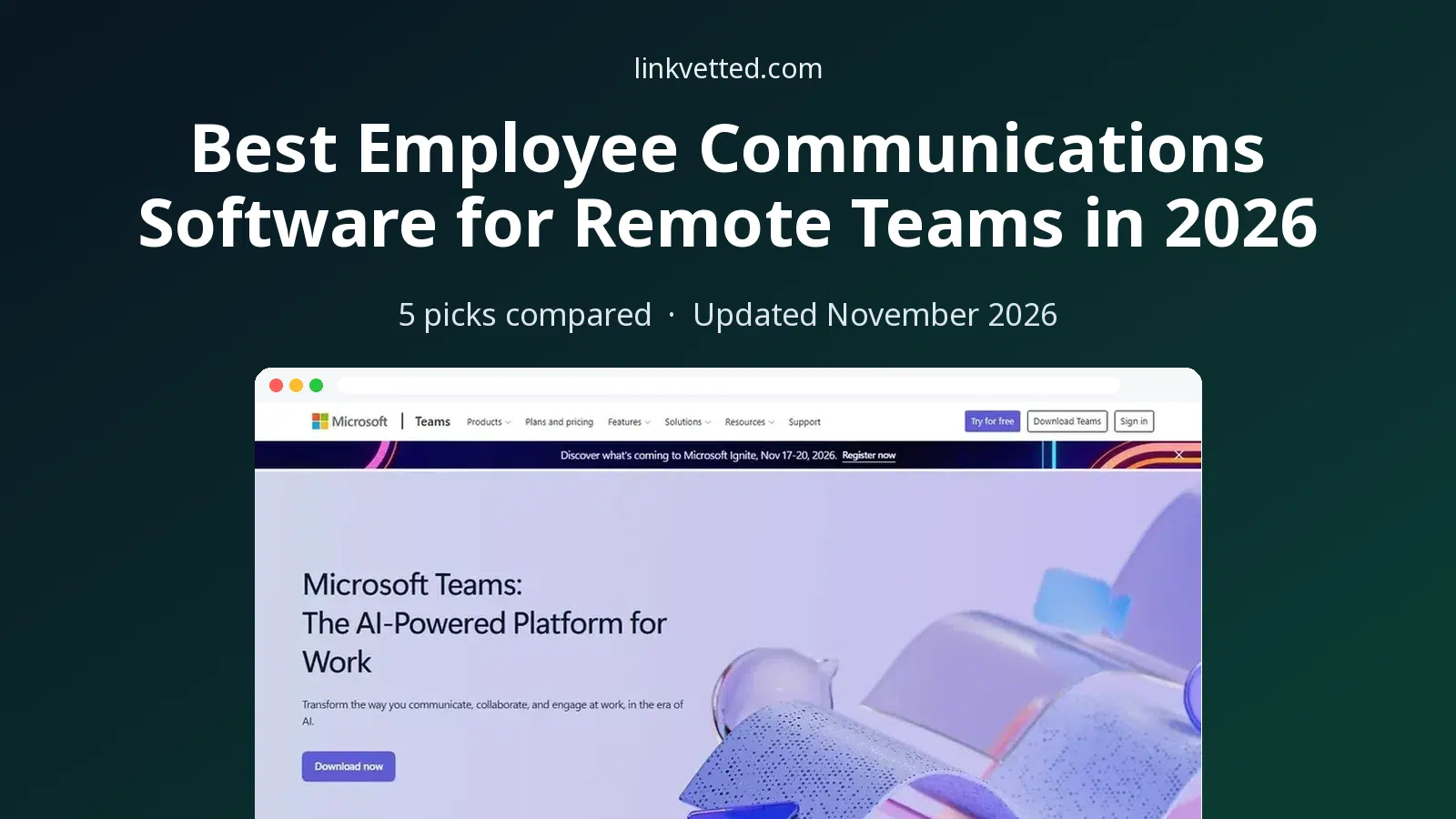
- Editor's choice
 Microsoft Teams
Teams already inside Microsoft productivity tools
Starts atSee websiteVisit microsoft.comFull review - Great alternative
 LumApps
Adaptable intranet for employee experience
Starts atSee websiteVisit lumapps.comFull review - Also consider
 Google Workspace
Document-centric collaboration suites
Starts atSee websiteVisit workspace.google.comFull review
Direct answer
If you need Teams already inside Microsoft productivity tools, Microsoft Teams is the first tool to look at here. Listed starting prices: Slack from $4.38 per user a month. If your case is different, LumApps suits adaptable intranet for employee experience and Google Workspace suits document-centric collaboration suites. Prices, free plans and limits for all 5 tools follow.
TL;DR:
- Microsoft Teams is the opening pick, best for Teams already inside Microsoft productivity tools.
- One limit worth knowing about LumApps: intranet focus instead of live chat.
- Only Slack offers a free plan among these 5 tools.
- Workvivo is the one to check for employee experience and internal community.
- The cheapest monthly starting price in the list is $4.38 per user per month, offered by Slack.
Last checked November 2026. Prices and plan details were read from the vendors' own pages in November 2026; vendors change plans often, so confirm the current price on the vendor site before you buy.
Quick comparison
| Tool | Best for | Starts at | Free plan? | |
|---|---|---|---|---|
| Microsoft Teams | Teams already inside Microsoft productivity tools | See website | Not stated | Visit |
| LumApps | Adaptable intranet for employee experience | See website | Not stated | Visit |
| Google Workspace | Document-centric collaboration suites | See website | Not stated | Visit |
 Slack | Channel-based chat and workflow automation | $4.38 per user a month | Yes | Visit |
 Workvivo | Employee experience and internal community | See website | No | Visit |
5 employee communications software for remote teams in detail
LinkVetted compared 5 employee communications software for remote teams. The goal is a practical shortlist: published prices, free plan facts, best-fit use cases and honest limits for every entry.
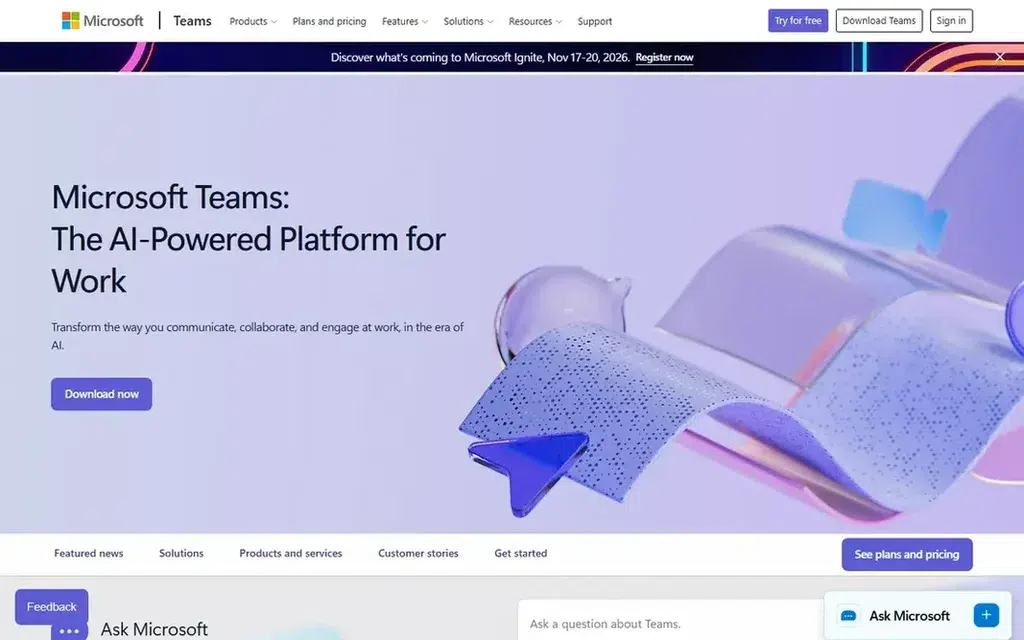
Microsoft Teams was built for Teams already inside Microsoft productivity tools. Microsoft Teams describes itself as a place where working together is simpler, with tools and files always available in one place and a design meant to help people link naturally and stay organized.
As for the details, remote teams that already depend on Microsoft productivity tools get chat, video meetings and shared files without switching between separate apps, which cuts context switching for distributed work. Pricing for Microsoft Teams is not stated here, so ask the vendor for current figures. On free options: Not stated.
Watch-outs: Interface can feel dense for casual users.
Where it shines: organized connection across teams.
- Built to keep tools and files available together
- Supports natural
- Experience is most solid within the Microsoft ecosystem
Pick LumApps if this describes you: adaptable intranet for employee experience. It also rewards deliberate content planning; teams without the capacity to maintain an intranet may get more immediate value from Slack or Teams.
What LumApps does well: Aims to improve communication and productivity.
Pricing for LumApps is not stated here, so ask the vendor for current figures. As for free access: Not stated. Where it falls short: Intranet focus instead of live chat.
- Scalable intranet system
- Adaptable
- Needs planning to keep content organized
Google Workspace targets document-centric collaboration suites. Communication is distributed across multiple apps instead of concentrated in one hub, which can fragment conversations for bigger distributed teams.
From a buyer's view, Google Workspace describes a suite of secure, online tools that enable teams of all sizes to do their best work. Check the vendor site for Google Workspace pricing; none is listed in this comparison. Free plan details: Not stated.
Limits to weigh: Less specialized for formal internal communications.
- Keeps documents and communication close together
- Suited to teams of all sizes
- Communication features are spread across apps
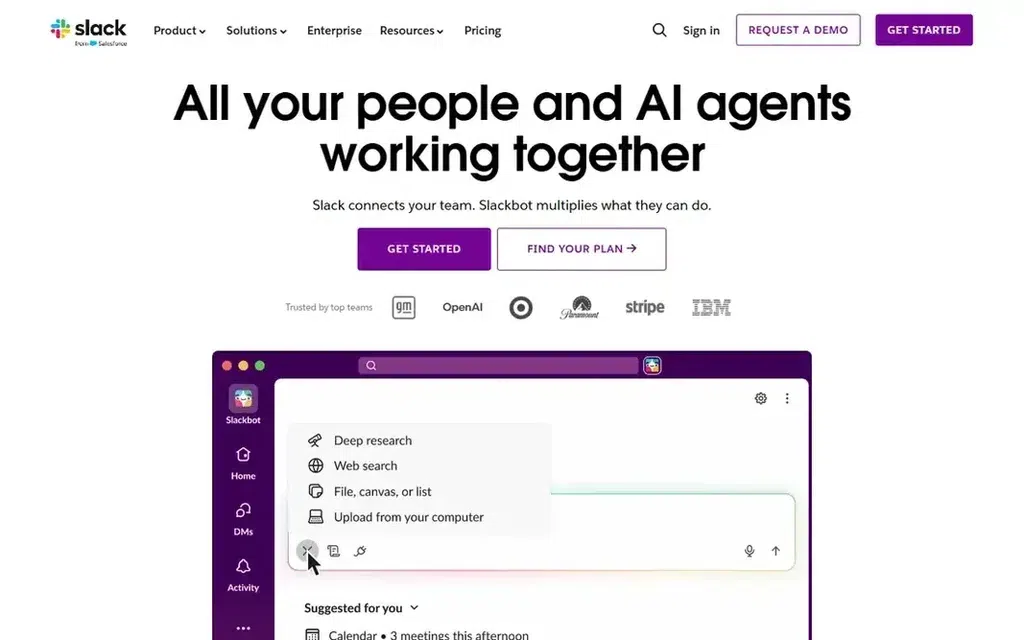
Slack was built for channel-based chat and workflow automation. The conversational model can become overwhelming as workspaces grow, and reaching every employee with formal announcements is not its primary strength.
Where it is weaker: Can feel noisy in large workspaces.
Slack presents itself as an AI work system for managing projects, automating workflows and connecting teams securely. Slack cost at the entry level: $4.38 per user per month. A free plan is available with Slack.
- Organized channels for team conversations
- Secure team connection in one workspace
- Less concentrated on company-wide broadcast updates
Workvivo is a good fit for employee experience and internal community. It is not built to replace daily project chat or video meetings.
Its value grows only when leaders and teams keep content fresh and participation active. Pricing for Workvivo is not stated here, so ask the vendor for current figures. Workvivo has no permanent free option.
Honest limits: Not a replacement for daily project chat.
- Aims to enable people and unlock knowledge
- AI-native employee experience system
- Value relies on sustained content and participation
How we chose
Before you commit
- Confirm the entry price on the vendor page. For Microsoft Teams, LumApps, Google Workspace and Workvivo that means a quote rather than a fixed price.
- Look at the free plan from Slack closely: its caps decide whether it is usable for real work.
- Read the limits listed for Microsoft Teams first: experience is most solid within the Microsoft ecosystem.
- Look at the renewal terms for Microsoft Teams: auto-renewal, notice periods and price changes can matter more than the first-year price.
- Ask the daily users to test LumApps on a live task before you roll it out to everyone.
FAQ
What is the best employee communications software for remote teams?
This list starts with Microsoft Teams, which fits Teams already inside Microsoft productivity tools. For other needs, LumApps is aimed at adaptable intranet for employee experience, and Google Workspace at document-centric collaboration suites. Check each tool's price and main limit first.
What is the cheapest option for employee communications software for remote teams in this list?
On published monthly entry prices, Slack is the lowest here at $4.38 per user per month. Entry price is only part of the cost, because seats, add-ons and billing terms can change the total. Prices, free plan details and limits for all 5 tools in this employee communications software for remote teams roundup sit on the individual cards above.
How are the tools for employee communications software for remote teams ordered?
Microsoft Teams sits first and Workvivo last because the order follows typical fit for employee communications software for remote teams, then price clarity and free access. It is a judgement call, so read each profile for fit and limits.
Can I try these tools before paying?
Often, yes. Slack has a free plan. Use your own data and a real task during the test, and check what the free tier or trial limits before you rely on it.
Which options for employee communications software for remote teams have a free plan?
Slack is the only tool in this list with a free plan. Free plans usually cap users, projects or features, so check the limits on the vendor page. Each of the 5 options in this employee communications software for remote teams guide has its own card above with the price, free plan and limits.
Sources
- https://www.microsoft.com/en-us/microsoft-teams/group-chat-software
- https://www.lumapps.com
- https://workspace.google.com
- https://slack.com
- https://www.workvivo.com