Best Employee Communication Apps in 2026: 9 Apps Compared
Compare the best employee communication apps in 2026. We review 9 tools for team chat, frontline workers, announcements, culture, and internal updates.
- Editor's choice
 Slack
Team chat and integrations
Starts atSee websiteVisit slack.comFull review - Great alternative
 Microsoft Teams
Microsoft 365 teams
Starts atSee websiteVisit microsoft.comFull review - Also consider
 Google Chat
Google Workspace teams
Starts atSee websiteVisit workspace.google.comFull review
TL;DR:
- Slack and Microsoft Teams remain the default choices for desk based teams, but for different reasons: Slack for chat and integrations, Teams for Microsoft 365 shops.
- Frontline and deskless workers need a mobile first app such as Connecteam, while company wide announcements suit Workvivo or Staffbase better than a chat channel.
- Pumble is the strongest low cost chat option for small teams, because it offers unlimited message history on its free plan.
- Paying for both Slack and Teams, or for chat plus a separate intranet, is a common waste, so map your stack before adding another tool.
- Adoption matters more than features: the best app is the one managers actually use for announcements and employees actually check on a shift.
Quick comparison
| Tool | Best for | Starts at | Free plan? | |
|---|---|---|---|---|
| Slack | Team chat and integrations | See website | Yes | Visit |
| Microsoft Teams | Microsoft 365 teams | See website | Yes | Visit |
| Google Chat | Google Workspace teams | See website | Yes | Visit |
 Connecteam | Frontline and deskless workers | See website | Yes | Visit |
 Pumble | Low cost team chat | Free | Yes | Visit |
 Workvivo | Company culture and announcements | See website | No | Visit |
 Staffbase | Enterprise internal communications | See website | No | Visit |
 Mattermost | Self hosted team chat | See website | Yes | Visit |
 Zoom Team Chat | Teams already on Zoom | See website | Yes | Visit |
The best employee communication apps
We compared apps on chat quality, announcement reach, mobile use for frontline staff, integrations, admin controls, and pricing. The list mixes chat tools, frontline tools, and internal communication platforms, because one model does not fit every workforce.
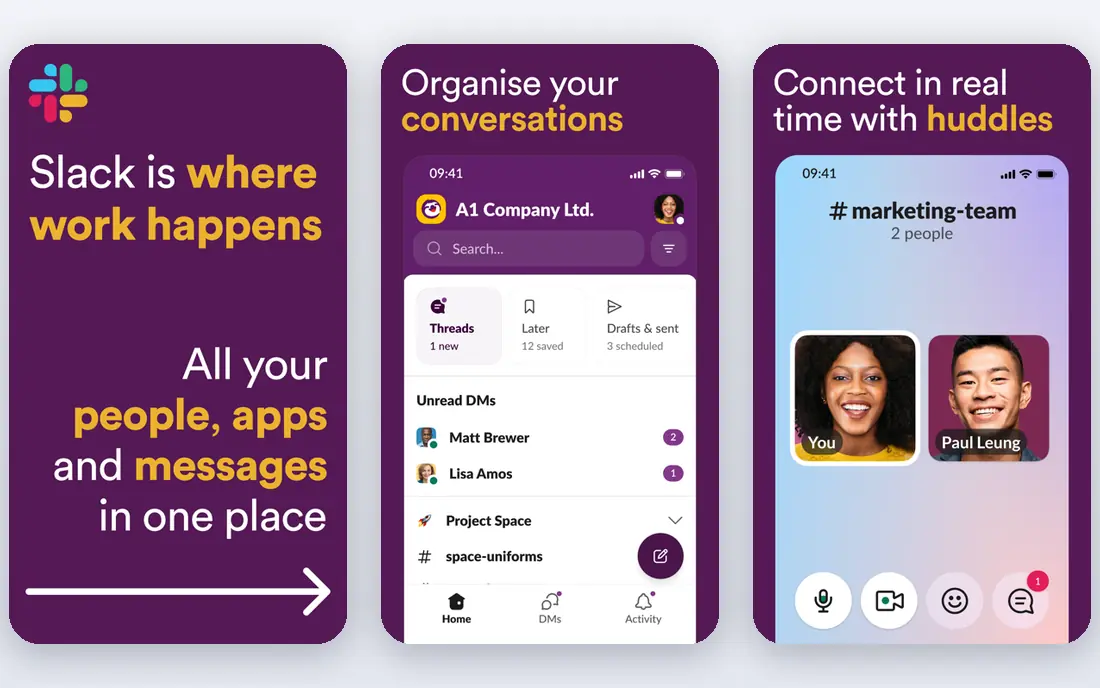
Slack is the chat standard for a reason. Channels keep topics separate, threads keep replies attached to the right conversation, and search makes past decisions findable. For a desk based team that already uses many tools, Slack's integrations turn chat into a hub where alerts, files, and approvals surface in one place. The catch is cost and noise. The free plan's history limit hurts teams that need a long record, and paid seats add up fast at scale. Slack also needs norms: too many channels and constant pings can bury important updates. With clear channel rules and a paid plan for history, it remains the strongest general chat pick.
- Channels, threads, and search are polished
- Large integration library
- Huddles and canvases support quick collaboration
- Free plan limits message history
- Costs rise with headcount
- Notification overload is a real risk without channel discipline
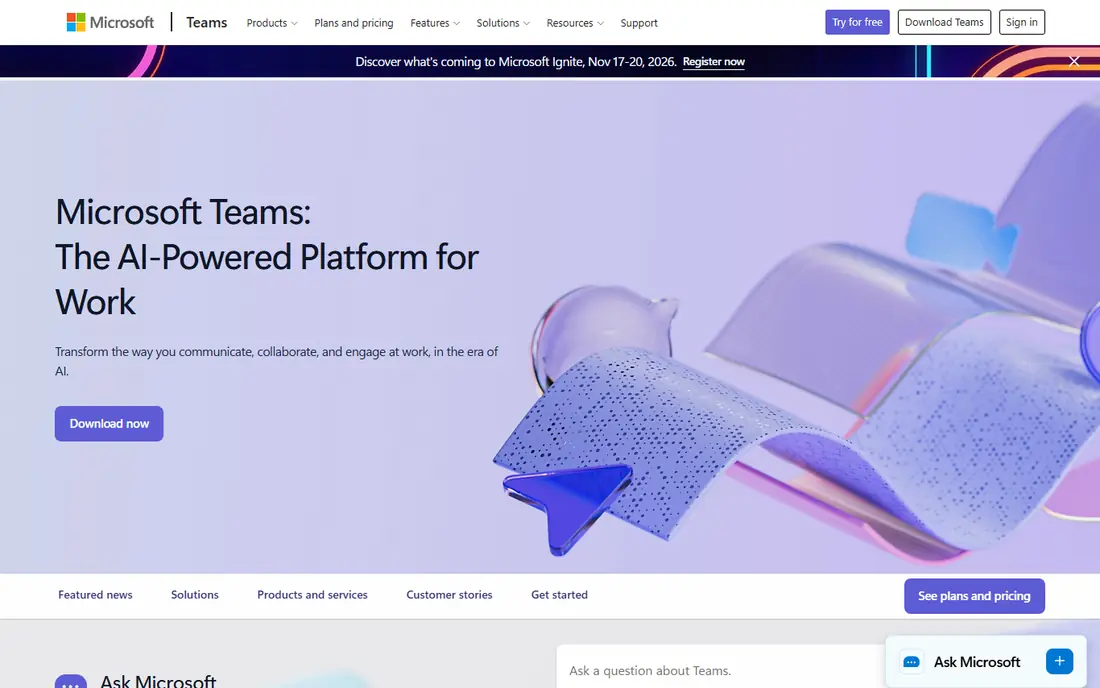
For a company already paying for Microsoft 365, Teams is often the sensible default. Chat, video meetings, file collaboration, and calendar sit together, and IT teams get admin controls they already understand. That bundling can save a separate chat subscription and reduce the number of tools employees must learn. Teams is less nimble as a pure chat tool than Slack for some users, and its channel structure can feel less intuitive at first. If your team lives in Outlook, Word, and SharePoint, those trade offs are minor. If you do not use Microsoft 365, buying it just for Teams is harder to justify against a standalone chat app.
- Chat, meetings, and files in one Microsoft 365 workflow
- Strong admin and compliance controls
- Familiar for Office users
- Interface can feel heavy
- Best value requires Microsoft 365
- Chat organization differs from Slack and takes adjustment
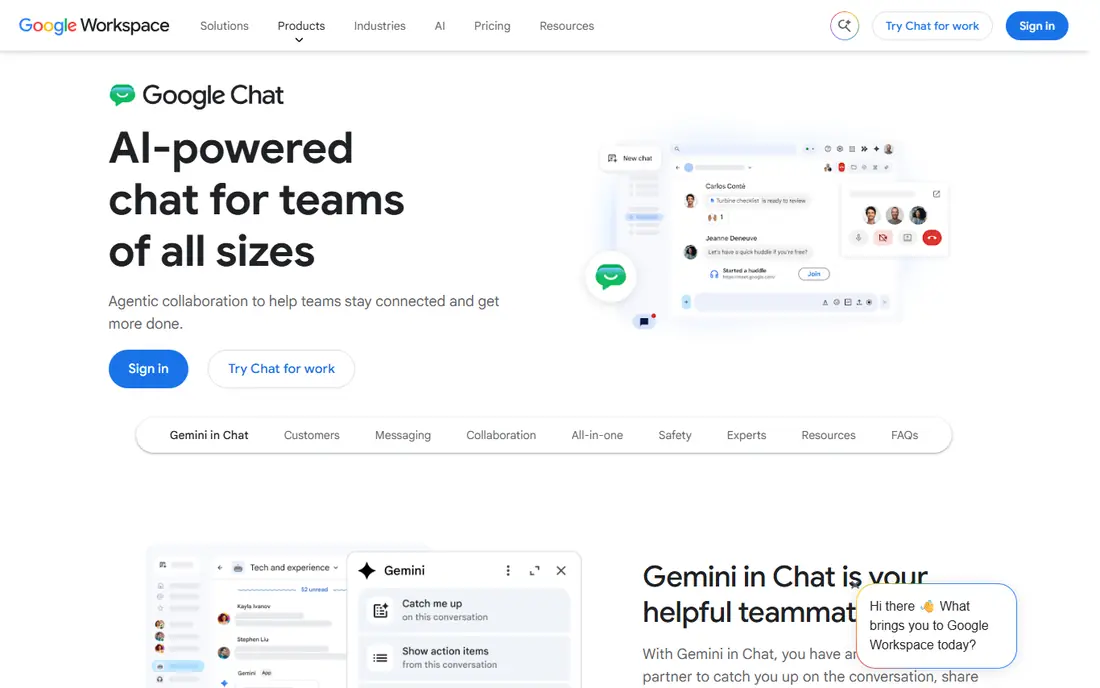
Google Chat is the quiet, practical option for Google Workspace teams. It lives next to Gmail, Drive, and Docs, so a small team can message, share a doc, and start a Meet call without leaving the Workspace flow. Spaces give projects a home, and the learning curve is short because most users already know Google's interface. It is not a replacement for a dedicated internal communications platform. Announcement targeting, frontline reach, and engagement analytics are thinner than in Workvivo or Staffbase. For a desk team that mainly needs chat and already pays for Workspace, Google Chat is enough. For a mixed workforce, pair it with a frontline tool rather than forcing everyone into chat.
- Simple messaging inside Gmail and Workspace
- Spaces organize projects
- Low learning curve for Google users
- Fewer integrations than Slack
- Advanced admin features depend on Workspace plan
- Not a full intranet or announcement platform
Connecteam is built for workers who do not sit at a desk. A retail, logistics, or field team can receive announcements, chat with managers, check schedules, and complete forms from a phone, without needing a company email address for every employee. That mobile first design solves the reach problem that chat only tools often miss. For office teams, Connecteam feels less like a collaboration hub and more like an operations app, which is fine if frontline reach is the priority. The key is clean setup: teams, locations, and roles must be right, or targeted messages will miss the right people. When that setup is done, Connecteam is one of the strongest picks for a mixed workforce.
- Mobile first design for shift workers
- Chat plus scheduling, forms, and announcements in one app
- Targeted messaging by team or location
- Desk based collaboration features are lighter than Slack
- Pricing depends on user count and modules
- Setup needs clear role and location data
Pumble wins on value. Small teams get real chat, with unlimited history on the free plan, without paying per seat from day one. That matters for startups, nonprofits, and small businesses that need a searchable record but cannot justify Slack pricing for every contractor and part time member. The trade off is ecosystem depth. If your workflow depends on dozens of Slack integrations, Pumble will feel thinner, and its video features are more basic. For a team whose main need is reliable chat, channels, and history, Pumble is hard to beat on price, and it is a sensible first chat tool before a larger platform is needed.
- Free plan includes unlimited message history
- Channels, threads, and file sharing are solid
- Simple setup for small teams
- Integration library is smaller than Slack
- Video and advanced features are lighter
- Large enterprise controls are limited
Workvivo feels closer to a company social feed than to a chat app, and that is intentional. Leaders can post updates, teams can share wins, employees can react and comment, and the feed gives a single place for culture and news. For hybrid companies that struggle to make announcements feel human, that format works better than an email blast or a pinned chat message. It is not a Slack replacement for day to day project chat, and it needs content. A feed that updates once a month will not engage anyone. Companies that invest in regular posts, recognition, and manager participation get the most from Workvivo, while companies that only need chat should pick a cheaper chat tool.
- Social style feed suits company news and culture
- Mobile app reaches deskless staff
- Engagement and recognition features are built in
- Custom enterprise pricing
- Chat is not its main strength
- Value depends on regular content from internal communications
Staffbase is built for internal communications teams at larger companies. It lets communicators target messages by role, location, or language, send through an employee app, intranet, or email, and measure reach and engagement. For a company with thousands of employees across sites, that targeting and measurement is the core value, not just sending a message. Small teams will find it heavy and expensive. Staffbase pays when a dedicated communications team owns the platform, plans campaigns, and uses analytics to improve reach. If you have no such team, a chat app plus a simple announcement tool will serve you better and cost far less.
- Targeted campaigns and employee app reach
- Strong analytics for communications teams
- Intranet and email in one platform
- Enterprise pricing and sales process
- Implementation takes planning
- Overkill for a small team that only needs chat
Mattermost is the pick for teams that need control over where messages live. Technical, regulated, or security conscious organizations can self host, set their own retention and access rules, and integrate with developer tools. For engineering teams, that control plus a familiar channel model is a strong combination. The cost is operational. Self hosting means updates, backups, and security are your team's job, and a cloud chat app will be easier to run. Mattermost also has a free self hosted option, but paid plans add the admin and compliance features larger organizations expect. Choose it when data control is a requirement, not just a preference.
- Open source and self hosted options
- Strong control over data and deployment
- Channels and integrations suit technical teams
- Self hosting needs IT resources
- Setup is heavier than cloud chat
- Some features require paid plans
Zoom Team Chat makes sense when meetings already happen in Zoom. Chat persists between calls, channels keep project talk together, and a meeting can start from a chat without switching apps. For a team that already pays for Zoom Workplace, that integration removes a separate chat bill and keeps communication in one place. As a standalone chat product, it trails Slack on integrations and search depth, and it does not solve frontline reach on its own. Use Zoom Team Chat when Zoom is already your meeting standard and chat is a complement. If chat is your main collaboration surface, compare it directly with Slack or Pumble before deciding.
- Persistent chat linked to Zoom meetings
- Channels and file sharing
- No extra login for Zoom Workplace users
- Chat features are less deep than Slack
- Best value inside Zoom Workplace
- Not a frontline announcement platform
How we picked these
We compared official feature pages, pricing pages, app store listings, and public reviews, and we checked each app's fit for desk, hybrid, and frontline workers separately. We favored tools with clear admin controls, mobile apps, and a defined path for announcements, not only chat. We also noted where pricing is custom, since enterprise tools cannot be compared on a headline price alone. We did not test these apps with a live workforce for this article. Our method was desk research, and we recommend a pilot with a real team, including frontline staff, before a company wide rollout. A two week pilot with one department will reveal adoption problems that a feature list cannot.
How to choose without buying two chat tools
Map who needs what
List your workforce by type: desk, hybrid, and frontline. Desk teams need chat and file collaboration. Frontline teams need mobile announcements and simple messaging. Leaders need a channel that reaches everyone. One tool rarely serves all three perfectly, but two tools with clear roles beat three tools that overlap.
Decide the announcement channel first
Pick one place for company wide news, and stick to it. If announcements live in chat, email, an intranet, and an app, employees will miss them. A dedicated platform such as Workvivo or Staffbase, or a single Connecteam feed for frontline staff, gives news a home. Chat can then stay for team work.
Pilot with the hardest group
Test with frontline or shift workers first, not only with office staff. If the app fails on a phone, on a weak connection, or for an employee without a company email, it will fail at scale. Check login, language, and notification settings during the pilot, and ask managers to post real updates rather than test messages.
FAQ
What is the best employee communication app for small teams?
Pumble is a strong low cost start, Slack suits teams that need many integrations, and Google Chat or Microsoft Teams suit teams already inside those ecosystems. Pick the one your team will actually open daily, not the one with the longest feature list.
What is the best app for frontline workers?
Connecteam is a strong mobile first choice, because it combines chat, announcements, and scheduling for workers without desks. Workvivo and Staffbase also reach frontline staff, but they focus more on company news and campaigns than on daily operations.
Should we use Slack and Microsoft Teams together?
Usually no. Running both creates duplicate channels, split history, and confusion about where to post. Choose one as the main chat tool, and use the other only if a specific team or client requires it for a defined reason.
How do we reach employees without company email?
Use an app that supports phone based sign up or an employee app, such as Connecteam, Workvivo, or Staffbase, and test the login flow with real frontline staff. Avoid tools that assume every employee has a corporate mailbox.
Is a chat app enough for internal communications?
For a small desk team, often yes. For a larger or mixed workforce, you also need a place for targeted announcements, a way to measure reach, and a mobile path for deskless staff. That is where a dedicated internal communications platform earns its place.
How much do employee communication apps cost?
Chat apps often start free and charge per user on paid plans, while enterprise communication platforms use custom pricing. Count total seats, including frontline staff and contractors, and check whether the free plan limits history, users, or features before budgeting.