7 Strong Email Software for Small Business Choices in 2026
7 tools for the best email software for small business, compared on pricing, free plans and best-fit use. Costs and caveats sit beside each pick. Details below.
- Editor's choice
 Kit
Creators selling newsletters, courses and digital products
Starts atFree (Creator from $33/month for 1,000 subscribers)Visit kit.comFull review - Great alternative
 Moosend
Straightforward campaigns at a flat low price
Starts atFrom $9/month (500 contacts)Visit moosend.comFull review - Also consider
 ActiveCampaign
Small teams that require serious automation
Starts atFrom $15/month (Starter, 1,000 contacts)Visit activecampaign.comFull review
Direct answer
For creators selling newsletters, courses and digital products, Kit is where this list starts. Moosend is the stronger choice for straightforward campaigns at a flat low price, while ActiveCampaign suits small teams that require serious automation. All 7 tools are compared below on price, free plan and limits.
TL;DR:
- This list starts with Kit, which is built for creators selling newsletters, courses and digital products.
- Moosend is the lowest-priced starter here at $9/month.
- MailerLite suits straightforward newsletters done well on a budget.
- The main caution on Kit: pricier than general tools once premium.
- Free plans exist at 5 of 7 tools (Kit, Brevo, GetResponse, Mailchimp, MailerLite).
Quick comparison
| Tool | Best for | Starts at | Free plan? | |
|---|---|---|---|---|
| Kit | Creators selling newsletters, courses and digital products | Free (Creator from $33/month for 1,000 subscribers) | Yes | Visit |
| Moosend | Straightforward campaigns at a flat low price | From $9/month (500 contacts) | Free trial (30 days) | Visit |
| ActiveCampaign | Small teams that require serious automation | From $15/month (Starter, 1,000 contacts) | Free trial (14 days) | Visit |
 Brevo | Large lists that you email infrequently | Free (Starter from $9/month for 5,000 emails) | Yes | Visit |
 GetResponse | Firms that want email plus webinars and funnels | From $19/month (1,000 contacts) | Yes | Visit |
 Mailchimp | Owners who want a familiar all-in-one suite | Free (Essentials from $13/month for 500 contacts) | Yes | Visit |
 MailerLite | Straightforward newsletters done well on a budget | Free (from $12/month for 500 subscribers) | Yes | Visit |
7 options for email software for small business in detail
This LinkVetted guide covers 7 options for email software for small business. Each profile lists a starting price, free plan details, strengths and drawbacks, so you can drop poor fits quickly.
Kit is aimed squarely at creators selling newsletters, courses and digital products. Kit, formerly ConvertKit, is the creator's email tool. It is a poor fit outside the creator world: no ecommerce depth, no CRM complexity.
Where it is weaker: Pricier than general tools once premium.
But for bloggers, course sellers and newsletter writers, the free level alone can carry a real business. From a buyer's view, standard small firms sending promotions and announcements will find MailerLite or Brevo less expensive and better matched. Price to start with Kit: Free. Kit offers a free plan.
Highlights: focused toolset.
- Straightforward
- Most ample free plan for broadcasting: up to 10,000 subscribers with unlimited broadcasts
- Not aimed at ecommerce or complex CRM workflows
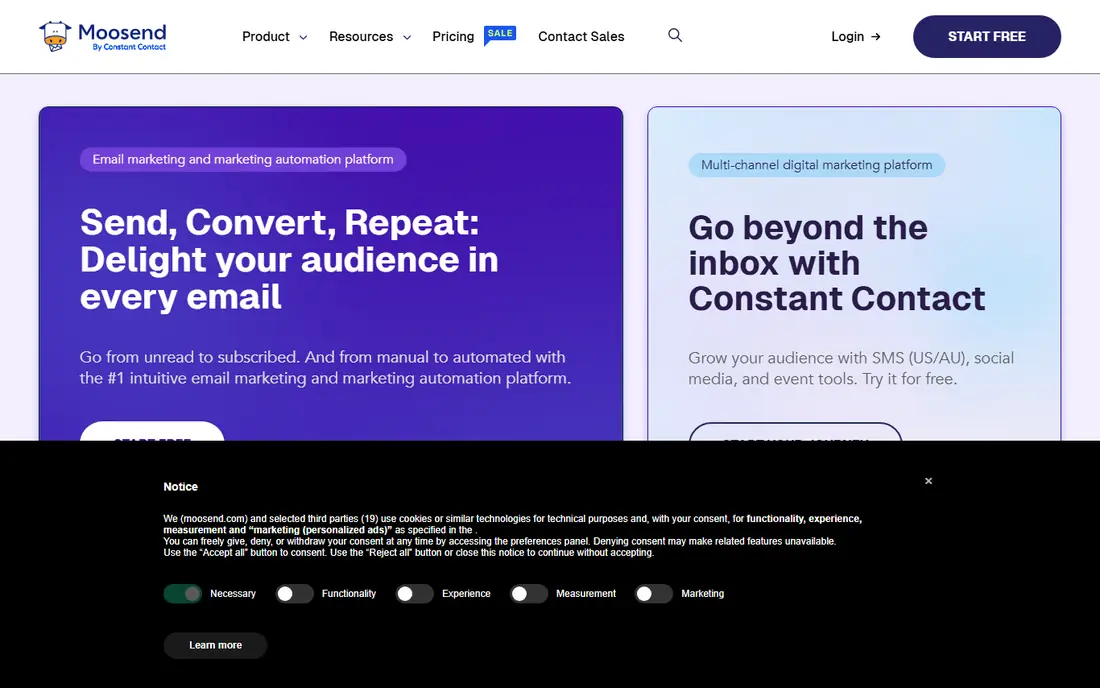
Think of Moosend for straightforward campaigns at a flat low price. Moosend is the quiet value pick: $9 per month for 500 contacts with automation and unlimited emails, undercutting nearly everyone. For firms that missed the free-plan era everywhere else, Moosend's premium entry remains one of the cheapest ways to send real campaigns with automation.
What to check first: Smaller integration ecosystem than Mailchimp; only a 30-day trial.
What users get: Unlimited emails on premium plans.
For everyday use, note the 2026 change: the old free plan is gone, replaced by a 30-day trial. The integration catalog is smaller than Mailchimp's. Entry price for Moosend: From $9/month. Free plan details: Free trial (30 days).
- Among the lowest entry prices with solid automation included
- Clean editor that non-technical users learn quick
- No permanent free plan since 2026
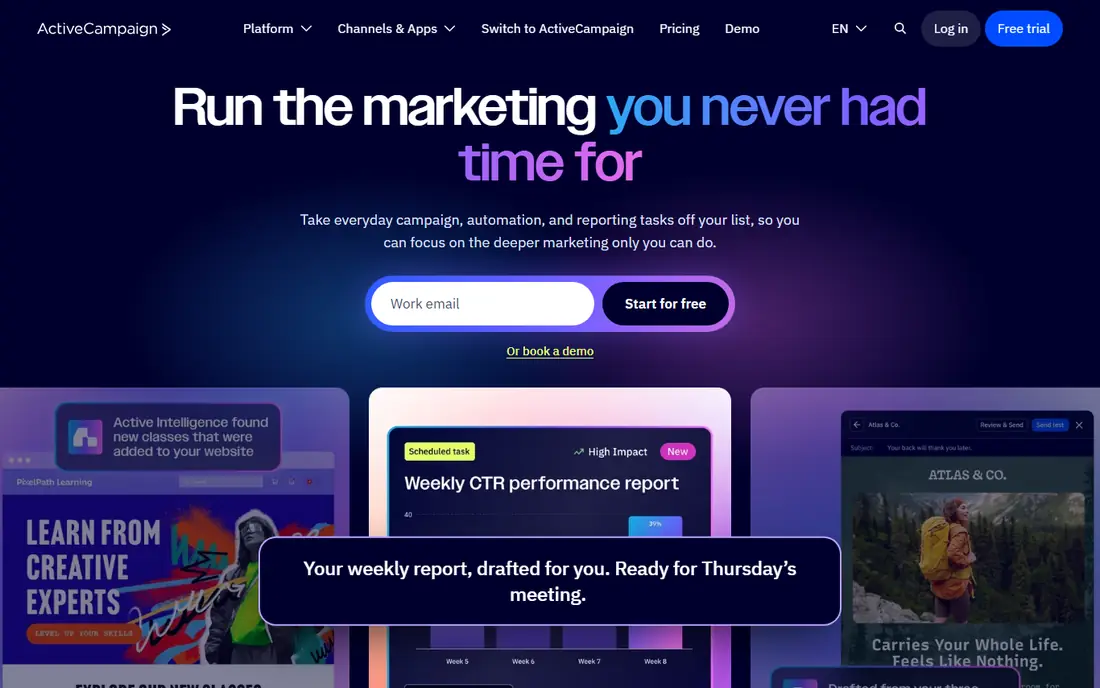
ActiveCampaign makes the most sense for small teams that require serious automation. The honest catch is fit.
More specifically, the visual automation builder takes care of multi-branch sequences, site tracking triggers, lead scoring and CRM pipelines that the more straightforward tools cannot touch. In daily use, starter begins at $15 per month for 1,000 contacts, which is remarkable value for the depth. What you pay to start with ActiveCampaign: From $15/month. Free options: Free trial (14 days).
Downsides: No free plan.
- Built-in CRM with sales pipeline
- Deepest automation in the SMB tier with visual workflows and conditional logic
- The power brings a ramp-up time
Brevo is designed for large lists that you email infrequently. Since you pay per email sent instead of per contact stored, a business with a big list and a monthly newsletter pays $9 per month for 5,000 emails whereas contact-based competitors charge for all 50,000 subscribers.
Drawbacks to consider: Automation is thinner than ActiveCampaign.
The free plan's 300 emails a day handles plenty of small companies entirely. Brevo pricing: Free. Free access exists with Brevo.
Where Brevo stands out: not contacts, so a 50,000-person list emailed monthly stays cheap.
- Bills on email volume
- Free level lets 300 emails a day with up to 100,000 contacts
- Contact-based senders may find the model confusing
For firms that want email plus webinars and funnels, GetResponse is a natural candidate. GetResponse bundles what others sell separately: email marketing, a webinar system, landing pages and conversion funnels.
Where it is weaker: Interface feels busier than MailerLite.
But for the webinar-led business, the math is compelling: email plus webinars for less than a standalone webinar tool costs. On cost, GetResponse starts like this: From $19/month. GetResponse includes a free tier.
- Webinar hosting built into the system
- Solid automation at a mid-range price
- Ecommerce features lag Klaviyo
Mailchimp works best for owners who want a familiar all-in-one suite. Mailchimp remains the default recommendation since everything links to it.
Drawbacks to consider: Pricing climbs steeply with list size.
More specifically, at 5,000 contacts, Essentials runs about $75 per month. On cost, Mailchimp starts like this: Free. You can start on Mailchimp without paying.
- Mature templates
- Ample send allowance relative to contacts on premium levels
- Unsubscribed contacts count toward billing until archived
Choose MailerLite for straightforward newsletters done well on a budget. The editor is straightforward, the automation builder is visual, and emails land in inboxes dependably. Beyond that, for a small business sending newsletters and simple automations, that leanness is a virtue.
As for the details, premium plans start at $12 per month for 500 subscribers, scaling to about $32 at 5,000, which undercuts Mailchimp at every step. It is deliberately lean: no CRM, no SMS, restricted advanced segmentation. The free plan handles 250 subscribers, enough to validate the channel before paying. Price to start with MailerLite: Free. MailerLite has a free plan.
Watch-outs: No built-in CRM.
- Solid deliverability reputation
- Automation included even on the free plan (restricted)
- Lean feature set by design, so advanced segmentation is restricted
Selection criteria
Pricing pages, product documentation and feature lists were the main sources, and every entry carries at least one honest drawback. Where a vendor does not publish a price, the entry says quote. Where a price depends on seats or billing term, the entry says so. The order reflects how well each tool fits the most common buying scenario for email software for small business, then price clarity, then free plan access. It is a starting point, not a verdict.
Pre-purchase checklist
- Check the vendor page for the current price: Moosend starts at $9/month here, and seats or billing terms can move it.
- Read the fine print on the free plans from Kit, Brevo, GetResponse and others; seat, project and feature caps differ.
- Use real work to test the free trial from Moosend and ActiveCampaign, rather than a demo project.
- Read the limits listed for Kit first: pricier than general tools once premium.
- Pick one real project and run it in Kit first; a small pilot shows fit faster than a checklist.
- See whether GetResponse offers onboarding or training, and whether it is included in the price.
FAQ
Can I try these tools before paying?
Often, yes. Kit, Brevo, GetResponse and others have a free plan and Moosend and ActiveCampaign offer a free trial. Use your own data and a real task during the test, and check what the free tier or trial limits before you rely on it.
How are the tools for email software for small business ordered?
The order follows typical fit for email software for small business, with Kit first and MailerLite last, then price clarity and free access. It is editorial judgement, not a score, so another team could rank the tools differently.
Can we switch email systems later?
The pain points are historical data (campaign stats do not transfer) and automation rebuilds (complicated ActiveCampaign workflows take real work to recreate). Keep your list clean and your automations documented, and migration stays manageable.
Do these tools publish their prices?
Yes. Every tool from Kit to MailerLite shows a starting price, though seats, add-ons and billing terms still change the final cost.
Is Kit the right pick for everyone comparing email software for small business?
No single tool suits every team. Kit comes first because it fits creators selling newsletters, courses and digital products, while Moosend suits straightforward campaigns at a flat low price and ActiveCampaign suits small teams that need serious automation. Match the tool to your own size, budget and workflow before deciding.