6 Email Anti-Spam Software for Remote Teams Worth Shortlisting in 2026
Best email Anti-Spam software for remote teams in 2026: 6 tools with starting prices, free plans and limits. Honest caveats for every entry. Refreshed for 2026.
- Editor's choiceGoogle Workspace Gmail Security
Native security for Google Workspace teams
Starts atPricing on requestVisit workspace.google.comFull review - Great alternativeCisco Secure Email
Protection against sophisticated email threats
Starts atPricing on requestVisit cisco.comFull review - Also consider
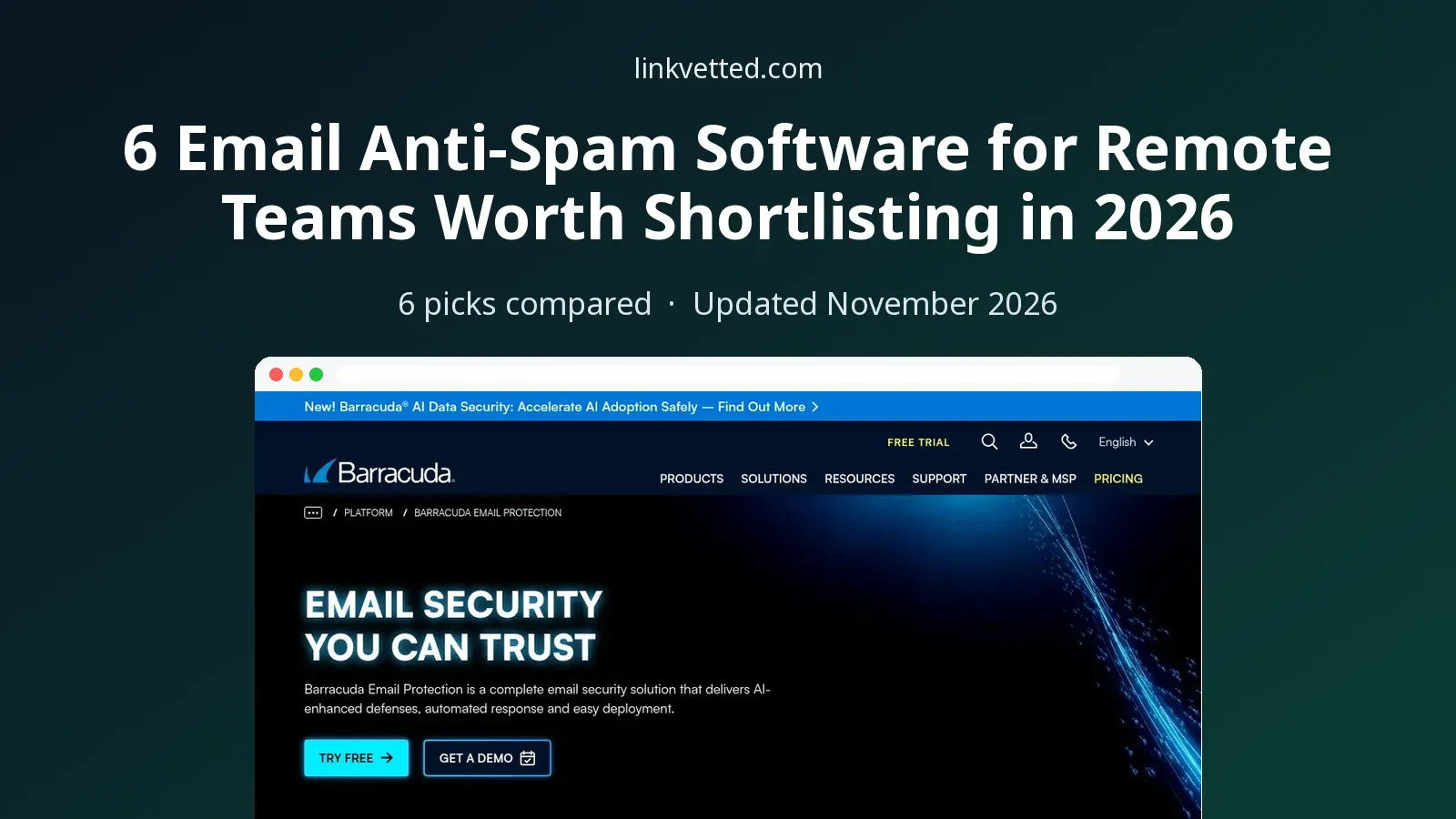
 Barracuda Email Protection
Advanced threat detection for firms
Starts atPricing on requestVisit barracuda.comFull review
Direct answer
For native security for Google Workspace teams, Google Workspace Gmail Security is where this list starts. Cisco Secure Email is the stronger choice for Protection against sophisticated email threats, while Barracuda Email Protection suits advanced threat detection for companies. The remaining 3 options are covered below with prices and limits. None of these vendors publish plan prices, so pricing is on request for every option.
TL;DR:
- The list opens with Google Workspace Gmail Security, aimed at native security for Google Workspace teams.
- No starting price is shown for any of the 6 tools, Google Workspace Gmail Security and Abnormal Security included, so plan time for sales calls.
- Check the limits for Proofpoint Email Protection before you commit: may be more than small teams need.
- None of the 6 tools, from Google Workspace Gmail Security to Abnormal Security, has a free plan, so budget for a subscription or use a trial.
- Abnormal Security fits behavioral AI across email and identity.
Last checked November 2026. Pricing on request: vendors did not publish plan prices when this guide was last checked (November 2026), so ask each vendor for a written quote.
Quick comparison
| Tool | Best for | Starts at | Free plan? | |
|---|---|---|---|---|
| Google Workspace Gmail Security | Native security for Google Workspace teams | Pricing on request | Not stated | Visit |
| Cisco Secure Email | Protection against sophisticated email threats | Pricing on request | Not stated | Visit |
| Barracuda Email Protection | Advanced threat detection for firms | Pricing on request | Free trial | Visit |
| Proofpoint Email Protection | Behavioral AI against phishing and BEC | Pricing on request | Not stated | Visit |
| Check Point Harmony Email & Collaboration | API-based protection for Microsoft 365 and Gmail | Pricing on request | Not stated | Visit |
 Abnormal Security | Behavioral AI across email and identity | Pricing on request | Not stated | Visit |
The 6 tools in detail
Short on time? The summary and table above give the quick view of 6 email Anti-Spam software for remote teams, and the profiles that follow give the detail behind each entry.
Google Workspace Gmail Security
Best for: Native security for Google Workspace teams
For native security for Google Workspace teams, Google Workspace Gmail Security is a natural candidate. For remote teams already on Google Workspace, it gives you baseline anti-spam and threat protection without adding another vendor, and administrators can adjust settings to tighten filtering. Its protections are tied to Google Workspace, so teams on other email systems would need a different option.
Limits to weigh: Advanced controls may need expert configuration.
More specifically, if you need specialized detection beyond native filters, an external email security layer may be worth considering. In daily use, Google Workspace Gmail Security is the native security layer for organizations using Google Workspace. Google Workspace Gmail Security does not show a starting price in this comparison, so check the vendor site for current pricing. Free access: Not stated.
- Built into Google Workspace
- No separate email gateway required
- Restricted to Google Workspace environments
Cisco Secure Email
Best for: Protection against sophisticated email threats
Cisco Secure Email is a good fit for Protection against sophisticated email threats. Cisco Secure Email is described as supplying protection against sophisticated email threats that can jeopardize an organization's brand and operations.
Trade-offs to know: May need Cisco security ecosystem familiarity.
It is part of Cisco's broader security portfolio, which can appeal to teams already using Cisco infrastructure. Cisco Secure Email shows no starting price here, so confirm the cost on the vendor site. On free options: Not stated.
- Aims to protect brand and operations
- Part of Cisco's security portfolio
- Can be complicated to administer
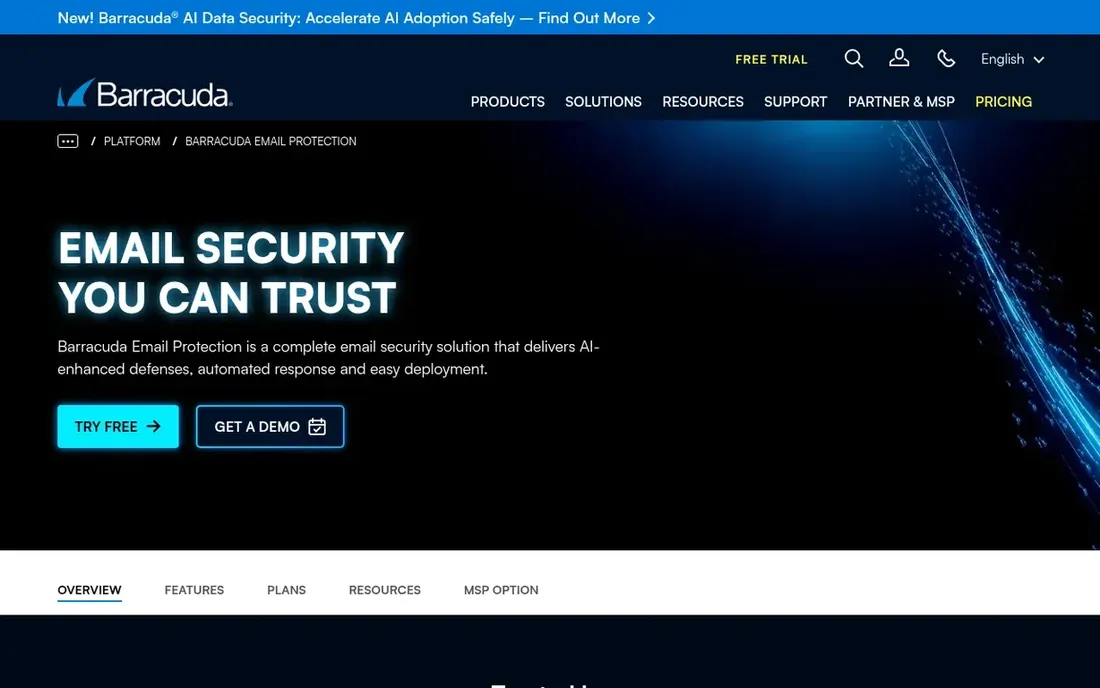
In short, Barracuda Email Protection is for advanced threat detection for companies. It is positioned for companies that want a dedicated layer around their email.
If you prefer a tool that is entirely native to your email provider, the built-in security in Google Workspace or Microsoft 365 may be sufficient for entry-level needs. More specifically, administration may need IT involvement. Check the vendor site for Barracuda Email Protection pricing; none is listed in this comparison. Free options: Free trial.
Where it is weaker: May need extras for full coverage.
- Aims to prevent data breaches
- Gives you email security services
- Feature depth varies by edition
Proofpoint Email Protection
Best for: Behavioral AI against phishing and BEC
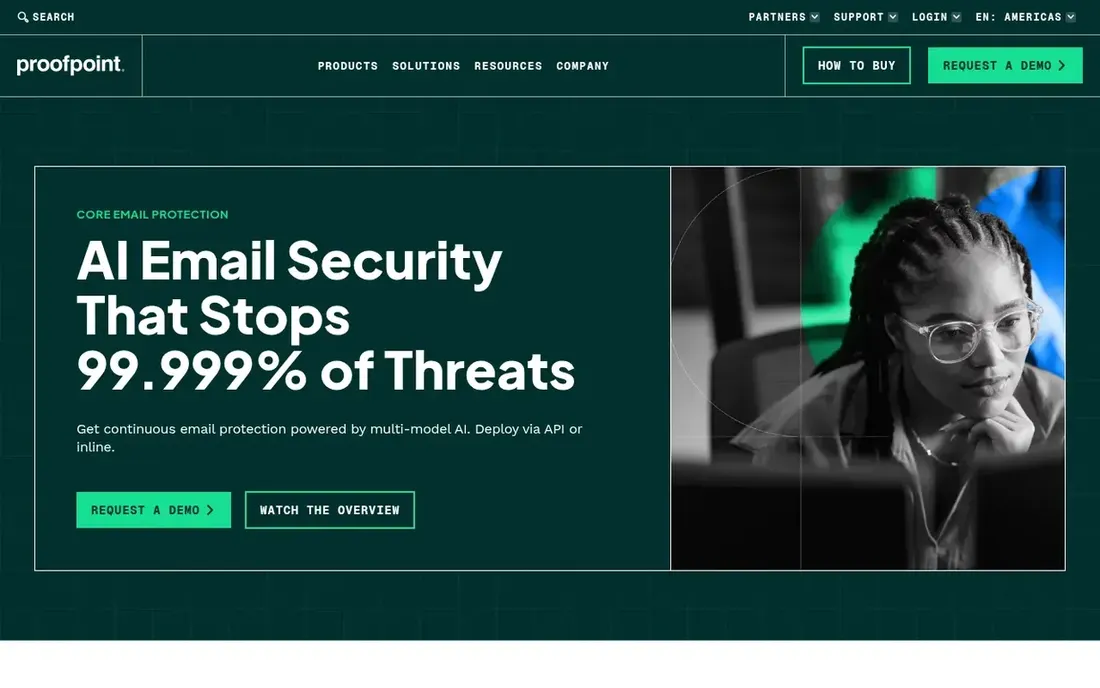
Proofpoint Email Protection targets behavioral AI against phishing and BEC. Proofpoint Email Protection is a security layer built to stop phishing, business email compromise, and evasive attacks that can slip past the native defenses in Microsoft 365 and Google Workspace. It applies behavioral AI and can be deployed through an API or a secure email gateway.
Points against: May be more than small teams need.
This makes it a fit for remote teams that want deeper inspection of inbound email without replacing their existing cloud email product. In practice, setup and policy tuning can take effort. In daily use, if you need a more straightforward add-on for entry-level spam filtering, a lighter tool may be simpler to handle. Proofpoint Email Protection shows no starting price here, so confirm the cost on the vendor site. Trial and free access: Not stated.
- Uses behavioral AI to detect evasive attacks
- Deploys via API or secure email gateway
- Needs tuning for best results
Check Point Harmony Email & Collaboration
Best for: API-based protection for Microsoft 365 and Gmail
Check Point Harmony Email & Collaboration works best for API-based protection for Microsoft 365 and Gmail. Check Point Harmony Email & Collaboration, formerly Avanan, offers AI-powered protection against phishing, malware, and business email compromise for Microsoft 365, Gmail, and more. It is built to add a security layer through API integration, which can suit remote teams that want protection without changing their email provider.
Worth adding: since it depends on API integration, teams should confirm compatibility with their email setup and review administrative requirements. More specifically, for entry-level spam filtering, the email provider's built-in controls may be sufficient. No starting price is listed for Check Point Harmony Email & Collaboration here; confirm pricing on the vendor site. As for free access: Not stated.
Where it is weaker: API-based deployment may not suit every environment.
- Works with Microsoft 365 and Gmail
- Formerly known as Avanan
- Needs review of integration requirements
Abnormal Security was built for behavioral AI across email and identity. Its focus is on detecting anomalies and targeted attacks instead of simple spam rules. In practice, the system's wide scope means it may be more than a team needs if the goal is only entry-level spam reduction.
In practice, remote teams with cloud email and a need for advanced threat detection may find this approach handy, particularly when built-in filters miss socially engineered messages. Integration and tuning are part of deployment. No starting price is listed for Abnormal Security here; confirm pricing on the vendor site. Free plan details: Not stated.
The main drawbacks: Requires integration with existing systems.
- Aims to stop insider threats
- Behavioral AI security system
- Wide scope may exceed entry-level anti-spam needs
How we built this list
LinkVetted used vendor pricing pages and product documentation as the base, then compared plans, free access and documented limits for 6 tools. Treat prices as a snapshot: vendors change plans often, so check the vendor site for the figure that applies today. Order on the page follows fit for the typical buyer first, then price transparency and free access. Your own requirements should decide the final pick.
What to confirm before you sign up
- Request quotes from Google Workspace Gmail Security, Abnormal Security and the others; the list shows no fixed prices.
- Take the trial from Barracuda Email Protection and push a live task through it before you pay.
- Read the limits listed for Google Workspace Gmail Security first: limited to Google Workspace environments.
- Find out whether the entry plan of Barracuda Email Protection covers your must-haves or only a trimmed-down version.
- Before you load data into Check Point Harmony Email & Collaboration, check what an export looks like and who can run it.
FAQ
Can I try these tools before paying?
Often, yes. Barracuda Email Protection offers a free trial. Use your own data and a real task during the test, and check what the free tier or trial limits before you rely on it. For the full picture, the cards above cover all 6 entries of this email Anti-Spam software for remote teams list, including price, free plan and limits.
Do these tools publish their prices?
No. None of the tools, from Google Workspace Gmail Security to Abnormal Security, shows a fixed starting price here, so budget time for quotes.
Is Google Workspace Gmail Security the right pick for everyone comparing email Anti-Spam software for remote teams?
No single tool suits every team. Google Workspace Gmail Security comes first because it fits native security for Google Workspace teams, while Cisco Secure Email suits Protection against sophisticated email threats and Barracuda Email Protection suits advanced threat detection for businesses. Match the tool to your own size, budget and workflow before deciding.
Do we need an external tool if we already use Microsoft 365 or Google Workspace?
An external layer can add behavioral detection and deeper inspection. Whether it is worth it relies on your risk profile and the sensitivity of the information your team manages.
How are the tools for email Anti-Spam software for remote teams ordered?
The order follows typical fit for email Anti-Spam software for remote teams, with Google Workspace Gmail Security first and Abnormal Security last, then price clarity and free access. It is editorial judgement, not a score, so another team could rank the tools differently.
Can these tools be managed by a small IT team?
Some choices are aimed at organizations with dedicated security staff, whereas others are more straightforward to administer. Check the management console and policy controls, and consider whether you need a completely managed service or can manage configuration in-house.
Sources
- https://workspace.google.com/security
- https://www.cisco.com/c/en/us/products/security/email-security/index.html
- https://www.barracuda.com/products/email-protection
- https://www.proofpoint.com/us/products/email-protection
- https://www.checkpoint.com/harmony/email-security
- https://abnormalsecurity.com