Best ELN Software in 2026: 8 Tools Compared
Compare the best eln software for research labs, with Benchling, LabArchives, SciNote and more weighed on compliance, inventory and pricing for every lab.
- Editor's choice
 Benchling
Biotech R and D teams
Starts atSee websiteVisit benchling.comFull review - Great alternative
 LabArchives
Labs wanting clear published pricing
Starts at$575 per user per yearVisit labarchives.comFull review - Also consider
 SciNote
Regulated labs on a budget
Starts atSee websiteVisit scinote.netFull review
TL;DR:
- Benchling leads biotech R and D, while LabArchives offers the clearest published pricing for academic and corporate labs.
- SciNote and RSpace give small labs and universities free starting options with real compliance features like audit trails and signatures.
- Labguru, LabCollector and Dotmatics suit labs that want ELN plus LIMS and inventory in one system rather than a notebook alone.
- Check 21 CFR Part 11, GLP and GMP support, data export and instrument integrations before committing, since switching notebooks later is painful.
Quick comparison
| Tool | Best for | Starts at | Free plan? | |
|---|---|---|---|---|
| Benchling | Biotech R and D teams | See website | Yes | Visit |
| LabArchives | Labs wanting clear published pricing | $575 per user per year | Yes | Visit |
| SciNote | Regulated labs on a budget | See website | Yes | Visit |
 RSpace | Universities and open-science labs | $120 per user per year | Yes | Visit |
 Labguru | ELN plus LIMS in one platform | See website | Free trial | Visit |
 LabCollector | Modular labs buying only what they need | See website | Yes | Visit |
 Dotmatics ELN | Enterprise scientific informatics | See website | No | Visit |
 eLabFTW | Free open-source ELN | Free | Yes | Visit |
The best ELN software
We compared official pricing pages, product documentation and public reviews for electronic lab notebooks that record experiments, protocols, results and signatures with searchable, auditable records. The picks cover academic labs, biotech teams and regulated enterprise labs.
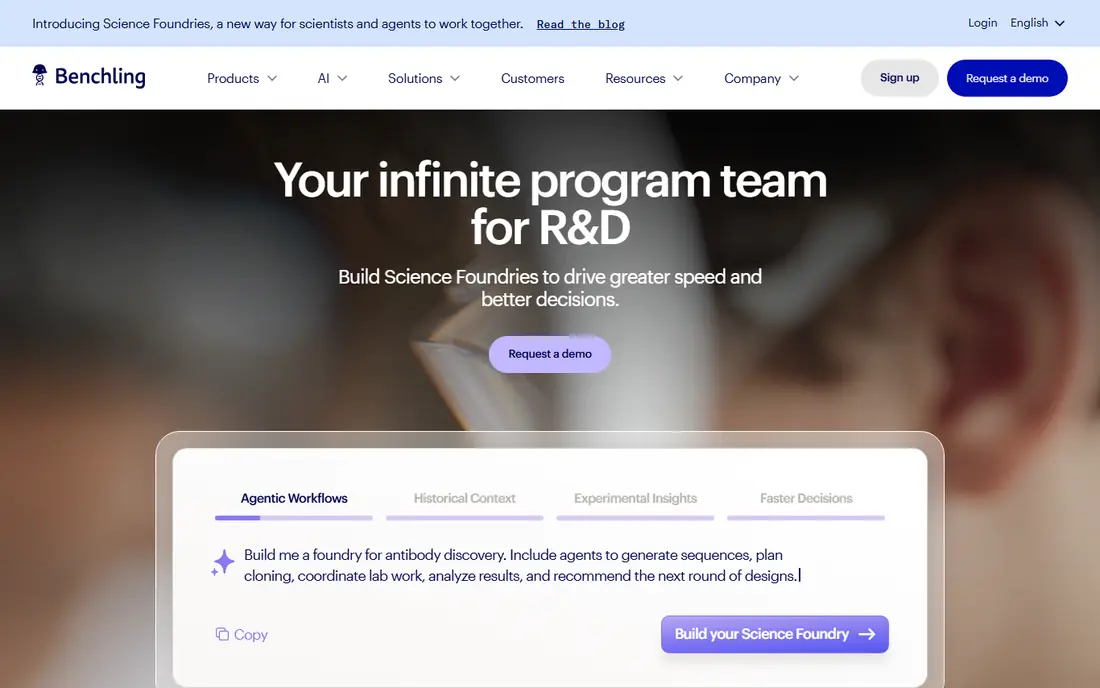
Benchling is the dominant ELN for biotech research and development. Its notebook sits beside molecular biology tools for sequences, plasmids, primers and registry management, so scientists can link experiment records directly to the biological entities they worked on. Collaboration, templates, audit trails and integrations with instruments and data tools support teams from startup to large pharma, and academics can use a free plan.
Commercial pricing is the barrier. Benchling quotes enterprise pricing, reported in the thousands per user per year, which puts it out of reach for small academic labs paying out of pocket. Chemistry-first labs may also find its biology focus less central. For biotech teams where sequence and registry data drive the work, Benchling is the clear leader.
- Biology-first tools for sequences, plasmids and registry
- Strong collaboration
- Free academic plan
- Commercial pricing is quote-only and costly
- Smaller chemistry labs may not need its biology depth
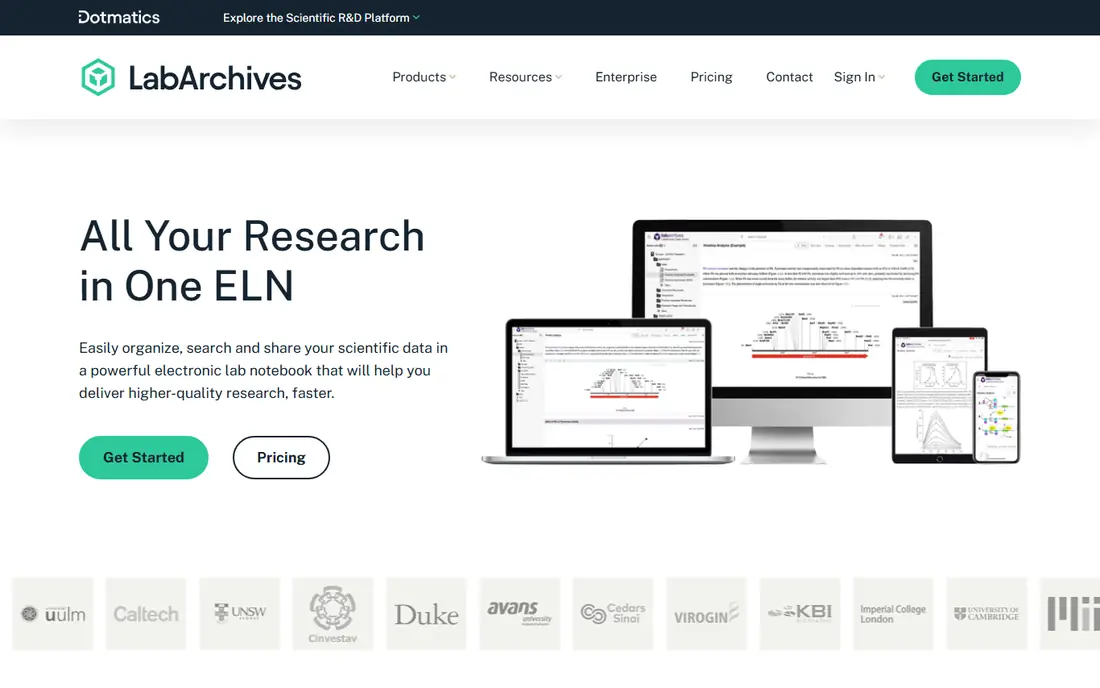
LabArchives offers the clearest pricing in this group, which researchers appreciate. Its corporate Professional plan is listed at $575 per user per year, with an academic plan at $330 per user per year and a free edition for individuals. The notebook supports rich entries, file attachments, sharing controls, version history and institutional administration, making it a natural fit for universities and research institutes.
LabArchives is less biology-specific than Benchling, with fewer sequence and registry tools, so biotech teams may need add-ons or integrations. Its strength is dependable, well-priced notebook collaboration with clear costs. For academic labs and institutions that need predictable pricing and easy sharing, LabArchives is an excellent default.
- Clear published pricing
- Free edition
- Strong institutional collaboration and sharing controls
- Fewer biology-specific tools than Benchling
- Enterprise features need higher tiers
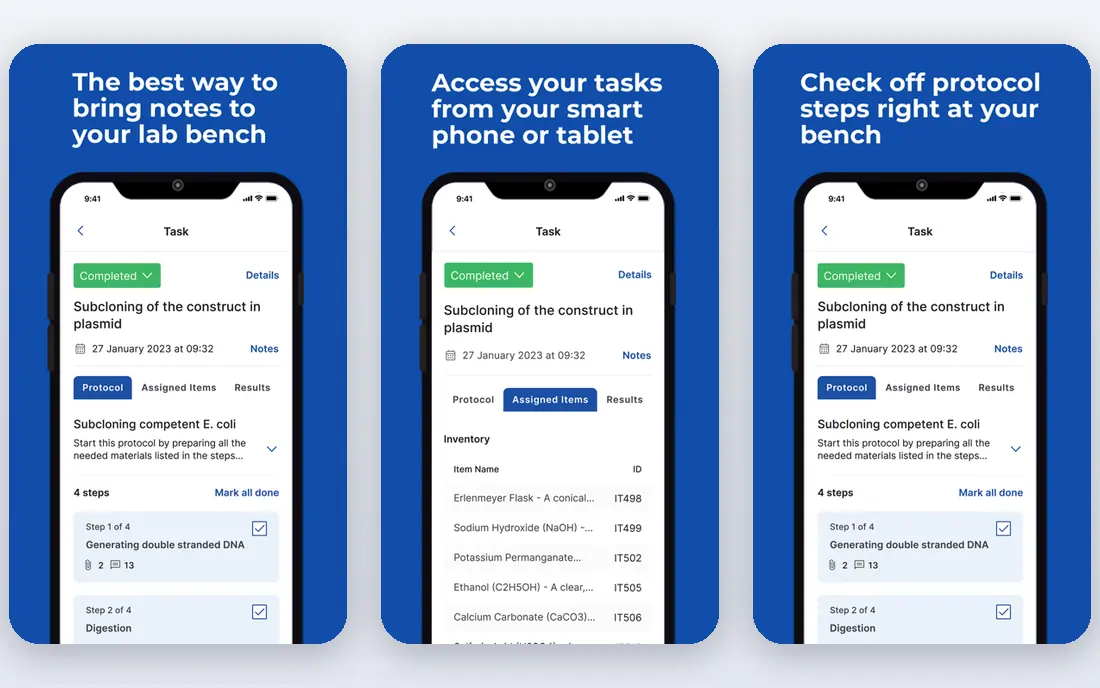
SciNote organizes research as projects, experiments and tasks, with protocol templates, inventory management, version control, electronic signatures and audit trails. That structure helps labs moving from paper to electronic records, and its compliance tooling for 21 CFR Part 11, GLP and GMP suits regulated teams. A free tier for individual users lets small labs start without a purchase order, and the vendor notes use by regulated organizations including the FDA and USDA.
Paid pricing is quote-based, with no public pricing page, so budgeting requires a sales conversation. SciNote is also ELN-first, meaning sample throughput and LIMS depth trail dedicated LIMS platforms. For research teams whose main problem is experiment documentation and reproducibility on a budget, SciNote is a strong pick.
- Free tier for individuals
- Protocol templates and inventory
- Compliance tools for regulated work
- Paid pricing is quote-based
- LIMS depth is lighter than LIMS-first rivals
RSpace is an open, research-data-focused ELN popular with universities and open-science labs. It combines notebook entries with inventory, file management and compliance features, and its Community Edition is free and open-source for self-hosting. Published per-user pricing starts at $120 per user per year, though team subscriptions carry minimum annual totals that rise sharply for commercial and enterprise tiers.
Self-hosting adds IT effort, and the minimum subscription levels can surprise small commercial labs. Academic teams with IT support, or institutions that value open data practices, get a flexible and compliant notebook at a fair price. Confirm the team minimum for your sector before budgeting, and test import from your current notebooks.
- Open-source Community Edition
- Strong compliance and data management
- Per-user published starting price
- Team subscriptions have high minimums
- Setup needs more effort for self-hosted use
Labguru suits labs that want experiment records, sample management and inventory in one platform instead of three tools. Its ELN covers protocols, results and signatures, while its LIMS side tracks samples, storage locations and workflows, with stock alerts for reagents. Mid-size research and testing labs often pick Labguru to cut duplicate data entry between notebook and sample systems.
Pricing is quote-based, so small labs should request a written quote early and compare it with SciNote plus a separate inventory tool. Labguru can also feel broad for a team that only needs a notebook. For labs where sample tracking matters as much as experiment writing, Labguru's combined platform is a practical advantage.
- ELN, LIMS and inventory in one system
- Sample tracking and workflows
- Free trial
- Pricing is quote-based
- Smaller labs may not need the full platform
LabCollector takes a modular approach: labs buy the ELN pack plus only the LIMS, inventory or workflow modules they need, instead of paying for a full suite. A free startup pack lets small teams begin, and paid packs scale by user count and module. That flexibility suits labs with unusual workflows, such as biobanks, chemistry labs or core facilities that need specific sample types.
Modular pricing also means the total depends on pack choices, so buyers should price their exact module set. The interface reflects its modular roots and can feel less unified than Benchling or SciNote. For labs that know exactly which modules they need and want to avoid suite bloat, LabCollector is a flexible, cost-aware choice.
- Modular packs let labs buy only needed tools
- ELN plus LIMS and inventory options
- Free startup pack
- Pricing varies by pack and user count
- Interface is modular rather than unified
Dotmatics ELN fits enterprise scientific informatics, where the notebook must connect to chemistry registration, assay data, inventory and analysis tools across sites. Its platform supports structured experiment capture, templates, audit trails and integrations that large pharma and biotech teams need for data integrity and reuse. For organizations standardizing informatics globally, Dotmatics offers breadth few notebook-only tools match.
That breadth comes with enterprise pricing and implementation effort. Dotmatics is quote-based and best suited to larger organizations with informatics teams, not a five-person academic lab. Small labs should start with LabArchives, SciNote or RSpace. Enterprises consolidating scientific data will find Dotmatics a credible, powerful contender.
- Enterprise informatics breadth
- Chemistry and biology data tools
- Strong compliance and integration story
- Pricing is quote-based
- Implementation suits larger enterprises better than small labs
eLabFTW is the free open-source ELN for labs with IT capacity and tight budgets. It records experiments, manages databases of samples and equipment, and supports templates, file attachments and sharing, all under an AGPL license. Labs that want full control over hosting and data, without vendor lock-in or per-user fees, often choose eLabFTW, with paid hosting available for teams that prefer not to self-host.
The cost is operational: the lab runs servers, backups, upgrades and security itself unless it pays for hosting. Support is community-led for self-hosted use, which suits universities with IT staff better than labs with no technical support. For a budget-conscious lab that values openness and control, eLabFTW is an excellent, genuinely free starting point.
- Free and open-source under AGPL
- Self-hosted control
- Experiment and database features
- Needs IT effort to host and maintain
- Support depends on community and paid hosting options
How we picked these
We compared official pricing pages, product documentation and public reviews for ELN products available in October 2026, keeping only tools with real experiment recording, search, versioning and sharing for research labs. We weighted compliance support, biology and chemistry fit, inventory and LIMS bundling, pricing transparency and free options, and listed unverified prices as See website. We did not claim hands-on testing.
How to choose an ELN
Start with compliance and data needs, not the interface alone. List the regulations your lab answers to, such as 21 CFR Part 11, GLP or GMP, and confirm signatures, audit trails, version history and data retention in a demo. Ask how records export to PDF or other archival formats, since a notebook you cannot export from is a long-term risk.
Next, test the daily workflow with a real experiment. Enter a protocol, record results, attach instrument files, link samples and search for the entry a week later. Check instrument and data integrations, since manual file uploads become the bottleneck in busy labs. Involve bench scientists early, because the best compliance features fail if researchers avoid the tool.
Finally, model total cost and migration. Add per-user fees, implementation, training, storage and integration costs, and ask about minimum subscriptions for team plans. Plan migration from paper or an old notebook with a pilot project, and confirm support hours and backup responsibility, especially for self-hosted options like eLabFTW and RSpace Community.
FAQ
What is ELN software?
An electronic lab notebook is software that replaces paper lab notebooks with searchable, timestamped experiment records, protocols, results, files and signatures. It improves reproducibility, collaboration and compliance, since entries carry version history and audit trails.
Which ELN is best for biotech labs?
Benchling leads for biotech research and development because of its sequence, plasmid and registry tools beside the notebook. LabArchives and SciNote suit academic and budget-conscious labs, while Dotmatics fits enterprise informatics programs.
Is there a free ELN?
Yes. eLabFTW is free and open-source for self-hosting, RSpace offers a free Community Edition, and Benchling, LabArchives and SciNote offer free academic or individual tiers. Free tiers vary in storage, users and compliance features, so check limits before adopting one.
How much does ELN software cost?
Published pricing in this list ranges from free for eLabFTW to $120 per user per year for RSpace and $575 per user per year for LabArchives corporate plans. Benchling, SciNote, Labguru, LabCollector and Dotmatics are largely quote-based for commercial use.
Can an ELN meet 21 CFR Part 11 requirements?
Many ELNs support Part 11-style controls like electronic signatures, audit trails and access controls, but compliance also depends on configuration, validation and lab procedures. Ask the vendor for validation documentation and confirm your quality team reviews the setup.