6 Best EdTech Platforms for 2026, Vetted and Compared
Best EdTech platforms: 6 contenders ranked by fit, with entry costs and free tiers. Strengths and gaps are listed per tool. A comparison table is included.

- Editor's choice
 Microsoft Teams for Education
Communication and remote collaboration
Starts atSee websiteVisit microsoft.comFull review - Great alternative
 D2L Brightspace
Multi-sector institutions needing analytics
Starts atSee websiteVisit d2l.comFull review - Also consider
 Google Classroom
Straightforward classroom and resource management
Starts atSee websiteVisit classroom.google.comFull review
Direct answer
Our first pick is Microsoft Teams for Education, best for communication and remote collaboration. Listed starting prices: Kahoot. from $3 a month. For a different need, D2L Brightspace covers multi-sector institutions needing analytics and Google Classroom covers straightforward classroom and resource management. All 6 tools are compared below on price, free plan and limits.
TL;DR:
- Top of the list is Microsoft Teams for Education, which targets communication and remote collaboration.
- The cheapest monthly starting price in the list is $3 per month, offered by Kahoot.
- D2L Brightspace comes with a trade-off: feature depth may exceed small programs.
- Just one of the 6 tools, Kahoot., has a free plan.
- Kahoot. Fits game-based learning and engagement.
Last checked November 2026. Prices and plan details were read from the vendors' own pages in November 2026; vendors change plans often, so confirm the current price on the vendor site before you buy.
Quick comparison
| Tool | Best for | Starts at | Free plan? | |
|---|---|---|---|---|
| Microsoft Teams for Education | Communication and remote collaboration | See website | Not stated | Visit |
| D2L Brightspace | Multi-sector institutions needing analytics | See website | Not stated | Visit |
| Google Classroom | Straightforward classroom and resource management | See website | Not stated | Visit |
 Canvas LMS | Institutions wanting an approachable LMS | See website | Not stated | Visit |
| Coursera for Campus | Higher-ed curriculum with online courses | See website | Not stated | Visit |
 Kahoot. | Game-based learning and engagement | $3 a month | Yes | Visit |
The 6 tools in detail
This LinkVetted guide covers 6 EdTech platforms. Each profile lists a starting price, free plan details, strengths and drawbacks, so you can drop poor fits quickly.
Microsoft Teams for Education was built for communication and remote collaboration. Microsoft Teams for Education is a video conferencing and communication app for schools, built to support in-person and remote students through teaching and collaboration.
Trade-offs to know: Value relies on the surrounding ecosystem.
It suits institutions that already depend on Microsoft tools and want a familiar space for meetings, class communication and group work. This comparison lists no price for Microsoft Teams for Education; ask the vendor. Free access: Not stated.
- Suits schools already using Microsoft tools
- Supports in-person and remote students
- Not a full course management system
D2L Brightspace targets multi-sector institutions needing analytics. D2L Brightspace is a learning system for higher education, K-12, associations and business, with D2L Lumi AI, Creator+ authoring and Performance+ analytics.
Where it is weaker: Feature depth may exceed small programs.
No starting price is listed for D2L Brightspace here; confirm pricing on the vendor site. Free options: Not stated.
- Wide sector coverage
- Serves higher ed, K-12
- Needs planning across user groups
Google Classroom
Best for: Straightforward classroom and resource management
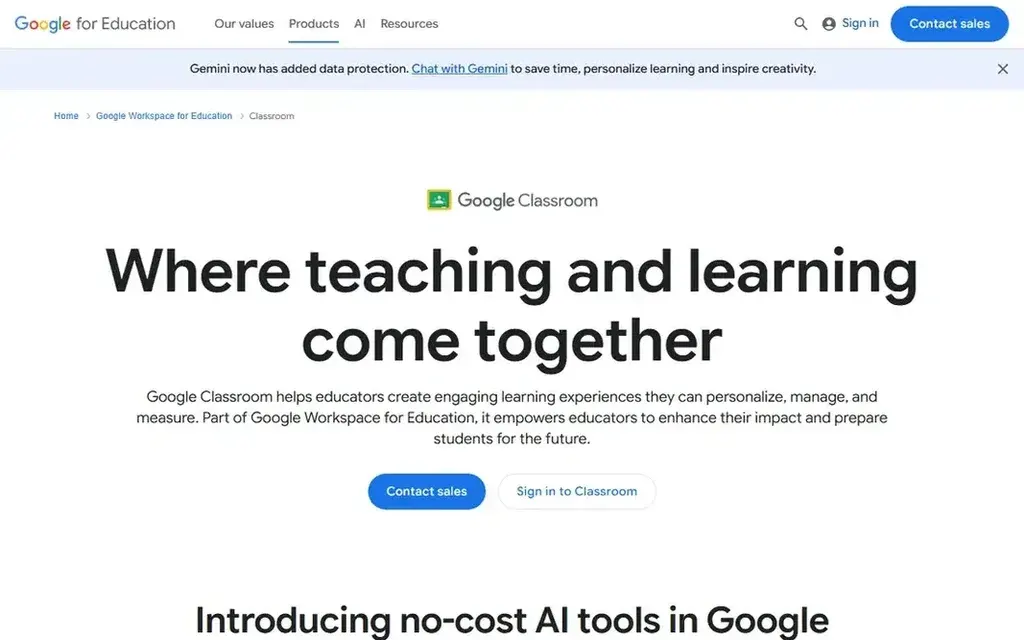
Google Classroom is built with straightforward classroom and resource management in mind. It fits teachers and schools that want a straightforward way to organize classes, share materials and keep students connected to everyday learning activities without adopting a heavy product.
Trade-offs to know: Lighter than a full LMS.
Beyond that, compared to dedicated learning management systems, Google Classroom is a lighter layer, so institutions needing advanced course structures or in-depth reporting may outgrow it. Google Classroom does not show a starting price in this comparison, so check the vendor site for current pricing. Free options: Not stated.
- Helps educators run classrooms
- Pitched at enriching learning experiences
- Deep features rely on the wider Google ecosystem
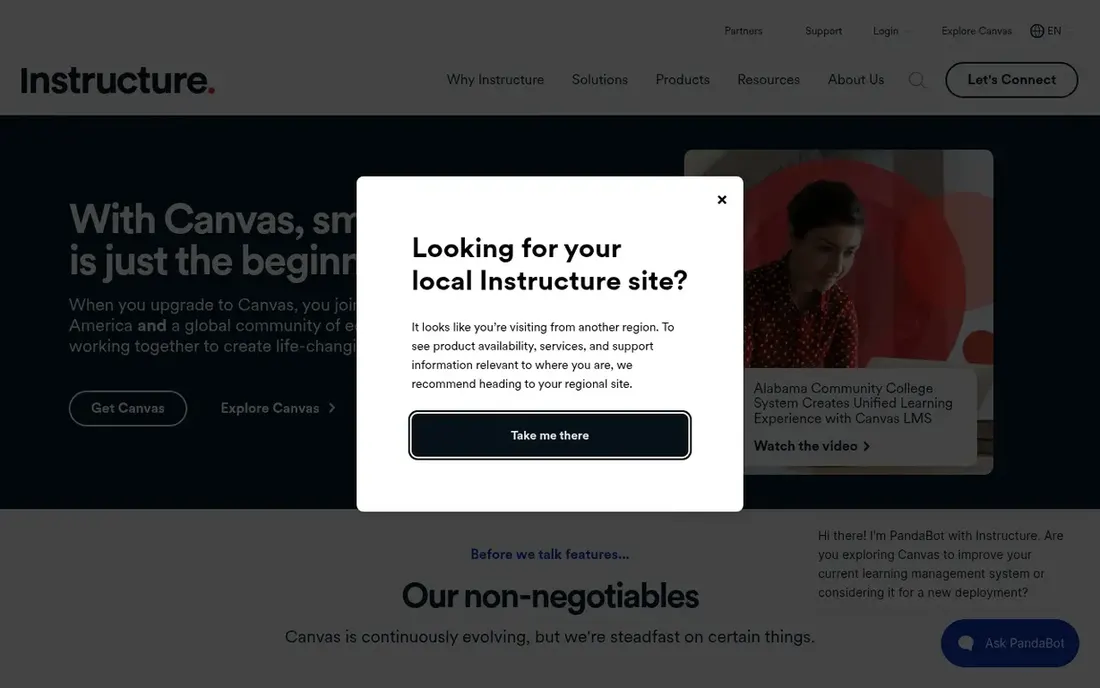
Canvas LMS is a good fit for institutions wanting an approachable LMS. Canvas LMS from Instructure is positioned as a world-leading learning management system built to ease teaching and enhance student learning. Its vendor emphasizes an approachable experience, which makes it a reasonable fit for schools, colleges and universities that want a full LMS including course delivery and everyday teaching workflows without unnecessary complexity.
The main drawbacks: Best value at institutional scale.
If you primarily need lightweight class organization rather than a full product, a more straightforward hub for example Google Classroom may be the better starting point. From a buyer's view, since Canvas is a comprehensive LMS, smaller programs may find the breadth of features beyond their needs, and teams should plan for onboarding effort. This comparison lists no price for Canvas LMS; ask the vendor. As for free access: Not stated.
- Wide LMS feature set
- Concentrated on enhancing student learning
- Full setup can take effort
Coursera for Campus
Best for: Higher-ed curriculum with online courses
Pick Coursera for Campus if this describes you: higher-ed curriculum with online courses. Coursera for Campus is an online learning product for higher education, positioned to help institutions build their curriculum, boost employability and attract more students.
It suits universities and colleges that want to supplement their programs with online course content from a recognized system. Check the vendor site for Coursera for Campus pricing; none is listed in this comparison. Free access: Not stated.
What to check first: Less suited to K-12 settings.
- Helps attract more students
- Designed for higher education
- Concentrated on course content instead of administration
Kahoot. Is a good fit for game-based learning and engagement. Kahoot. Is a game-based learning product that brings engagement and fun to learning at school, at work and at home. Beyond that, institutions needing those functions should combine it with a product for example Canvas LMS or D2L Brightspace.
Drawbacks to consider: Engagement tool instead of a LMS.
Highlights: Works at school. On top of that, Kahoot. Is an engagement layer, not a learning management system. So it will not manage enrollment, grading or course content on its own. Starting cost for Kahoot.: $3 per month. Kahoot. Includes a free tier.
- Game-based learning format
- Work and home
- Not aimed at course administration
How the list was put together
We compared the tools on published pricing, free plan or trial availability, feature coverage for EdTech platforms, and the limits each vendor documents. Treat prices as a snapshot: vendors change plans often, so check the vendor site for the figure that applies today. Position on the page reflects fit for a typical buyer first, with price clarity and free access breaking ties. Treat it as a guide, not a ruling.
Things to verify first
- Get a written quote from Microsoft Teams for Education, D2L Brightspace, Google Classroom and others; the list shows no starting price for them.
- Test the free plan from Kahoot. Against your real workload before relying on it.
- Read the limits listed for Microsoft Teams for Education first: not a full course management system.
- Confirm you can export your data from Coursera for Campus, so leaving later does not mean losing records.
- Compare total cost, not headline price: for Microsoft Teams for Education, add extra seats, add-ons and any usage-based charges.
FAQ
What is the cheapest option for EdTech platforms in this list?
On published monthly entry prices, Kahoot. Is the lowest here at $3 per month. Entry price is only part of the cost, because seats, add-ons and billing terms can change the total.
How are the tools for EdTech platforms ordered?
Microsoft Teams for Education sits first and Kahoot. Last because the order follows typical fit for EdTech platforms, then price clarity and free access. It is a judgement call, so read each profile for fit and limits.
Can communication tools replace a learning management system?
Microsoft Teams for Education supports video conferencing, communication and collaboration for in-person and remote students. It does not include full course administration on its own, so most institutions pair it with a LMS.
Do these tools publish their prices?
Not all of them. Microsoft Teams for Education, D2L Brightspace, Google Classroom and others publish no starting price, so expect a quote request for those. The rest, Kahoot. included, show a starting price, though seats and billing terms still change the final cost.
Which options for EdTech platforms have a free plan?
Kahoot. Is the only tool in this list with a free plan. Free plans usually cap users, projects or features, so check the limits on the vendor page.
Sources
- https://www.microsoft.com/en-us/education/products/teams
- https://www.d2l.com/brightspace
- https://classroom.google.com
- https://www.instructure.com/canvas
- https://www.coursera.org/campus
- https://kahoot.com