Best Ebook Creator Software in 2026: 8 Tools Compared
Compare the best ebook creator software for authors and marketers, with prices, export formats and free plans, so you can pick the right tool quickly today.
- Editor's choice
 Designrr
Turning existing content into lead magnets
Starts at$29 per monthVisit designrr.ioFull review - Great alternative
 Canva
Short visual ebooks and guides
Starts atFreeVisit canva.comFull review - Also consider
 Adobe InDesign
Professional layout for print and digital
Starts atSee websiteVisit adobe.comFull review
TL;DR:
- Designrr is the fastest route from a blog post to a lead magnet, while Atticus and Vellum are stronger for finished books.
- Canva and Visme suit short, visual ebooks, but they are weaker on EPUB and Kindle-ready output.
- Kotobee is the pick for interactive ebooks with quizzes and media, especially for courses and training.
- A free ebook creator can work for a first project, but paid plans usually remove branding and add proper export formats.
Quick comparison
| Tool | Best for | Starts at | Free plan? | |
|---|---|---|---|---|
| Designrr | Turning existing content into lead magnets | $29 per month | Free trial | Visit |
| Canva | Short visual ebooks and guides | Free | Yes | Visit |
| Adobe InDesign | Professional layout for print and digital | See website | No | Visit |
 Kotobee Author | Interactive ebooks for courses and training | $150 one-time | Free trial | Visit |
 Atticus | Self-published books on any computer | $147 one-time | No | Visit |
 Vellum | Beautiful book interiors on a Mac | $199.99 one-time | No | Visit |
 Visme | Visual reports, guides and decks | $29 per month | Yes | Visit |
 FlipHTML5 | Page-flip ebooks from PDFs | Free | Yes | Visit |
The best ebook creator software
These tools cover very different jobs, from a quick lead magnet to a print-ready book. We compared export formats, templates, pricing and how much design skill each one asks for.
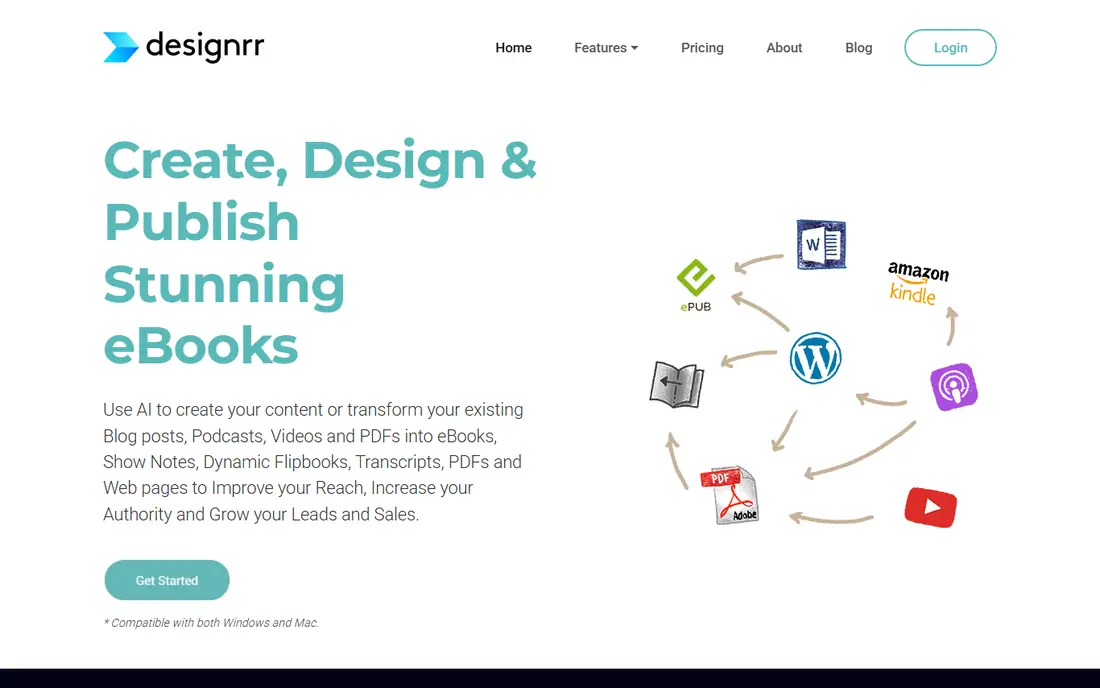
Designrr is built for speed. If you already have blog posts, articles or a transcript, it pulls that material into a formatted ebook instead of asking you to start from a blank page. That makes it a strong fit for marketers, coaches and small business owners who need a lead magnet this week, not a publishing project that takes a month. Templates, fonts and stock images are included, so a plain draft can look presentable with modest effort.
The trade-off is depth. You can adjust chapters, covers and page styles, but you will not get the fine typographic control of a professional layout program. The monthly plans also make it a poor value if you only publish one ebook a year, since a one-time tool may cost less over time. Still, for repurposing content at volume, it is hard to beat on speed alone.
- Imports from a URL, Word or Google Docs
- Many templates
- Exports PDF, EPUB and Kindle formats
- Monthly pricing adds up
- Design control is lighter than a full layout tool
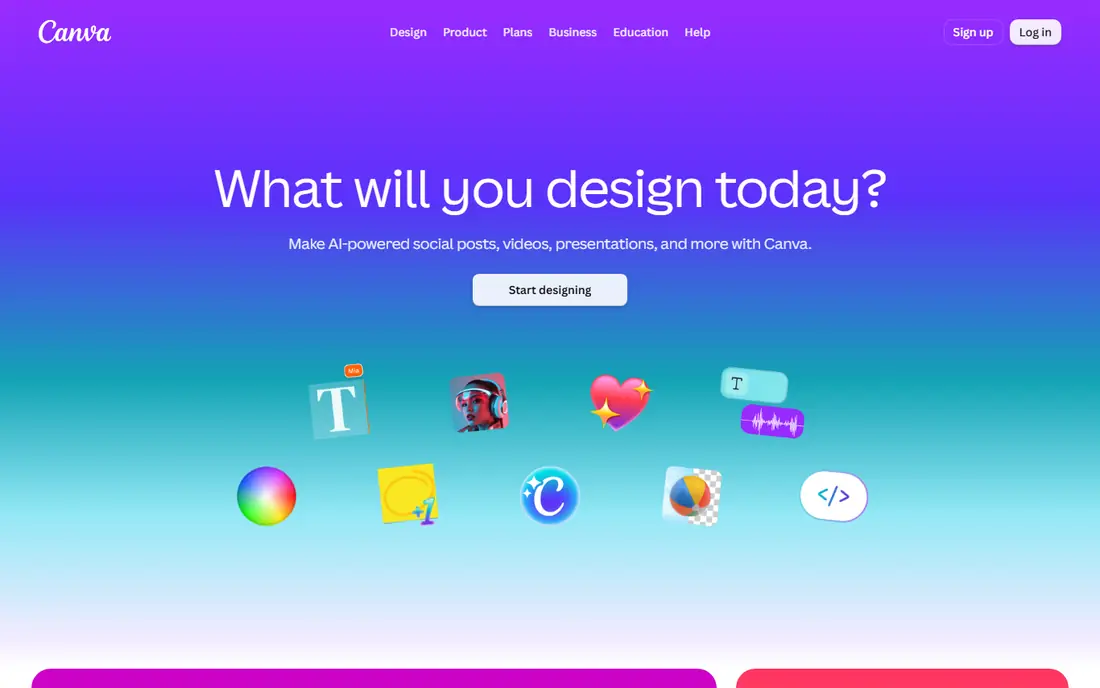
Canva is the friendliest tool on this list, and for a short guide that is mostly a virtue. You pick a template, drag in text and images, and export a PDF that looks clean on screen. Teams like it because anyone can edit a shared design, and the free plan covers many basic projects. If your ebook is 10 to 30 pages and lives mainly as a PDF download, Canva is often enough.
Long books expose its limits. There is no chapter management, no EPUB workflow and no print-ready typesetting in the way a dedicated book tool offers. Page counts climb, styles drift, and fixing a long document becomes tedious. Our pick for most people making a visual lead magnet is Canva, but authors planning a Kindle release should look further down this list.
- Very easy to learn
- Huge template and image library
- Free plan is usable
- No true EPUB export
- Not built for long books
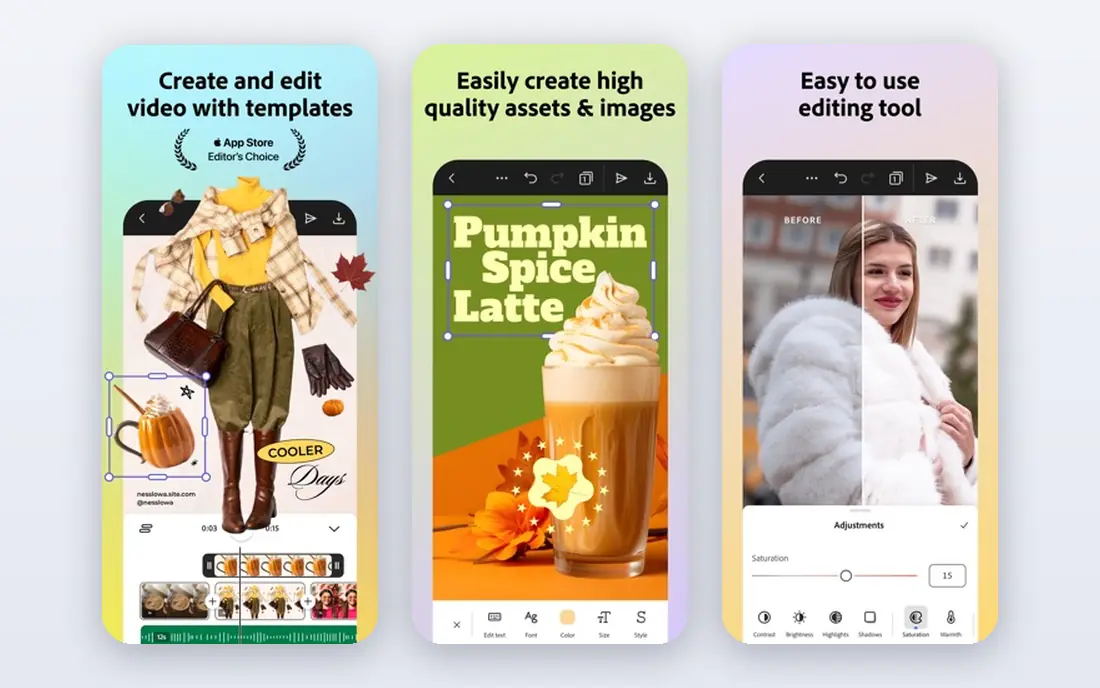
InDesign is the tool behind many professionally published books, magazines and reports. It gives you control over margins, styles, tables, images and page masters that simpler tools cannot match. If you plan to sell a print edition alongside a digital one, or you work with a designer who already uses Adobe software, InDesign is the natural home for the project.
That power comes with a cost in time. New users should expect a learning period, and the subscription model means you keep paying for access. For a one-off short guide, InDesign is more tool than you need. For a serious publishing workflow, though, nothing else here matches its precision, and files move easily between designers, editors and printers.
- Precise control over type, layout and styles
- Strong print output
- Industry standard
- Steep learning curve
- Subscription pricing
- Overkill for simple PDFs
Kotobee Author stands apart because it treats an ebook as something readers can interact with, not just read. You can add quizzes, embedded video, pop-ups and interactive widgets, then export to EPUB, mobile apps or web formats. That makes it a good match for teachers, trainers and publishers making textbooks or course materials where engagement matters as much as text.
The visual editor is less slick than Canva or Visme, and reaching a polished look takes more care. Some users also find the breadth of export options confusing at first. Even so, the one-time price is fair for what you get, and few tools in this price range handle interactive content this well. If your ebook needs to teach and test, Kotobee deserves a close look.
- Interactive quizzes, video and widgets
- EPUB and app export
- One-time pricing
- Interface feels dated
- Design polish needs more manual work
Atticus is our pick for most self-published authors who want a finished book without learning InDesign. It runs in a browser and on desktop, so you are not tied to a Mac, and it offers a wide set of themes you can adjust in detail. Export covers EPUB for major stores and print-ready PDF for services such as Kindle Direct Publishing and IngramSpark, which covers the two outputs most indie authors need.
It is not a full writing studio. Drafting, outlining and research are better handled in a writing app, with Atticus used for formatting at the end. The $147 one-time price also stings if you only ever publish one short book. For authors with a series or a regular publishing plan, the cost spreads quickly, and the clean output makes it worth it.
- Works on Mac, Windows and in a browser
- Many themes
- Clean EPUB and print PDF output
- One-time price is high for a single book
- Writing tools are basic compared with dedicated writing apps
Vellum has a loyal following among fiction authors for a simple reason: books formatted in Vellum tend to look good with very little fiddling. Its templates handle headings, drop caps, ornaments and spacing with care, and it can produce EPUB files tuned for Kindle, Apple Books, Kobo and other stores. Import a Word document, choose a style, and you are close to done.
The limits are clear. You need a Mac, and Vellum does not help you write the book, only format it. The ebooks-only price starts at $199.99, with print output in the $249.99 tier, so it costs more than Atticus for a similar job. If you are a Mac user who values a refined look and publishes often, Vellum is a pleasure to use. Windows users should choose Atticus instead.
- Excellent typography out of the box
- Store-specific EPUB files
- Print PDF included in the higher tier
- Mac only
- No writing environment
- Higher price than Atticus
Visme sits between Canva and a full design tool. It is strongest when your ebook is really a visual document: a report with charts, an illustrated guide, or a branded playbook. Templates, data widgets and a brand kit help small teams keep documents consistent, and sharing links make review simple. The free plan is a fair way to test the editor before paying.
For a text-heavy book, Visme is not the right home. Long chapters, footnotes and EPUB output are outside its focus, and the monthly price adds up for occasional use. Use Visme when visuals carry the message and the document is short to medium in length. Use a book tool when the text itself is the product.
- Strong charts, infographics and templates
- Brand kit on paid plans
- Easy sharing
- Monthly pricing
- Ebook export is mainly PDF
- Weaker for long text
FlipHTML5 does one job well: it turns an existing PDF into a flipbook that readers can browse in a browser, with page-turn animation, links and embedded media. That makes it handy for catalogs, brochures, magazines and short marketing ebooks that you want to share with a link rather than as a download. The free plan lets you try the format before committing.
It is not a replacement for an ebook creator. You still need another tool to write and design the PDF first, and long-form reading on a flipbook is less comfortable than on a dedicated e-reader. Think of FlipHTML5 as a distribution and presentation layer. Paired with Canva, Visme or Designrr, it can make a short ebook feel more polished and easier to share.
- Converts PDFs to flipbooks fast
- Free plan to start
- Hosting and sharing included
- Not a writing or layout tool
- Flipbooks suit marketing more than reading long books
How we picked these
We compared official feature pages, pricing pages and export options, plus app store listings and public user reviews, for tools that are actively sold and supported in October 2026. We kept only tools that produce a real ebook format, such as PDF, EPUB or a hosted flipbook, and that a US reader can buy or try today. We favored a mix of book tools, design tools and interactive tools, because the best choice depends on whether you are publishing a novel, a lead magnet or a course.
What to check before you buy
Start with the end format. A Kindle release needs EPUB, a lead magnet usually needs only PDF, and a course may need interactive EPUB or an app. Check that first, because it rules out several tools at once. Next, look at how you will write: if your draft already exists in Word or Google Docs, import matters more than a built-in editor.
Then weigh price against volume. A one-time purchase suits authors who publish a few books a year, while a monthly plan can suit a marketer who produces a new guide every month. Finally, run a short test project through your top choice. Export it, open it on a phone and an e-reader app, and check the table of contents, images and page breaks before you commit to a full book.
FAQ
What is the best free ebook creator software?
Canva and FlipHTML5 both offer free plans that work for short projects, and Google Docs can draft a book you later format elsewhere. Free plans usually add branding or limit exports, so a paid plan is worth it once you publish regularly. For a free EPUB workflow, open-source tools exist, but they ask for more technical skill.
Is Designrr or Canva better for a lead magnet?
Designrr is faster when you already have blog content, because it imports and formats that material for you. Canva is better when you want full visual control over a short, designed guide and do not need EPUB output. If you plan to publish the same guide on Kindle later, Designrr has the edge on formats.
Do I need EPUB or is PDF enough?
PDF is enough for a download on your own site, a course handout or a short guide. EPUB is needed for Kindle, Apple Books and most e-readers, because it reflows text to fit different screens. If you plan to sell through bookstores, choose a tool with clean EPUB export, such as Atticus, Vellum or Kotobee.
Can I publish a book made in Atticus or Vellum on Amazon?
Yes. Both tools export files suited to Kindle Direct Publishing, and Atticus also produces print-ready PDFs. You still need a cover, an ISBN decision and your own Amazon account setup. Formatting is only one part of publishing, but these tools handle that part well.
What is the best ebook writing software for a long book?
For drafting, a dedicated writing app helps with chapters and organization, but for formatting, Atticus and Vellum are the stronger picks here. Many authors draft elsewhere and format at the end. That split keeps writing simple and gives the finished book a professional look.