Best Ebook App in 2026: 8 Apps Compared
Find the best ebook app for your phone, tablet, or e-reader. We compare Kindle, Kobo, Apple Books, library apps, and subscriptions on price and features.
- Editor's choice
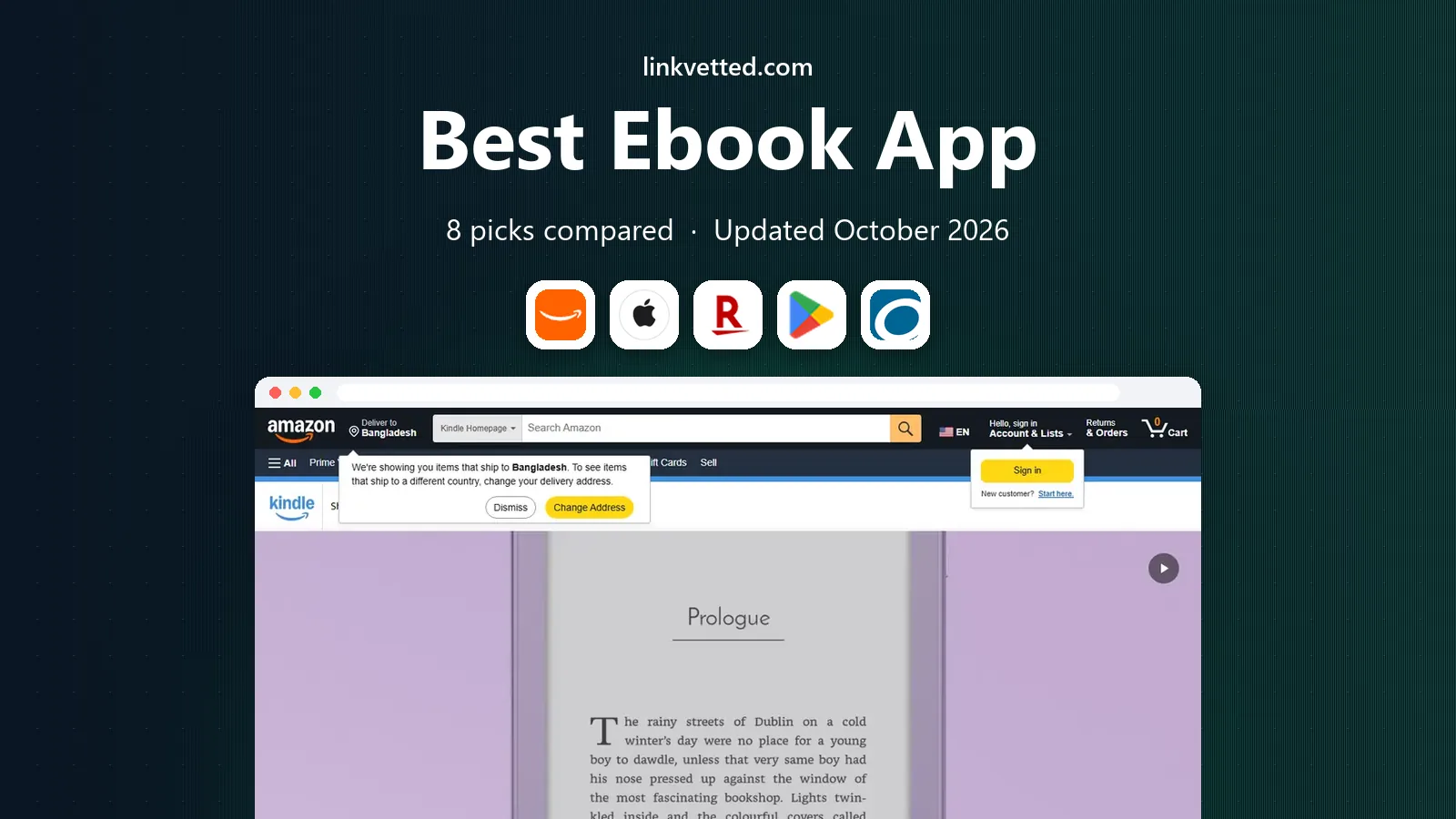
 Kindle
Largest ebook store and e-reader link
Starts atFreeVisit amazon.comFull review - Great alternative
 Apple Books
Buy books on Apple devices
Starts atFreeVisit apple.comFull review - Also consider
 Kobo Books
Open formats and e-reader choice
Starts atFreeVisit kobo.comFull review
TL;DR:
- Kindle and Kobo suit readers who want a large store plus a matching e-reader for long reading sessions.
- Apple Books and Google Play Books suit readers who buy books one at a time and do not want a subscription.
- Libby is the best free option for readers with a library card, though popular titles often have wait lists.
- Check format and device locks before you build a library, because moving books between ecosystems can be hard.
Quick comparison
| Tool | Best for | Starts at | Free plan? | |
|---|---|---|---|---|
| Kindle | Largest ebook store and e-reader link | Free | Yes | Visit |
| Apple Books | Buy books on Apple devices | Free | Yes | Visit |
| Kobo Books | Open formats and e-reader choice | Free | Yes | Visit |
 Google Play Books | Buy books on Android and web | Free | Yes | Visit |
 Libby | Free library borrowing | Free | Yes | Visit |
 Everand | Subscription reading and listening | See website | Free trial | Visit |
 Moon+ Reader | Custom reading on Android | Free | Yes | Visit |
 PocketBook Reader | Reading your own ebook files | Free | Yes | Visit |
The best ebook app
The best ebook app depends on how you get books: buying one at a time, borrowing from a library, or paying a monthly subscription. It also depends on your device, because some apps work best inside one ecosystem. These eight apps cover all three models.
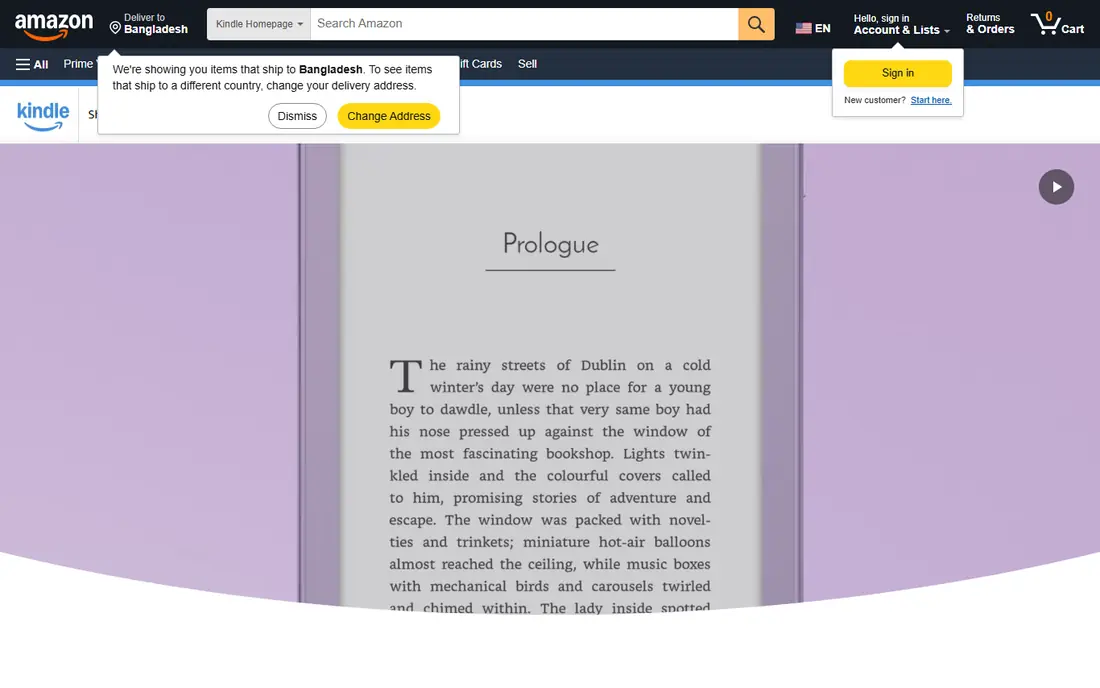
Kindle is our pick for most readers because its store is vast and its reading sync is reliable. The app is free, books sync across phone, tablet, and Kindle e-reader, and features such as bookmarks, notes, and dictionary lookup work well. Kindle Unlimited, at a monthly fee, adds a rotating catalog for heavy readers who want many titles without buying each one.
The main drawback is lock-in. Kindle books use Amazon formats and digital rights management, so moving a purchased library to another platform is hard. Readers who value open formats may prefer Kobo. For readers who already own a Kindle or read mainly on a phone, Kindle offers the simplest path to a large library.
- Huge store
- Sync with Kindle e-readers
- Kindle Unlimited option
- Books are tied to Amazon ecosystem
- Format limits for outside files
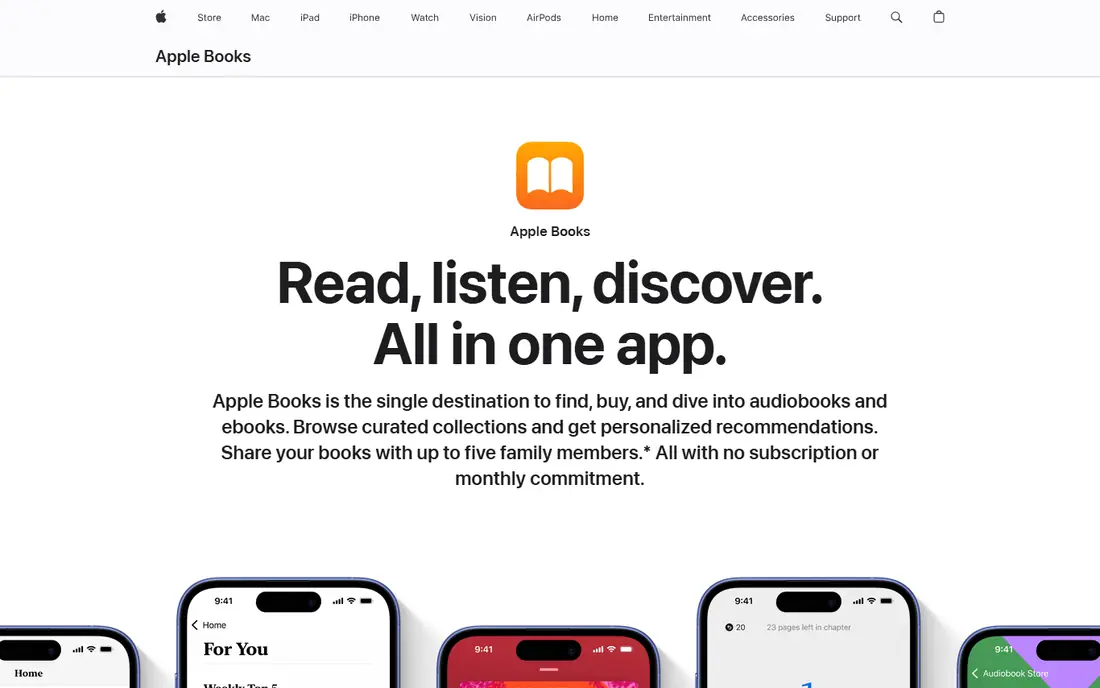
Apple Books suits iPhone, iPad, and Mac owners who buy books one at a time. The reading view is clean, with adjustable fonts, themes, and night reading options, and purchased books sync across Apple devices. Family Sharing lets family members share eligible purchases, and audiobooks live in the same app for readers who switch between formats.
The limit is platform. Apple Books works best inside the Apple ecosystem, so Android or Kobo e-reader owners should look elsewhere. There is also no ebook subscription catalog like Kindle Unlimited, so heavy readers pay per book. For Apple owners who buy selectively, Apple Books is a calm, well-designed choice.
- Clean reading experience
- Family sharing
- Audiobooks in same app
- Apple devices only for full experience
- No subscription catalog for ebooks
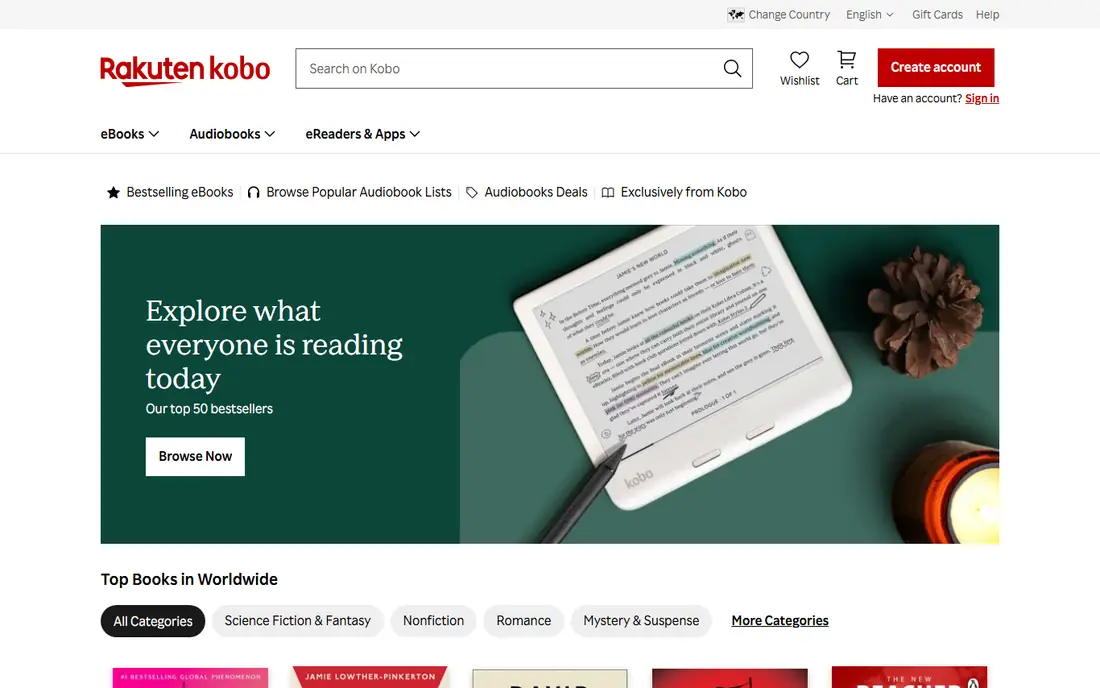
Kobo Books suits readers who want more format freedom and a strong e-reader option outside Amazon. The Kobo app and Kobo e-readers support EPUB, a widely used open ebook format, and Kobo devices include built-in library borrowing through OverDrive in many regions. Kobo Plus, a monthly subscription, adds ebook and audiobook catalogs for frequent readers.
In the US, the Kobo store is smaller than Kindle, and some new releases or bestsellers may appear later or cost more. The app is still solid for reading purchased books and synced progress. For readers who own EPUB files, borrow from a library, or want a non-Amazon e-reader, Kobo is the best mainstream alternative.
- EPUB support
- Kobo Plus subscription
- Library borrowing on Kobo devices
- Smaller US store than Kindle
- App experience varies by device
Google Play Books suits Android owners and readers who want to buy books without a monthly plan. The app is free, books can be read on Android, iOS, and in a web browser, and free samples help you test a book before buying. Uploading your own EPUB or PDF files for personal reading is another useful feature for readers with existing files.
There is no subscription catalog, so heavy readers pay per book, and there is no matching Google e-reader for dedicated reading sessions. The reading experience is still good on phones and tablets, with adjustable text, bookmarks, and notes. For a no-subscription store that works across devices, Google Play Books is a flexible pick.
- Buy without subscription
- Works on Android, iOS, and web
- Free samples
- No subscription catalog
- E-reader sync is app-based, not device-based
Libby, from OverDrive, is the best free ebook app for readers with a public library card. You sign in with your card, borrow ebooks and audiobooks, and return them automatically at the end of the loan. Downloads work offline, and holds let you queue popular titles. For a reader who finishes a few books a month, Libby can replace a paid subscription entirely.
The limits are set by your library, not by Libby itself. Popular new releases often have wait lists, loan periods vary, and some libraries limit how many titles you can borrow at once. If your library has a small digital catalog, holds can feel slow. Check your library catalog before you rely on Libby alone, and pair it with a store app for titles you need right away.
- Free with a library card
- Ebooks and audiobooks
- Offline downloads
- Wait lists for popular titles
- Loan limits vary by library
- Needs a library card
Everand, formerly Scribd, suits readers who want ebooks, audiobooks, and magazines under one subscription. The app offers a broad catalog, offline downloads, and a sleep timer for audiobooks. For readers who finish several books a month across formats, a single plan can cost less than buying each title separately.
The catch is access rules. Some premium titles use credits rather than unlimited access, and in-demand titles can be limited at times. That makes Everand less predictable than buying a book outright. If you read widely and can be flexible about titles, Everand offers strong value. If you need one specific new release now, buying it may be simpler.
- Ebooks, audiobooks, and magazines in one plan
- Offline reading
- Broad catalog
- Premium titles use credits
- In-demand titles can be limited
- Monthly cost adds up
Moon+ Reader suits Android readers who already own ebook files and want full control over the reading view. It supports EPUB and PDF, with detailed controls for fonts, themes, margins, line spacing, and gestures. Features such as text-to-speech, dictionary lookup, and backup options appeal to readers who tune every detail.
There is no built-in store, so you must supply your own files or buy books elsewhere and import them. Moon+ Reader is also Android only, and the full Pro version is paid. For readers with a personal EPUB library who want a tailored reading experience, it is one of the best Android apps available.
- Deep customization
- EPUB and PDF support
- Many reading controls
- Android only
- No built-in store
- Paid Pro version for full features
PocketBook Reader suits readers who collect EPUB, PDF, and other ebook files and want one app to open them. It supports many formats, syncs with PocketBook e-readers, and works offline for travel or commutes. The interface is functional rather than flashy, which keeps the focus on the text.
There is no large built-in store to match Kindle or Kobo, so you need your own files or library loans. That makes PocketBook Reader a companion app rather than a complete store. For readers with a personal library, a library card, or a PocketBook device, it is a reliable and free reading tool.
- Wide format support
- Works on phones and PocketBook devices
- Offline reading
- No large built-in store
- Interface is plainer than Kindle or Kobo
How we picked these
We compared official store pages, subscription terms, library support, and format support for apps that US readers can use today. We kept a mix of stores, subscriptions, library apps, and file readers, because the best app depends on how you get books. We left out apps with no clear current listing, audiobook-only apps, and file readers with no recent updates. We compared published features and pricing rather than claiming hands-on reading tests across every device.
How to choose an ebook app
Start with how you get books. If you buy one at a time, pick the store tied to your device: Kindle, Apple Books, Kobo Books, or Google Play Books. If you borrow, start with Libby and check your library catalog for wait times. If you read several books a month and can be flexible, try a subscription such as Kindle Unlimited, Kobo Plus, or Everand with a free trial.
Next, check format and device fit. Kindle books stay mainly inside Amazon, while EPUB files work well with Kobo, Moon+ Reader, and PocketBook Reader. If you own a dedicated e-reader, pick the app that syncs with it, because phone reading and e-reader reading feel very different over a long book. Also check offline downloads, font controls, and night reading options, since those features shape daily comfort more than store size.
Finally, test before you build a library. Borrow or buy one book, read a full chapter on your phone and, if you have one, on your e-reader. Check sync, bookmarks, and notes, and confirm that the app keeps your place across devices. A short test avoids the frustration of a large library locked into an app you do not enjoy reading in.
FAQ
What is the best ebook app for free books?
Libby is the best free option for most readers, because a public library card gives access to ebooks and audiobooks at no cost. Google Play Books and Kindle also offer free public domain titles and samples. For completely free classic books, a library app plus a file reader covers most needs.
Is Kindle Unlimited worth it?
It depends on how much you read and whether you like its catalog. Kindle Unlimited suits heavy readers who enjoy its rotating selection, while selective readers may spend less buying individual books. Use the free trial, track how many Unlimited books you finish in a month, and compare that total with the monthly fee.
Can I read Kindle books on a Kobo e-reader?
Not directly, because Kindle books use Amazon formats and protection. You can read Kindle books in the Kindle app on a phone or tablet, and Kobo books in the Kobo app or on a Kobo device. If you want to move between devices, EPUB-based stores and library apps offer more flexibility.
What is the best ebook app for Android?
Google Play Books and Kobo Books are strong Android store options, while Moon+ Reader is best for reading your own EPUB files on Android. Kindle also works well on Android for store purchases and sync. Pick the store app for buying, and Moon+ Reader for a custom file-reading experience.
Does Libby work without a library card?
No, Libby needs a valid public library card to borrow books. Many libraries let residents sign up online for a digital card, so check your local library website first. Without a card, a store app or subscription app is the better route.