The 5 Best Disk Cleaning Software in 2026, Ranked
Compare 5 picks for the best disk cleaning software, with prices, free plans and who each fits. Fit, price and catches for every tool. Skim the table first.
- Editor's choiceGlary Utilities
All-in-one Windows utility suite
Starts atSee websiteVisit glarysoft.comFull review - Great alternativeCleanMyMac
Mac users wanting cleanup and maintenance
Starts atSee websiteVisit macpaw.comFull review - Also considerAdvanced SystemCare
Windows users wanting cleaning and optimization
Starts atSee websiteVisit iobit.comFull review
Direct answer
Glary Utilities is the first pick on this list for all-in-one Windows utility suite. Listed starting prices: CCleaner from $44.95. CleanMyMac fits Mac users wanting cleanup and maintenance; Advanced SystemCare fits Windows users wanting cleaning and optimization. Details, prices and limits for the rest of the 5 tools are below.
TL;DR:
- Number one here is Glary Utilities, a fit for all-in-one Windows utility suite.
- Check the limits for CCleaner before you commit: some features are Windows-only.
- Only CCleaner offers a free plan among these 5 tools.
- Pricing for Glary Utilities, CleanMyMac, Advanced SystemCare and Wise Disk Cleaner is quote-based, which adds a sales step before you can compare cost.
- For focused disk cleanup and defrag on Windows, Wise Disk Cleaner is worth a look.
Last checked November 2026. Prices and plan details were read from the vendors' own pages in November 2026; vendors change plans often, so confirm the current price on the vendor site before you buy.
Quick comparison
| Tool | Best for | Starts at | Free plan? | |
|---|---|---|---|---|
| Glary Utilities | All-in-one Windows utility suite | See website | Not stated | Visit |
| CleanMyMac | Mac users wanting cleanup and maintenance | See website | Not stated | Visit |
| Advanced SystemCare | Windows users wanting cleaning and optimization | See website | Not stated | Visit |
 CCleaner | All-around Windows cleaning and privacy | $44.95 | Yes | Visit |
| Wise Disk Cleaner | Focused disk cleanup and defrag on Windows | See website | Not stated | Visit |
Disk Cleaning Software compared in detail
Choosing disk cleaning software usually comes down to price, fit and limits. This LinkVetted guide sets 5 tools side by side on those three points, with the facts kept short and checkable.
Glary Utilities
Best for: All-in-one Windows utility suite
For all-in-one Windows utility suite, Glary Utilities is a natural candidate. Glary Utilities is an all-in-one Windows utility suite that bundles disk cleanup with other maintenance and optimization tools.
A more straightforward, single-purpose cleaner could be a better fit for entry-level needs. Beyond that, the vendor describes it as a feature-rich all-in-one utility, and it is offered through the official Glarysoft site. Pricing for Glary Utilities is not stated here, so ask the vendor for current figures. As for free access: Not stated.
Drawbacks to consider: Some features may duplicate other tools.
- Contains disk cleanup among other features
- Available for Windows
- Can be overwhelming for new users
CleanMyMac
Best for: Mac users wanting cleanup and maintenance
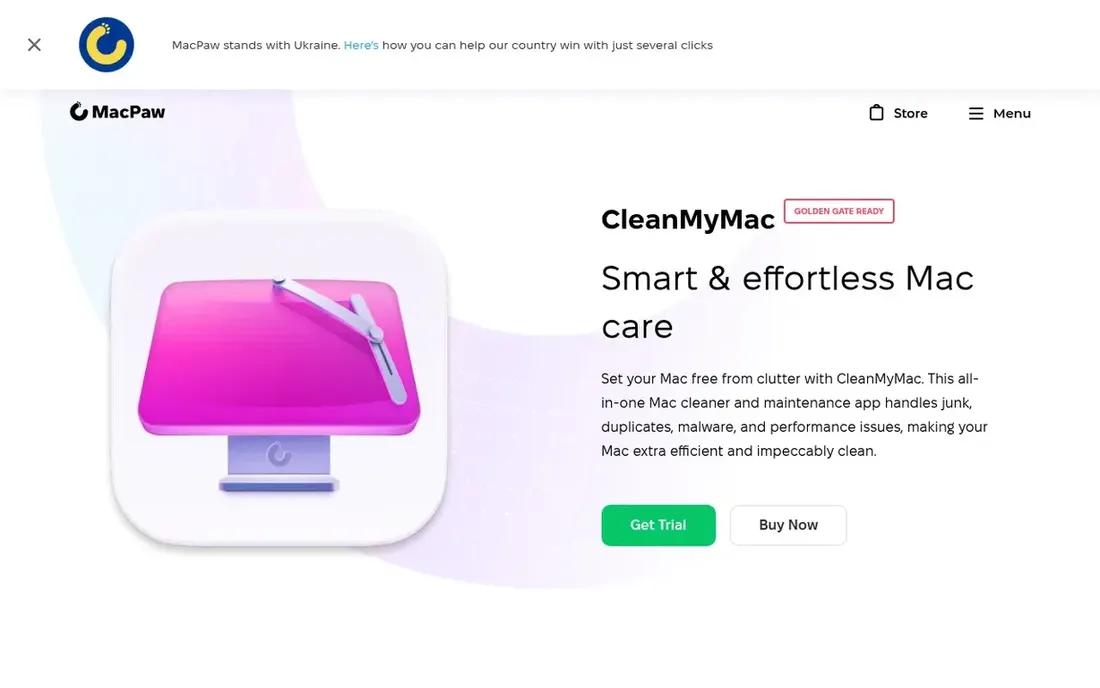
Choose CleanMyMac for Mac users wanting cleanup and maintenance. The vendor positions it as a way to organize a Mac in a handful of clicks.
What to check first: May bundle features beyond entry-level cleaning.
It is offered through the official MacPaw site. This comparison lists no price for CleanMyMac; ask the vendor. Free access: Not stated.
- Merges cleaning, maintenance, protection
- Designed specifically for macOS
- Not available for Windows
Advanced SystemCare
Best for: Windows users wanting cleaning and optimization

Advanced SystemCare targets Windows users wanting cleaning and optimization. It suits users who want a single suite that addresses junk files, performance, and entry-level security.
For everyday use, pick Advanced SystemCare when you want cleaning plus optimization in one Windows application. Advanced SystemCare does not show a starting price in this comparison, so check the vendor site for current pricing. Free access: Not stated.
Watch-outs: May be feature-heavy for entry-level needs.
- Available as a free PC cleaner
- Merges cleaning with optimization
- Some tools are Windows-only
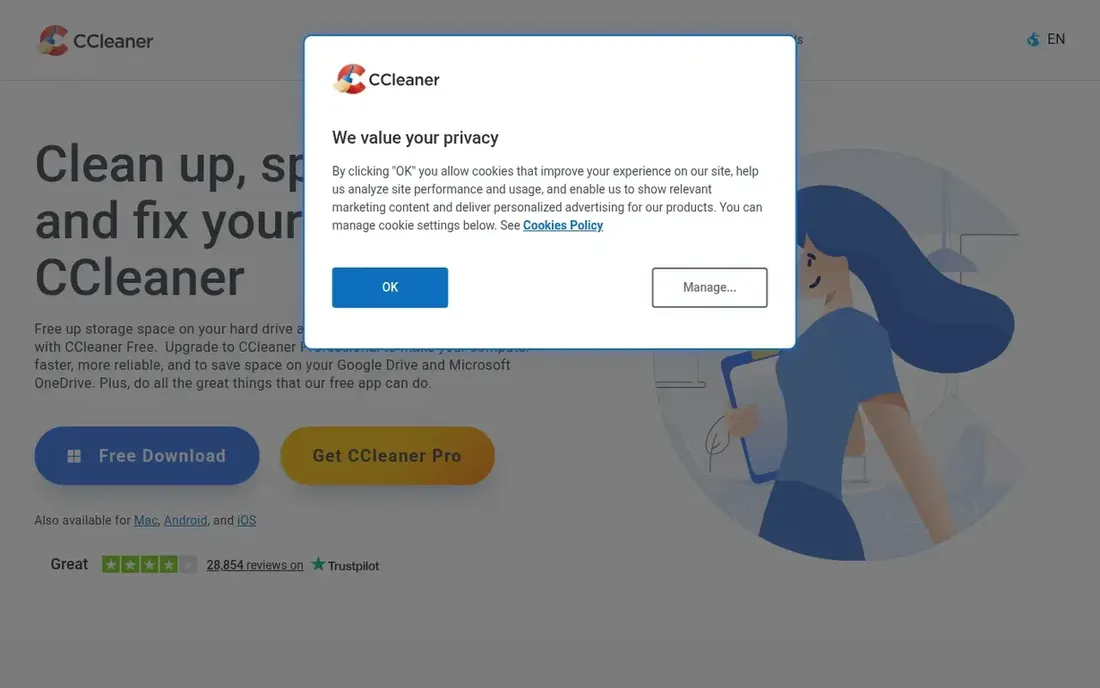
CCleaner was built for all-around Windows cleaning and privacy. The vendor describes it as a tool for making a PC quicker and more secure, and it is available for download from the official site.
What to check first: Interface can feel busy for new users.
For everyday use, if you only need a straightforward disk cleanup with defrag, a more focused tool may be simpler. CCleaner is a long-standing Windows utility that removes temporary files, browser traces, and other clutter whereas offering privacy and performance features. Entry price for CCleaner: $44.95. CCleaner has a free plan.
- Cleans junk files and browser traces
- Well known and widely documented
- Some features are Windows-only
Wise Disk Cleaner
Best for: Focused disk cleanup and defrag on Windows
Where Wise Disk Cleaner fits: focused disk cleanup and defrag on Windows. The vendor provides it as a free download from the official WiseCleaner site.
Where it falls short: Fewer additional features than suites.
More specifically, Wise Disk Cleaner is a Windows utility for safely removing junk files, wiping browser traces, and freeing disk space, with an added defrag component. On top of that, users who want an all-in-one PC tune-up may have to look elsewhere. Pricing for Wise Disk Cleaner is not stated here, so ask the vendor for current figures. As for free access: Not stated.
- Straightforward to use for entry-level tasks
- Bundles defragmentation
- Windows-only
Selection criteria
Pre-purchase checklist
- Get a written quote from Glary Utilities, CleanMyMac, Advanced SystemCare and Wise Disk Cleaner; the list shows no starting price for them.
- Look at the free plan from CCleaner closely: its caps decide whether it is usable for real work.
- Read the limits listed for Glary Utilities first: can be overwhelming for new users.
- Let daily users try CCleaner on real work; their feedback beats any feature checklist.
- Work out what Wise Disk Cleaner costs with your real seat count, add-ons and usage, not just the entry price.
FAQ
Is it safe to use disk cleaning software?
Reputable tools from official vendors are usually safe when used as directed. On top of that, always download from the official site and review what files will be removed before confirming. Avoid tools that make unclear claims or lack documentation.
How are the tools for disk cleaning software ordered?
Glary Utilities sits first and Wise Disk Cleaner last because the order follows typical fit for disk cleaning software, then price clarity and free access. It is a judgement call, so read each profile for fit and limits.
Can I try these options before paying?
Often, yes. CCleaner has a free plan. Use your own data and a real task during the test, and check what the free tier or trial limits before you rely on it. All 5 picks in this disk cleaning software comparison list a starting price, free plan details and the main limits on their cards above.
What is the difference between disk cleaning and defragmentation?
Defragmentation reorganizes files on a hard drive to boost access speed. Some tools, like Wise Disk Cleaner, bundle both, whereas others focus on one.
Is Glary Utilities the right pick for everyone comparing disk cleaning software?
No single tool suits every team. Glary Utilities comes first because it fits all-in-one Windows utility suite, while CleanMyMac suits Mac users wanting cleanup and maintenance and Advanced SystemCare suits Windows users wanting cleaning and optimization. Match the tool to your own size, budget and workflow before deciding.
Do these tools publish their prices?
Not all of them. Glary Utilities, CleanMyMac, Advanced SystemCare and Wise Disk Cleaner publish no starting price, so expect a quote request for those. The rest, CCleaner included, show a starting price, though seats and billing terms still change the final cost.
Sources
- https://www.glarysoft.com
- https://macpaw.com/cleanmymac
- https://www.iobit.com/en/advancedsystemcarefree.php
- https://www.ccleaner.com
- https://www.wisecleaner.com/wise-disk-cleaner.html