Best Digital Twin Software in 2026: 8 Platforms Compared
Best digital twin software compared for 2026, with platforms for manufacturing, energy, buildings, and cloud IoT twins, plus pricing notes for factories.
- Editor's choice
 Siemens Xcelerator
Industrial manufacturing twins
Starts atSee websiteVisit siemens.comFull review - Great alternative
 Microsoft Azure Digital Twins
Cloud IoT twins for buildings and assets
Starts atSee websiteVisit azure.microsoft.comFull review - Also consider
 NVIDIA Omniverse
Visual simulation and industrial digital twins
Starts atSee websiteVisit nvidia.comFull review
TL;DR:
- Siemens Xcelerator leads for industrial manufacturing, while Azure Digital Twins offers the cheapest entry point with pay-as-you-go pricing.
- A twin is more than a 3D model, since it needs live data, simulation, and a clear operational use, or it will not repay its cost.
- Energy, infrastructure, and factory buyers should shortlist sector specialists rather than buying a general platform and forcing it to fit.
- Most enterprise platforms are quote-based, so budget for integration and data work, not just the licence.
Quick comparison
| Tool | Best for | Starts at | Free plan? | |
|---|---|---|---|---|
| Siemens Xcelerator | Industrial manufacturing twins | See website | No | Visit |
| Microsoft Azure Digital Twins | Cloud IoT twins for buildings and assets | See website | Free trial | Visit |
| NVIDIA Omniverse | Visual simulation and industrial digital twins | See website | No | Visit |
 Ansys Twin Builder | Engineering physics twins | See website | Free trial | Visit |
 PTC ThingWorx | Industrial IoT twins for factories | See website | No | Visit |
 GE Vernova GridOS and Digital Twin | Energy and grid asset twins | See website | No | Visit |
 Dassault Systemes 3DEXPERIENCE | Design and product twins in the cloud | See website | No | Visit |
 Bentley iTwin | Infrastructure and building twins | See website | No | Visit |
The best digital twin software
A digital twin is a live virtual model of a physical asset, process, or building, fed by real data so teams can monitor, simulate, and predict what happens next. The platforms below differ sharply in focus, from factory floors to city buildings, so the right pick depends on the asset you need to mirror.
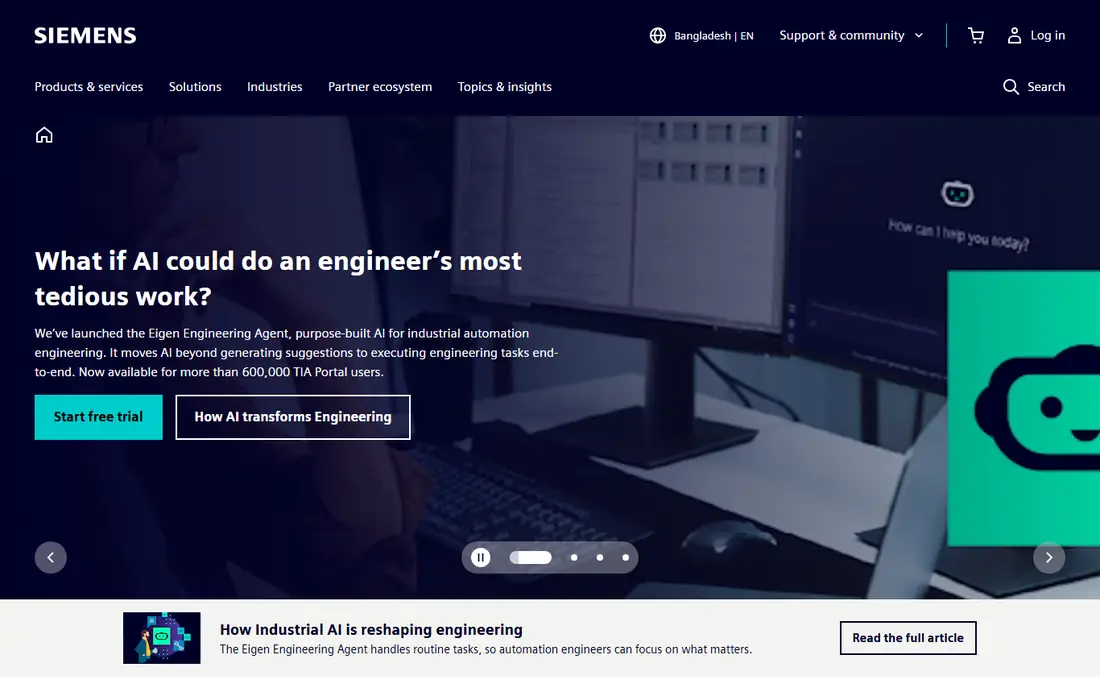
For buyers who want industrial manufacturing twins in practice, Siemens Xcelerator is the industrial manufacturing leader here, linking product design, simulation, and factory operations in one portfolio.
The catch is cost and complexity, since enterprise deployments need planning, integration work, and trained staff, so small teams should scope a pilot first. Pricing and limits should be confirmed on the vendor site before you buy, since plans change and the best value depends on how much you actually use. Check the current plan limits before you commit, since caps and add-ons change often.
- Deep manufacturing and product lifecycle coverage
- Strong simulation tools
- Large industrial partner network
- Enterprise pricing and implementation effort
- Steep learning curve for small teams
Microsoft Azure Digital Twins
Best for: Cloud IoT twins for buildings and assets

If your priority is cloud iot twins for buildings and assets in practice, Azure Digital Twins suits teams already on Azure who want a cloud twin for buildings, factories, or connected assets, with consumption pricing that keeps experimentation cheap.
It is a platform for builders rather than a finished application, so teams without Azure or developer skills will need partner help or a more packaged product. Pricing and limits should be confirmed on the vendor site before you buy, since plans change and the best value depends on how much you actually use. Compare it against one or two others on this list before you sign up, since the best fit depends on your volume and workflow.
- Pay-as-you-go pricing from 1 dollar per million messages
- Azure free account with 200 dollars credit
- Strong security and access controls
- Needs Azure skills to build well
- Twin modelling takes developer effort
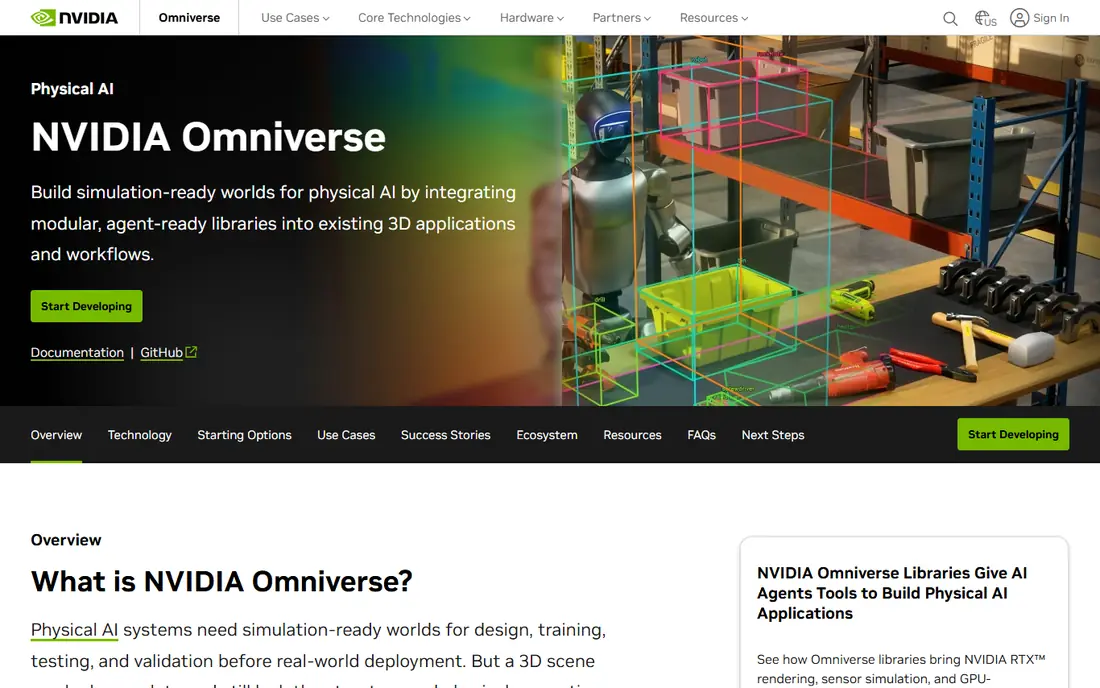
This option suits visual simulation and industrial digital twins in practice, NVIDIA Omniverse fits teams that need a visual, physically accurate twin, for example for factory layout, robotics, or design review in 3D.
The honest catch is hardware and skill, since high-fidelity simulation needs capable GPUs and staff who can build and maintain 3D scenes. Pricing and limits should be confirmed on the vendor site before you buy, since plans change and the best value depends on how much you actually use. Run a short trial with a real project before you move a whole team or budget onto it.
- High-fidelity 3D visualisation
- Real-time collaboration
- Strong simulation and rendering tools
- Needs powerful hardware and graphics skills
- Enterprise pricing
When you need engineering physics twins in practice, Ansys Twin Builder suits engineering teams that need a twin grounded in physics, such as a pump, motor, or system whose behaviour must be simulated accurately.
It is a specialist engineering tool rather than a general operations dashboard, so operations teams will still need a separate visualisation or monitoring layer. Pricing and limits should be confirmed on the vendor site before you buy, since plans change and the best value depends on how much you actually use. Read the plan details closely, since the headline price rarely tells the full story on limits and extras.
- Physics-based simulation depth
- Model export for real-time use
- Strong engineering credibility
- Specialist tool for engineers
- Pricing is quote-based
For teams that value industrial iot twins for factories in practice, PTC ThingWorx fits factories that already use PTC tools or need strong industrial connectivity plus augmented reality views for technicians.
Enterprise pricing and implementation time are the trade-offs, so buyers should plan a phased rollout rather than a single big launch. Pricing and limits should be confirmed on the vendor site before you buy, since plans change and the best value depends on how much you actually use. Check the current plan limits before you commit, since caps and add-ons change often.
- Industrial IoT and augmented reality links
- Strong factory connectivity
- Mature platform
- Enterprise pricing
- Implementation can be lengthy
If you want energy and grid asset twins in practice, GE Vernova suits energy and utility teams that need twins for turbines, grid assets, and generation equipment, where sector expertise matters more than general features.
Its focus is narrow by design, so buyers outside energy will find a general platform a better fit. Pricing and limits should be confirmed on the vendor site before you buy, since plans change and the best value depends on how much you actually use. Compare it against one or two others on this list before you sign up, since the best fit depends on your volume and workflow.
- Energy sector depth
- Grid and turbine asset expertise
- Predictive maintenance focus
- Narrow energy focus
- Enterprise pricing
This pick works best for design and product twins in the cloud in practice, Dassault 3DEXPERIENCE fits product teams that want design, simulation, and lifecycle data in one cloud platform, with options that suit smaller firms as well as large ones.
The platform is broad and modular, so buyers should scope exactly which modules they need rather than buying the full suite at once. Pricing and limits should be confirmed on the vendor site before you buy, since plans change and the best value depends on how much you actually use. Run a short trial with a real project before you move a whole team or budget onto it.
- Cloud product lifecycle platform
- Design, simulation, and collaboration in one place
- Startup-friendly cloud options
- Complex platform with many modules
- Pricing varies by configuration
For a buyer who prefers infrastructure and building twins in practice, Bentley iTwin suits infrastructure owners and engineers who need a twin for a bridge, road, plant, or building across its lifecycle.
Its infrastructure focus means manufacturing or energy buyers will find other platforms on this list a closer fit. Pricing and limits should be confirmed on the vendor site before you buy, since plans change and the best value depends on how much you actually use. Read the plan details closely, since the headline price rarely tells the full story on limits and extras.
- Infrastructure and construction focus
- Open platform for engineering data
- Strong for bridges, roads, and plants
- Narrow infrastructure focus
- Needs engineering data skills
How we picked these
We compared official product pages, pricing pages, and platform documentation for leading digital twin vendors. We checked each platform's stated focus, deployment model, and pricing approach, and we favoured platforms with a clear sector fit and live data capability over tools that only offer static 3D models. Where pricing is quote-based, we list See website rather than inventing a figure.
What to check before buying a digital twin platform
Start with the asset and the decision
A twin should answer a specific operational question, such as when a machine will fail or how a building uses energy. Define that decision first, then check whether the platform can connect the needed sensors, models, and data sources to support it.
Budget for data integration
Connecting sensors, historians, and business systems is often the largest cost in a twin project, larger than the platform licence. Ask vendors for a data integration plan, a pilot scope, and a realistic timeline before signing an enterprise deal.
Pilot small, then scale
A single line, building, or asset class makes a better pilot than a whole site. Measure the pilot against the decision it was meant to support, and only expand once the data quality and model accuracy are proven.
FAQ
What is the best digital twin software?
For industrial manufacturing, Siemens Xcelerator is the strongest overall pick. For cloud IoT twins, Azure Digital Twins is the most accessible entry point, and for visual simulation, NVIDIA Omniverse leads.
What is a digital twin platform?
A digital twin platform creates a live virtual model of a physical asset, process, or system, fed by real-time data. It differs from a 3D model because it updates with live data and can simulate future states.
How much does digital twin software cost?
Enterprise platforms are usually quote-based and can run into six figures a year for serious deployments. Azure Digital Twins uses pay-as-you-go pricing from 1 dollar per million messages, which makes small pilots far cheaper.
Do small companies use digital twin software?
Yes, selectively, especially through Azure consumption pricing or cloud platforms from Dassault. Scope the project tightly, since most platforms target enterprises and a broad rollout can quickly become expensive.
Do you need IoT sensors for a digital twin?
For operational twins that mirror live conditions, yes. For design and commissioning twins that simulate before build, historical and engineering data can be enough to start.