The 5 Best Digital Customer Service Platforms for Remote Teams in 2026, Ranked
5 best digital customer service platforms for remote teams, compared on pricing, free plans and best-fit use. Concise write-ups of every option. Costs up front.
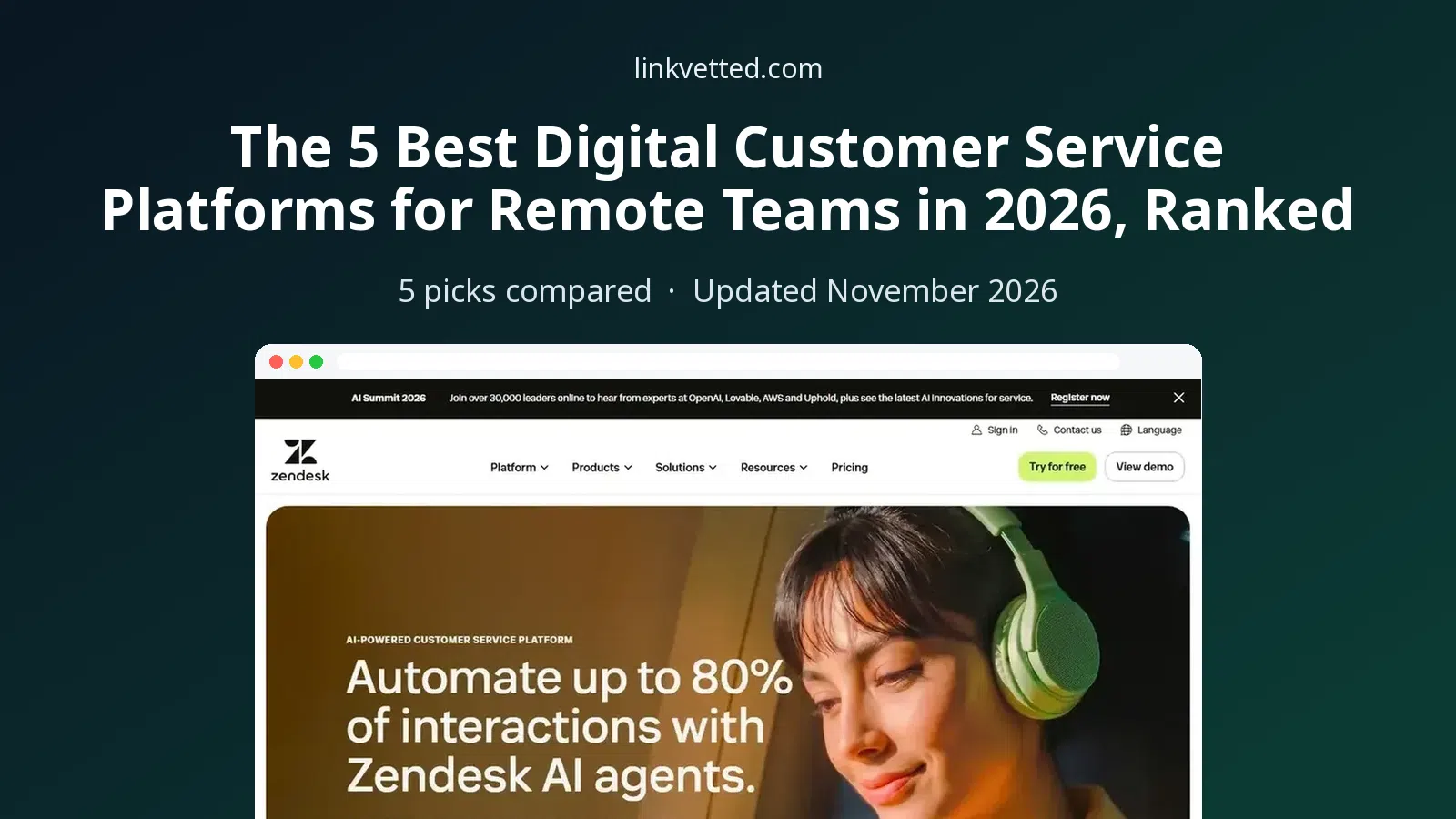
- Editor's choice
 Help Scout
Customer-first brands seeking easy-to-learn support
Starts at$25 per user a monthVisit helpscout.comFull review - Great alternative
 LiveChat
Live chat with AI agent for websites
Starts at$19 per user a monthVisit livechat.comFull review - Also consider
 Front
Collaborative inbox for complicated customer work
Starts at$25 per seat a monthVisit front.comFull review
Direct answer
Help Scout leads the list, best for customer-first brands seeking easy-to-learn support. Listed starting prices: Help Scout from $25 per user a month, LiveChat from $19 per user a month and Front from $25 per seat a month. LiveChat is the stronger choice for live chat with AI agent for websites, while Front suits collaborative inbox for complicated customer work. The full list of 5 tools follows, with prices and free plan facts.
TL;DR:
- Top of the list is Help Scout, which targets customer-first brands seeking easy-to-learn support.
- Starting prices begin at $19 per user per month with LiveChat.
- Only Help Scout offers a free plan among these 5 tools.
- Freshdesk is the one to check for omnichannel ticketing and automated workflows.
- The main caution on Help Scout: fewer advanced automation features.
Last checked November 2026. Prices and plan details were read from the vendors' own pages in November 2026; vendors change plans often, so confirm the current price on the vendor site before you buy.
Quick comparison
| Tool | Best for | Starts at | Free plan? | |
|---|---|---|---|---|
| Help Scout | Customer-first brands seeking easy-to-learn support | $25 per user a month | Yes | Visit |
| LiveChat | Live chat with AI agent for websites | $19 per user a month | Free trial | Visit |
| Front | Collaborative inbox for complicated customer work | $25 per seat a month | Free trial | Visit |
 Zendesk | AI-driven end-to-end issue resolution | $19 agent/month premium yearly | Free trial | Visit |
 Freshdesk | Omnichannel ticketing and automatic workflows | See website | Not stated | Visit |
Our 5 digital customer service platforms for remote teams
LinkVetted put together this guide to digital customer service platforms for remote teams for readers who want a clear shortlist without reading every vendor page. It compares 5 tools on starting price, free plans, who each one suits and where each one falls short.
Help Scout targets customer-first brands seeking easy-to-learn support. It is well-suited for remote teams that prioritize personalized support and want a straightforward, effective tool without a steep ramp-up time.
If you need broad AI-driven automation, other products might be more appropriate. Help Scout cost at the entry level: $25 per user per month. You can start on Help Scout without paying.
Trade-offs to know: Restricted scalability for very large teams.
- AI-driven support system
- Economical compared with others
- Fewer advanced automation features
LiveChat is built with live chat with AI agent for websites in mind. LiveChat is live chat software for your website with an AI Agent that answers 24/7. It helps qualify leads and track sales from chats.
If you primarily need live chat, it is a solid choice. From a buyer's view, as a chat-centric tool, LiveChat may not handle the full spectrum of customer service channels like email or social media as deeply as other systems. Entry price for LiveChat: $19 per user per month. Free options: Free trial.
Where it falls short: Primarily focused on chat.
- Simple to add to websites
- AI agent answers 24/7
- May lack full help desk features
Front was built for collaborative inbox for complicated customer work. Front is a customer service system powered by AI where support, sales, operations, and AI agents come together to resolve complicated customer work.
If you need deep ticketing capabilities, consider a more specialized tool. Teams with high-volume, complicated support needs might outgrow it. Entry price for Front: $25 per seat per month. Free plan details: Free trial.
Honest limits: Pricing can scale with team size.
- Shared inbox collaboration
- Brings together support, sales, operations
- May be less feature-rich for ticketing
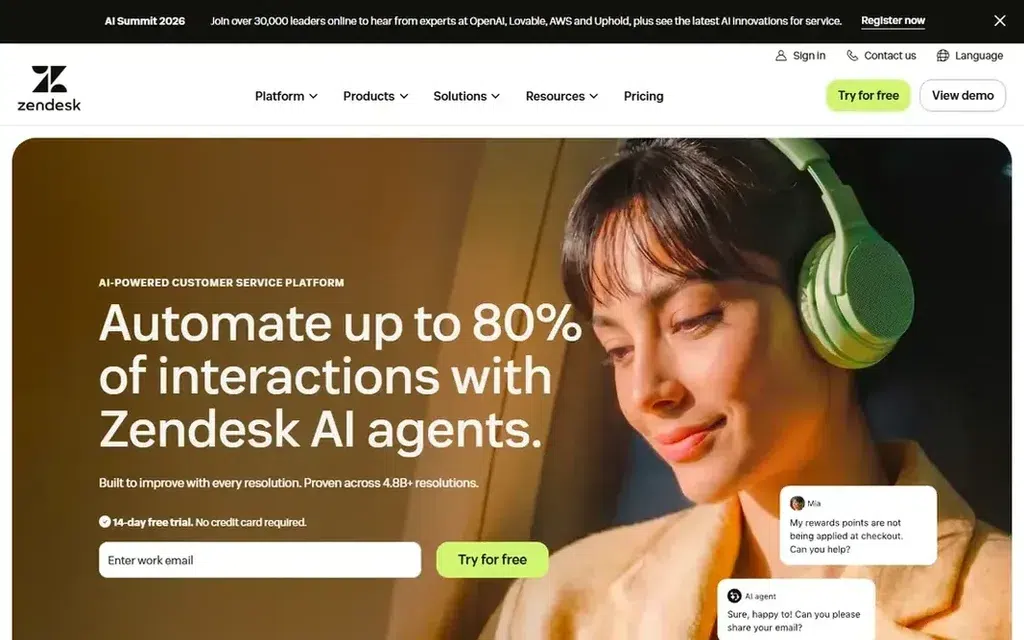
Think of Zendesk for AI-driven end-to-end issue resolution. Zendesk is an AI-powered customer service system that moves beyond deflection with AI agents that resolve issues end-to-end. It aims to boost service quality, speed, and scale.
Trade-offs to know: May need training for full use.
This makes it a solid fit for remote teams that want to automate resolutions and maintain high service standards without constant manual intervention. If you need a more straightforward option with a quicker start, consider a more simplified product. In practice, setup and customization may need dedicated effort. On cost, Zendesk starts like this: $19 agent/month premium yearly. Trial and free access: Free trial.
- Boosts service quality and speed
- Scalable for expanding teams
- Can be complicated to set up
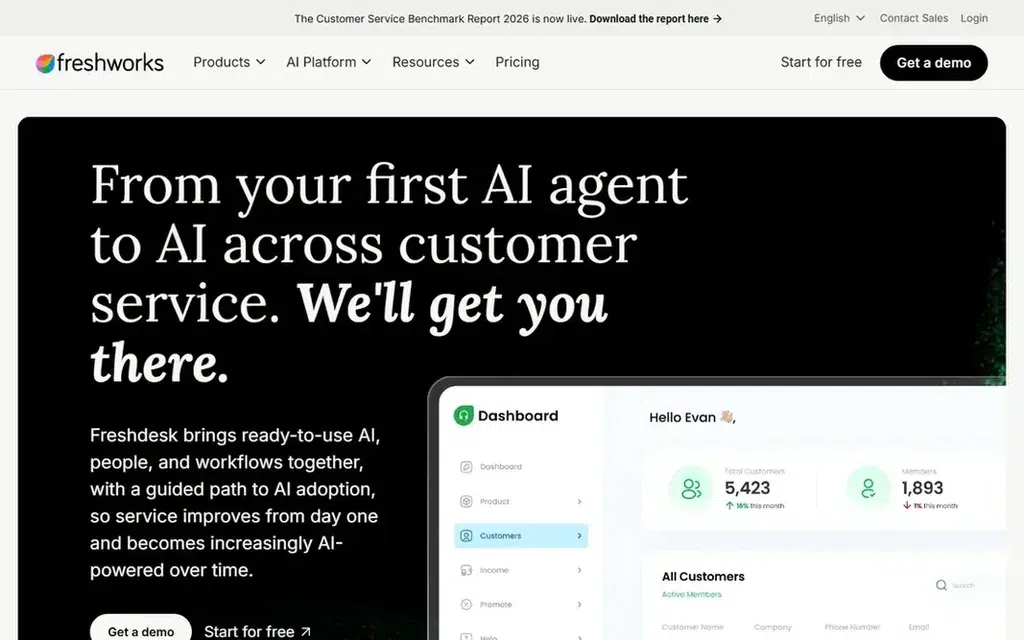
Freshdesk is designed for omnichannel ticketing and automatic workflows. The product's advanced automation and AI capabilities may be more than a small team needs, and the interface can be busy.
Where it falls short: Advanced features may need higher levels.
As for the details, if you prefer a leaner tool with a focus on shared inboxes, other choices might be a better fit. Pricing for Freshdesk is not stated here, so ask the vendor for current figures. Free plan details: Not stated.
- AI-powered for smooth experiences
- Omnichannel ticketing brings together channels
- Interface can feel busy for new users
How we compared the tools
Selection started from tools commonly considered for digital customer service platforms for remote teams, then narrowed to 5 that have clear pricing information or a clear quote process. Where a price is missing, the vendor does not list one publicly or ties it to a quote. Always confirm before budgeting. Position on the page reflects fit for a typical buyer first, with price clarity and free access breaking ties. Treat it as a guide, not a ruling.
Pre-purchase checklist
- Confirm the entry price on the vendor page. For Freshdesk that means a quote rather than a fixed price.
- Look at the free plan from Help Scout closely: its caps decide whether it is usable for real work.
- Take the trial from LiveChat, Front and Zendesk and push a live task through it before you pay.
- Before choosing Help Scout, weigh its main limit: fewer advanced automation features.
- Ask LiveChat which support channels and response times come with the plan you would buy.
- Verify that exporting from Freshdesk is possible on your plan and covers all your records.
FAQ
What is the cheapest option for digital customer service platforms for remote teams in this list?
On published monthly entry prices, LiveChat is the lowest here at $19 per user per month. Entry price is only part of the cost, because seats, add-ons and billing terms can change the total. For the full picture, the cards above cover all 5 entries of this digital customer service platforms for remote teams list, including price, free plan and limits.
Do these tools publish their prices?
Not all of them. Freshdesk publishes no starting price, so expect a quote request for it. The rest, Help Scout included, show a starting price, though seats and billing terms still change the final cost. Prices, free plan details and limits for all 5 tools in this digital customer service platforms for remote teams roundup sit on the individual cards above.
Can these products support several communication channels?
Most systems listed offer omnichannel support, including email, chat, social media, and phone. That said, the depth of support varies, so teams should verify which channels are natively integrated and which need extras.
How are the tools for digital customer service platforms for remote teams ordered?
Help Scout sits first and Freshdesk last because the order follows typical fit for digital customer service platforms for remote teams, then price clarity and free access. It is a judgement call, so read each profile for fit and limits.
Can I try these tools before paying?
Often, yes. Help Scout has a free plan and LiveChat, Front and Zendesk offer a free trial. Use your own data and a real task during the test, and check what the free tier or trial limits before you rely on it.
Sources
- https://www.helpscout.com
- https://www.livechat.com
- https://front.com
- https://www.zendesk.com
- https://www.freshworks.com/freshdesk
Related guides
- Best Digital Platform to Improve Customer Journey in 2026: 8 Platforms Compared
- Best Digital Sales Room Software in 2026: 8 Tools Compared
- Best Corporate LMS for Remote Sales Teams in 2026: Prices, Free Plans and 6 Picks
- 5 Corporate Training Platform for Remote Sales Teams Worth Shortlisting in 2026