DEM Software for Reducing Downtime in 2026: The 6 Best Options Side by Side
Best DEM software for reducing downtime: 6 contenders ranked by fit, with entry costs and free tiers. Real limits included. Last reviewed November 2026.
- Editor's choice
 ServiceNow
Enterprise workflow and service operations
Starts atSee websiteVisit servicenow.comFull review - Great alternativeOpsgenie
Alerting and on-call with migration path
Starts atSee websiteVisit atlassian.comFull review - Also consider
 PagerDuty
Incident response and resolution automation
Starts at$21 per user a monthVisit pagerduty.comFull review
Direct answer
For Enterprise workflow and service operations, ServiceNow is where this list starts. Listed starting prices: PagerDuty from $21 per user a month, Splunk Enterprise from $6 a month, per CPU core, billed yearly and Datadog from $8 per committer a month. If your case is different, Opsgenie suits alerting and on-call with migration path and PagerDuty suits incident response and resolution automation. Prices, free plans and limits for all 6 tools follow.
TL;DR:
- ServiceNow sits first on this list: Enterprise workflow and service operations.
- New Relic fits root cause isolation across the stack.
- PagerDuty, Splunk Enterprise, New Relic: these are the 3 tools out of 6 that offer a free plan.
- One limit worth knowing about Opsgenie: vendor is steering users to migrate.
- For the cheapest start, look at Splunk Enterprise: $6 per month, per CPU core, billed annually.
Last checked November 2026. Prices and plan details were read from the vendors' own pages in November 2026; vendors change plans often, so confirm the current price on the vendor site before you buy.
Quick comparison
| Tool | Best for | Starts at | Free plan? | |
|---|---|---|---|---|
| ServiceNow | Enterprise workflow and service operations | See website | Not stated | Visit |
| Opsgenie | Alerting and on-call with migration path | See website | Not stated | Visit |
| PagerDuty | Incident response and resolution automation | $21 per user a month | Yes | Visit |
| Splunk Enterprise | Large-scale data product for security and observability | $6 a month, per CPU core, billed yearly | Yes | Visit |
 Datadog | Centralized cloud monitoring and metrics | $8 per committer a month | Free trial | Visit |
 New Relic | Root cause isolation across the stack | $10 per user a month | Yes | Visit |
The 6 tools in detail
LinkVetted compared 6 tools for DEM software for reducing downtime. The goal is a practical shortlist: published prices, free plan facts, best-fit use cases and honest limits for every entry.
In short, ServiceNow is for Enterprise workflow and service operations. ServiceNow positions its AI Platform around simplifying enterprise workflows for both customers and employees.
It is not primarily a telemetry or application monitoring tool, so deep observability normally comes from elsewhere. No starting price is listed for ServiceNow here; confirm pricing on the vendor site. On free options: Not stated.
Limits to weigh: Workflow-centric instead of telemetry-first.
- AI product positioning
- Serves customers and employees
- Best value at enterprise scale
Opsgenie
Best for: Alerting and on-call with migration path
Opsgenie is built with alerting and on-call with migration path in mind. Opsgenie is Atlassian's alerting and on-call tool, and its current page centers on migrating to Jira Service Management with no downtime, including planning, scheduling and an automatic migration tool.
The main drawbacks: Vendor is steering users to migrate.
If you need deep telemetry analysis instead of alerting and on-call, a monitoring or observability system is the better fit. Opsgenie does not show a starting price in this comparison, so check the vendor site for current pricing. Free options: Not stated.
- Automatic migration tooling mentioned
- Migration guidance toward Jira Service Management
- Narrower than full observability suites
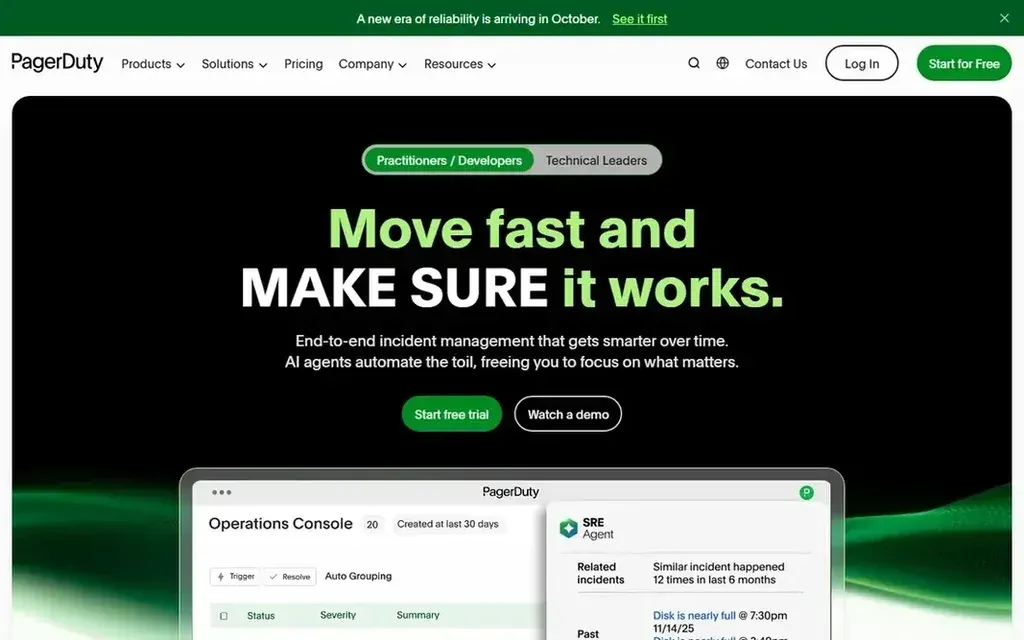
For incident response and resolution automation, PagerDuty is a natural candidate. Choose a broader observability system instead if your priority is deep application and infrastructure data instead of response coordination.
Its stated goal is to help teams automate, resolve and prevent critical issues from detection to resolution, which suits organizations that already have monitoring signals and need quicker, more coordinated human response when something breaks. What you pay to start with PagerDuty: $21 per user per month. PagerDuty includes a free tier.
Where it falls short: Centred on incidents instead of deep telemetry.
- Aims to prevent recurring issues
- AI-first operations product
- Overlaps with broader observability suites
Splunk Enterprise
Best for: Large-scale data product for security and observability
Choose Splunk Enterprise for large-scale data product for security and observability. As a wide data product, it asks more of the team in setup and data governance than a narrowly focused monitoring tool.
Where it is weaker: System breadth needs planning.
In practice, if you want a fast single-purpose incident or monitoring tool, a lighter system may be simpler to adopt. Splunk Enterprise cost at the entry level: $6 per month, per CPU core, billed annually. Splunk Enterprise offers a free plan.
- Brings together security and observability data
- Aims to prevent downtime at machine speed
- Data product instead of response workflow
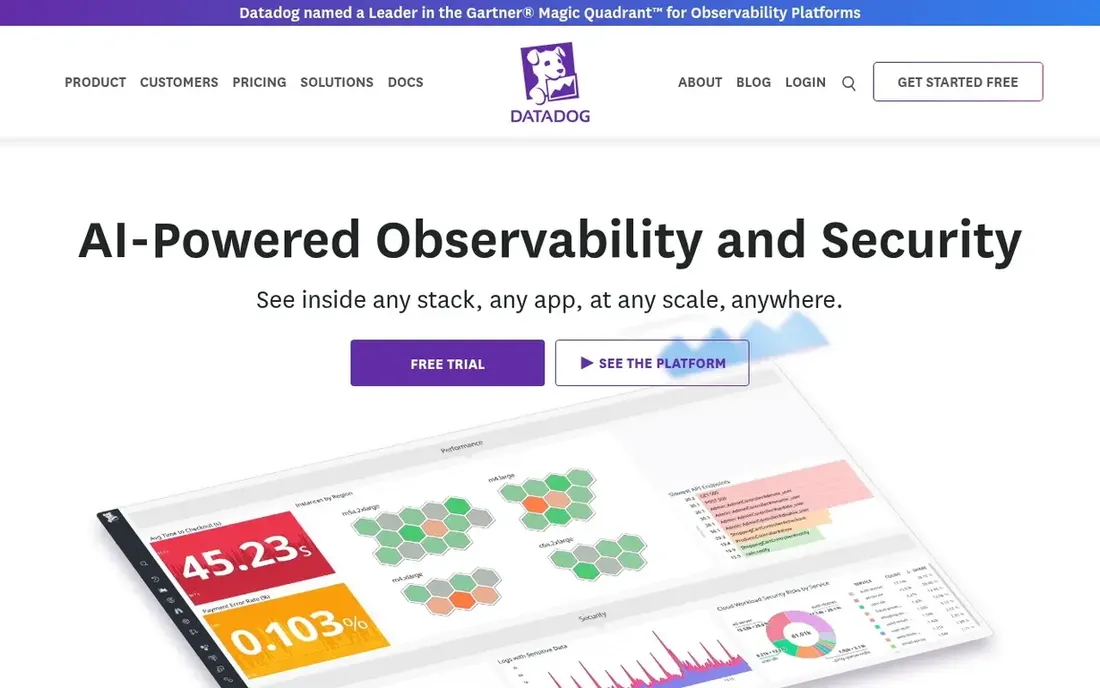
Datadog was built for centralized cloud monitoring and metrics. Datadog is a cloud monitoring service that brings metrics from your applications, tools and services into one place.
If your primary gap is automatic incident response instead of monitoring coverage, a response-focused product is the better starting point. Datadog cost at the entry level: $8 per committer per month. On free options: Free trial.
Trade-offs to know: Value relies on how much you instrument. Where Datadog stands out: Collects metrics from apps.
- Wide service coverage
- Tools and services
- Not positioned as an incident workflow tool
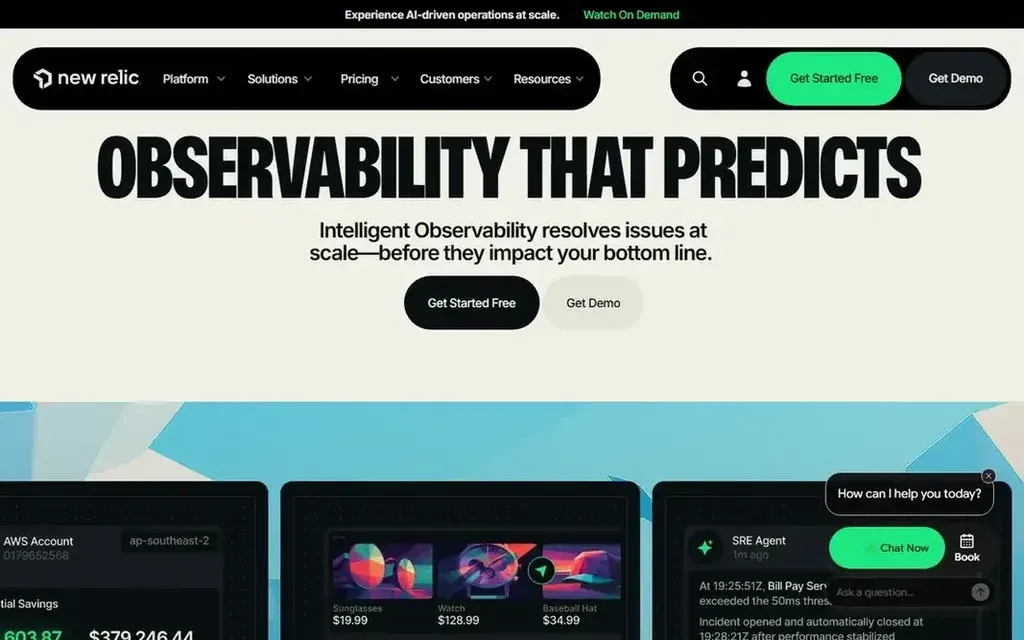
In short, New Relic is for root cause isolation across the stack. Its strengths rely on how fully your services are instrumented, and it is not positioned as an on-call alerting tool.
Teams that chiefly need paging and escalation should pair it with, or choose, an incident response system. On cost, New Relic starts like this: $10 per user per month. A free plan is available with New Relic.
Where it falls short: Observability focus, not incident paging.
- Correlates telemetry across the stack
- AI-powered observability positioning
- Needs instrumentation to deliver value
How the list was put together
LinkVetted looked at what each vendor publishes: pricing, plan limits, feature coverage for DEM software for reducing downtime and stated drawbacks. No hands-on testing is claimed. Where a price is missing, the vendor does not list one publicly or ties it to a quote. Always confirm before budgeting. Position on the page reflects fit for a typical buyer first, with price clarity and free access breaking ties. Treat it as a guide, not a ruling.
What to check before you buy
- Confirm the entry price on the vendor page. For ServiceNow and Opsgenie that means a quote rather than a fixed price.
- Read the fine print on the free plans from PagerDuty, Splunk Enterprise and New Relic; seat, project and feature caps differ.
- Run a trial of Datadog with real work before paying for a year; your own workflow is the best test.
- Read the limits listed for ServiceNow first: workflow-centric instead of telemetry-first.
- Check how data leaves New Relic: formats, limits and whether exports are available on every plan.
- Before rolling out PagerDuty, verify the integrations your workflow depends on.
FAQ
Can these tools work together?
Yes, monitoring and observability systems are often paired with incident response and workflow tools. The important check is documented integration support between the specific products you plan to use.
What is DEM software and how does it cut downtime?
Digital experience monitoring software observes applications and services to catch degradation before users report it. Combined with incident response features, it shortens the time between detection and resolution, which is the core of downtime reduction.
What is the cheapest option for DEM software for reducing downtime in this list?
On published monthly entry prices, Splunk Enterprise is the lowest here at $6 per month, per CPU core, billed annually. Entry price is only part of the cost, because seats, add-ons and billing terms can change the total.
Which options for DEM software for reducing downtime have a free plan?
On this list, PagerDuty, Splunk Enterprise and New Relic include a free plan. Caps on seats, usage or features are common, so test the free plan against your real workload. One other tool offers a trial instead.
Do these tools publish their prices?
Not all of them. ServiceNow and Opsgenie publish no starting price, so expect a quote request for those. The rest, PagerDuty included, show a starting price, though seats and billing terms still change the final cost.
How are the tools for DEM software for reducing downtime ordered?
ServiceNow sits first and New Relic last because the order follows typical fit for DEM software for reducing downtime, then price clarity and free access. It is a judgement call, so read each profile for fit and limits.
Sources
- https://www.servicenow.com
- https://www.atlassian.com/software/opsgenie
- https://www.pagerduty.com
- https://www.splunk.com
- https://www.datadoghq.com
- https://newrelic.com