Best Data Modeling Software for Remote Teams (2026): 6 Picks Checked on Vendor Pages
Searching for the best data modeling software for remote teams? Here are 6 options with prices and free plans. The catches are listed up front. Decide faster.
- Editor's choice
 Lucidchart
Visual diagramming with automation
Starts atSee websiteVisit lucidchart.comFull review - Great alternative
 Vertabelo
Focused database schema modeling
Starts at$189 per user per yearVisit vertabelo.comFull review - Also consider
 SqlDBM
Governed collaborative schema design
Starts atSee websiteVisit sqldbm.comFull review
Direct answer
This list puts Lucidchart first for visual diagramming with automation. Listed starting prices: Vertabelo from $189 per user per year, dbdiagram.io from $8 per month and Luna Modeler from $99 one-time. If your case is different, Vertabelo suits focused database schema modeling and SqlDBM suits governed collaborative schema design. The full list of 6 tools follows, with prices and free plan facts.
TL;DR:
- The list opens with Lucidchart, aimed at visual diagramming with automation.
- Luna Modeler suits offline database design and DDL.
- dbdiagram.io is the only tool of the 6 with a free plan.
- A fair warning about Vertabelo: narrower than general diagramming suites.
Last checked November 2026. Prices and plan details were read from the vendors' own pages in November 2026; vendors change plans often, so confirm the current price on the vendor site before you buy.
Quick comparison
| Tool | Best for | Starts at | Free plan? | |
|---|---|---|---|---|
| Lucidchart | Visual diagramming with automation | See website | Not stated | Visit |
| Vertabelo | Focused database schema modeling | $189 per user per year | Free trial | Visit |
| SqlDBM | Governed collaborative schema design | See website | Not stated | Visit |
 dbdiagram.io | Quick code-based ER diagrams | $8 per month | Yes | Visit |
 Draw.io | Security-first team diagramming | See website | Not stated | Visit |
| Luna Modeler | Offline database design and DDL | $99 one-time | Free trial | Visit |
Data Modeling Software for Remote Teams, one by one
Choosing data modeling software for remote teams usually comes down to price, fit and limits. This LinkVetted guide sets 6 tools side by side on those three points, with the facts kept short and checkable.
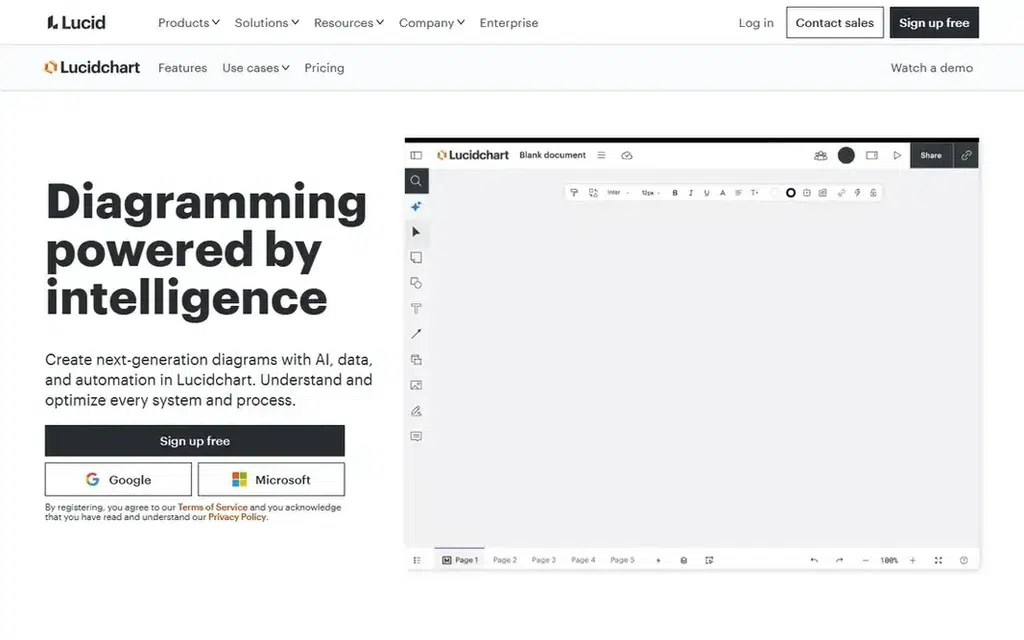
Lucidchart is a good fit for visual diagramming with automation. Pick Lucidchart when visual communication across numerous diagram types matters more than schema-specific features. Remote teams that document architecture, workflows and data flows alongside models benefit from its shared visual workspace and wide diagram coverage.
It is not a purpose-built database modeling environment, so teams needing deep schema governance may want a dedicated tool. More specifically, Lucidchart is a diagramming system that uses AI, data and automation to help teams understand and optimize systems and processes. Check the vendor site for Lucidchart pricing; none is listed in this comparison. On free options: Not stated.
Limits to weigh: Not a dedicated schema modeling tool.
- Automation and data linking
- Wide diagram type coverage
- Feature breadth can distract
Vertabelo is a good fit for focused database schema modeling. Vertabelo is a dedicated database modeling tool that runs in the browser, which makes it convenient for distributed teams working on relational schemas together.
Starting cost for Vertabelo: $189 per user per year. Free access: Free trial.
Where it falls short: Less suited to process mapping.
- Supports typical relational databases
- Browser-based collaboration
- Narrower than general diagramming suites
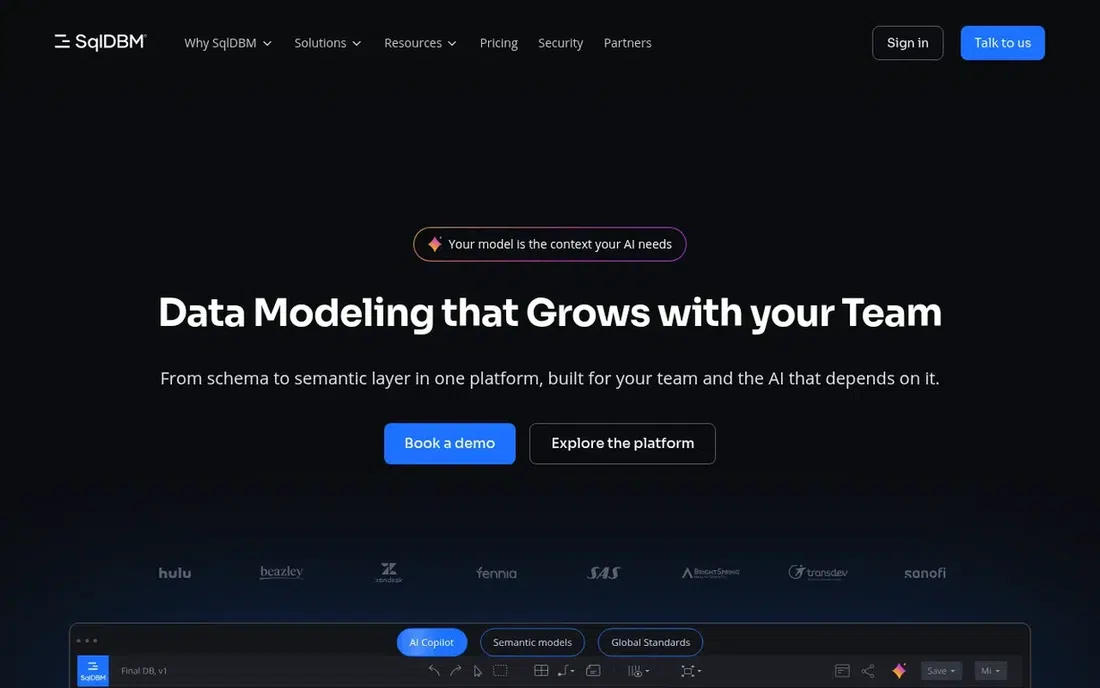
Pick SqlDBM if this describes you: governed collaborative schema design. If your priority is quick ad hoc diagrams instead of governed schemas, a more straightforward choice may suit you better. SqlDBM is an enterprise data modeling system built for collaborative teams.
Watch-outs: Enterprise focus may overwhelm small teams.
Remote teams that require shared, governed models across distributed data stacks fit it well. In practice, the product leans toward enterprise governance, so a small team wanting a light sketching tool may find it heavier than needed. This comparison lists no price for SqlDBM; ask the vendor. Free options: Not stated.
- Designed for collaborative team modeling
- Native Snowflake and Databricks support
- Cloud-based workflow
dbdiagram.io serves quick code-based ER diagrams. The code-first model means non-technical stakeholders may need guidance, and it concentrates on relationship diagrams instead of full governance.
On top of that, dbdiagram.io lets you draw database relationship diagrams in seconds by writing straightforward DBML code. dbdiagram.io cost at the entry level: $8 per month. You can start on dbdiagram.io without paying.
The main drawbacks: Restricted to relationship diagramming.
- Fast to start for developers
- Diagrams from simple DBML code
- Code-first approach has a ramp-up time
Pick Draw.io if this describes you: security-first team diagramming. Draw.io is a free diagramming application that emphasizes security for teams.
Watch-outs: Manual diagramming effort.
It lets you store your data wherever you want, and the vendor states it cannot access your data. For everyday use, if your work relies on modeling databases with generated scripts, a dedicated modeling tool will save effort. No starting price is listed for Draw.io here; confirm pricing on the vendor site. Free plan details: Not stated.
- Vendor states it cannot access your data
- Data stored where you choose
- No built-in schema governance
Luna Modeler
Best for: Offline database design and DDL
Luna Modeler targets offline database design and DDL. Luna Modeler from Datensen is a database design tool for Oracle, SQL Server, PostgreSQL, MySQL and SQLite. Choose it when offline modeling and script generation are the priority.
Watch-outs: Less live collaboration focus.
You can model offline and then create DDL and ALTER scripts. Its desktop-centered approach is less oriented toward simultaneous cloud collaboration, so teams that live in shared browser workspaces may prefer a hosted choice. The starting price for Luna Modeler: $99 one-time. On free options: Free trial.
- Manages Oracle
- Works offline then generates DDL
- Desktop-oriented workflow
Our selection method
Selection started from tools commonly considered for data modeling software for remote teams, then narrowed to 6 that have clear pricing information or a clear quote process. Seat minimums, billing terms and add-ons can move the real cost, so the starting prices here are a guide and not a quote. Position on the page reflects fit for a typical buyer first, with price clarity and free access breaking ties. Treat it as a guide, not a ruling.
What to check before you buy
- Ask Lucidchart, SqlDBM and Draw.io for a written quote, since no starting price is shown.
- Test the free plan from dbdiagram.io against your real workload before relying on it.
- Take the trial from Vertabelo and Luna Modeler and push a live task through it before you pay.
- Read the limits listed for Lucidchart first: not a dedicated schema modeling tool.
- Confirm you can export your data from Luna Modeler, so leaving later does not mean losing records.
- Pick one real project and run it in Draw.io first; a small pilot shows fit faster than a checklist.
FAQ
What makes a data modeling tool good for remote teams?
Shared access matters most: browser-based collaboration, clear versioning and simple sharing with distributed colleagues. Tools that keep models and documentation in one place cut the back-and-forth that remote work amplifies.
Can I try these tools before paying?
Often, yes. dbdiagram.io has a free plan and Vertabelo and Luna Modeler offer a free trial. Use your own data and a real task during the test, and check what the free tier or trial limits before you rely on it.
How should teams deal with data security when diagramming remotely?
Ask each vendor where data is stored and who can access it. Draw.io, for instance, states that you choose where your data lives and that the vendor cannot access it, which helps teams with strict data handling requirements.
Do these tools publish their prices?
Not all of them. Lucidchart, SqlDBM and Draw.io publish no starting price, so expect a quote request for those. The rest, Vertabelo included, show a starting price, though seats and billing terms still change the final cost.
How are the tools for data modeling software for remote teams ordered?
Lucidchart sits first and Luna Modeler last because the order follows typical fit for data modeling software for remote teams, then price clarity and free access. It is a judgement call, so read each profile for fit and limits.
Can developers model databases by writing code rather than drawing?
Yes. dbdiagram.io lets you define relationships with straightforward DBML code and renders the diagram from it. This code-first style fits engineering teams comfortable with text-based workflows.
Sources
- https://www.lucidchart.com
- https://www.vertabelo.com
- https://sqldbm.com
- https://dbdiagram.io
- https://www.drawio.com
- https://www.datensen.com