Best Data Mapping Tools in 2026: 8 Tools Compared
Compare the best data mapping tools for visual mapping, ETL, data quality and format conversion, with pricing, updated for 2026 buyers in this full guide.
- Editor's choice
 Skyvia
No-code cloud mapping
Starts at$79 per monthVisit skyvia.comFull review - Great alternative
 Altova MapForce
Format conversion
Starts at$349 one-timeVisit altova.comFull review - Also consider
 Qlik Talend Cloud
Enterprise integration and quality
Starts atSee websiteVisit qlik.comFull review
TL;DR:
- Skyvia is our pick for no-code mapping between cloud apps, databases and warehouses.
- Altova MapForce is the best choice for detailed format conversion, including XML, JSON, EDI and XBRL.
- Qlik Talend Cloud and Informatica suit large teams that need governance, lineage and data quality at scale.
- Stitch and Fivetran suit teams that want automated pipelines with less manual mapping work.
- Price models vary by records, volume and licenses, so model your real data volume before buying.
Quick comparison
| Tool | Best for | Starts at | Free plan? | |
|---|---|---|---|---|
| Skyvia | No-code cloud mapping | $79 per month | Yes | Visit |
| Altova MapForce | Format conversion | $349 one-time | Free trial | Visit |
| Qlik Talend Cloud | Enterprise integration and quality | See website | Free trial | Visit |
 Informatica | Enterprise governance and lineage | See website | No | Visit |
 Stitch | Simple automated ELT | $100 per month | Free trial | Visit |
 Fivetran | Managed automated pipelines | See website | Free trial | Visit |
 Hevo Data | No-code pipelines for mid-size teams | See website | Yes | Visit |
 CloverDX | Developer-flexible mapping | See website | Free trial | Visit |
The best data mapping tools
We compared the best data mapping tools on visual editors, connectors, transformations, scheduling, monitoring and price. The best data mapping software for your team depends on whether you map files, cloud apps or enterprise systems.
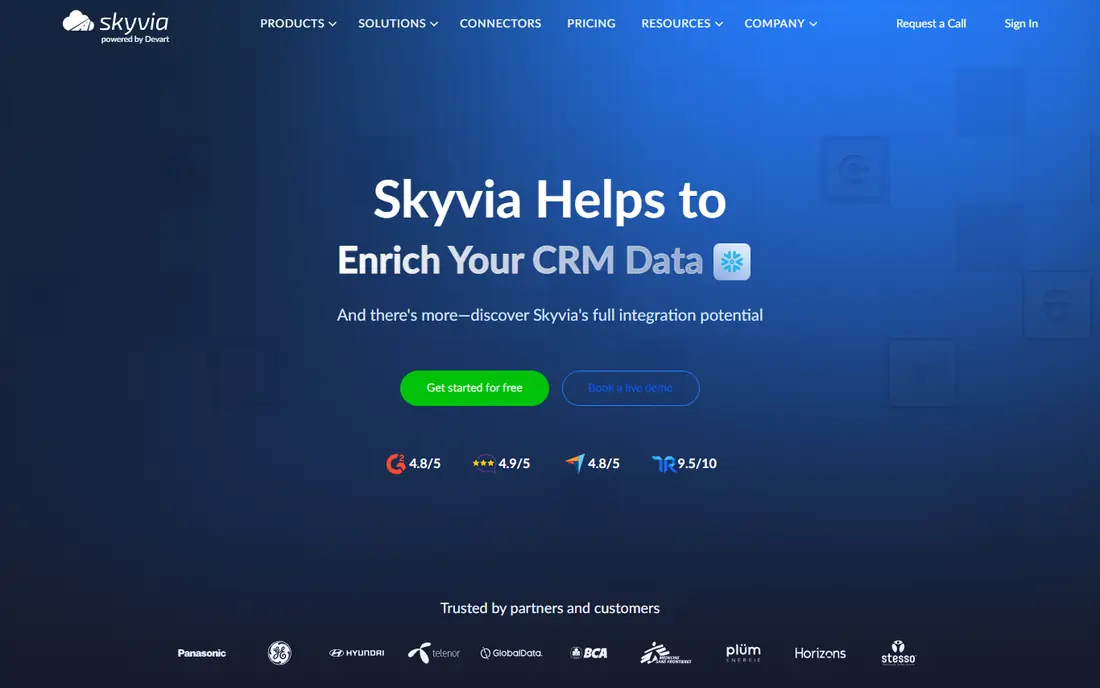
Skyvia suits teams that want to map data without writing code. Its visual editor covers column mapping, expressions, lookups, constants and relations, and it connects cloud apps, databases and warehouses. That makes it a practical pick for syncing CRM, accounting and warehouse data.
The limit is scale and governance. Large enterprises with strict lineage and masking needs may need Informatica or Talend instead. For small and mid-size teams, Skyvia offers a fast path from a messy source to a usable target.
- Visual column and lookup mapping
- Cloud app and database connectors
- Free plan for testing
- Advanced enterprise governance is limited
- Price rises with records written
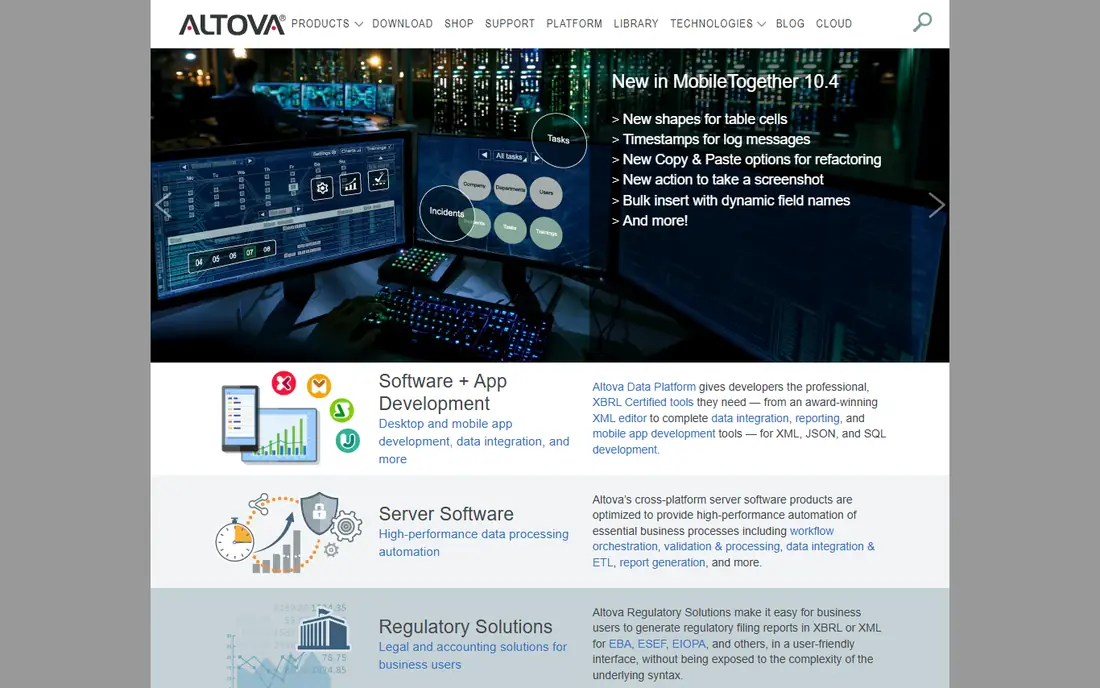
Altova MapForce is the specialist pick for format work. It maps XML, JSON, EDI, XBRL, flat files and databases in a graphical editor, with a debugger to trace why a value landed where it did. It can also generate code for recurring transformations, which helps teams that run the same conversion often.
MapForce is desktop software at its core, so teams that want a fully cloud-managed pipeline may prefer Skyvia or Fivetran. For a data engineer who converts complex files every week, the control and debugging tools are worth that trade-off.
- Graphical mapper with debugger
- Code generation
- Broad format support
- Desktop-first workflow
- Server version costs extra for recurring runs
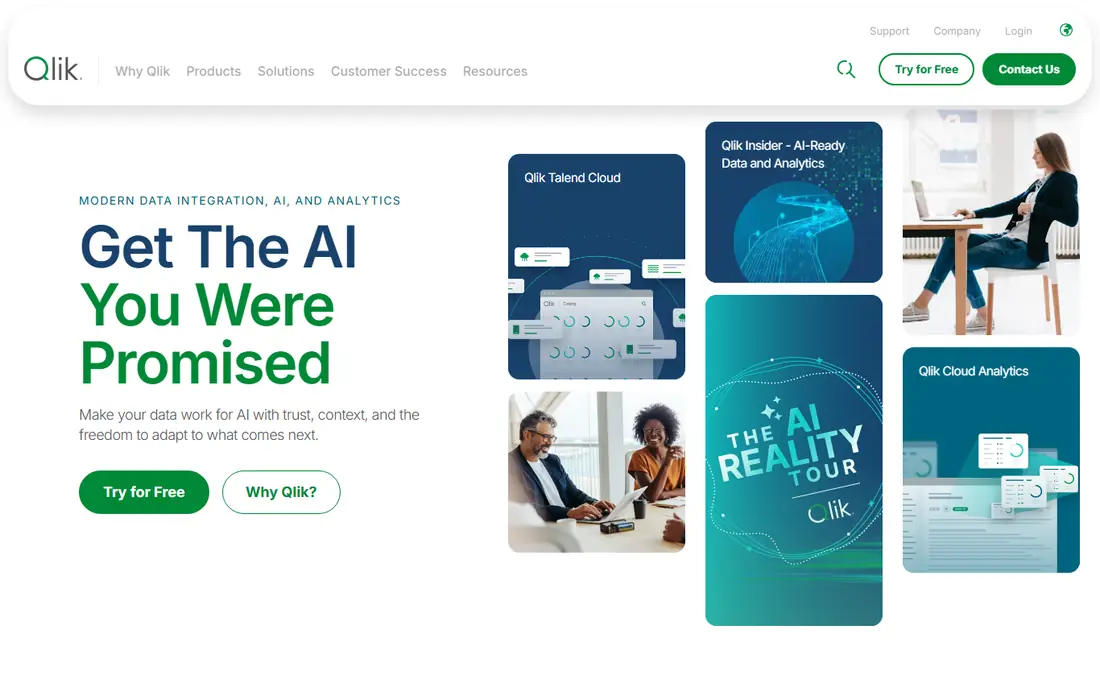
Qlik Talend Cloud suits technical teams that need advanced control over integration and data quality. Talend Studio and its data mapper handle complex transformations, while change data capture keeps targets current without full reloads. Deployment options cover cloud, hybrid and client-managed setups.
The main drawback is buying complexity. Pricing is by quote and usage, so small teams should test the trial and get a written estimate at their volume. Teams already on Qlik get extra value from shared governance and catalog features.
- Broad integration and data quality tools
- Change data capture
- Cloud, hybrid or client-managed deployment
- Pricing by quote
- Learning curve for new teams
Informatica is the enterprise pick when lineage, masking and governance matter as much as the mapping itself. Its mapping designer supports transformations and reusable mapplets, so common logic can be shared across pipelines. Multi-cloud support helps large firms that run systems in more than one cloud.
Cost and complexity are the trade-offs. Informatica is priced in usage units and sold through sales, so it fits large budgets better than small projects. For regulated firms, the audit trail and governance features often justify that cost.
- Strong lineage and masking
- Mapping designer with reusable mapplets
- Multi-cloud support
- Enterprise pricing
- Setup and training take time
Stitch suits teams that want simple, automated extract and load from SaaS sources into a warehouse. Setup is fast, pricing is tiered by rows, and monitoring covers scheduling and replication. For a team that mainly needs reliable loads and will transform data in the warehouse, Stitch is efficient.
The limit is transformation depth. Stitch does not offer the same visual mapping or transformation depth as Skyvia, Talend or CloverDX. Teams with complex mapping rules should pair Stitch with a warehouse transformation tool or choose a fuller mapping platform.
- Fast setup for SaaS to warehouse loads
- 14-day trial
- Clear row-based pricing tiers
- Limited in-pipeline transformation
- Less suited to complex mapping logic
Fivetran suits teams that want managed pipelines with minimal upkeep. Its connector catalog covers many SaaS, database and file sources, and it handles schema changes automatically so pipelines keep running. A free allowance for monthly active rows helps small teams test it.
Usage pricing is the watch point. High-churn data can raise costs, so model your monthly active rows before committing. For teams that value reliability over hands-on mapping control, Fivetran is a strong pick.
- Broad connector catalog
- Automated schema handling
- Low maintenance pipelines
- Usage-based pricing can rise with data churn
- Less manual mapping control
Hevo Data fits mid-size teams that want no-code pipelines with some transformation control. Its builder supports drag-and-drop transforms and Python for custom logic, plus dbt on paid plans. A free tier for up to one million events helps small teams start.
Event-based pricing means costs depend on inserts, updates and deletes, not just source size. Teams should estimate events from real usage, not row counts alone. For straightforward SaaS to warehouse work, Hevo balances ease and control well.
- No-code pipeline builder
- Event-based pricing tiers
- Python and drag-and-drop transforms
- Pricing varies by events and plan
- Enterprise governance is lighter than Informatica
CloverDX suits developers and data engineers who want both a visual mapper and code-level control. It handles hybrid visual and code-based mapping, which helps when a transformation is too complex for drag-and-drop alone. Deployment can fit on-premise or cloud needs.
CloverDX is not a casual no-code tool. Teams without technical staff may find Skyvia or Hevo easier to adopt. For engineers who build custom pipelines, CloverDX offers flexibility that simpler tools lack.
- Visual plus code-based mapping
- Hybrid deployment
- Strong for custom logic
- Pricing by quote
- Needs technical skill to get full value
How we picked these
We compared official feature and pricing pages, plus public reviews, for tools that map fields, transform data and run pipelines in October 2026. We favored tools with a visual mapper or automated mapping, clear connectors, scheduling and monitoring. We left out spreadsheet-only mapping, since a spreadsheet documents a map but does not run it.
How to choose a data mapping tool
Start with your source and target types. File conversion favors MapForce, cloud app sync favors Skyvia or Hevo, and enterprise warehouse work favors Talend, Informatica or Fivetran. Next, check who will build the maps, because a developer tool in non-technical hands will sit unused.
Test with real messy data
Demo data hides mapping problems. Test with duplicate records, missing fields, changed formats and large files, and check how the tool reports errors. A tool that shows exactly which rows failed and why will save hours during production runs.
Price by volume, not by seat
Most mapping tools charge by records, events, rows or usage units, not just by user. Run a one-month volume estimate from your current systems, including updates, and compare total cost at that volume. A cheap seat price can hide an expensive volume bill.
Document every mapping decision
A mapping that only one person understands is a risk. Record the source field, target field, transformation rule and owner for each mapping, and keep that record beside the pipeline, not in a separate document that no one updates. When a source system changes a field name or format, the record shows exactly which targets are affected. That discipline helps new team members, auditors and future migrations, and it turns a fragile pipeline into one the team can maintain with confidence.
FAQ
What is the best data mapping software?
Skyvia is our pick for no-code cloud mapping, Altova MapForce is best for format conversion, and Qlik Talend Cloud or Informatica suit enterprise governance needs. The best data mapping software for simple SaaS loads is Stitch or Fivetran, depending on how much transformation you need.
Is there a free data mapping tool?
Skyvia and Hevo Data offer free plans with limited volume, and MapForce, Talend and CloverDX offer free trials. Talend Open Studio was retired in January 2024, so teams looking for a free open-source option should consider Apache Hop instead.
What is data mapping in simple terms?
Data mapping links fields in a source system to fields in a target system, with rules for how values change along the way. For example, a customer name in a CRM maps to a customer name in a warehouse, while a date format or currency code may be converted during the move.
Do I need a data mapping tool if I know SQL?
SQL can inspect fields and write transformation logic, but a dedicated tool adds a visual editor, connectors, scheduling, monitoring and error handling. SQL alone works for one-off jobs, while a tool works better for recurring pipelines that must run reliably.
How much do data mapping tools cost?
Published entry prices range from $79 per month for Skyvia and $100 per month for Stitch to $349 for a MapForce Basic license, with enterprise tools priced by quote. Volume-based tools can cost more as data grows, so confirm the pricing model before buying.