Best Data Analytics Tools for Tech Industry in 2026: Prices, Free Plans and 5 Picks
Best data analytics tools for tech industry: 5 contenders ranked by fit, with entry costs and free tiers. Every profile names its biggest catch. See which fits.
- Editor's choice
 Tableau
Visual exploration and dashboards
Starts at$15 per user a monthVisit tableau.comFull review - Great alternative
 ThoughtSpot
Agentic analytics and automatic insights
Starts at$25 per user a monthVisit thoughtspot.comFull review - Also consider
 Databricks
Unified data, analytics and AI work
Starts atSee websiteVisit databricks.comFull review
Direct answer
Tableau is the first pick on this list for visual exploration and dashboards. Listed starting prices: Tableau from $15 per user a month and ThoughtSpot from $25 per user a month. If your case is different, ThoughtSpot suits agentic analytics and automatic insights and Databricks suits unified data, analytics and AI work. Prices, free plans and limits for all 5 tools follow.
TL;DR:
- Top of the list is Tableau, which targets visual exploration and dashboards.
- Domo suits governed data for AI agents.
- The cheapest monthly starting price in the list is $15 per user per month, offered by Tableau.
- Databricks comes with a trade-off: wide scope can mean a steeper setup.
- Just one of the 5 tools, Tableau, has a free plan.
Last checked November 2026. Prices and plan details were read from the vendors' own pages in November 2026; vendors change plans often, so confirm the current price on the vendor site before you buy.
Quick comparison
| Tool | Best for | Starts at | Free plan? | |
|---|---|---|---|---|
| Tableau | Visual exploration and dashboards | $15 per user a month | Yes | Visit |
| ThoughtSpot | Agentic analytics and automatic insights | $25 per user a month | Free trial | Visit |
| Databricks | Unified data, analytics and AI work | See website | Not stated | Visit |
 Looker | Governed metrics and embedded analytics | See website | Not stated | Visit |
 Domo | Governed data for AI agents | See website | Free trial | Visit |
The best data analytics tools for tech industry
LinkVetted compared 5 tools for data analytics tools for tech industry. The goal is a practical shortlist: published prices, free plan facts, best-fit use cases and honest limits for every entry.
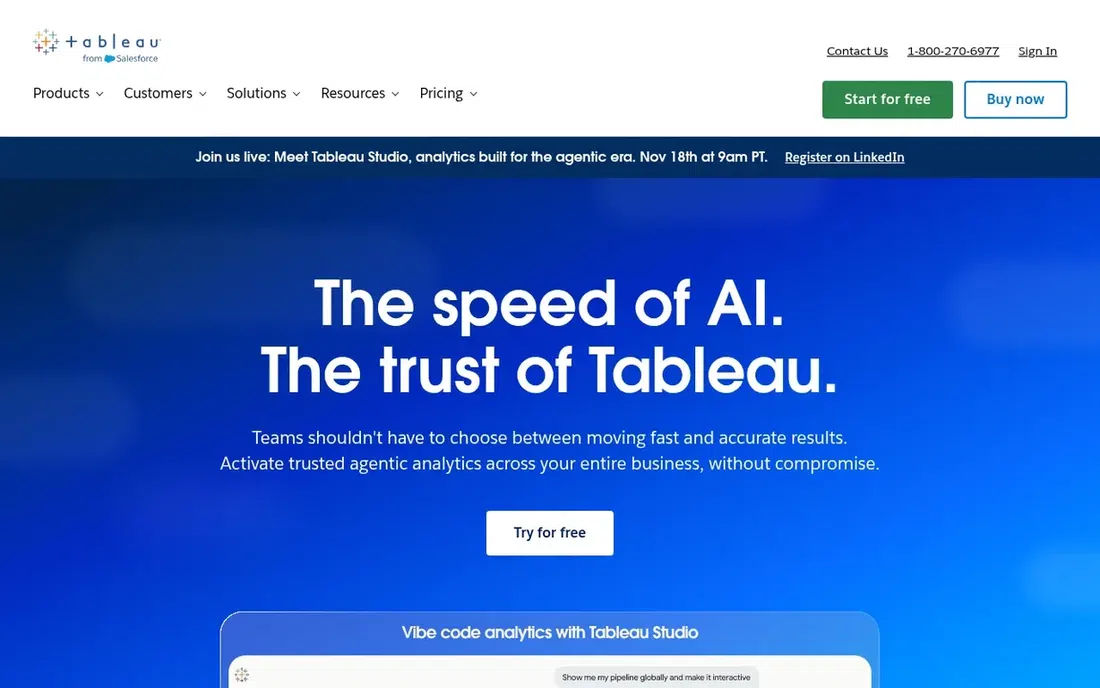
Tableau serves visual exploration and dashboards. Tableau is business intelligence and analytics software built around seeing and understanding data.
Honest limits: Complicated dashboards need care to stay maintainable.
Also, visual analysis is the core strength, so heavy data preparation and governance generally depend on other systems. Pick Tableau when visual discovery and wide connectivity matter most. Tableau starts at: $15 per user per month. You can start on Tableau without paying.
- Drag-and-drop visualization building
- Links to almost any database
- Deep modeling needs companion tools
ThoughtSpot makes the most sense for agentic analytics and automatic insights. ThoughtSpot describes itself as an agentic analytics product that turns insights into action with AI agents, automatic insights and embedded intelligence. Search and agent-driven experiences rely on well-modeled, trusted data underneath.
More specifically, teams with heavy custom visualization needs may pair it with a traditional BI tool. On top of that, choose ThoughtSpot when automatic insight delivery and embedded intelligence are the priorities. ThoughtSpot pricing: $25 per user per month. Free options: Free trial.
Upsides: Embedded intelligence choices.
What to check first: Complicated modeling may still need specialists.
- Automatic insight generation
- AI agents for analytics
- Search-driven workflows need user adoption
Databricks is designed for unified data, analytics and AI work. Databricks presents itself as a unified product for data, analytics and AI, with a data-centric approach to building AI. Its documented scope spans simplifying ETL, data warehousing, governance and AI on the Data + AI Platform.
From a buyer's view, the broad feature set can mean more configuration and a ramp-up time for smaller teams. Worth adding: consider Databricks when data engineering and AI work are central and you want them governed alongside analytics. Organizations that only need dashboards may find a focused visualization tool more straightforward. Pricing for Databricks is not stated here, so ask the vendor for current figures. Trial and free access: Not stated.
Limits to weigh: Wide scope can mean a steeper setup. Where it shines: Data-centric approach to building AI.
- One product for several data workloads
- Warehousing and governance
- Best value for teams with real data engineering needs
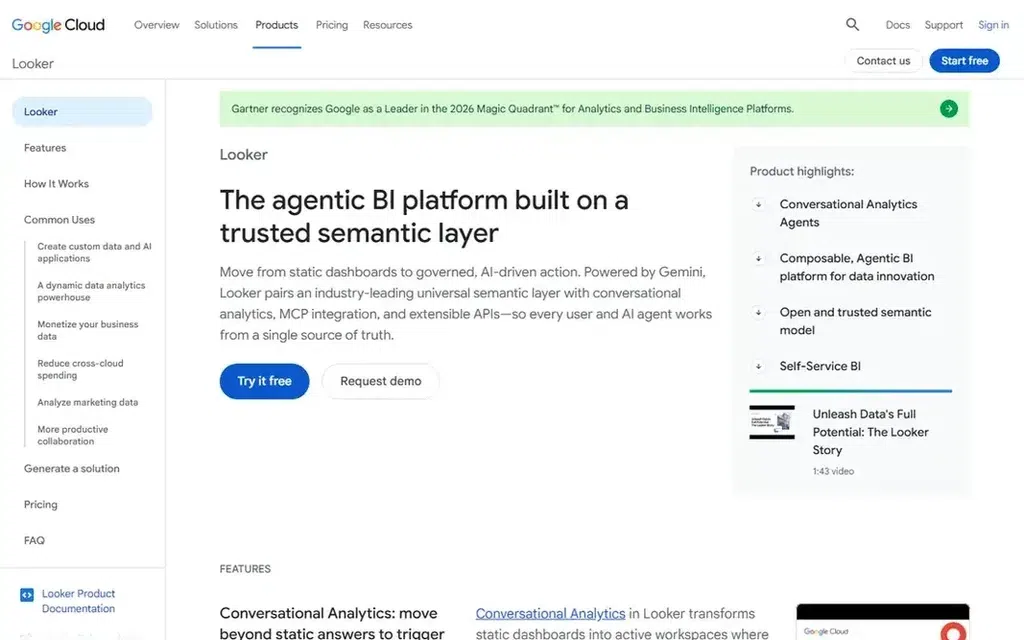
Looker is a good fit for governed metrics and embedded analytics. Looker is described as Google Cloud agentic business intelligence and embedded analytics. Its homepage flags unifying metrics with a trusted semantic layer and Gemini agents.
That makes it a fit for tech businesses that want consistent metric definitions across teams and analytics embedded straight into their own products, notably where Google Cloud is already part of the stack. Businesses outside the Google Cloud ecosystem may find integration less natural. No starting price is listed for Looker here; confirm pricing on the vendor site. Free access: Not stated.
Watch-outs: Semantic modeling needs upfront discipline.
- Embedded analytics for products
- Gemini agents on Google Cloud
- Tied closely to the Google Cloud ecosystem
Domo makes the most sense for governed data for AI agents. The breadth of products means teams should plan governance and ownership carefully to avoid sprawl. In practice, Domo positions itself around governed data for AI agents, with products spanning the data journey.
Trade-offs to know: Careful governance setup is required.
Its homepage describes connecting and moving data from any source, preparing and expanding data access for exploration, and accelerating business-critical insights. In daily use, consider Domo when connecting numerous sources and governing data for AI use are central goals. Check the vendor site for Domo pricing; none is listed in this comparison. On free options: Free trial.
- Links and moves data from any source
- Focus on governed data for AI
- Wide system can feel sprawling
How we compared the tools
Selection started from tools commonly considered for data analytics tools for tech industry, then narrowed to 5 that have clear pricing information or a clear quote process. Plan names, prices and limits change often. Treat the figures here as a starting point and verify them with the vendor. We ordered the tools by general fit, then by how clearly pricing is shown, then by free access. A buyer with unusual needs may reorder them.
A buyer's checklist
- Ask Databricks, Looker and Domo for a written quote, since no starting price is shown.
- Test the free plan from Tableau against your real workload before relying on it.
- Take the trial from ThoughtSpot and Domo and push a live task through it before you pay.
- Before choosing Tableau, weigh its main limit: deep modeling needs companion tools.
- Before rolling out Databricks, verify the integrations your workflow depends on.
- Ask Domo whether prices are locked for the first term and what happens at renewal.
FAQ
Is Tableau the right pick for everyone comparing data analytics tools for tech industry?
No single tool suits every team. Tableau comes first because it fits visual exploration and dashboards, while ThoughtSpot suits agentic analytics and automated insights and Databricks suits unified data, analytics and AI work. Match the tool to your own size, budget and workflow before deciding.
Can I try these tools before paying?
Often, yes. Tableau has a free plan and ThoughtSpot and Domo offer a free trial. Use your own data and a real task during the test, and check what the free tier or trial limits before you rely on it. For the full picture, the cards above cover all 5 entries of this data analytics tools for tech industry list, including price, free plan and limits.
How are the tools for data analytics tools for tech industry ordered?
Tableau sits first and Domo last because the order follows typical fit for data analytics tools for tech industry, then price clarity and free access. It is a judgement call, so read each profile for fit and limits.
Do these tools publish their prices?
Not all of them. Databricks, Looker and Domo publish no starting price, so expect a quote request for those. The rest, Tableau included, show a starting price, though seats and billing terms still change the final cost.
Which tool is a good match for a tech team new to analytics?
Tableau is the pick this page puts first, mainly for visual exploration and dashboards. If your situation differs, ThoughtSpot suits agentic analytics and automatic insights, and Databricks suits unified data, analytics and AI work. Compare price and limits before you decide.
Do I need a warehouse alongside a BI tool?
Normally yes. Tools like Tableau, Looker and ThoughtSpot analyze data that lives in a warehouse or database, whereas BigQuery, Redshift and Databricks supply the storage and processing layer. Some products, including Databricks and Domo, span more of that journey.
Sources
- https://www.tableau.com
- https://www.thoughtspot.com
- https://www.databricks.com
- https://looker.com
- https://www.domo.com