Best DAST Tools in 2026: 9 Tools Compared
We compared the best dast tools for scanning live web apps and APIs, from free OWASP ZAP to enterprise platforms, with current pricing and honest trade-offs.
- Editor's choice
 OWASP ZAP
Free scanning in CI
Starts atFreeVisit zaproxy.orgFull review - Great alternative
 Burp Suite Professional
Hands-on security testing
Starts atSee websiteVisit portswigger.netFull review - Also consider
 Invicti
Fleet scanning with proof checks
Starts atSee websiteVisit invicti.comFull review
TL;DR:
- DAST tests a running app from the outside, which is why it catches problems that code-only scans miss, such as broken authentication and misconfigured servers.
- OWASP ZAP is the best free starting point, and StackHawk is the cheapest commercial route into pipeline scanning at $10 per person per month.
- Burp Suite Professional remains the standard for hands-on testing, while Invicti and Acunetix suit teams scanning many apps with proof-based checks.
- Most enterprise DAST pricing is quote-based, so budget by number of apps and APIs, not just by seats.
- Our pick for most teams is ZAP in the pipeline first, then a paid tool once finding volume or reporting needs outgrow it.
Quick comparison
| Tool | Best for | Starts at | Free plan? | |
|---|---|---|---|---|
| OWASP ZAP | Free scanning in CI | Free | Yes | Visit |
| Burp Suite Professional | Hands-on security testing | See website | Yes | Visit |
| Invicti | Fleet scanning with proof checks | See website | No | Visit |
 Acunetix | Small and mid-size app scanning | See website | No | Visit |
 StackHawk | Developer pipeline scanning | $10 per person per month | Yes | Visit |
 Detectify | External attack surface monitoring | See website | Yes | Visit |
 Qualys Web App Scanning | Teams already on Qualys | See website | No | Visit |
 Rapid7 InsightAppSec | AppSec plus Rapid7 intelligence | See website | Free trial | Visit |
 Nuclei | Fast checks for known issues | Free | Yes | Visit |
The best dast tools
The best dast tools attack your live application the way an outsider would, clicking through pages, submitting forms and probing APIs for flaws. We compared official feature pages, pricing pages and public documentation, and we only listed tools that are actively maintained and sold in October 2026. The best dast tool for your team depends on who drives the scanning: a security engineer, a developer pipeline, or a platform team covering many apps.
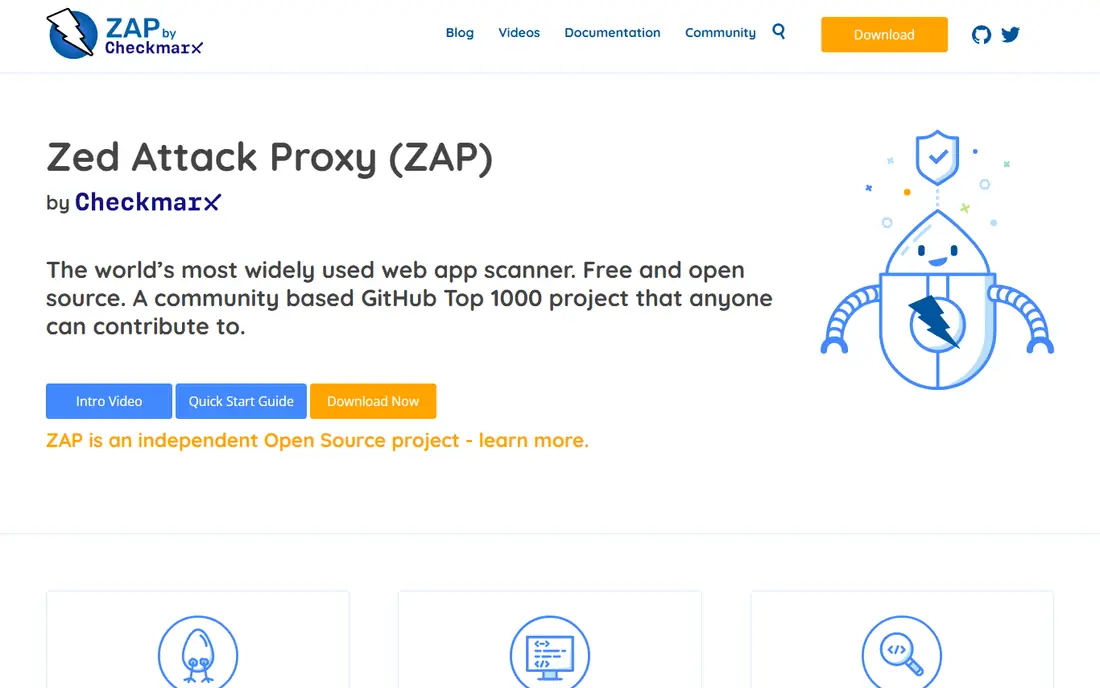
OWASP ZAP is the tool we tell every team to run before spending money. It is free, open source and actively maintained, and its automation framework lets you add a baseline scan to a pipeline in an afternoon. For a team with no security budget, ZAP plus a habit of fixing findings on a schedule is a serious security program, not a placeholder.
The cost is time, not money. Out-of-the-box scans on a modern single-page app can produce noise, and authenticated scanning, which tests what a logged-in user can reach, needs careful configuration with login scripts or API tokens. If you have the skills to tune it, ZAP is hard to beat. If you do not, budget for a commercial tool that handles authentication and triage for you.
- Free and open source
- Strong automation framework for pipelines
- Large extension library and active community
- Needs tuning to cut noise
- Authenticated scanning takes real setup time
Burp Suite Professional is the toolkit most professional web testers reach for first. The proxy lets a tester inspect and modify traffic between browser and server, Repeater lets you resend a request with tweaks, and Intruder automates probing for injection and enumeration flaws. For finding business logic issues, chained flaws and subtle authorization problems, no automated scanner on this list matches a skilled tester with Burp.
The Community edition is free but has no automated scanner, so serious use means a paid license, priced per user per year on the vendor site. Burp is also a manual tool at heart, so it does not replace fleet scanning across dozens of apps. Buy it for the engineer doing real testing, and pair it with a pipeline scanner for continuous coverage.
- Industry-standard manual testing toolkit
- Repeater and Intruder are unmatched for probing logic
- Large extension store
- Automated scanning is not its main strength
- Per-user pricing adds up for large teams
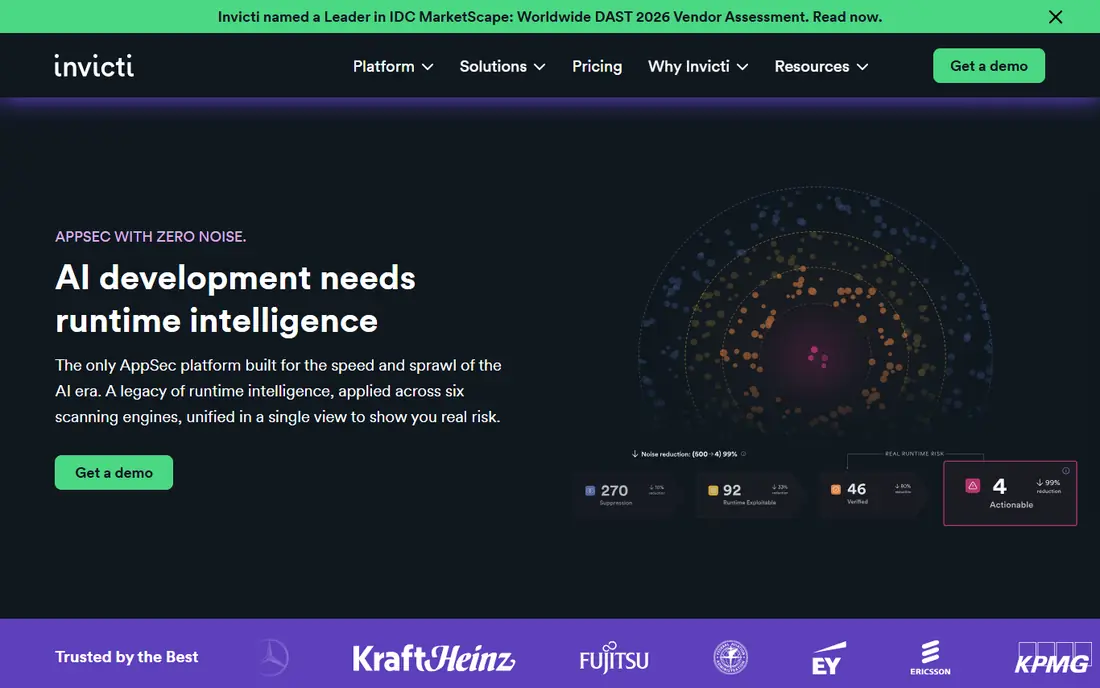
Invicti suits organizations that scan many applications and cannot afford to chase false alarms. Its proof-based scanning tries to confirm a finding automatically, so triage time drops and developers trust the queue more. That matters at fleet scale, where a scanner that cries wolf on every app quickly gets ignored. Invicti also covers modern apps and APIs, scheduled scans and multi-team controls.
Pricing is quote-based and tied to app counts and deployment, so expect a sales conversation rather than a checkout page. Small teams with one or two apps will usually find ZAP or StackHawk a better fit. For a platform team covering dozens of services, Invicti is one of the strongest enterprise picks on this list.
- Proof-based checks cut false positives
- Scales across many apps and teams
- On-demand and on-premises options
- Quote-based pricing makes budgeting slow
- Enterprise depth is more than small teams need
Acunetix is the smaller sibling in the Invicti family, aimed at teams that need solid automated scanning without enterprise platform overhead. It scans websites and APIs, checks for common flaw classes, and uses proof-based confirmation to reduce false positives. For a business with a few customer-facing apps and no dedicated AppSec team, that combination is practical.
The main drawback is pricing transparency, since Acunetix prices by quote and target count, so you need to request a figure for your app inventory. It also lacks some of the multi-team governance of Invicti. If you outgrow it, moving up within the same product family is a natural path, which is a plus for growing teams.
- Same proof-based engine family as Invicti
- Per-target pricing is easy to model
- Good for teams with a handful of apps
- No public list price
- Enterprise governance features are thinner than Invicti
StackHawk is our pick for development teams that want security findings inside their normal workflow. It wraps scanning into the pipeline, so results appear alongside code changes rather than in a separate security dashboard nobody opens. The Wingman plan at $10 per person per month covers unlimited apps with no per-app charges, which makes costs predictable for teams with many small services.
The trade-off is depth. StackHawk does not match Invicti or Burp for deep manual testing or large enterprise governance, and it assumes your team already ships through CI. If that describes your team, it is the easiest commercial step up from ZAP. If your apps are not in a pipeline yet, start with ZAP against staging and add StackHawk once the pipeline habit exists.
- Cheapest commercial entry point here
- Findings show up where developers review code
- No per-app or per-scan charges on Wingman
- Shallower than enterprise fleet scanners
- Best for teams already running CI pipelines
Detectify fits teams whose risk is what the internet can see. It monitors your public attack surface continuously, finds subdomains you may have forgotten, and applies research from a large ethical hacker community to catch new issue classes. That continuous view is different from a point-in-time scan, and it catches the forgotten staging site or exposed service that periodic scans miss.
The limit is depth on internal applications, where Detectify does not go as far as a dedicated app scanner. Pricing is published in tiers on the vendor site, with add-ons for API scanning and compliance checks, so confirm what your plan includes. Pick Detectify when external coverage matters as much as deep app testing, and pair it with ZAP or StackHawk for the apps themselves.
- Continuous monitoring of public-facing assets
- Crowdsourced research from ethical hackers
- Subdomain discovery included
- Less deep on internal apps
- Add-ons for API and compliance scanning cost extra
Qualys Web App Scanning, often called Qualys WAS, scans websites and APIs as part of the broader Qualys cloud platform. For a team already using Qualys for vulnerability management, adding web app scanning keeps findings, schedules and reports in one place, which simplifies compliance work. It is a sensible value choice in that setting, even if it is not the deepest scanner on this list.
The catch is that Qualys is a platform buy, so pricing and packaging depend on your existing Qualys relationship. Teams that want a standalone DAST specialist will get more depth from Invicti, Acunetix or Burp. Choose Qualys WAS when platform consolidation matters more than having the most specialized engine.
- Fits the wider Qualys platform
- Scheduled scans and reporting included
- Solid value for existing Qualys customers
- Less specialized than dedicated DAST vendors
- Pricing and packaging sit inside the Qualys suite
InsightAppSec is Rapid7's dynamic testing product, and its strength is context. Findings can be viewed alongside other Rapid7 security intelligence, which helps a team decide which flaws to fix first when the queue is long. It supports modern apps and APIs, scheduled scanning and reporting, and it fits organizations that already run Rapid7 products.
Pricing is negotiated rather than published, so budgeting takes a quote. For a team with no Rapid7 footprint, a standalone scanner may be simpler and cheaper. For a Rapid7 shop, InsightAppSec is the natural DAST lane, and the shared data makes triage noticeably easier.
- Connects app findings to wider Rapid7 security data
- Good prioritization for teams with many findings
- Cloud and on-premises options
- Quote-based pricing
- Strongest for teams already invested in Rapid7
Nuclei is different from the other tools here. Instead of crawling an app deeply, it runs thousands of community templates that each check for one known issue, such as an exposed panel, a misconfiguration or a CVE. Pointed at a host inventory, it answers the question of whether you are exposed to a known flaw in minutes, which is why it is popular for incident response and continuous sweeps.
The limit is that Nuclei does not replace a real DAST crawl. It will not find a broken authorization flow in your custom business logic, because no template describes your app. Use it as a fast layer on top of ZAP or a commercial scanner: Nuclei for known-issue sweeps across everything, and a crawler for deep testing of your most important apps.
- Free and open source
- Huge community template library
- Very fast across many hosts
- Checks for known issues, not deep app logic
- Template quality varies
How we picked these
We compared official feature pages, pricing pages, documentation and public comparisons for each tool, and we only listed products that are actively maintained and available in October 2026. We favored tools that scan running web apps and APIs, support authenticated scanning or pipeline use, and publish enough pricing or licensing detail to budget with. We left out pure static analysis tools and general vulnerability scanners, since DAST means testing the live app, not reading its code. Prices are marked See website where vendors price by quote, and we note free tiers where they exist.
How to choose the right DAST tool
Start by running ZAP against a staging copy of your most important app. That single run tells you your finding volume, whether authenticated scanning works for your login flow, and how much triage time you actually face. A team with a dozen findings needs a different tool than a team with nine hundred, and a free scan is the cheapest way to learn which team you are.
Then match the tool to who drives it. A security engineer doing deep testing needs Burp. A development team shipping through CI needs StackHawk or a ZAP automation setup. A platform team covering many apps needs Invicti, Acunetix or a platform scanner such as Qualys or InsightAppSec. Finally, check the pricing unit against your shape: per-seat pricing punishes large teams with few apps, while per-app pricing punishes small teams with many services. Count both before you sign.
FAQ
What is the best dast tool for beginners?
OWASP ZAP is the best starting point, because it is free and its automation framework covers baseline scans with modest setup. Run it against staging, learn how authenticated scanning works for your app, and fix findings on a schedule. Move to a paid tool when tuning time or reporting needs exceed what a free tool can offer.
What is the best dast tool for developers?
StackHawk is the strongest developer-first pick here, since findings appear in the pipeline and pricing is a flat $10 per person per month on Wingman. ZAP is the free alternative for teams willing to configure it themselves. Either way, the goal is findings that reach developers where they already review code.
How is DAST different from SAST?
SAST reads source code for flaws before the app runs, while DAST attacks the running app from the outside, like a real visitor would. SAST finds code-level issues early, and DAST finds runtime problems such as misconfigurations and broken authentication. Most mature teams run both, since each lens misses things the other catches.
Do DAST tools replace penetration testing?
No. Automated DAST finds common flaw classes continuously, while human testers find logic flaws, chained attacks and authorization bypasses that scanners cannot reason about. Use DAST for continuous coverage and schedule human testing before major releases or for your most sensitive apps.
Can DAST tools test modern single-page apps and APIs?
Yes, when fed authentication details and API schemas. The ranked engines here handle modern apps, but configuration is where most programs fail. Budget time to set up login flows, seed data and API definitions, because a scanner that only reaches the login page gives false comfort.
How much do DAST tools cost?
Costs range from free for ZAP and Nuclei to quote-based enterprise pricing for Invicti, Acunetix, Qualys and InsightAppSec. StackHawk publishes $10 per person per month, and Burp Suite Professional is priced per user per year. Model your real app and API count before comparing quotes, since pricing units differ widely.