Choosing Customer Support Software for Contractors in 2026: 6 Options Compared
Best customer support software for contractors: 6 contenders ranked by fit, with entry costs and free tiers. Plus the drawbacks of each tool. Pick by budget.
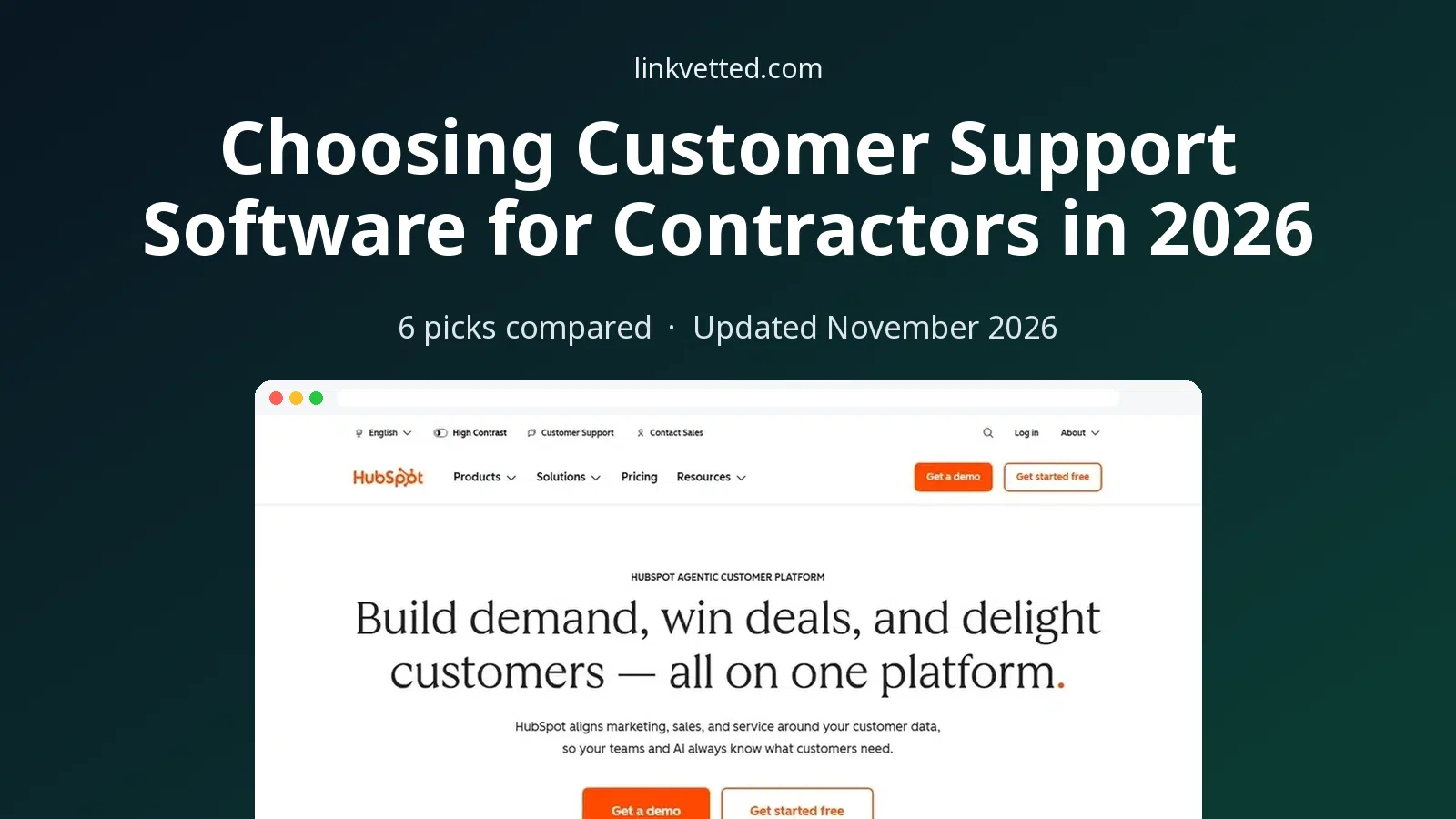
- Editor's choice
 Zoho Desk
AI-human collaboration in a help desk
Starts atSee websiteVisit zoho.comFull review - Great alternative
 Front
Shared inbox across teams
Starts at$25 per seat per monthVisit front.comFull review - Also consider
 HubSpot Service Hub
Expanding teams already in HubSpot
Starts atSee websiteVisit hubspot.comFull review
Direct answer
Zoho Desk is the first pick on this list for AI-human collaboration in a help desk. Listed starting prices: Front from $25 per seat per month, Help Scout from $25 per user per month and Zendesk Support from $19 agent/month premium yearly. Look at Front for shared inbox across teams, and at HubSpot Service Hub for expanding teams already in HubSpot. The full list of 6 tools follows, with prices and free plan facts.
TL;DR:
- Top of the list is Zoho Desk, which targets AI-human collaboration in a help desk.
- What to know about Zoho Desk first: numerous features to learn.
- Salesforce Service Cloud fits connected, scalable enterprise service.
- Just one of the 6 tools, Help Scout, has a free plan.
- Zendesk Support is the lowest-priced starter here at $19 agent/month premium yearly.
Last checked November 2026. Prices and plan details were read from the vendors' own pages in November 2026; vendors change plans often, so confirm the current price on the vendor site before you buy.
Quick comparison
| Tool | Best for | Starts at | Free plan? | |
|---|---|---|---|---|
| Zoho Desk | AI-human collaboration in a help desk | See website | Not stated | Visit |
| Front | Shared inbox across teams | $25 per seat per month | Free trial | Visit |
| HubSpot Service Hub | Expanding teams already in HubSpot | See website | Not stated | Visit |
 Help Scout | Customer-first brands wanting simplicity | $25 per user per month | Yes | Visit |
| Zendesk Support | Scalable AI-assisted help desk | $19 agent/month premium yearly | Free trial | Visit |
 Salesforce Service Cloud | Connected, scalable enterprise service | See website | Not stated | Visit |
Every option for customer support software for contractors explained
If you are comparing customer support software for contractors, this page covers 6 tools in one place: what each is best for, what it costs to start, whether it has a free plan, and the main limit to know about.
For AI-human collaboration in a help desk, Zoho Desk is a natural candidate. Zoho Desk is described as a unified help desk product aimed at the smoothest AI-human collaboration, targeted at delivering support at scale. More specifically, pick Zoho Desk when you want a full help desk with AI collaboration.
On top of that, if you need only email-based replies, a lighter tool may be less work. Contractors who want a structured help desk with AI assistance and a wide feature set can use it to organize tickets and keep responses consistent. Check the vendor site for Zoho Desk pricing; none is listed in this comparison. On free options: Not stated.
Downsides: Many features to learn.
- Built for AI-human collaboration
- Positioned for support at scale
- Configuration takes time
Front is a good fit for shared inbox across teams. Contractors who manage inquiries across multiple roles, for example office staff and field leads, can use the collaborative inbox model to share conversations and respond quicker. Beyond that, since it centers on a shared inbox instead of a traditional help desk, teams used to ticket queues may have to adjust their process.
Where Front stands out: AI agents assist with complicated work.
From a buyer's view, choose Front when collaboration across roles is the primary goal. For everyday use, very small operations may also find it more than needed. Front cost at the entry level: $25 per seat per month. Trial and free access: Free trial.
The main drawbacks: Shared-inbox model differs from classic ticketing.
- Collaborative inbox model
- Brings support
- May need process changes
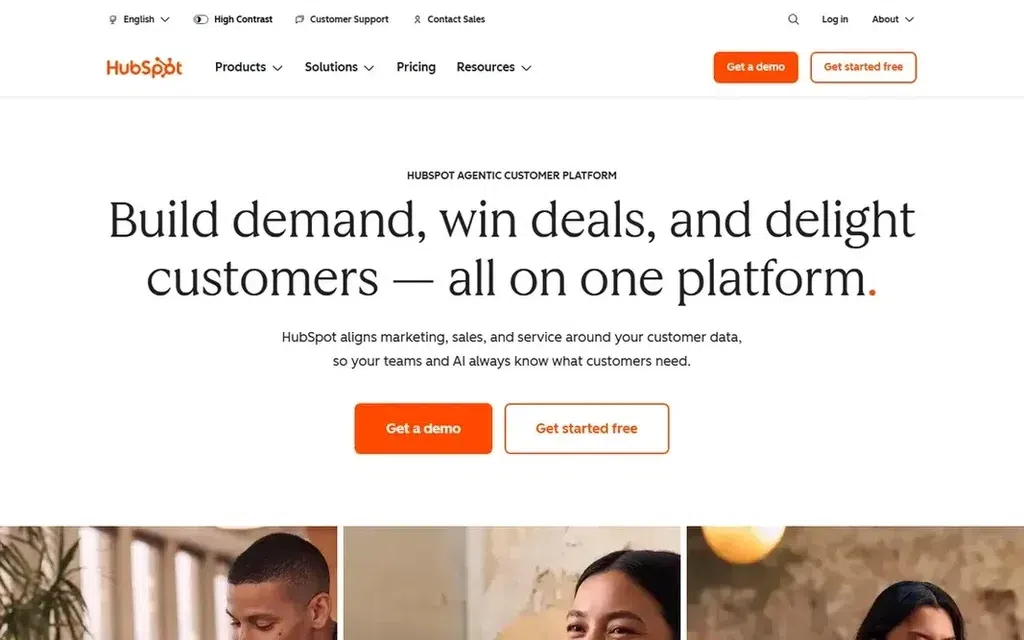
HubSpot Service Hub is designed for expanding teams already in HubSpot. Choose it when service should sit alongside the rest of your customer data. HubSpot Service Hub is an AI-powered customer service system for expanding teams.
Where it falls short: Best value inside the HubSpot ecosystem.
That connected view helps a team see a customer's history whereas answering a question. If you do not use HubSpot elsewhere, the connected benefits are smaller and another help desk may fit better. Check the vendor site for HubSpot Service Hub pricing; none is listed in this comparison. Free options: Not stated.
- Fits the wider HubSpot ecosystem
- Designed for expanding teams
- Less appealing as a standalone tool
Help Scout is designed for customer-first brands wanting simplicity. It is less of an enterprise suite, so very complicated routing or large multi-department operations may need more.
If you want deep customization, a bigger product may suit better. Price to start with Help Scout: $25 per user per month. Help Scout includes a free tier.
Honest limits: Advanced needs may outgrow it.
- Made for customer-first brands
- Easy-to-learn
- Less depth than large enterprise suites
Zendesk Support
Best for: Scalable AI-assisted help desk
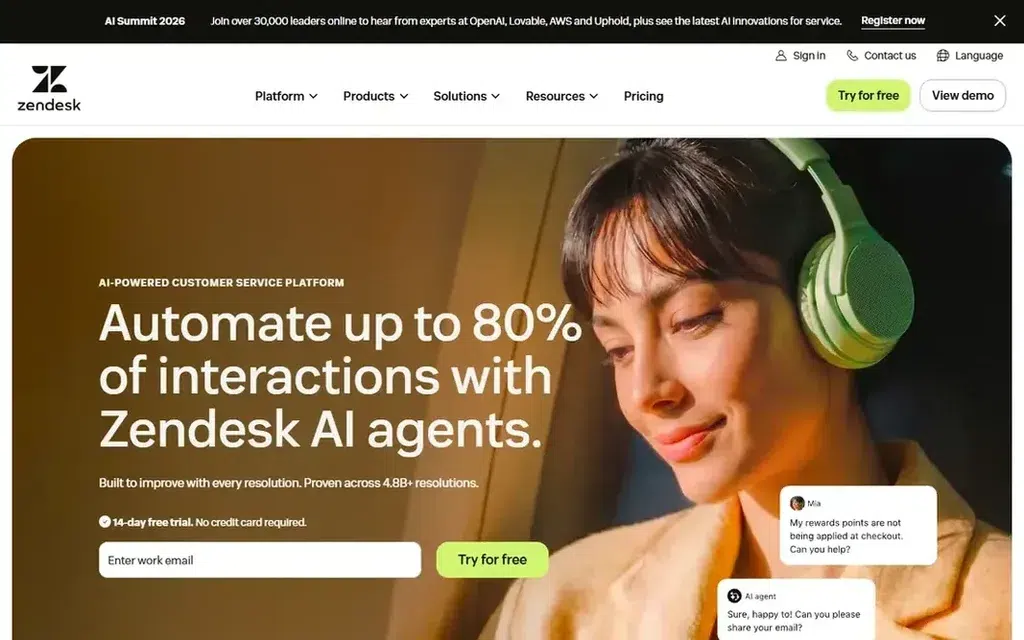
Zendesk Support was built for scalable AI-assisted help desk. Zendesk Support is an AI-powered customer service system pitched at teams that want to move beyond straightforward deflection and let AI agents resolve issues end to end.
The main drawbacks: Can feel heavy for very small teams.
Beyond that, choose Zendesk when scale and AI-assisted resolution matter more than simplicity. For everyday use, for contractors with expanding call and message volume, it supplies a structured ticketing foundation plus tools to boost service quality, speed and scale. Entry price for Zendesk Support: $19 agent/month premium yearly. As for free access: Free trial.
- Well documented system
- AI agents that resolve issues end to end
- Setup may need planning
For connected, scalable enterprise service, Salesforce Service Cloud is a natural candidate. Salesforce Service Cloud is customer service software powered by AI, positioned to help teams produce connected, efficient and scalable service.
As for the details, for a small crew, the product is likely more complicated and expensive to run than needed. Choose Service Cloud when scale, integration and a connected service model are central to how you operate. This comparison lists no price for Salesforce Service Cloud; ask the vendor. As for free access: Not stated.
Drawbacks to consider: Complicated for small contractors.
- AI-powered service options
- Made for connected
- Needs setup expertise
How we built this list
For each of the 6 tools we noted price, free plan or trial, fit for customer support software for contractors and the main limit, using vendor pages and documentation. Where a vendor does not publish a price, the entry says quote. Where a price depends on seats or billing term, the entry says so. Position on the page reflects fit for a typical buyer first, with price clarity and free access breaking ties. Treat it as a guide, not a ruling.
Pre-purchase checklist
- Confirm the entry price on the vendor page. For Zoho Desk, HubSpot Service Hub and Salesforce Service Cloud that means a quote rather than a fixed price.
- Test the free plan from Help Scout against your real workload before relying on it.
- Take the trial from Front and Zendesk Support and push a live task through it before you pay.
- Read the limits listed for Zoho Desk first: numerous features to learn.
- Check the support hours and onboarding help Salesforce Service Cloud offers; smaller vendors vary a lot here.
- Read the plan comparison for Zoho Desk carefully; key features often start on a higher tier.
FAQ
Can support software help with quotes and follow-ups?
Yes. Ticketing and shared inbox tools can keep quote requests and follow-ups in one queue so nothing is missed. From a buyer's view, automation can route requests to the right person and prompt timely replies.
Can I try these tools before paying?
Often, yes. Help Scout has a free plan and Front and Zendesk Support offer a free trial. Use your own data and a real task during the test, and check what the free tier or trial limits before you rely on it. Prices, free plan details and limits for all 6 tools in this customer support software for contractors roundup sit on the individual cards above.
How are the tools for customer support software for contractors ordered?
The order follows typical fit for customer support software for contractors, with Zoho Desk first and Salesforce Service Cloud last, then price clarity and free access. It is editorial judgement, not a score, so another team could rank the tools differently.
How do I choose between HubSpot Service Hub and Salesforce Service Cloud?
HubSpot Service Hub suits expanding teams that already use HubSpot for contacts or marketing. Salesforce Service Cloud fits bigger, more complicated operations that require a connected, scalable service product with dedicated administration.
Which options for customer support software for contractors have a free plan?
Help Scout is the only tool in this list with a free plan. Free plans usually cap users, projects or features, so check the limits on the vendor page. Several others offer a trial instead. Each of the 6 options in this customer support software for contractors guide has its own card above with the price, free plan and limits.
What should contractors look for in support software?
Focus on the channels your customers actually use, how easily a small team can share conversations, and whether automation saves time on repeat questions.
Sources
- https://www.zoho.com/desk
- https://front.com
- https://www.hubspot.com/products/service
- https://www.helpscout.com
- https://www.zendesk.com
- https://www.salesforce.com/service