Best Customer Success Software for Plumbers in 2026: Prices, Free Plans and 6 Picks
Best customer success software for plumbers in 2026: 6 tools with starting prices, free plans and limits. Hidden costs and gaps are flagged. Jump to the table.
- Editor's choice
 Zendesk
Dedicated customer support ticketing
Starts at$19 agent/month premium yearlyVisit zendesk.comFull review - Great alternative
 Freshdesk
Omnichannel ticketing and automatic workflows
Starts atSee websiteVisit freshworks.comFull review - Also consider
 FieldEdge
Tracking customer history and dispatches
Starts atSee websiteVisit fieldedge.comFull review
Direct answer
Start with Zendesk if you need dedicated customer support ticketing. Listed starting prices: Zendesk from $19 agent/month premium yearly and Housecall Pro from $59 a month. Freshdesk fits omnichannel ticketing and automated workflows; FieldEdge fits tracking customer history and dispatches. All 6 tools are compared below on price, free plan and limits.
TL;DR:
- Zendesk takes the first slot, best suited to dedicated customer support ticketing.
- None of the 6 tools, from Zendesk to Jobber, has a free plan, so budget for a subscription or use a trial.
- Jobber fits all-in-one plumbing business management.
- ServiceTitan comes with a trade-off: may be overkill for small plumbing firms.
Last checked November 2026. Prices and plan details were read from the vendors' own pages in November 2026; vendors change plans often, so confirm the current price on the vendor site before you buy.
Quick comparison
| Tool | Best for | Starts at | Free plan? | |
|---|---|---|---|---|
| Zendesk | Dedicated customer support ticketing | $19 agent/month premium yearly | Free trial | Visit |
| Freshdesk | Omnichannel ticketing and automatic workflows | See website | Not stated | Visit |
| FieldEdge | Tracking customer history and dispatches | See website | No | Visit |
 ServiceTitan | Large plumbing contractors with complicated projects | See website | Free trial | Visit |
 Housecall Pro | Home service firms seeking an easy-to-use option | $59 a month | Free trial | Visit |
 Jobber | All-in-one plumbing business management | See website | Not stated | Visit |
The full customer success software for plumbers list
Short on time? The summary and table above give the quick view of 6 customer success software for plumbers, and the profiles that follow give the detail behind each entry.
Where Zendesk fits: dedicated customer support ticketing. Zendesk is an AI-powered customer service system that centres on resolving customer issues efficiently. It uses AI agents to deal with requests end-to-end, which can help plumbing firms handle customer inquiries and support tickets.
Points against: Not tailored to plumbing operations.
It is most useful for plumbers who want a dedicated support system separate from their field service management tools. For everyday use, Zendesk is not designed specifically for plumbing operations, so it lacks features like scheduling and dispatching. More specifically, plumbers would have to integrate it with a field service tool. Price to start with Zendesk: $19 agent/month premium yearly. Trial and free access: Free trial.
- Boosts service quality and scale
- AI-powered customer service platform
- Needs integration with field service software
Where Freshdesk fits: omnichannel ticketing and automatic workflows. Freshdesk is a general customer service tool and does not bundle plumbing-specific features like job scheduling or invoicing.
In practice, Freshdesk is an AI-powered customer service software that provides omnichannel ticketing and automatic workflows. Plumbers seeking a single option might find Jobber more full. Freshdesk does not show a starting price in this comparison, so check the vendor site for current pricing. As for free access: Not stated.
Watch-outs: Not industry-specific for plumbing.
- AI-powered customer service option
- Omnichannel ticketing
- May require setup and integration
In short, FieldEdge is for tracking customer history and dispatches. FieldEdge provides field service management software that helps plumbing companies track customers, dispatches, service history, and more.
It is built to boost operational efficiency and customer service by keeping in-depth records and simplifying dispatch processes. Pricing for FieldEdge is not stated here, so ask the vendor for current figures. FieldEdge has no free tier.
Drawbacks to consider: Less emphasis on marketing features.
- Field service management focus
- Handles dispatches effectively
- May need a demo to completely understand capabilities
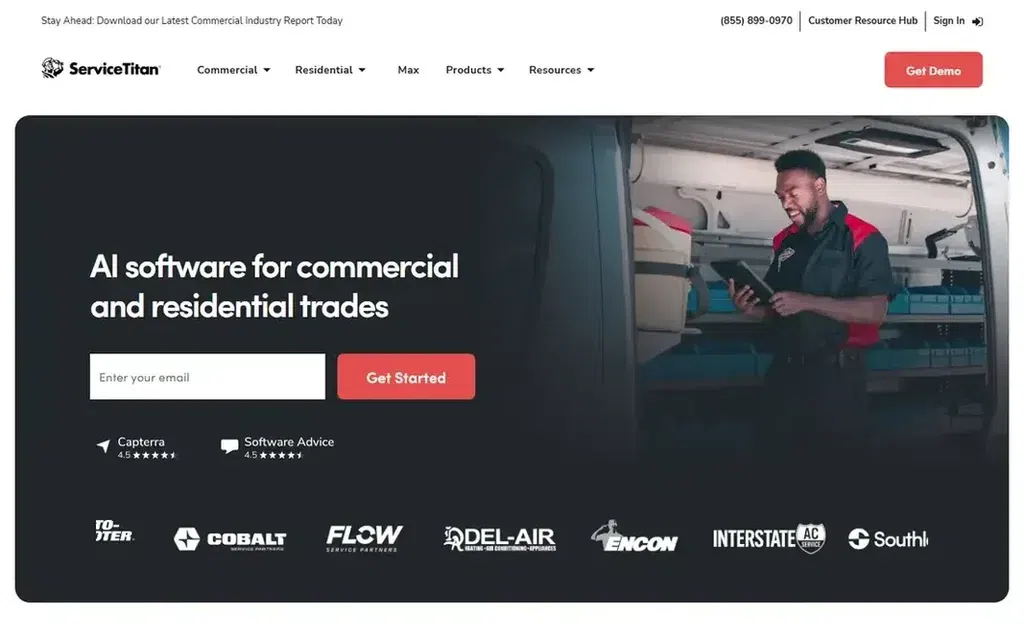
ServiceTitan targets large plumbing contractors with complicated projects. Those with more straightforward needs might find Jobber or Housecall Pro more approachable and better suited to their scale.
Pricing for ServiceTitan is not stated here, so ask the vendor for current figures. Trial and free access: Free trial.
Where it is weaker: May be overkill for small plumbing firms.
- Full feature set
- Keeps service visits and construction projects running smoothly
- Steeper ramp-up time because of deep features
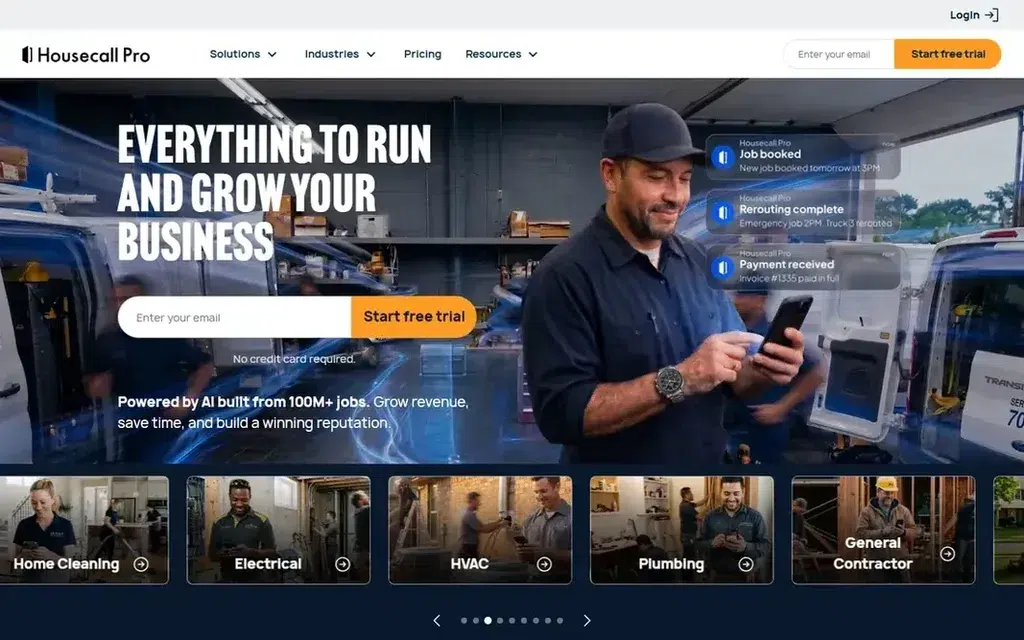
Pick Housecall Pro if this describes you: home service businesses seeking an easy-to-use solution. Companies with such needs might have to explore ServiceTitan or FieldEdge for more advanced features. In daily use, Housecall Pro may not offer the depth required for larger commercial plumbing projects or highly specialized workflows.
More specifically, Housecall Pro is a software option for home service companies, including plumbing businesses. It is meant to be approachable and helps handle scheduling, dispatching, and customer interactions. Starting cost for Housecall Pro: $59 per month. Trial and free access: Free trial.
Trade-offs to know: May lack some advanced features for commercial plumbing.
- Top-rated software for home service firms
- Approachable interface
- Restricted customization choices
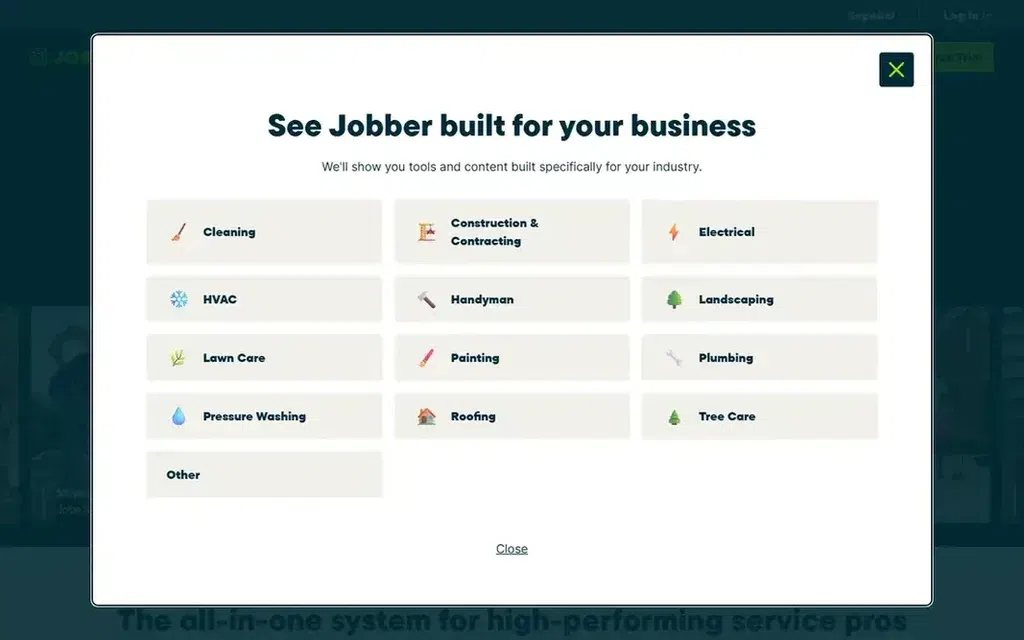
Jobber is designed for all-in-one plumbing business management. Jobber is a home and commercial service software that helps plumbing companies organize their operations. It covers quoting, scheduling, invoicing, and getting premium, all within a single app.
While Jobber manages core service business tasks well, it may not offer the depth needed for complicated commercial projects or highly specialized workflows. Companies with advanced project management needs might have to consider a more solid option like ServiceTitan. Check the vendor site for Jobber pricing; none is listed in this comparison. Free plan details: Not stated.
Honest limits: Restricted customization for specialized workflows.
- Helps organize customer service
- Easy-to-use app for sales and operations
- May lack advanced project management for large commercial jobs
Our selection method
The comparison looks at four things: starting price, free access, how well the feature set matches customer success software for plumbers, and the main limit of each tool. Treat prices as a snapshot: vendors change plans often, so check the vendor site for the figure that applies today. The order reflects how well each tool fits the most common buying scenario for customer success software for plumbers, then price clarity, then free plan access. It is a starting point, not a verdict.
What to confirm before you sign up
- Get a written quote from Freshdesk, FieldEdge, ServiceTitan and Jobber; the list shows no starting price for them.
- Use real work to test the free trial from Zendesk, ServiceTitan and Housecall Pro, rather than a demo project.
- Read the limits listed for Zendesk first: not tailored to plumbing operations.
- A short pilot of ServiceTitan with your real workflow tells you more than a feature table.
- Compare total cost, not headline price: for Zendesk, add extra seats, add-ons and any usage-based charges.
FAQ
Can Zendesk or Freshdesk replace field service software for plumbers?
No, Zendesk and Freshdesk are customer service products centred on ticketing and support. They do not contain scheduling, dispatching, or invoicing features.
Is Jobber a good match for small plumbing firms?
Yes, Jobber is built for home and commercial service firms and is straightforward to use. This makes it a solid fit for small to mid-size plumbing businesses.
Is Zendesk the right pick for everyone comparing customer success software for plumbers?
No single tool suits every team. Zendesk comes first because it fits dedicated customer support ticketing, while Freshdesk suits omnichannel ticketing and automated workflows and FieldEdge suits tracking customer history and dispatches. Match the tool to your own size, budget and workflow before deciding.
Can I try these tools before paying?
Often, yes. Zendesk, ServiceTitan and Housecall Pro offer a free trial. Use your own data and a real task during the test, and check what the free tier or trial limits before you rely on it.
Does any tool for customer success software for plumbers here have a free plan?
A permanent free plan is not offered by Zendesk, Jobber or the other tools here. Zendesk, ServiceTitan, Housecall Pro offer a trial. Plan a short evaluation period instead.
How does ServiceTitan differ from Housecall Pro?
ServiceTitan is aimed at home and commercial contractors and manages complicated service visits and construction projects. ServiceTitan may suit bigger operations, whereas Housecall Pro suits smaller teams.
Sources
- https://www.zendesk.com
- https://www.freshworks.com/freshdesk
- https://www.fieldedge.com
- https://www.servicetitan.com
- https://www.housecallpro.com
- https://www.getjobber.com