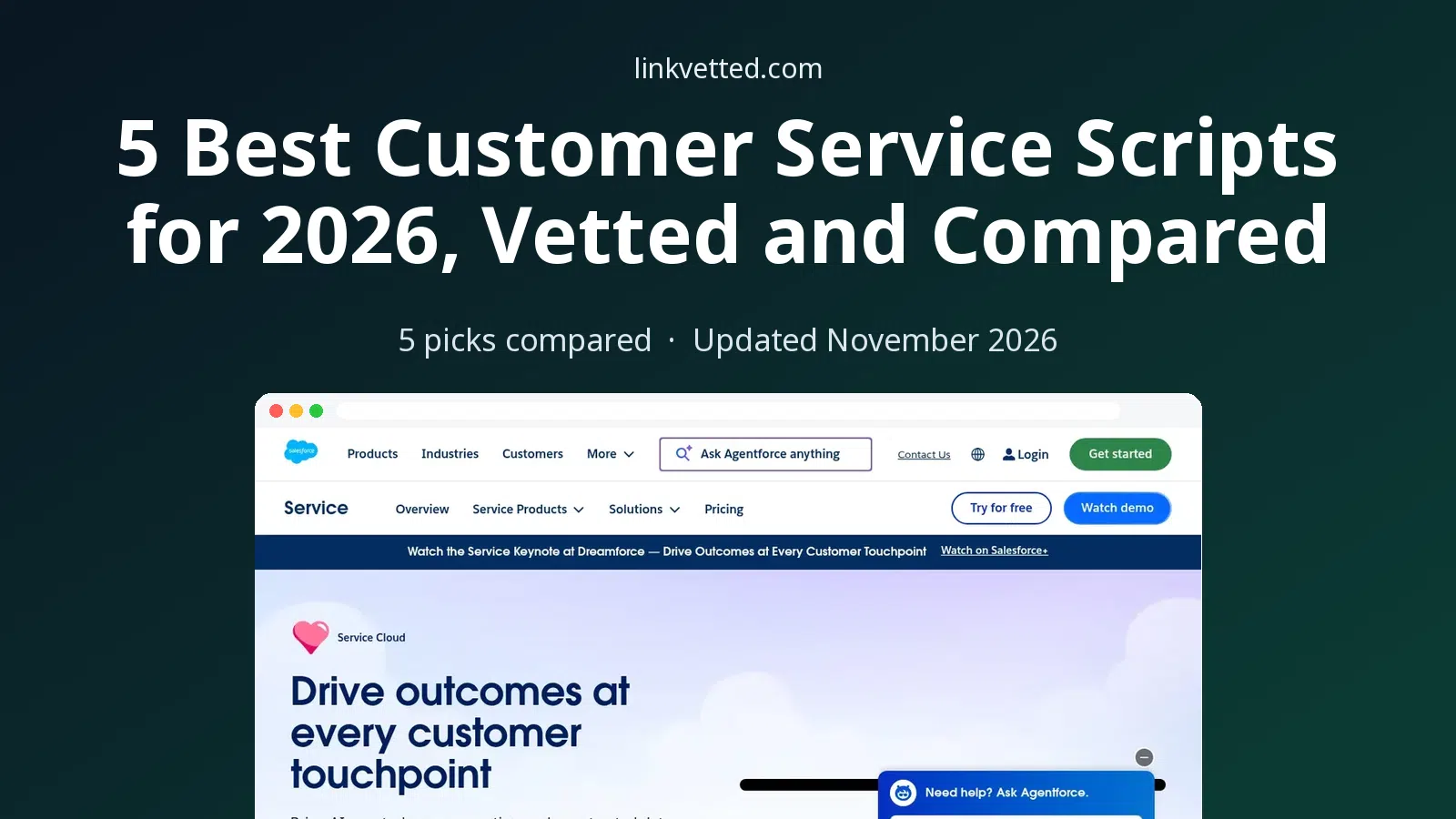
5 Best Customer Service Scripts for 2026, Vetted and Compared
5 products for the best customer service scripts, ranked by fit, with starting costs and free tiers. Every tool lists pros and cons. Reviewed this month.
- Editor's choice
 HubSpot Service Hub
Expanding teams on a connected stack
Starts atSee websiteVisit hubspot.comFull review - Great alternative
 Salesforce Service Cloud
Connected service across large teams
Starts atSee websiteVisit salesforce.comFull review - Also consider
 LiveAgent
Small teams in one inbox
Starts at$11 per agent per monthVisit liveagent.comFull review
Direct answer
HubSpot Service Hub is the first pick on this list for expanding teams on a connected stack. Listed starting prices: LiveAgent from $11 per agent per month, Groove from $99 a month and Zendesk from $19 agent/month premium yearly. For a different need, Salesforce Service Cloud covers connected service across large teams and LiveAgent covers small teams in one inbox. The full list of 5 tools follows, with prices and free plan facts.
TL;DR:
- Number one here is HubSpot Service Hub, a fit for expanding teams on a connected stack.
- LiveAgent has the lowest monthly starting price in this list: $11 per agent per month.
- Neither HubSpot Service Hub nor Zendesk, nor any of the other 3 tools, has a permanent free plan; trials and quotes are the norm.
- For AI-led resolution at scale, Zendesk is worth a look.
Last checked November 2026. Prices and plan details were read from the vendors' own pages in November 2026; vendors change plans often, so confirm the current price on the vendor site before you buy.
Quick comparison
| Tool | Best for | Starts at | Free plan? | |
|---|---|---|---|---|
| HubSpot Service Hub | Expanding teams on a connected stack | See website | Not stated | Visit |
| Salesforce Service Cloud | Connected service across large teams | See website | Not stated | Visit |
| LiveAgent | Small teams in one inbox | $11 per agent per month | Free trial | Visit |
| Groove | AI-native support rebuilt around agents | $99 a month | Free trial | Visit |
 Zendesk | AI-led resolution at scale | $19 agent/month premium yearly | Free trial | Visit |
5 customer service scripts in detail
Short on time? The summary and table above give the quick view of 5 customer service scripts, and the profiles that follow give the detail behind each entry.
Choose HubSpot Service Hub for expanding teams on a connected stack. HubSpot Service Hub is an AI-powered customer service system for expanding teams, positioned to transform the customer experience. It performs well for organizations that already track customers in a connected system and want scripted support to draw on that context.
More specifically, very specialized support operations may want deeper help desk features. Beyond that, the product is most handy when paired with the wider system, and standalone use can feel limited. No starting price is listed for HubSpot Service Hub here; confirm pricing on the vendor site. Free access: Not stated.
What to check first: Depth may lag specialized help desks.
- Ties service to customer context
- AI-powered service product
- Best value inside the wider ecosystem
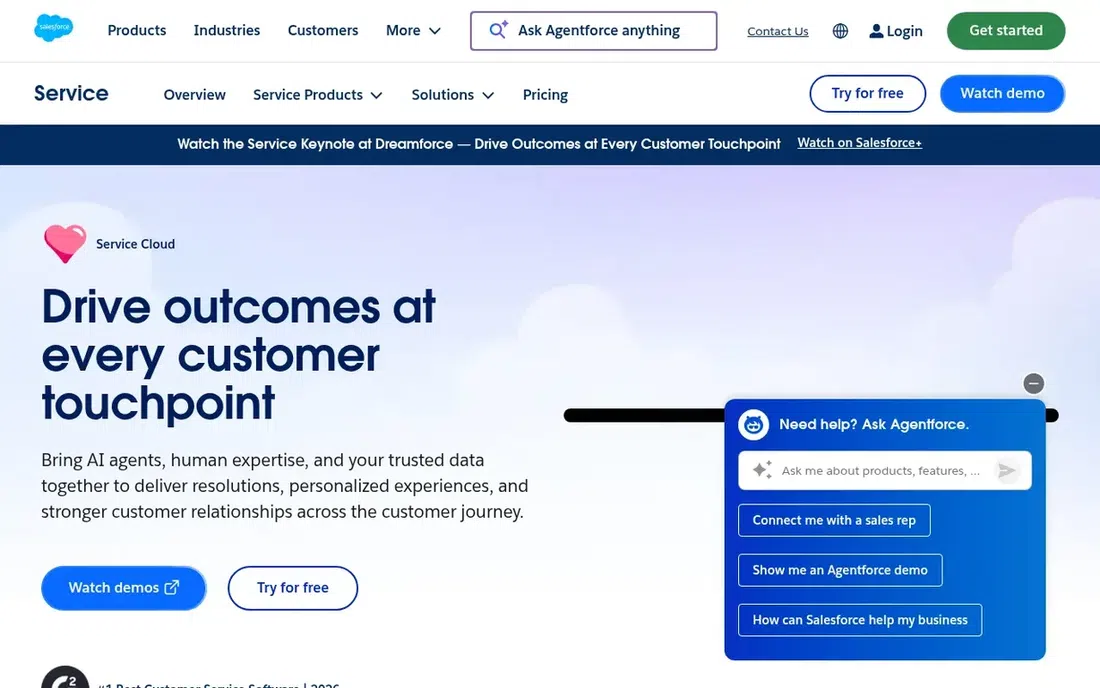
For connected service across large teams, Salesforce Service Cloud is a natural candidate. The product is customizable to a fault, and getting value from it normally needs administrative expertise.
Points against: Configuration demands specialist skills.
A more straightforward ticketing tool is often a better fit when scripting needs are modest. It is designed for organizations that want scripts, knowledge and case data tied together across teams. Salesforce Service Cloud shows no starting price here, so confirm the cost on the vendor site. Trial and free access: Not stated.
- Suits complicated service operations
- AI-powered service support tools
- Can be heavy for small support teams
For small teams in one inbox, LiveAgent is a natural candidate. LiveAgent is help desk software for small teams, bringing email, live chat, phone and social media into one inbox with AI agents. That single-inbox design makes it simple to attach scripted replies to the right channel and keep conversations visible.
From a buyer's view, the system leans toward small team needs, so very large or highly regulated service operations may find controls shallow. In practice, a broader service suite is worth considering when complexity grows. Price to start with LiveAgent: $11 per agent per month. Free access: Free trial.
Watch-outs: Channel setup still needs attention.
- Phone and social in one inbox
- AI agents included
- Fewer deep enterprise controls
Groove
Best for: AI-native support rebuilt around agents
Groove works best for AI-native support rebuilt around agents. Groove is presented as an AI-native customer support system, described as everything expected from a help desk rebuilt around AI agents that investigate, resolve and act.
The AI-native approach asks teams to rethink traditional workflows, which can slow adoption at first. A conventional help desk is a reasonable alternative when automation is not the priority. The starting price for Groove: $99 per month. Trial and free access: Free trial.
Downsides: Traditional workflows may need rethinking.
- AI-native support system
- Familiar help desk foundations
- Newer positioning around AI agents
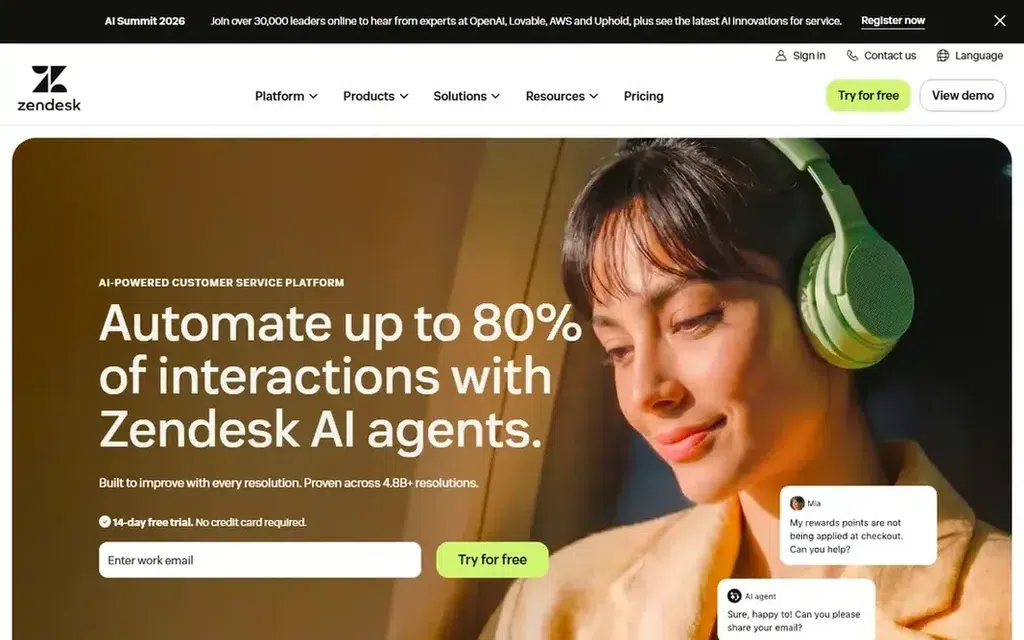
Zendesk is designed for AI-led resolution at scale. Smaller operations may find the scope heavier than required.
More specifically, Zendesk is an AI-powered customer service product built to move beyond deflection, with AI agents that resolve issues end to end. It emphasizes service quality, speed and scale, so scripted responses can sit alongside automatic resolution paths. What you pay to start with Zendesk: $19 agent/month premium yearly. On free options: Free trial.
Trade-offs to know: Feature depth may exceed small team needs.
- Wide system for expanding teams
- Focus on service quality and speed
- Setup and admin can take effort
How these tools were picked
The comparison looks at four things: starting price, free access, how well the feature set matches customer service scripts, and the main limit of each tool. Where a vendor does not publish a price, the entry says quote. Where a price depends on seats or billing term, the entry says so. We ordered the tools by general fit, then by how clearly pricing is shown, then by free access. A buyer with unusual needs may reorder them.
Before you commit
- Get a written quote from HubSpot Service Hub and Salesforce Service Cloud; the list shows no starting price for them.
- Take the trial from LiveAgent, Groove and Zendesk and push a live task through it before you pay.
- Read the limits listed for HubSpot Service Hub first: best value inside the wider ecosystem.
- See whether LiveAgent offers onboarding or training, and whether it is included in the price.
- Work out what HubSpot Service Hub costs with your real seat count, add-ons and usage, not just the entry price.
FAQ
What should a customer service script tool actually offer?
Look for shared canned replies, version control and visibility into how scripts are used across channels. The product should let agents insert and adapt scripts without leaving the conversation.
Does any tool for customer service scripts here have a free plan?
No tool in this list, HubSpot Service Hub and Zendesk included, has a permanent free plan. LiveAgent, Groove, Zendesk offer a trial. Trials and quotes are the usual route, so plan a short evaluation period.
Can I try these tools before paying?
Often, yes. LiveAgent, Groove and Zendesk offer a free trial. Use your own data and a real task during the test, and check what the free tier or trial limits before you rely on it.
Do these tools publish their prices?
Not all of them. HubSpot Service Hub and Salesforce Service Cloud publish no starting price, so expect a quote request for those. The rest, LiveAgent included, show a starting price, though seats and billing terms still change the final cost.
Is HubSpot Service Hub the right pick for everyone comparing customer service scripts?
No single tool suits every team. HubSpot Service Hub comes first because it fits growing teams on a connected stack, while Salesforce Service Cloud suits connected service across large teams and LiveAgent suits small teams in one inbox. Match the tool to your own size, budget and workflow before deciding.
How do I choose between a full service suite and a small team help desk?
Match the tool to your volume and process complexity. Start with the workflows you actually run today, then check whether the system stretches with you.
Sources
- https://www.hubspot.com/products/service
- https://www.salesforce.com/service
- https://www.liveagent.com
- https://www.groovehq.com
- https://www.zendesk.com