Best Customer Service Metrics Tools in 2026: 8 Platforms Compared
Compare the best customer service metrics tools for CSAT, response time, and resolution rates. We review 8 platforms, prices, reports, and limits in 2026.

- Editor's choice
 Zendesk
Deep reporting at scale
Starts at$55 per agent per monthVisit zendesk.comFull review - Great alternative
 Freshdesk
Value reporting for small teams
Starts at$15 per agent per monthVisit freshworks.comFull review - Also consider
 HubSpot Service Hub
CRM-linked service metrics
Starts at$20 per seat per monthVisit hubspot.comFull review
TL;DR:
- Zendesk is our pick for larger teams that need deep reporting, while Freshdesk suits smaller teams that want strong reports at a lower price.
- HubSpot Service Hub suits teams already on HubSpot, since service metrics sit alongside sales and marketing data.
- Track a small set of metrics well, including CSAT, first response time, resolution time, and first contact resolution, rather than tracking everything poorly.
- AI resolution metrics need care, since a fast automated reply that does not solve the issue can look good in a dashboard and feel bad to a customer.
- Always check whether reporting, dashboards, and survey tools are included in your plan tier, since they often sit behind higher tiers.
Quick comparison
| Tool | Best for | Starts at | Free plan? | |
|---|---|---|---|---|
| Zendesk | Deep reporting at scale | $55 per agent per month | No | Visit |
| Freshdesk | Value reporting for small teams | $15 per agent per month | No | Visit |
| HubSpot Service Hub | CRM-linked service metrics | $20 per seat per month | Yes | Visit |
 Intercom | Messenger and AI metrics | $29 per seat per month | No | Visit |
 Zoho Desk | Budget reporting | $14 per agent per month | Yes | Visit |
 Help Scout | Simple email metrics | $25 per user per month | Yes | Visit |
 Qualtrics XM | Customer experience surveys | See website | No | Visit |
 Nice CXone | Contact centre analytics | See website | No | Visit |
The best customer service metrics tools
Customer service metrics only help when they connect to a decision, such as staffing, training, or a product fix. The tools below collect tickets, chats, and surveys, then turn them into reports on satisfaction, speed, and resolution. We compared them on the metrics they track, dashboard quality, survey options, and whether reporting sits in the base plan or behind a higher tier.
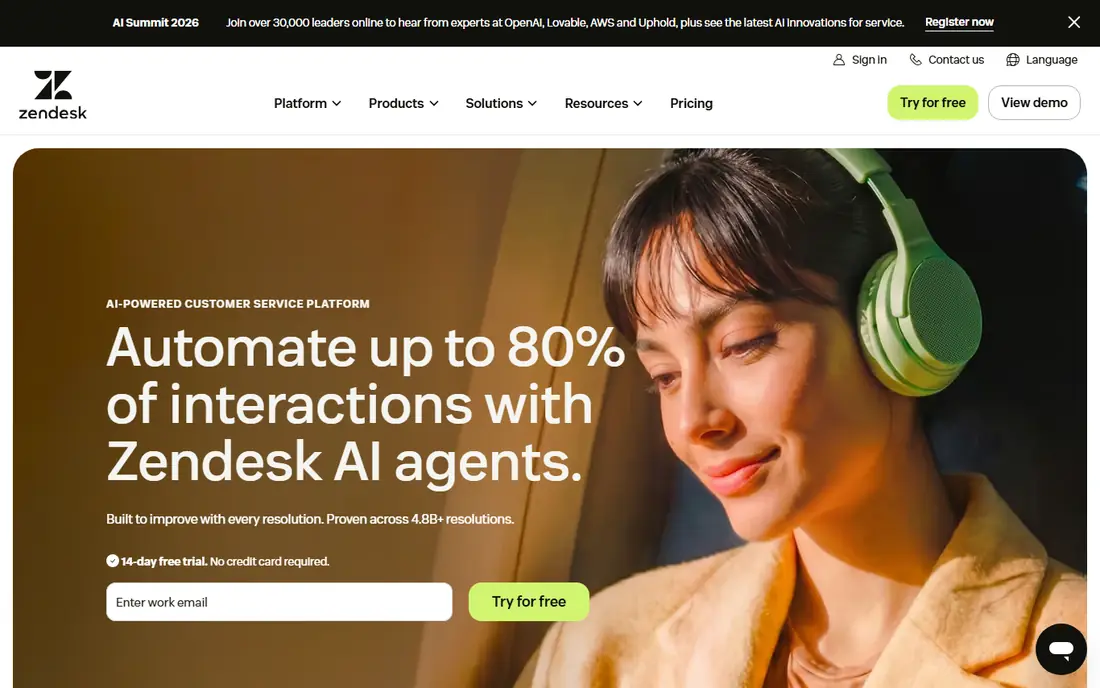
Zendesk is the most complete reporting platform in this list for larger teams, with its Explore tool covering CSAT, first reply time, resolution time, backlog, and agent performance across channels. You can build custom dashboards, track SLA compliance, and slice results by team, channel, and ticket type. That depth matters when a support leader must explain why satisfaction fell in one product area while rising in another, rather than just reporting a single average.
The catch is tiering and cost. Suite Team starts at 55 dollars per agent per month on annual billing, and deeper reporting and AI features sit in higher tiers or add-ons, including Copilot and per-resolution AI charges. Small teams may find that heavy for metrics alone. Zendesk suits larger teams that need enterprise reporting and can use its breadth across email, chat, voice, and social channels.
- Deep Explore reporting
- CSAT and SLA tracking
- Large integration range
- Reporting depth needs higher tiers
- AI costs add up separately
Freshdesk offers solid service metrics at a lower entry price than Zendesk, with Growth plans from 15 dollars per agent per month on annual billing. Its reports cover response time, resolution time, CSAT, agent workload, and ticket trends, and its CSAT surveys collect feedback after resolution. For a small or mid-size team that wants clear weekly reports without enterprise cost, Freshdesk is a practical choice.
Advanced analytics, deeper dashboards, and Freddy AI Copilot sit in higher tiers or as add-ons, so check the plan table before you assume a feature is included. Freshdesk suits teams that want multichannel ticketing, clear metrics, and a lower bill. Larger teams with complex reporting needs may still prefer Zendesk or a dedicated analytics tool.
- Strong reports at a lower price
- CSAT surveys
- SLA and time tracking
- Advanced analytics need higher tiers
- AI Copilot costs extra
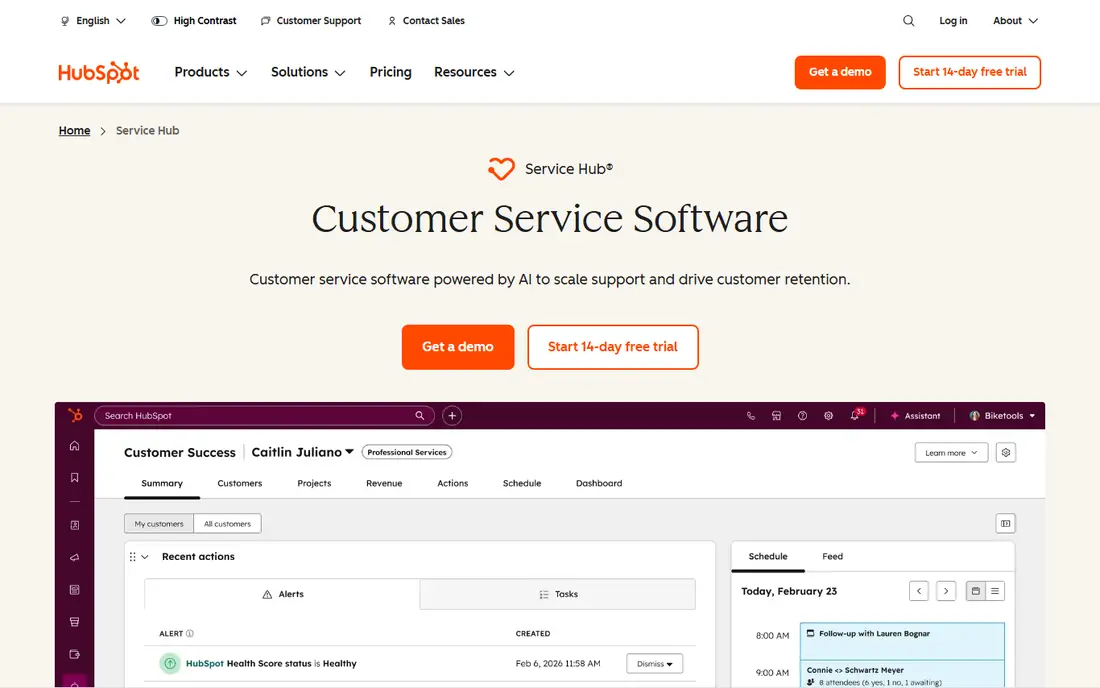
HubSpot Service Hub links support metrics to customer records, so you can see satisfaction, ticket history, and deal history for the same account in one place. Its Starter plans start at 20 dollars per seat per month, and free service tools cover up to two users for basic ticketing and live chat. Feedback surveys collect CSAT and Net Promoter Score data, and reports cover response time, resolution time, and ticket volume by pipeline and team.
Advanced reporting, custom dashboards, and automation sit in Professional and Enterprise tiers, and Professional includes a one-time onboarding fee. HubSpot suits teams already using HubSpot CRM, since service metrics gain context from sales and marketing data. Teams that only need a help desk may find a cheaper standalone tool simpler.
- Service data linked to CRM
- Free tools for small teams
- Feedback surveys
- Advanced reporting needs higher tiers
- Onboarding on Professional
Intercom is built around in-app and website messaging, and its metrics reflect that focus, with reports on conversation volume, response time, resolution, and Fin AI outcomes. Its Essential plan starts at 29 dollars per seat per month on annual billing, and Fin AI charges 0.99 dollars per resolved conversation. That per-resolution model makes AI value easy to see, since you pay when Fin actually resolves an issue, but it can also make total cost hard to predict at high volume.
Intercom suits product-led companies whose support happens inside an app or website, and whose teams want to see how messaging, onboarding, and support interact. Email-heavy teams may prefer Zendesk, Freshdesk, or Help Scout. Check the reporting tier carefully, since deeper analytics sit above the entry plan.
- Messenger-first metrics
- Fin AI resolution tracking
- Strong product messaging data
- Per-resolution AI fees
- Reporting depth varies by tier
Zoho Desk offers one of the lowest entry prices in this list, with Standard plans from 14 dollars per agent per month and a free edition for up to three agents. Its reports cover response time, resolution time, SLA compliance, and customer happiness ratings, and its Zia AI assistant appears on Professional plans and above. For a budget team, especially one already using Zoho apps, that combination is hard to beat on price.
The interface feels less polished than Zendesk or Intercom, and advanced reporting and analytics need higher tiers. Zoho Desk suits small teams, startups, and Zoho users who want solid metrics without a large bill. Teams that need polished dashboards for executives may want to trial the reporting views before committing.
- Low entry price
- Free edition for small teams
- SLA and happiness ratings
- Interface less polished than rivals
- Advanced reports need higher tiers
Help Scout focuses on email-first support, with a clean shared inbox and reports on response time, resolution, volume, and customer happiness. Its Standard plan starts at 25 dollars per user per month, and a free plan covers up to five users with limits. Beacon, its help widget, and Docs, its knowledge base, add self-service data to the picture, so you can see which articles reduce tickets. AI Answers charges 0.75 dollars per resolution, which is lower than some rivals.
Help Scout has no native phone channel, so voice-heavy teams need another tool. Its reports are clear but less deep than Zendesk Explore for complex, multi-channel operations. Help Scout suits small teams whose support is mostly email and who want simple, honest metrics without enterprise complexity.
- Clean reports for email teams
- Beacon and Docs data
- AI Answers tracking
- No phone channel
- AI resolutions charged per outcome
Qualtrics XM is not a help desk, but it is one of the strongest tools for measuring customer service experience through surveys, feedback, and text analysis. It collects CSAT, Net Promoter Score, and Customer Effort Score data, analyses open-text comments for themes, and links feedback to operational data. For a company that wants to understand why satisfaction moves, not just that it moved, Qualtrics offers depth that help desk reports alone cannot provide.
Pricing is quote-based and enterprise-oriented, and Qualtrics needs survey design skill and setup time to deliver value. It suits larger companies with a dedicated experience team and existing help desk data to link. Small teams should start with CSAT surveys inside Freshdesk, Zendesk, or HubSpot, and consider Qualtrics only when survey depth becomes a bottleneck.
- Deep survey and experience analytics
- Text analysis
- Enterprise integrations
- Quote-based pricing
- Needs setup and survey design skill
Nice CXone is a contact centre platform with deep analytics across voice, chat, email, and social channels, including interaction analytics, quality management, and workforce forecasting. Its reports cover handle time, first contact resolution, occupancy, and satisfaction by channel and team, and its AI tools analyse conversations for sentiment and compliance. For a large contact centre, that breadth is the point, since voice and digital metrics must sit in one system.
Nice CXone is enterprise-priced and quote-based, with setup that suits larger operations rather than a five-person email team. Small teams will find it heavy and costly for basic metrics. Choose Nice CXone when you run a multi-channel contact centre and need workforce, quality, and interaction analytics together. For a simple help desk, a tool higher in this list will be faster to set up and cheaper to run.
- Omnichannel contact centre reports
- Workforce and quality tools
- AI analytics
- Enterprise pricing and setup
- Overkill for small email teams
How we picked these
We compared official pricing and reporting pages for help desk, CRM, survey, and contact centre platforms, focusing on CSAT, response and resolution time, first contact resolution, SLA tracking, and dashboard quality. We favoured tools that include surveys or reporting in a usable tier, and we noted where advanced analytics require higher plans or add-ons. Prices change often, so check the live pricing page before you buy.
Which metrics actually matter
Start with four metrics: CSAT, first response time, resolution time, and first contact resolution. CSAT tells you how customers felt, first response time tells you how long they waited for a human or automated acknowledgement, resolution time tells you how long the full issue took, and first contact resolution tells you whether the first interaction solved it. Add backlog, reopen rate, and self-service deflection only when you can act on them, such as by staffing a busy hour or fixing a help article that causes repeat contacts.
Report metrics by channel, team, and issue type, not just as a company average, since averages hide problems. A fast chat team can mask a slow email queue, and a high CSAT score on simple tickets can hide low scores on billing issues. Review metrics weekly for operations and monthly for trends, and pair every number with a sample of real tickets. A metric that improves while customers complain in comments is a sign that the metric, not the service, is being optimised.
FAQ
What is the best customer service metric to track first?
CSAT is the best starting point, because it reflects the customer view rather than only speed. Pair it with first response time and resolution time, so you can see whether fast replies also solve problems. A single metric alone can mislead, so track a small set together.
What is a good CSAT score?
It depends on industry and survey method, but many teams treat 80 percent or higher as healthy for post-resolution surveys. Compare your score over time and by issue type rather than chasing a single benchmark. A falling score in one category matters more than a small change in the company average.
What is first contact resolution, and why does it matter?
First contact resolution means the customer issue was solved in the first interaction, without a follow-up or transfer. It matters because repeat contacts cost time and frustrate customers, even when each reply is fast. Track it by issue type, since some problems, such as refunds, naturally need more steps.
Should I track AI resolution rates separately?
Yes. Track AI resolutions, human resolutions, and handover rates separately, so you can see whether automation solves issues or merely deflects them. Check CSAT for AI-resolved tickets against human-resolved tickets, and review a sample of AI conversations each week for accuracy and tone.
How often should I review service metrics?
Review operational metrics weekly for staffing and backlog, and trend metrics monthly for training and product fixes. Daily checks help during launches or incidents, but daily noise can distract from real trends. Always pair a metric review with ticket samples and agent feedback.
Do I need a dedicated analytics tool, or is help desk reporting enough?
For most small and mid-size teams, help desk reporting is enough, especially in Zendesk, Freshdesk, or HubSpot. A dedicated tool such as Qualtrics or Nice CXone makes sense when you run large surveys, a multi-channel contact centre, or complex text analysis that a help desk cannot handle well.