Best Customer Service Automation Software in 2026: 8 Tools Compared
Compare the best customer service automation software for 2026, with AI chat, ticketing, self-service and pricing to help your team reply faster every day.
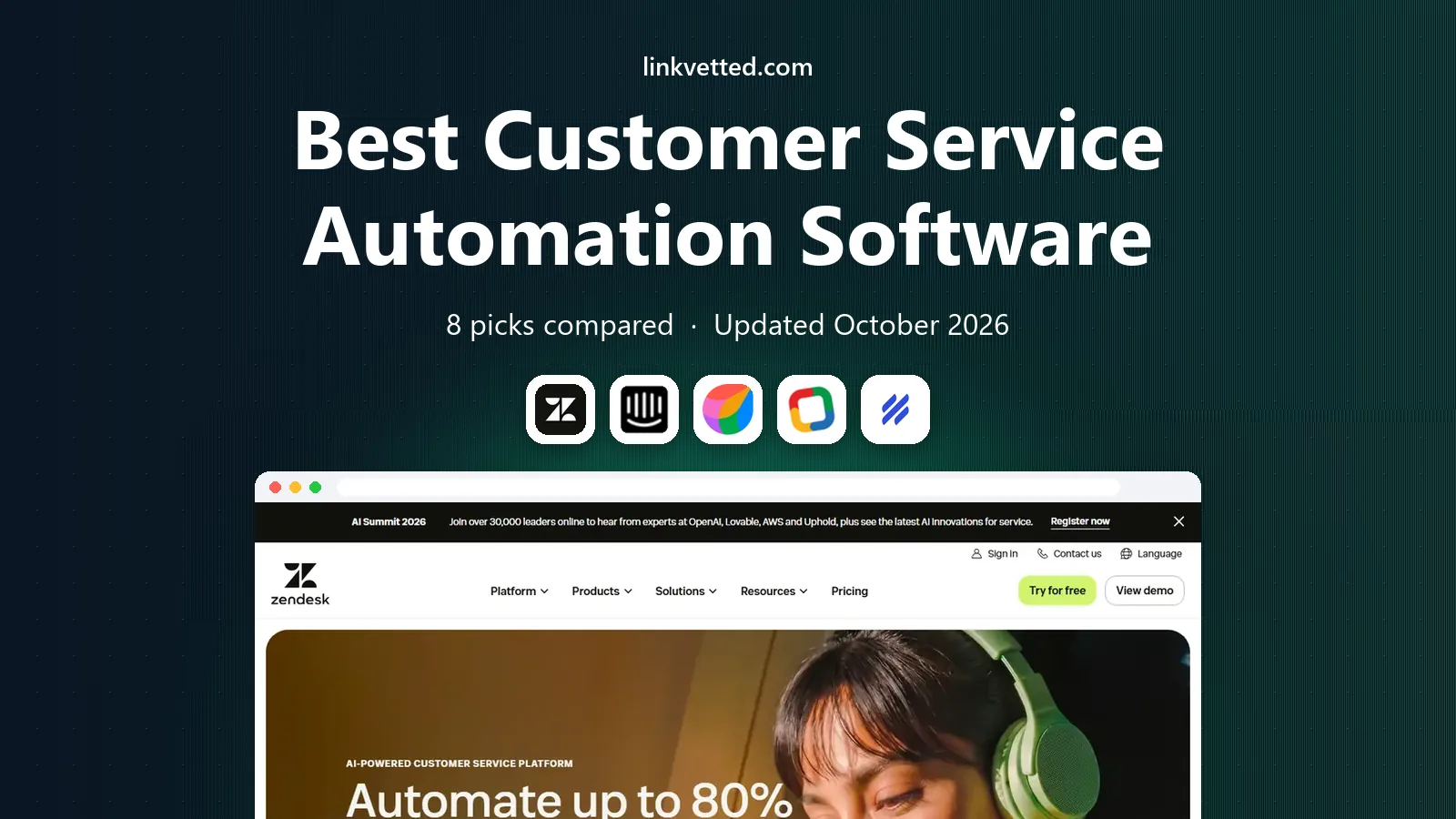
- Editor's choice
 Zendesk
Large multi-channel teams
Starts atSee websiteVisit zendesk.comFull review - Great alternative
 Intercom
Chat-first SaaS teams
Starts at$39 per seat per monthVisit intercom.comFull review - Also consider
 Freshdesk
Best overall value
Starts at$19 per agent per monthVisit freshworks.comFull review
TL;DR:
- Zendesk and Freshdesk suit teams that need a full help desk with automation built in, while Intercom suits chat-first product teams.
- Zoho Desk and Tidio give smaller teams useful automation at a lower starting price, but limits appear sooner on larger plans.
- AI pricing is the hidden cost in 2026, because some tools charge per seat and others charge per resolved conversation.
- A strong knowledge base matters as much as a chatbot, since good self-service stops tickets before they reach an agent.
- Our pick for most teams is Freshdesk for value, with Zendesk as the safer choice for larger, multi-channel operations.
Quick comparison
| Tool | Best for | Starts at | Free plan? | |
|---|---|---|---|---|
| Zendesk | Large multi-channel teams | See website | Free trial | Visit |
| Intercom | Chat-first SaaS teams | $39 per seat per month | Free trial | Visit |
| Freshdesk | Best overall value | $19 per agent per month | Yes | Visit |
 Zoho Desk | Budget teams in the Zoho suite | $14 per user per month | Yes | Visit |
 Help Scout | Small email-led teams | $25 per user per month | Free trial | Visit |
 Front | Shared inbox collaboration | $25 per seat per month | Free trial | Visit |
 HubSpot Service Hub | Teams already using HubSpot CRM | $20 per seat per month | Yes | Visit |
 Tidio | Small ecommerce stores | $29 per month | Yes | Visit |
The best customer service automation software
We compared official feature pages, pricing pages, app store listings and public reviews to find tools that automate real work, not just add a chatbot badge. Each pick below handles routing, replies or self-service in a way a small team can actually run.

Zendesk is the default choice when support touches email, chat, voice and social at once. Its automation covers ticket triage, routing by skill or language, suggested replies and AI agents that can resolve common requests without an agent. For a growing company, that breadth is the main draw, because one system can hold the whole queue instead of spreading work across three tools.
The honest catch is cost and complexity. Admins need time to set up triggers, macros and workflows well, and AI resolutions are billed separately from seats on many plans. Teams that only handle email may find it heavier than they need. If your volume is rising and your channels are multiplying, though, Zendesk is still the most complete option here.
- Deep ticketing and routing
- Strong AI agents and knowledge tools
- Large integration marketplace
- Pricing can rise fast with add-ons
- Setup takes more time than simpler tools
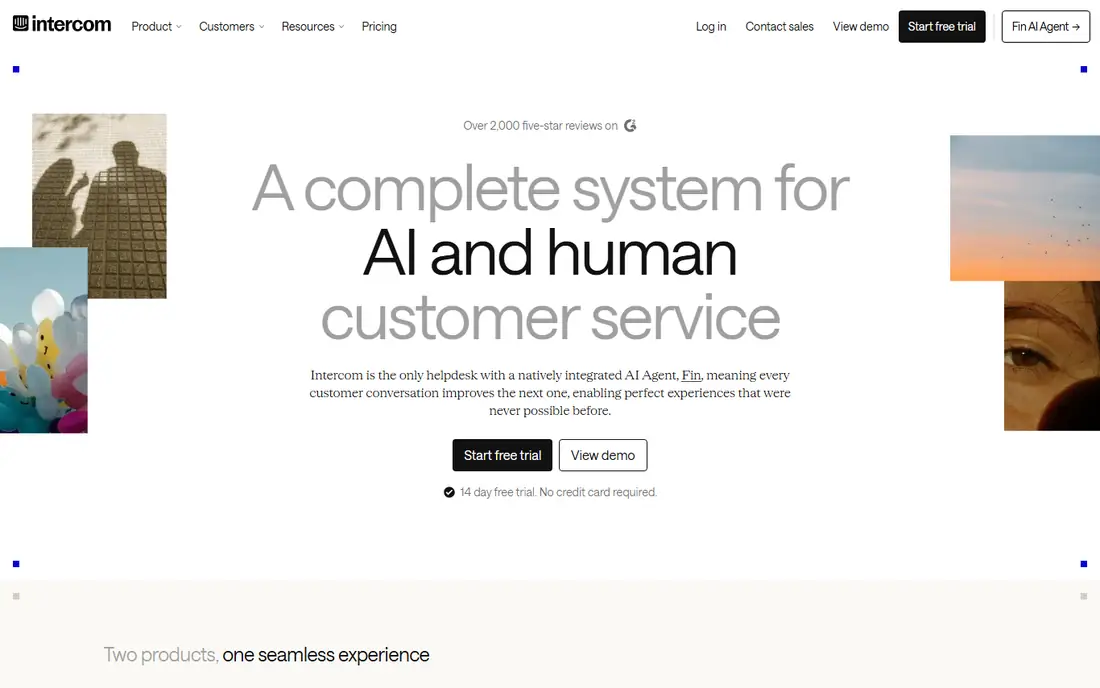
Intercom starts where the customer already is, inside your product or website, rather than in a separate inbox. Its Fin AI agent answers from your help center, hands off with full context when a person is needed, and can follow set procedures for tasks such as refunds or account changes. That makes it a natural fit for software teams that want fast, conversational support.
Pricing needs a careful read. Seats are one cost and AI outcomes are another, so a busy month can cost more than the seat price suggests. Intercom also feels less natural for teams that live mainly in email or phone queues. For chat-led support with a clear help center, it is one of the fastest ways to cut first response times.
- Strong in-product messenger
- Fin AI agent resolves many chats
- Good help center and onboarding tools
- AI resolution fees add up
- Less suited to email-heavy or voice-heavy teams
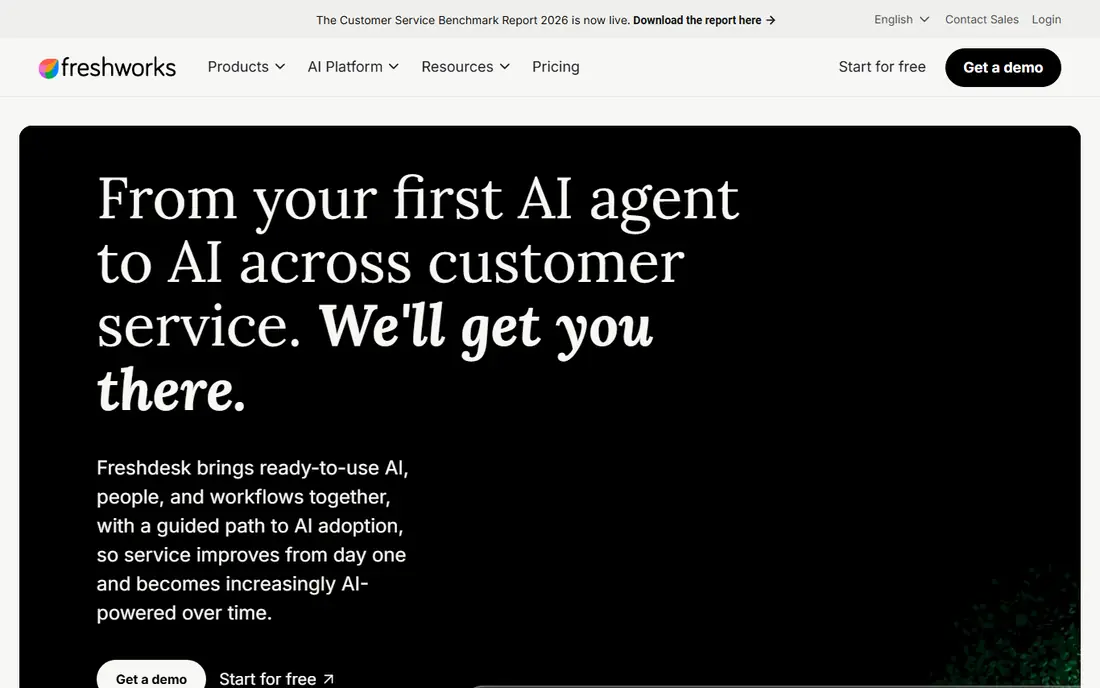
Freshdesk gives small and mid-sized teams a proper help desk without enterprise pricing. Tickets, live chat, phone and social channels land in one queue, and Freddy AI can draft replies, suggest articles and route work by intent. The free tier is useful for a very small team, and the paid tiers stay reasonable as headcount grows.
Our pick for most teams is Freshdesk because it balances price, ease of setup and automation depth. It will not match Zendesk on deep enterprise workflow, and some reporting and AI controls need a higher plan. For a team that wants to automate the routine work this week, rather than spend a month configuring a platform, it is hard to beat.
- Clear pricing and a free tier
- Freddy AI for replies and routing
- Solid omnichannel ticketing
- Some advanced AI features sit on higher tiers
- Reporting is thinner than Zendesk at the top end
Zoho Desk is the quiet value pick in this list. It covers email, chat, phone and social ticketing, adds Zia AI for reply suggestions and sentiment tagging, and includes a knowledge base for self-service. If your business already runs on Zoho CRM, Books or other Zoho apps, the shared customer data makes automation much easier to set up.
The trade-off is polish. Some screens feel less modern than Intercom or Help Scout, and the strongest case for Zoho Desk is inside its own ecosystem. Outside that ecosystem it is still a capable, low-cost desk, but teams should check that the integrations they need are covered before they commit.
- Low entry price
- Zia AI for sentiment and suggestions
- Tight links to other Zoho apps
- Interface feels dated in places
- Best value depends on using more Zoho products
Help Scout suits teams that want support to feel personal, not like a ticket factory. Conversations look like email, Beacon adds chat and a searchable docs widget to your site, and simple rules can assign, tag and auto-reply to routine messages. AI answers can handle common questions from your docs, with a person stepping in when needed.
It is not built for a large, voice-heavy contact center, and teams that need deep workforce tools will outgrow it. For a small team that answers mainly by email and chat, though, the calm interface and short learning curve are real advantages. Agents spend less time learning the tool and more time answering customers.
- Clean, email-like inbox
- Beacon chat and docs in one place
- Simple automation rules
- Less depth for large contact centers
- AI features are newer and narrower
Front is best thought of as a shared inbox with automation, rather than a classic help desk. Support, sales and operations can work from the same messages, comment internally, assign work and use rules to route or auto-reply. That shared view helps when a customer question needs input from more than one team.
Teams that need strict service level tracking, deep ticket workflows or a large knowledge base may want Zendesk or Freshdesk instead. Front shines when collaboration is the bottleneck, for example when support questions often need a quick check with billing or product staff. It keeps that handoff inside the same thread.
- Shared inboxes for support and other teams
- Strong internal comments and assignments
- Useful rules and macros
- Not a full help desk for complex SLAs
- Pricing grows with seats across teams
HubSpot Service Hub makes sense when the CRM is already the center of your business. Tickets carry the full customer record, so agents can see past purchases, deals and conversations without switching tools. Automation covers ticket routing, chatflows, feedback surveys and a customer portal, and the free tier covers basic ticketing and a shared inbox.
The catch is that the best automation and reporting live on paid tiers, and the value drops if you do not use HubSpot elsewhere. For a HubSpot shop, though, the shared data is a genuine advantage. Support automation works better when it can see who the customer is, not just what they wrote in one message.
- Customer history sits next to tickets
- Free tools for inbox and ticketing
- Good reporting in the HubSpot suite
- Automation depth improves mainly on paid tiers
- Less appealing outside HubSpot
Tidio is built for small online stores that need chat on their site today, not after a long setup. Live chat, Lyro AI replies and simple flows can answer shipping, returns and order questions, and the tool connects with common store platforms. The free plan lets a new store test chat before paying.
Larger teams will find limits in reporting, ticket depth and complex routing, and costs can rise as conversations grow. For a small store, that trade is usually fine. Tidio covers the questions that repeat every day, and it does so with far less setup than a full enterprise desk.
- Fast setup for chat and AI replies
- Lyro AI handles common store questions
- Good for small shops
- Limited depth for large support teams
- Some features need higher plans or add-ons
How we picked these
We compared official feature pages, pricing pages and public reviews, and we favored tools with live automation in 2026, not just a roadmap promise. That meant checking whether AI replies, routing, macros and self-service actually exist on current plans, and whether pricing is published or only available on request. We also weighed fit for different team sizes, since a tool that suits a 100-agent contact center can be a poor buy for a five-person team.
We did not claim hands-on testing we did not do. Instead we looked at what each vendor says its automation does, what it charges for, and where reviewers note limits. Tools that only offered a chatbot with no ticketing, knowledge base or routing were left out, because automation that cannot hand off cleanly to a person tends to frustrate customers.
What to check before you buy
Start with your top ten repeat questions
List the questions your team answers most often, then check whether each tool can answer them from your help center, route them correctly, or complete them with a set procedure. A demo that only shows a greeting message tells you very little. Bring your own examples, including one awkward case that should reach a person, and watch how the handoff works.
Price the AI, not just the seats
Ask how AI is billed, whether it is per resolution, per conversation, per session or included in a plan, and what counts as a success. Run a small pilot and track how many AI answers stayed resolved, how many needed a person, and what the total monthly bill was. A low seat price can hide a high AI bill, and a higher seat price can be cheaper if AI use is included.
Protect the handoff and the customer record
Good automation shows its work. Agents should see what the bot said, what the customer asked, and what data was used, without asking the customer to repeat themselves. Check data controls, too, including where conversations are stored, how long they are kept, and whether you can limit what the AI can do, such as issuing refunds or changing account details without approval.
FAQ
What is customer service automation software?
It is software that handles routine support work without an agent, such as answering common questions, routing tickets, sending status updates and guiding customers to help articles. The best tools still hand off to a person quickly when a case is complex, sensitive or unclear.
Is AI customer service software safe for customers?
It can be, when it is limited to approved answers and tasks, shows when a customer is talking to a bot, and keeps a clear record for agents. Avoid tools that let AI change orders, refunds or account access without checks, and review bot conversations regularly for errors.
How much does customer service automation software cost?
Prices in this guide start from free tiers and low monthly plans up to enterprise quotes, and AI fees are often separate. Small teams can start for under $30 per month, while larger teams should budget for seats, AI resolutions and any voice or advanced reporting add-ons.
Do I need a help desk, or just a chatbot?
A chatbot alone suits a site with a few simple questions, but most teams need a help desk behind it for tickets, history and follow-up. Without that record, repeat customers have to explain themselves again, and agents cannot spot patterns in the questions that keep coming in.
Can automation replace my support team?
No, and vendors that suggest it should be treated with care. Automation works best for repeatable questions, status checks and routing, while people handle complaints, edge cases and conversations where tone and judgment matter. The goal is faster help, not an empty inbox.
Which tool is best for a small business?
Freshdesk and Tidio are strong starting points, with Zoho Desk close behind for teams already using Zoho. Choose Freshdesk for a fuller help desk, Tidio for fast store chat, and Zoho Desk when low cost and Zoho links matter most.