Best Contractor Payment Software in 2026: 9 Tools Compared
Compare the best contractor payment software for invoicing, deposits, and field payments, with pricing, processing fees, and honest trade-offs for 2026.

- Editor's choice
 Jobber
Solo contractors and small crews
Starts at$29 per monthVisit getjobber.comFull review - Great alternative
 Housecall Pro
Home-service teams
Starts at$59 per monthVisit housecallpro.comFull review - Also consider
 Buildertrend
Residential builders
Starts atSee websiteVisit buildertrend.comFull review
TL;DR:
- Jobber is the best starting point for solo contractors and small crews, with a low entry price and a clear quote-to-payment flow.
- Housecall Pro suits home-service teams that want financing, price book, and review tools bundled into the plan.
- Buildertrend, JobTread, and Contractor Foreman fit project-based builders better than visit-based service apps.
- Subscription price is only part of the cost: card processing, per-user seats, and add-ons can change the monthly total sharply.
- Get paid faster by sending invoices on site, offering card and bank payment, and asking for a deposit before work starts.
Quick comparison
| Tool | Best for | Starts at | Free plan? | |
|---|---|---|---|---|
| Jobber | Solo contractors and small crews | $29 per month | Free trial | Visit |
| Housecall Pro | Home-service teams | $59 per month | Free trial | Visit |
| Buildertrend | Residential builders | See website | No | Visit |
 ServiceTitan | Large service operations | See website | No | Visit |
 JobTread | Project financial tracking | $199 per month | No | Visit |
 Contractor Foreman | Budget-conscious builders | $49 per month | Free trial | Visit |
 Knowify | Trades with QuickBooks needs | $99 per month | Free trial | Visit |
 QuickBooks Online | Accounting plus invoicing | $38 per month | Free trial | Visit |
 Melio | Paying bills and vendors | Free | Yes | Visit |
The best contractor payment software
Contractor payment software is not just about taking a card. The best tools connect the estimate, the invoice, the payment, and the accounting record, so a job does not end with chasing a check. We compared official pricing pages, payment features, and service models to cover solo trades, home-service teams, and project builders.
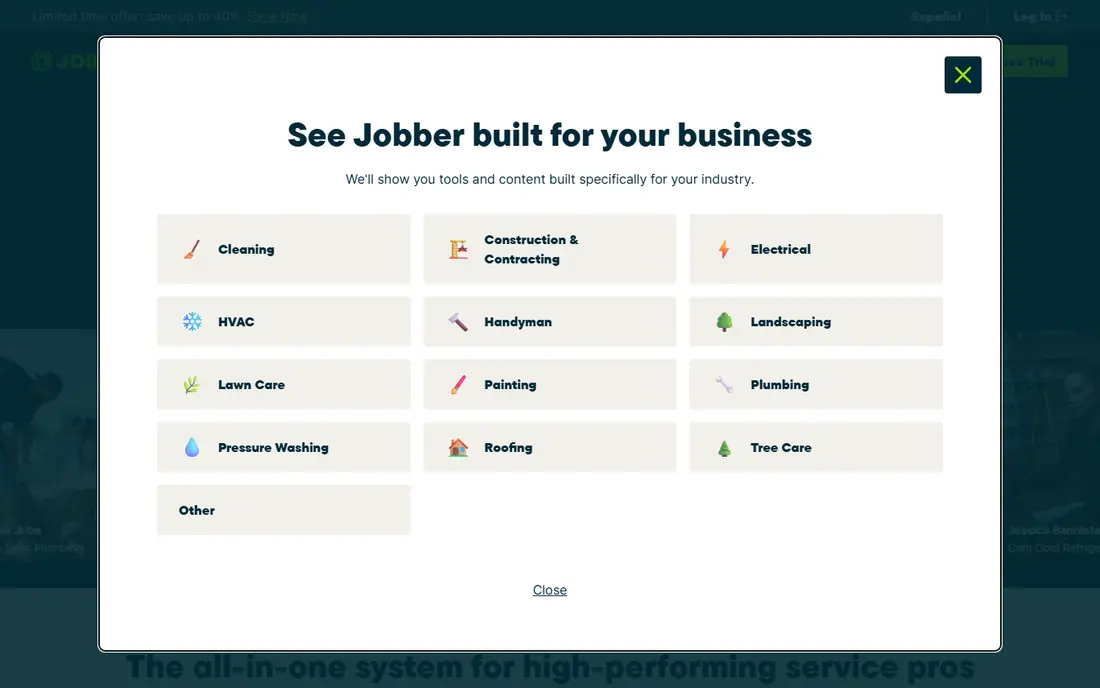
Jobber is built around a simple chain: quote the job, schedule it, do the work, invoice, and get paid, all from one system. Its Core plan starts at 29 dollars per month on annual billing, or 49 dollars month to month, which makes it one of the cheapest credible starting points for a solo contractor. Online payments, including card and bank options, are built into invoices, so customers can pay from a link rather than mailing a check.
The limit appears as a team grows. Higher plans add QuickBooks sync, automation, and marketing tools, and extra users cost more, so a five-person crew will pay well above the entry price. For a solo operator or a small crew that wants a clean, affordable payment flow, Jobber is our pick for most people.
- Low entry price on annual billing
- Quote, schedule, invoice, and payment in one flow
- 14-day trial
- Advanced features sit on higher plans
- Per-user costs add up for larger teams
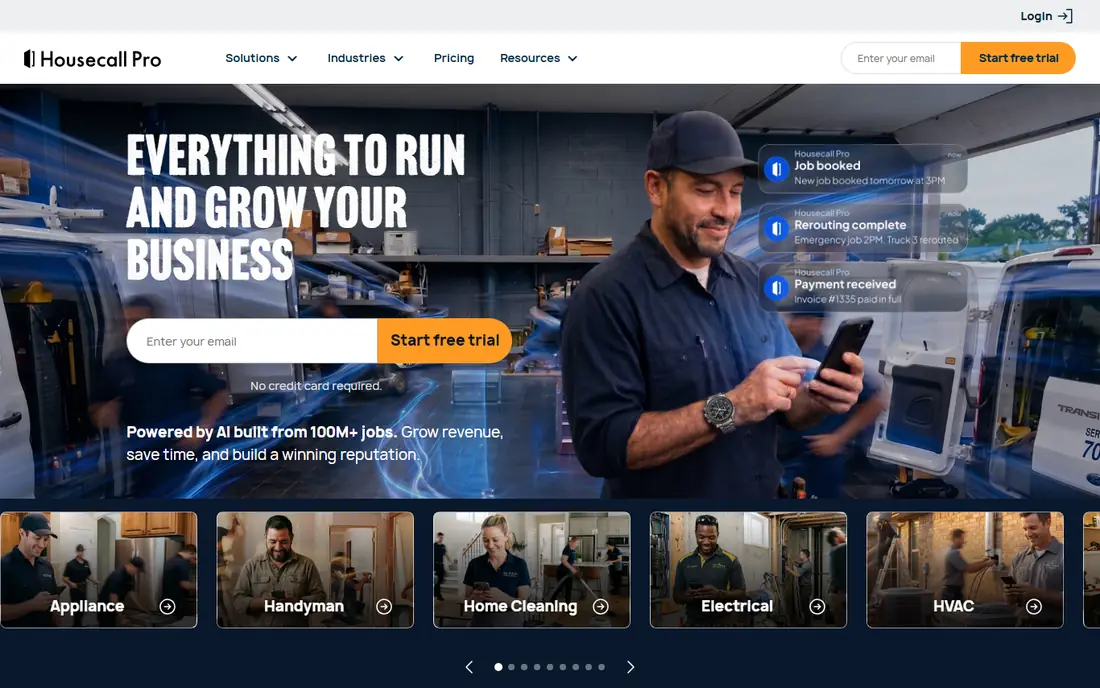
Housecall Pro targets HVAC, plumbing, electrical, cleaning, and similar home services, and its payment tools reflect that work. Customers can pay online, in the field, or through financing on higher plans, and the published card rate of 2.59 percent is below the typical 2.9 percent charged by many platforms. A price book helps techs quote consistently, which reduces invoice disputes later.
Entry pricing starts at 59 dollars per month on annual billing, or 79 dollars month to month, which is 30 dollars more than Jobber at the entry level. Teams that need financing, job costing, and review management from day one may find that gap worthwhile. Solo operators who only need invoicing and payments should compare Jobber first.
- Card processing from 2.59 percent
- Price book and financing tools
- Strong mobile app for field teams
- Higher entry price than Jobber
- Some features are gated to higher tiers
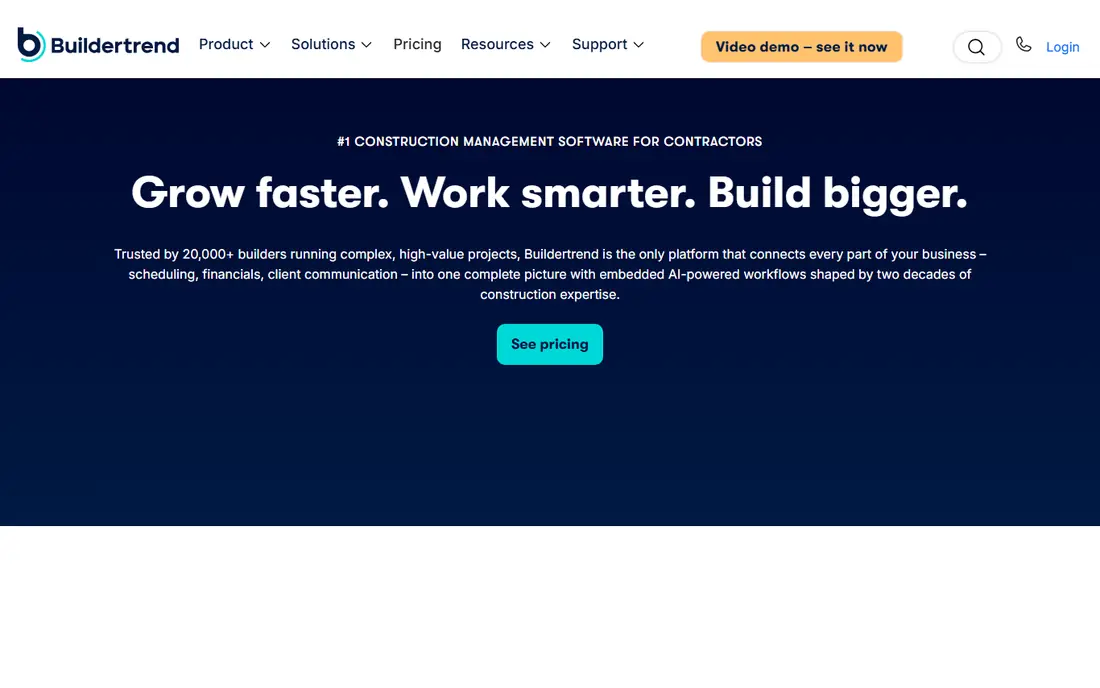
Buildertrend is a construction management platform, and its payment strength is project structure. Builders can track budgets, issue change orders, and collect progress payments as work stages complete, rather than sending a single invoice at the end. Clients see schedules, selections, and payment status in a portal, which cuts down on phone calls about what is due and when.
Custom pricing means you will need a demo and a quote, and the platform is heavier than a simple invoicing tool. For residential builders and remodelers handling multi-week projects, that structure pays for itself in fewer disputes. For a one-visit service business, a lighter tool such as Jobber will be faster to run.
- Project budgets, change orders, and progress payments
- Client portal
- Strong scheduling
- Custom pricing
- More system than a small service crew needs
ServiceTitan is the enterprise option for large home-service companies, combining dispatch, CRM, marketing automation, and payments in one system. Its payment tools support financing, memberships, and recurring billing, which suit companies with many techs and repeat customers. Reporting ties marketing spend to booked jobs and collected revenue, which larger operators need to manage growth.
The cost and setup reflect that scale. Pricing is custom, implementation takes time, and a solo contractor will pay for capacity it never uses. For companies with dozens of techs, ServiceTitan can replace several separate tools. For everyone else, it is a benchmark to compare against, not a first purchase.
- Deep dispatch, marketing, and reporting
- Integrated payments
- Built for scale
- Custom pricing
- Enterprise cost and setup time
- Overkill for solo operators
JobTread is built for builders and remodelers who need to know, at any point, whether a job is making money. It tracks budgets, costs, change orders, and payments together, so an invoice is not just a request for money but a reflection of job finances. Progress billing fits staged projects, and QuickBooks integration keeps accounting in step.
The 199-dollar monthly starting price puts it above Jobber and Housecall Pro, and visit-based service companies may find its project structure unnecessary. For project-based contractors who have been tracking job costs in spreadsheets, JobTread offers a clearer, single source of truth, and the payment features follow naturally from that financial view.
- Job costing and budget tracking
- Progress billing
- QuickBooks integration
- Higher entry price
- Project focus suits builders more than visit-based services
Contractor Foreman appeals to general contractors who want project management, scheduling, and invoicing without enterprise pricing. Starting at 49 dollars per month, it undercuts Buildertrend and JobTread while still covering estimates, invoices, and payments. Some plans include generous user allowances, which helps crews that would pay per seat elsewhere.
The interface is practical rather than elegant, and support and polish vary by plan. Contractors who value function over looks, and who want a builder tool at a service-app price, will find it a strong value. Teams that need deep financial reporting should compare JobTread before committing.
- Low starting price for a builder tool
- Project management plus invoicing
- Unlimited user options on some plans
- Interface is functional rather than polished
- Some advanced features require higher plans
Knowify is designed for contractors who run jobs through QuickBooks and need contracts, purchase orders, and change orders to stay in step with accounting. Its payment workflow follows the job: estimate, contract, progress billing, and invoice, with costs tracked against each phase. Commercial trades and subcontractors benefit most from that structure.
At 99 dollars per month to start, it costs more than a simple invoicing app, and residential service crews may not need its contract depth. For trades that already live in QuickBooks and want job costing without double entry, Knowify closes a gap that lighter tools leave open.
- Contract and change order tracking
- QuickBooks sync
- Job costing for commercial trades
- Starting price is higher than Jobber
- Commercial focus may suit residential crews less well
QuickBooks Online is the accounting standard for many small contractors, and its payment features are a natural extension of that role. Invoices carry payment links, customers can pay by card or bank transfer, and payments post to the books without manual entry. Accountants know it well, which makes year-end work easier.
It is not a dispatch or scheduling tool, so contractors who need crew routing and job tracking will pair it with Jobber, Housecall Pro, or another field app. For a contractor whose main pain is bookkeeping and getting paid, rather than dispatch, QuickBooks Online plus a payment link is often enough, and it keeps the financial record clean.
- Full accounting, not just invoicing
- Payment links on invoices
- Wide accountant support
- Not a field-service tool
- Scheduling and dispatch require other apps
Melio solves the other side of contractor cash flow: paying suppliers, subcontractors, and vendors. Bank payments are free, and the platform lets a contractor pay by card even when a vendor only accepts bank transfer, with a card fee for that convenience. Sync with QuickBooks keeps bill payments in the books without duplicate entry.
Melio does not replace an invoicing tool for collecting customer payments, so it belongs here as a complement, not a substitute. Contractors who juggle many vendor payments each month will appreciate the scheduling and approval controls, and pairing Melio with Jobber or QuickBooks covers both money in and money out.
- Free to use for bank payments
- Pay vendors by card where accepted
- QuickBooks sync
- Built for paying out, not for collecting from customers
- Card fees apply to some payments
How we picked these
We compared official pricing pages, payment features, and service models, and we favored tools that connect estimates to invoices to payments, rather than tools that only process cards. We included visit-based service apps, project builders, an accounting platform, and a bill-pay tool, because contractor payment needs differ by trade and job type. We did not claim hands-on testing, and we used See website where pricing is custom.
We also weighed total cost, not just the subscription headline. Card rates, bank transfer fees, per-user seats, and add-ons were part of the comparison, since a cheap plan with high processing fees can cost more than a pricier plan with a lower card rate. A free trial, where offered, also helped, since payment workflows are hard to judge from a feature page alone.
How to get paid faster as a contractor
Ask for a deposit before work starts, especially on larger jobs, and tie later payments to clear stages, such as materials delivered, rough work complete, and final walkthrough. Send the invoice on site, while the work is fresh in the customer's mind, and include a payment link for card or bank payment. Customers who can pay from a phone pay sooner than customers who must find a checkbook.
Follow up politely but promptly. A reminder a few days after the due date, with the invoice attached again, recovers many slow payments without damaging the relationship. Finally, keep payment terms in writing in the estimate or contract, including the deposit, stage amounts, and late terms, so there is no argument about what was agreed.
FAQ
What is the best contractor payment software for small businesses?
Jobber is the best starting point for most small contractors, with a 29-dollar monthly entry price on annual billing and a clear quote-to-payment flow. Housecall Pro suits home-service teams that need financing and a price book, while Buildertrend suits project builders.
How much does contractor payment software cost?
Subscriptions commonly run from 29 to 199 dollars per month at entry level, plus card processing around 2.59 to 2.9 percent and a small per-transaction fee. Bank transfers are usually cheaper, often around 1 percent, so offering both card and bank payment can cut fees on large jobs.
Can I take card payments on site with contractor software?
Yes, most tools here support mobile card payments, payment links, and in-app checkout. Jobber, Housecall Pro, and ServiceTitan all let techs collect payment in the field, which shortens the time between finishing a job and getting paid.
Do I need QuickBooks as well as contractor software?
Not always, but many contractors use both: a field app for scheduling and invoicing, and QuickBooks for accounting. Jobber, JobTread, Knowify, and Melio all sync with QuickBooks, which avoids double entry and keeps tax time simpler.
Should contractors offer financing to customers?
Financing can help close larger jobs, since a monthly payment feels more manageable than a lump sum. Housecall Pro and ServiceTitan offer financing tools, but check the fees and terms first, and only offer financing through a reputable provider with clear customer disclosures.
What payment methods should contractors accept?
Offer card, bank transfer, and a payment link at minimum, since customers pay faster when they can choose. Keep checks as an option for customers who prefer them, but do not rely on checks alone, since they add mail time and deposit delays.