Best Contract Organization Software in 2026: 8 Products Compared
We compared current options for best contract organization software to help you choose with confidence, covering features, pricing, and who each option.
- Editor's choice
 PandaDoc
Sales teams that need proposals and contracts fast
Starts at$19 per user per monthVisit pandadoc.comFull review - Great alternative
 Ironclad
Legal teams running high-volume contract workflows
Starts atSee websiteVisit ironcladapp.comFull review - Also consider
 Juro
Mid-size teams that want browser-based contracting
Starts atSee websiteVisit juro.comFull review
TL;DR:
- PandaDoc and Ironclad lead for different buyers, so provider, budget, and main job matter more than a single ranking.
- Check the starting price and free plan in the table, since several tools gate their best features behind paid tiers.
- Test two or three finalists with real work before a yearly commitment, because limits on volume, seats, and support show up fast.
- The other keywords for this topic, including best tools for contract organization and best contract organization app, point to the same core choice: fit for your workflow first, features second.
Quick comparison
| Tool | Best for | Starts at | Free plan? | |
|---|---|---|---|---|
| PandaDoc | Sales teams that need proposals and contracts fast | $19 per user per month | Yes | Visit |
| Ironclad | Legal teams running high-volume contract workflows | See website | No | Visit |
| Juro | Mid-size teams that want browser-based contracting | See website | No | Visit |
 Concord | Small businesses that want a simple full contract system | $499 per month | No | Visit |
 ContractWorks | Teams that need a simple searchable repository | See website | No | Visit |
 DocuSign CLM | Companies already using DocuSign for signatures | See website | No | Visit |
 ContractSafe | Teams that want repository plus search at a flat price | $450 per month | No | Visit |
 SpotDraft | Fast-growing legal teams automating review | See website | No | Visit |
The best best contract organization software
We compared official feature pages, pricing, app store listings, privacy policies, and public reviews for this guide. The products below are in the same order as the table above, and each one fits a different kind of buyer.
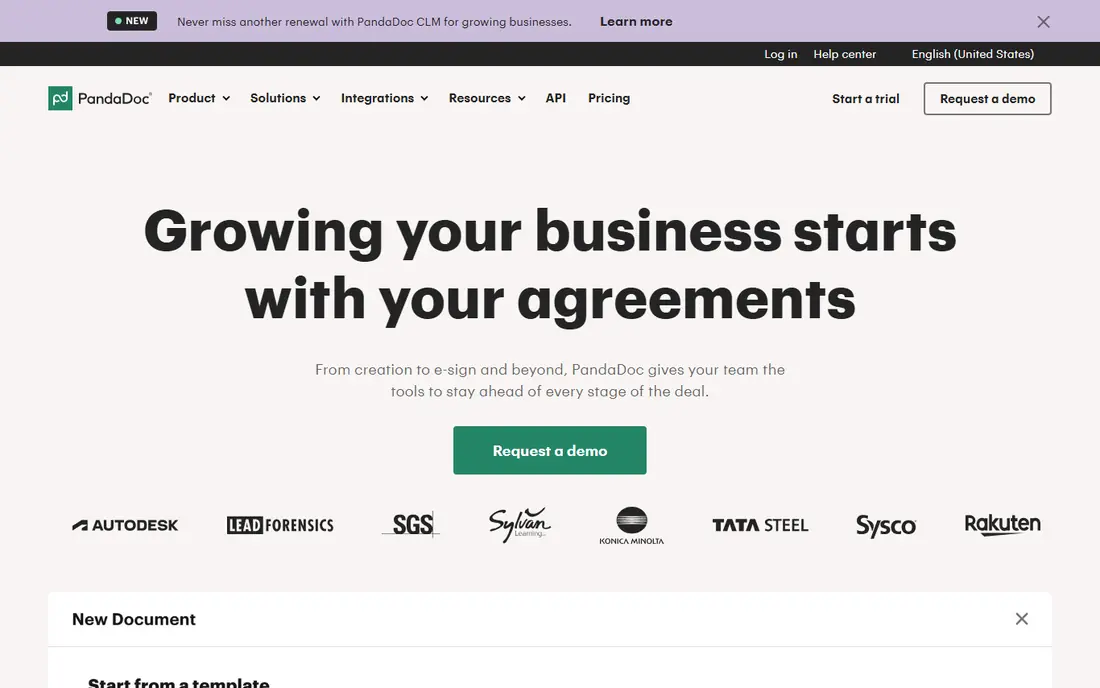
For people who want a clear starting point, this one earns attention first for a specific job rather than for trying to do everything. PandaDoc suits sales-led teams that turn a proposal into a signed contract in the same workflow. It fits companies where speed and CRM links matter most. Its main strength is its document automation and CRM links let a sales team generate, send, and track a contract without copying data between tools.
The honest weakness is this: legal teams that need clause libraries, approval matrices, and deep redlining may find it lighter than a full CLM platform. Check that limit before you commit, using a short trial with real work.
- Document automation, e-signatures, CRM integrations, templates
- Legal workflow depth is lighter than enterprise CLM, add-ons add cost
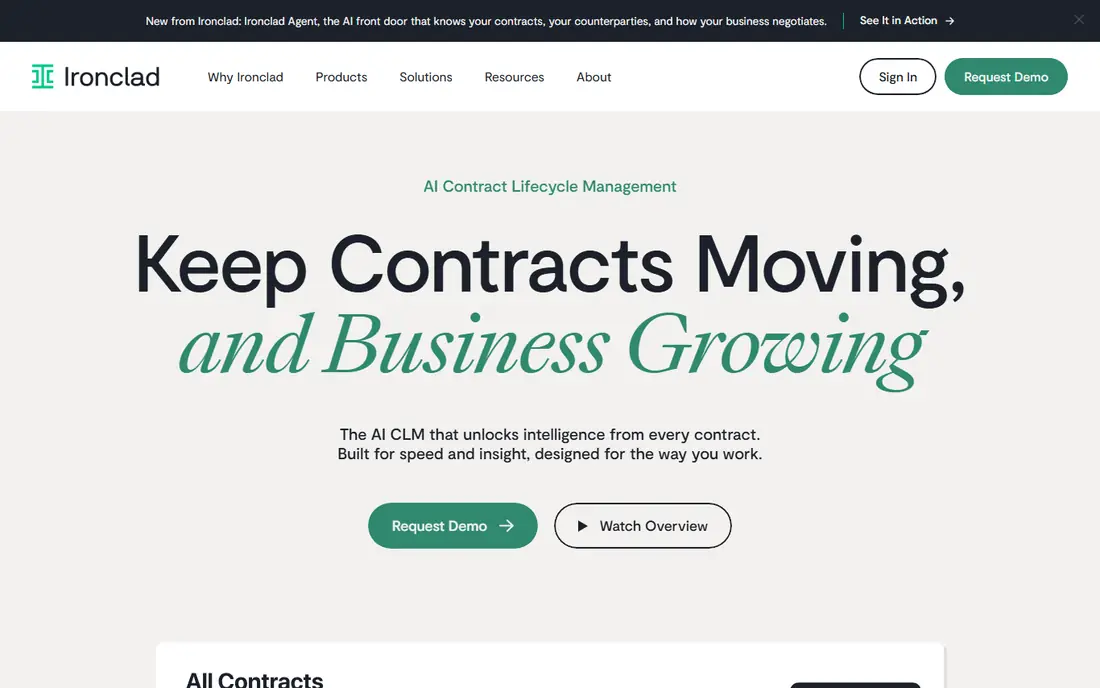
This option stands out when the work is regular and time matters more than having the longest feature list. Ironclad suits legal operations teams that manage many contracts with approvals and controls. It fits companies where contract process, not just storage, is the bottleneck. Its main strength is its workflow automation routes contracts, approvals, and signatures through defined steps, which reduces email chasing and version confusion.
The honest weakness is this: implementation takes planning and the price is quote-based, so small teams should compare simpler repositories before committing. Check that limit before you commit, using a short trial with real work.
- Workflow automation, clause review, compliance tracking, analytics
- Quote-based pricing, implementation time, best for larger legal teams
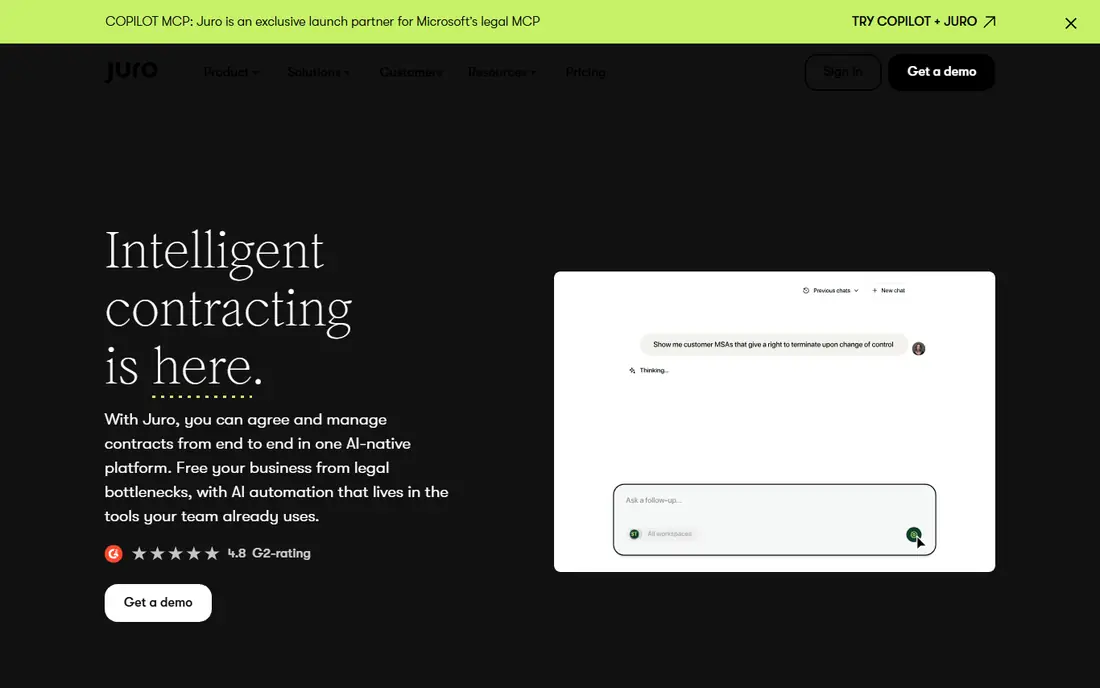
A practical choice for teams that already know their workflow, this product fits best where its main strength lines up with daily tasks. Juro suits modern mid-size teams that want contracting in the browser without desktop software. It fits legal, sales, and operations teams that share one workflow. Its main strength is its browser editor and template system let business users draft from approved terms while legal keeps control of clauses.
The honest weakness is this: pricing is custom, and teams with very complex enterprise needs may need a larger CLM platform with deeper integrations. Check that limit before you commit, using a short trial with real work.
- Browser-native editor, templates, approvals, e-signatures, CRM links
- Quote-based pricing, smaller ecosystem than DocuSign, needs process design
We include this one because it solves a narrower problem well, and that focus is often what makes it easier to adopt. Concord suits small and mid-size companies that want one place for drafting, signing, and tracking contracts. It fits teams that are outgrowing shared drives. Its main strength is its deadline reminders and audit trails help a small team stop missing renewals and stop hunting for the latest signed version.
The honest weakness is this: the monthly price can be steep for a one-person business, so compare it with a simpler repository if volume is low. Check that limit before you commit, using a short trial with real work.
- Unlimited e-signatures on plans, deadline reminders, approvals, audit trails
- Monthly price is high for very small teams, AI extraction is limited
If budget or simplicity is the main constraint, this is the kind of option that deserves a closer look before paying for a larger platform. ContractWorks suits legal and operations teams whose main pain is finding contracts and tracking dates. It fits teams that need a reliable repository first. Its main strength is its searchable repository and alerts make it easy to find a clause or a renewal date without opening every file.
The honest weakness is this: teams that need complex approval workflows or AI drafting may need a workflow CLM instead of a repository-first tool. Check that limit before you commit, using a short trial with real work.
- Central repository, smart tagging, alerts, permissions, e-signatures
- Not a full workflow CLM, price by quote, limited advanced automation
This pick suits buyers who need depth in one area and are willing to accept a learning curve in return for that depth. DocuSign CLM suits companies already committed to DocuSign that want lifecycle controls beyond signing. It fits enterprises with compliance and audit needs. Its main strength is its link to DocuSign signing and lifecycle workflows keeps drafting, negotiation, and execution in one governed system.
The honest weakness is this: the platform is complex and quote-based, so small teams may find a lighter tool faster and cheaper to adopt. Check that limit before you commit, using a short trial with real work.
- Contract lifecycle workflows, DocuSign integration, compliance controls
- Quote-based pricing, implementation can be long, complexity for small teams
ContractSafe
Best for: Teams that want repository plus search at a flat price
For buyers comparing several similar tools, this one is worth shortlisting because its trade-offs are easy to understand. ContractSafe suits teams that want many users to search contracts without paying per seat. It fits legal, finance, and operations teams sharing one repository. Its main strength is its unlimited-user model and search help a whole company find contracts without a per-seat bill for every reader.
The honest weakness is this: workflow depth is lighter than enterprise CLM, so teams that need complex approvals should test that limit early. Check that limit before you commit, using a short trial with real work.
- Unlimited users on plans, repository search, alerts, permissions
- Workflow automation is lighter than enterprise CLM, setup needs clean data
Our last pick here rounds out the list with a different balance of price, control, and ease of use. SpotDraft suits fast-growing companies where legal is becoming a bottleneck. It fits teams that want faster review without hiring at the same pace. Its main strength is its review workflows and templates help legal teams handle routine contracts faster while keeping approval control.
The honest weakness is this: pricing is custom and the platform needs process setup, so buyers should run a pilot on their most common contract type first. Check that limit before you commit, using a short trial with real work.
- Legal automation, templates, review workflows, CRM links
- Quote-based pricing, newer than some enterprise rivals, needs process setup
How we picked these
We started with products that exist and work in October 2026 and that truly fit the topic, not products that only mention a related keyword. We compared official feature pages, pricing pages, app store listings, privacy policies, and public reviews, and we left out any price we could not verify, marking it as See website instead. We mixed well-known leaders with strong smaller options so the list is useful for different budgets and team sizes.
We also weighed who each product is really for, one concrete strength, and one honest weakness. A product that is excellent for a large team can be a poor fit for one person, and a low starting price can hide limits on seats, volume, or support. Use the comparison table to narrow the list to two or three options, then test those options with your own files, events, or data before you buy.
How to choose the right option for you
Start with the constraint you cannot change, such as provider, file type, team size, or budget. That single constraint often removes half the list at once. Then rank the remaining options by the one job you do most often, not by the longest feature list, because the tool you use daily matters more than a feature you might use once a quarter.
Next, look at total cost, not just the starting price. Add seats, volume, add-ons, and support, and check whether the free plan covers the feature you actually need. A higher starting price can be cheaper overall if it includes the seats and volume you need, while a low price can rise fast once your team grows.
Finally, run a small pilot. Use real files, real customers, or real data, and set a clear pass mark before you start, such as time saved, errors avoided, or reports delivered on time. If a tool cannot pass that test in two weeks, it is unlikely to pass it in a year, no matter how strong its marketing looks.
FAQ
What is the best option for best tools for contract organization?
The best choice depends on your main job, budget, and current tools. Start with the table, pick the two options whose Best for column matches your work, and test them with real tasks. A tool that fits your daily workflow will beat a more powerful tool that your team avoids using.
Is there a free option for best contract organization software?
Some options on this list offer a free plan or a free trial, but free tiers usually limit seats, volume, or advanced features. Check the Free plan column in the table, then confirm on the vendor site which features are included, since free plans change more often than paid plans.
How much should I expect to pay for best contract organization app?
Costs vary widely by seats, volume, and add-ons, so use the Starting price column as a guide only. For quote-based tools, ask for a written quote that lists seats, volume limits, support, and renewal terms. That quote is the only price you can compare fairly across vendors.
What should I check before I buy?
Check compatibility with your current tools, data export options, support hours, and contract terms. Also check who owns your data and how you can leave the service. A tool that makes export easy is safer to try, even if it costs a little more at the start.
Can I switch later if I pick the wrong one?
In most cases, yes, but switching costs time and data cleanup, so export a sample early and test it in the new tool. Keep your source files and records outside any single vendor where possible. That habit makes a future switch far less painful.
Sources
https://www.pandadoc.com https://ironcladapp.com https://juro.com https://www.concord.app https://www.contractworks.com https://www.docusign.com https://www.contractsafe.com https://www.spotdraft.com