Best Contact Management Software for Small Business in 2026: 9 Tools Compared
Compare the best contact management software for small business, from free CRMs to simple contact apps, with pricing, limits and migration advice for owners.
- Editor's choice
 HubSpot CRM
Free start with room to grow
Starts atFreeVisit hubspot.comFull review - Great alternative
 Zoho CRM
Best value paid CRM
Starts at$14 per monthVisit zoho.comFull review - Also consider
 Pipedrive
Sales pipelines
Starts at$14 per monthVisit pipedrive.comFull review
TL;DR:
- HubSpot CRM is our pick for most small businesses because the free plan covers real contact management and leaves room to grow.
- Zoho CRM is the best value paid option, with a free plan for up to three users and a paid Standard plan at $14 per user per month.
- Pipedrive suits sales-led teams that think in deals and pipelines rather than in contact lists.
- Less Annoying CRM is the simplest paid option for owners who want contacts and follow-ups without a learning curve.
- Per-seat pricing adds up fast, so count every person who needs access before comparing headline prices.
Quick comparison
| Tool | Best for | Starts at | Free plan? | |
|---|---|---|---|---|
| HubSpot CRM | Free start with room to grow | Free | Yes | Visit |
| Zoho CRM | Best value paid CRM | $14 per month | Yes | Visit |
| Pipedrive | Sales pipelines | $14 per month | Free trial (14 days) | Visit |
 Capsule CRM | Simple contact tracking | $18 per month | Free trial | Visit |
 Streak | Contacts inside Gmail | Free | Yes | Visit |
 Insightly | Contacts plus projects | $29 per month | Free trial | Visit |
 Nimble | Relationship management | $24.90 per month | Free trial | Visit |
 Less Annoying CRM | Simplest paid CRM | $15 per month | Free trial | Visit |
 Freshsales | Low-cost sales CRM | $9 per month | Free trial (21 days) | Visit |
The best contact management software for small business
Contact management software keeps every customer, lead and partner in one place, with notes, emails, deals and follow-ups attached to each record. The top contact management software for a small business is the one the team actually updates, so simplicity matters as much as features. The nine tools below range from free CRMs to focused contact apps, and all of them fit a small team budget.
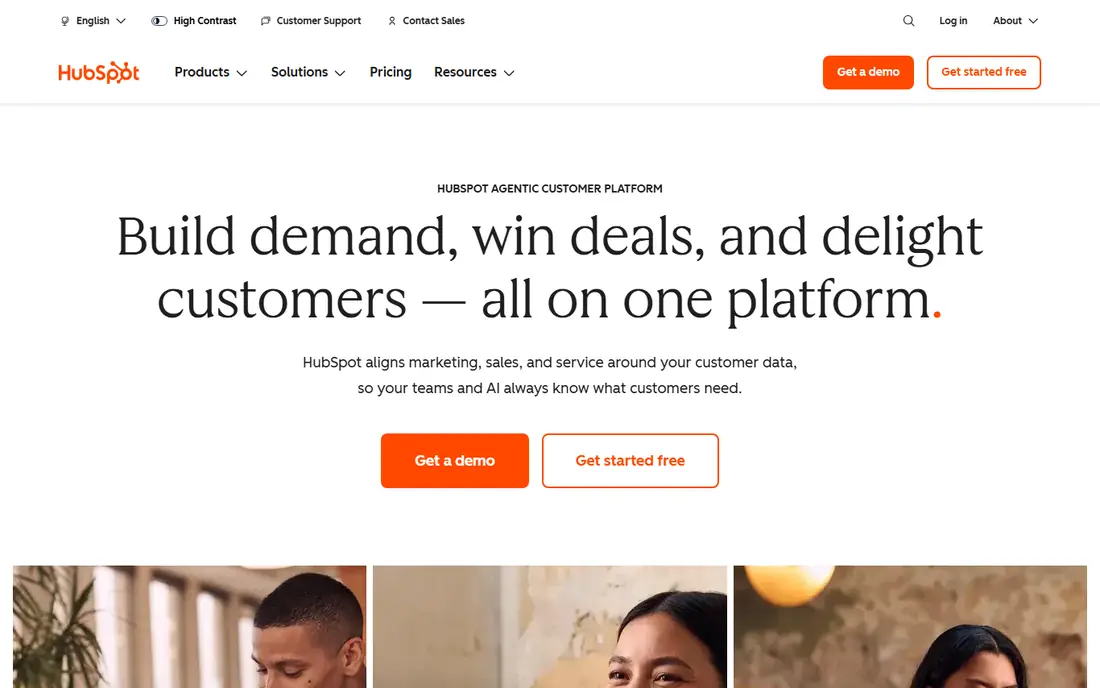
HubSpot CRM is the safest starting point for a small business because the free plan is a working CRM, not a short trial. It covers contacts, companies, deals, email tracking, meeting scheduling and basic reporting, and it supports up to two users on the free tier. Paid Starter seats run around $15 to $20 per user per month on annual billing when you need more.
The catch is the price jump at higher tiers: Professional plans cost far more, and onboarding fees apply at some levels. That matters less if you stay on free or Starter for a long time, which most small businesses do. If you want marketing, sales and service in one system later, HubSpot grows with you without a migration.
- Free CRM with contacts, deals and email tracking
- Large integration library
- Free learning resources
- Paid hubs get expensive quickly
- Free plan caps some features
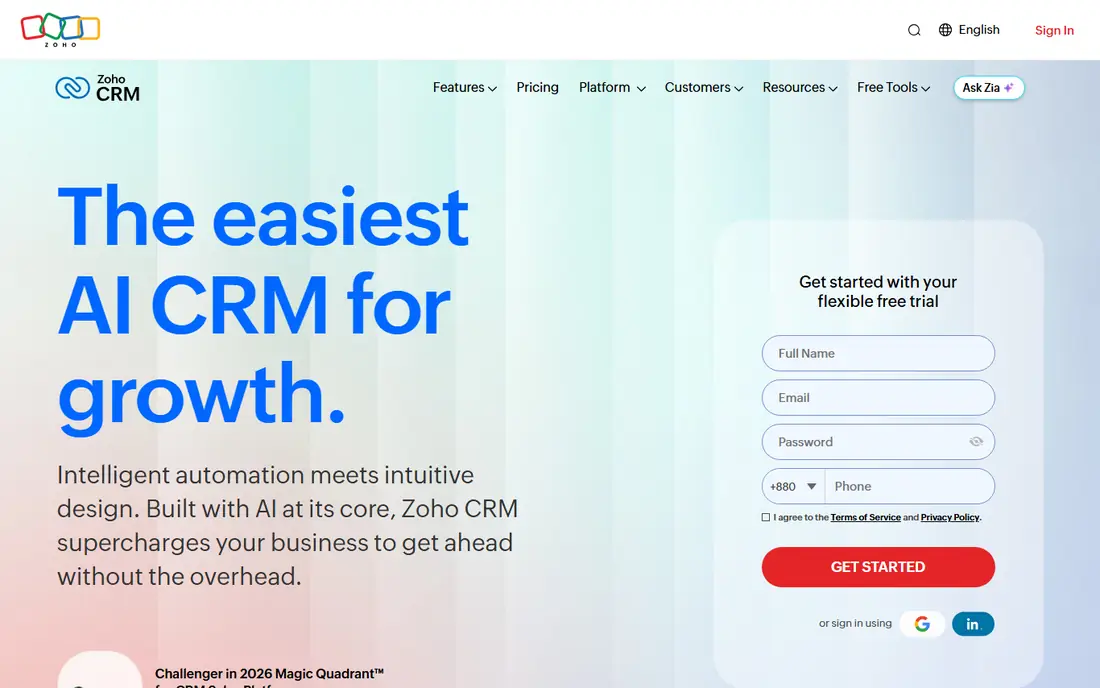
Zoho CRM gives small businesses the most features per dollar. The free edition supports up to three users with lead, contact and deal tracking plus limited workflow rules, and Standard starts at $14 per user per month on annual billing with more automation, scoring and reporting. If your business already uses Zoho Books or Zoho Mail, the integrations are a real advantage.
The trade-off is setup time. Zoho rewards configuration, which means a beginner can feel lost among modules, fields and workflows. Spend a day setting it up properly, or use a template, and it pays off. For budget-conscious teams that want depth without enterprise cost, Zoho is hard to beat.
- Free edition for up to three users
- Deep customization
- Strong value across paid tiers
- Steeper learning curve for beginners
- Interface can feel busy

Pipedrive is built for people who live in deal stages. The visual pipeline is the clearest here, and moving a deal from stage to stage is satisfying enough that reps actually keep it updated. Lite starts at $14 per seat per month on annual billing, and Growth at $39 adds full email sync, sequences and automation that most active sales teams need.
There is no free plan, only a 14-day trial, and marketing automation and service ticketing require add-ons or separate tools. Pipedrive is the best contact manager software for a sales-led small business, but teams that need marketing and support in the same system should look at HubSpot or Zoho instead.
- Cleanest visual pipeline in this group
- Fast adoption by sales teams
- Good automation on Growth and above
- No free plan
- Marketing and service features need add-ons
Capsule CRM keeps contact management simple: contacts, organizations, opportunities, tasks and a sales pipeline, without the module sprawl of larger CRMs. It integrates well with Google Workspace and popular email tools, and small teams can learn it in an afternoon. Paid plans start around $18 per user per month.
The limit is automation depth. Capsule does not match Zoho on workflows or HubSpot on marketing, so teams with complex processes will outgrow it. For a small business that mainly needs to track who its contacts are, what was discussed, and what happens next, Capsule is a calm and capable choice.
- Clean, simple contact and pipeline views
- Good Google Workspace integration
- Easy to learn
- Fewer automation features than Zoho or HubSpot
- Paid plans start higher than some rivals
Streak turns Gmail into a CRM, adding pipelines, contact records and email tracking directly in the inbox. That matters because many small businesses already live in Gmail, and a tool that requires a separate login often goes unused. The free plan covers individual use, with paid plans adding shared pipelines, reporting and more.
The obvious limit is that Streak only works with Gmail and Google Workspace, so Outlook-based teams should skip it. It is also lighter than a full CRM for complex reporting. For a Gmail-based small business that wants contacts and pipelines without leaving the inbox, Streak is the lowest-friction option here.
- CRM lives inside Gmail
- Pipelines for sales, hiring and support
- Free plan for individuals
- Gmail-only, so it does not suit Outlook teams
- Advanced features need paid plans
Insightly combines contact management with project management, which suits service businesses that sell a project and then deliver it. Contacts link to opportunities, and opportunities link to projects with tasks and milestones, so nothing falls between sales and delivery. Paid plans start around $29 per user per month on annual billing.
The entry price is higher than the tools above, and there is no free plan, only a trial. Insightly is worth it for businesses where the handoff from sale to delivery is a real pain point. If you only need contacts and a pipeline, a cheaper tool will do the same job.
- Contacts, pipelines and projects in one system
- Good reporting
- Solid integrations
- No free plan
- Entry price higher than Zoho or Pipedrive
Nimble is built for people whose business runs on relationships: it pulls together contact details, social profiles and email history into one record, so you can see the full story of a relationship at a glance. That suits consultants, agencies and founders who win work through their network. Pricing starts around $24.90 per user per month.
The trade-off is pipeline depth. Nimble tracks deals, but it is not as strong a sales pipeline tool as Pipedrive, and it has no free plan. If your contact list is your business, and you want to stay in touch with the right people at the right time, Nimble earns its place.
- Social and email enrichment for contacts
- Unified inbox view
- Good for network-driven businesses
- Less sales pipeline depth than Pipedrive
- Pricing is per user per month with no free tier
Less Annoying CRM does what its name promises: contacts, companies, leads, tasks, calendar and a simple pipeline, with almost no learning curve. Pricing is a flat $15 per user per month, which makes budgeting simple, and support is known for being responsive and human. Small business owners who have bounced off bigger CRMs often settle here.
The limits are integrations and automation, which are thinner than HubSpot or Zoho. If you need deep marketing automation or a large app marketplace, look elsewhere. If you need a contact database your whole team will actually use, this is one of the best contact database software options for simplicity.
- Very easy to learn
- Flat per-user pricing
- Helpful human support
- Fewer integrations than larger CRMs
- Limited automation
Freshsales, from Freshworks, starts at around $9 per user per month billed annually, making it one of the cheapest paid CRMs here. It includes contact management, deal pipelines, built-in phone and email, and basic automation, with AI-powered insights on higher plans. A 21-day trial lets you test it properly.
The entry plan is basic, and the features that make Freshsales stand out, like advanced automation and AI forecasting, sit on Growth and Pro tiers. Teams already using Freshdesk or other Freshworks tools will get the most from it. For a small sales team on a tight budget, Freshsales is a strong low-cost starting point.
- Low entry price
- Built-in phone and email
- AI insights on higher plans
- Free plan is limited
- Best features sit on Growth and Pro plans
How we picked these
We compared official feature pages, pricing pages and public user reviews for CRMs and contact tools aimed at small businesses, focusing on contact records, pipelines, email integration and price per user. We favored tools with a free plan or a low entry price, and we noted where paid tiers jump sharply. We did not claim hands-on testing; this list reflects vendor-published information and reported user experience.
How to pick a contact tool without a painful migration
Start with a list of must-have fields, not a feature wish list. Every small business needs names, companies, emails, phones, notes and follow-up dates; everything beyond that is optional at first. A tool that covers those six things well beats a powerful CRM that nobody updates.
Next, count seats honestly. Per-seat pricing means a $15 tool costs $150 a month for ten people, and some tools charge for every person who only needs to look up a contact. Check whether a tool offers read-only or free collaborator seats before you buy.
Finally, test the import. Export a sample of your contacts from a spreadsheet or your current tool, import it, and check for duplicates and lost fields. A clean import on day one saves weeks of cleanup later, and it tells you whether the tool fits your data before you commit the whole team.
FAQ
What is the best contact management tool for a small business?
HubSpot CRM is the best contact management tool for most small businesses because its free plan covers contacts, deals and email tracking, and paid plans grow with you. Zoho CRM is the best value paid option at $14 per user per month, while Less Annoying CRM is the simplest. The right pick depends on budget, team size and whether you need marketing and service tools too.
What is the best contact management app for a solo owner?
Streak is a good pick for a solo owner who lives in Gmail, since the CRM sits inside the inbox and the free plan covers individual use. Less Annoying CRM is the simplest paid option at $15 per user per month. Solo owners should favor the tool they will open daily over the tool with the longest feature list.
Is there free contact management software?
Yes, HubSpot CRM and Zoho CRM both offer free plans, and Streak has a free tier for individuals. HubSpot free supports up to two users, while Zoho free supports up to three users. Free plans limit some features and reporting, so check those caps before building your whole process on one.
How is a CRM different from a contact list?
A contact list stores names and numbers, while a CRM links each contact to deals, emails, notes, tasks and history, so you can see the full relationship. That history is what turns a list into a sales and service tool. For a business with more than a handful of customers, a CRM saves time and prevents follow-ups from slipping through.
Can I switch contact management software later?
Yes, most tools here offer contact import and export, so switching is possible, but it takes cleanup work. Export your data regularly, keep field names consistent, and remove duplicates before importing into a new tool. Switching is cheapest early, before years of notes and custom fields pile up.