Best Contact Center Software in 2026: 8 Platforms Compared
Compare the best contact center software for voice, chat, and AI routing, with pricing, integrations, and fit for small teams and large operations alike.
- Editor's choice
 Genesys Cloud CX
Large omnichannel operations
Starts atSee websiteVisit genesys.comFull review - Great alternative
 Five9
AI-assisted voice teams
Starts atSee websiteVisit five9.comFull review - Also consider
 NICE CXone
Enterprise CX suite
Starts atSee websiteVisit nice.comFull review
TL;DR:
- The best contact center platform depends on team size, channels, and whether you need deep CRM, AI, or workforce tools.
- Genesys Cloud CX, NICE CXone, and Five9 lead for large operations, while Talkdesk and Zendesk suit teams that want faster setup.
- Check per-agent pricing, add-on costs for AI and analytics, and contract terms, since headline prices rarely show the full total.
- Trial the routing, reporting, and CRM integration with real call flows before you sign a long contract.
Quick comparison
| Tool | Best for | Starts at | Free plan? | |
|---|---|---|---|---|
| Genesys Cloud CX | Large omnichannel operations | See website | No | Visit |
| Five9 | AI-assisted voice teams | See website | No | Visit |
| NICE CXone | Enterprise CX suite | See website | No | Visit |
 Talkdesk | Fast cloud deployment | See website | No | Visit |
 Zendesk | Support teams adding voice | See website | No | Visit |
 RingCentral Contact Center | Unified communications teams | See website | No | Visit |
 Amazon Connect | Pay-as-you-go cloud contact center | See website | No | Visit |
 Twilio Flex | Custom programmable contact center | See website | No | Visit |
The best contact center software
We compared official feature pages, pricing models, channel support, AI tools, integrations, and public reviews for the best contact center tools. Prices are often quoted per agent per month and vary by tier and add-ons, so confirm a full quote for your team size and channels.
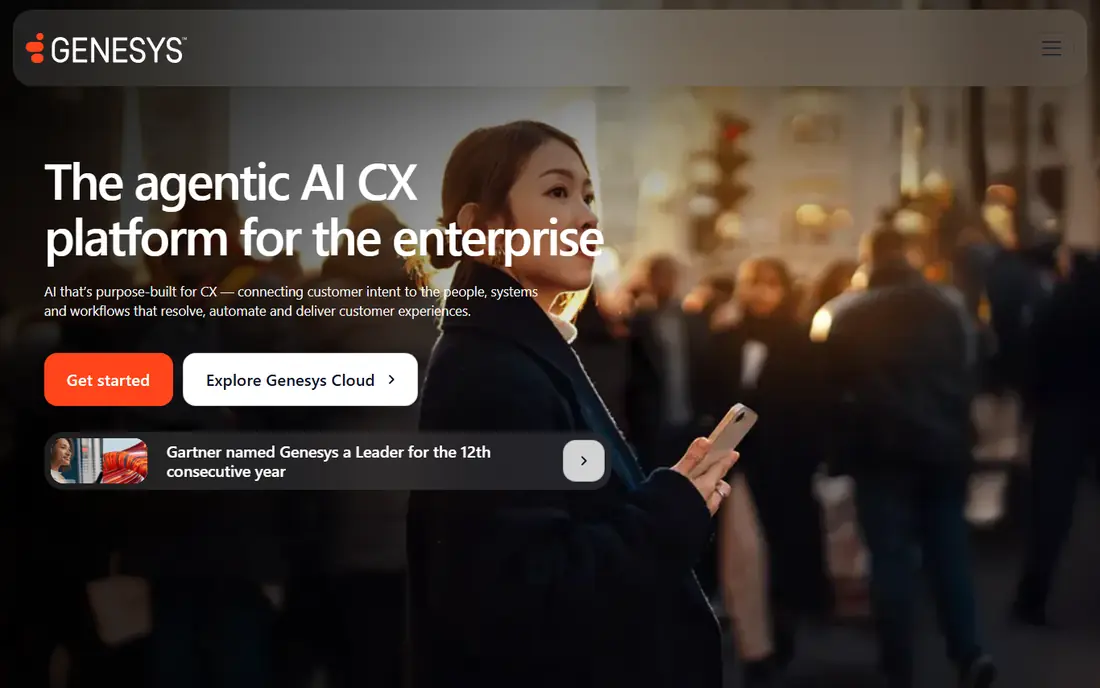
Genesys Cloud CX is a strong pick for large teams that need voice, digital channels, AI routing, and workforce management in one platform. It handles inbound and outbound work, offers predictive routing, and connects to major CRMs and workforce tools. For operations with hundreds of agents and complex queues, that breadth reduces the need for separate point tools.
The honest catch is complexity and cost. Pricing varies by tier and add-ons, and implementation for a large operation needs careful planning for routing, reporting, and training. Smaller teams may find the platform more than they need, and a simpler tool could be faster to launch. Genesys is best when scale, compliance, and omnichannel depth justify the investment.
- Broad voice, chat, email, and social channels
- Strong routing and workforce tools
- Large integration ecosystem
- Pricing can be complex
- Setup needs planning for large teams
- Smaller teams may not need the full suite
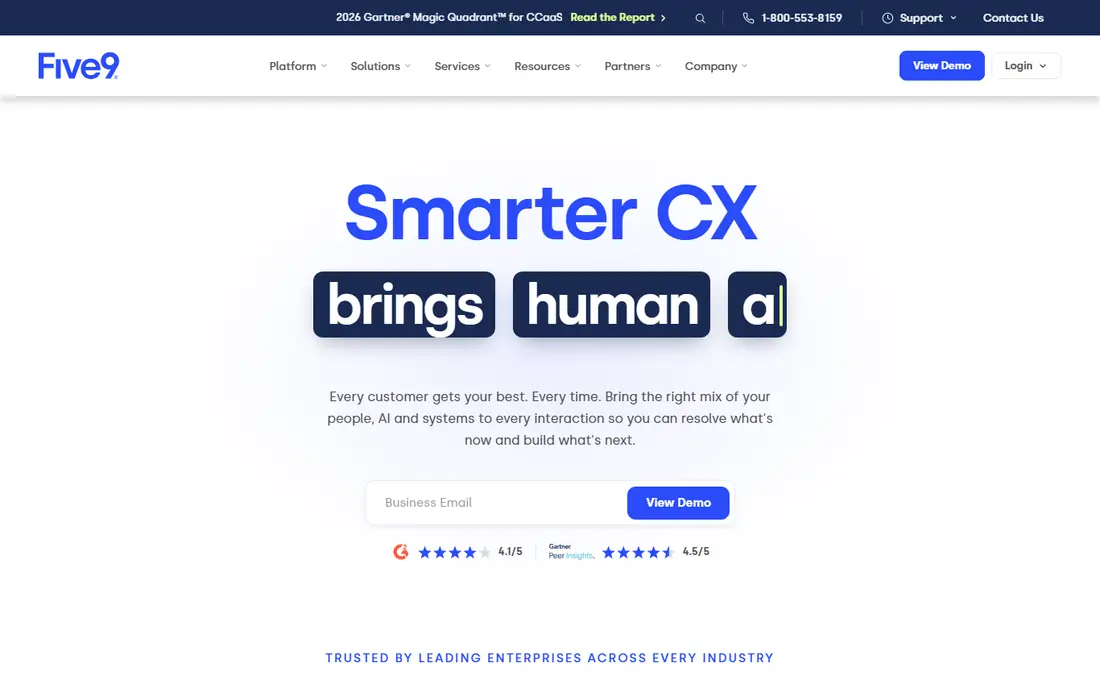
Five9 fits voice-heavy teams that want AI help without losing human control. Its platform offers intelligent routing, AI summaries, agent assist, and virtual agents alongside traditional voice, chat, and email. CRM integrations with Salesforce and other systems help agents see customer context without switching tools, which can shorten handle time.
The weakness is pricing transparency. Most plans need a sales quote, and AI features often sit in higher tiers or add-ons, so the total cost can rise above the base rate. Implementation also depends on your call flows and integrations. Five9 is best for midsize to large teams that will actually use AI assist and reporting, not just basic voice.
- Strong voice and AI agent assist
- CRM integrations
- Outbound and inbound tools in one platform
- Pricing needs a sales quote
- AI add-ons add cost
- Implementation time varies by complexity

NICE CXone is one of the top contact center software picks for enterprises that want a full suite, not just a phone system. It combines voice and digital channels with interaction analytics, workforce management, quality management, and AI automation. That depth helps large teams spot trends, coach agents, and forecast staffing from one data set.
The trade-off is weight. CXone is priced and built for enterprise use, so setup, admin training, and contract terms need careful review. Smaller teams may pay for features they never use, and a lighter platform could launch faster. For large, regulated, or multi-site operations, the suite approach often pays off in reporting and control.
- Wide CX suite with analytics and workforce tools
- Strong AI and automation
- Deep reporting
- Enterprise pricing and setup
- Learning curve for admins
- Smaller teams may find it heavy
Talkdesk suits teams that want a cloud contact center up quickly without a long on-premises project. It offers voice, chat, email, and social channels, plus AI routing, agent assist, and analytics in higher tiers. Integrations with Salesforce, Zendesk, and other tools help agents work from customer context rather than separate screens.
The limit is tiering. Basic plans cover core voice and digital work, while AI, workforce, and advanced analytics often need higher tiers or add-ons. Admins still need time to design queues, flows, and reports well, since a fast launch with poor routing will hurt service. Talkdesk is a good middle ground for growing teams that need cloud speed plus room to scale.
- Cloud-native setup
- AI and automation tools
- Integrations with major CRMs and helpdesks
- Pricing varies by tier
- Advanced AI needs higher plans
- Some features need admin setup time
Zendesk is the best choice if your team already runs support tickets and wants to add voice and messaging without changing systems. Agents work in a familiar workspace, tickets keep full customer history, and voice calls can create tickets automatically. That continuity helps support teams that handle a mix of email, chat, and phone work.
The honest catch is specialization. Zendesk is a support platform first, so very large or voice-heavy contact centers may find routing, workforce, and outbound tools less deep than Genesys, Five9, or NICE. Voice pricing is also separate from core Zendesk plans, so check the combined total. For support-led teams, the unified workspace often outweighs those limits.
- Strong ticketing and help center base
- Voice and messaging add-ons
- Familiar agent workspace
- Contact center depth is less than specialist platforms
- Voice pricing is separate
- Large voice operations may need more routing power
RingCentral Contact Center fits companies that already use RingCentral for phone, video, or messaging and want contact center features in the same family. It offers omnichannel routing, IVR, analytics, and integrations, with the benefit of one vendor for communications and contact center work. That can simplify billing, admin, and user management.
The weakness is cost layering. Contact center features sit above basic RingCentral phone plans, and advanced AI and workforce tools need higher tiers. Teams that do not use RingCentral elsewhere may find a standalone platform simpler to compare. If you already run RingCentral, the integration value is real, but confirm the full per-agent total before you decide.
- Ties to RingCentral phone and video
- Omnichannel routing
- CRM integrations
- Contact center tiers add cost over phone plans
- Advanced AI needs higher tiers
- Feature fit depends on existing RingCentral use
Amazon Connect is a strong pick for teams that want cloud scale and pay-as-you-go pricing rather than a fixed per-agent license. You pay for usage, telephony, and added services, which can suit seasonal teams or operations with variable volume. Integration with AWS AI, analytics, and storage tools also gives technical teams room to build custom flows.
The catch is technical effort. Amazon Connect is powerful, but designing flows, reporting, and workforce management often needs AWS skills or a partner, and traditional vendor support looks different from a managed contact center suite. Non-technical teams may prefer a packaged platform with built-in workforce tools. For cloud-native teams, the flexibility and usage pricing are hard to beat.
- Pay-as-you-go pricing with no long-term license per agent
- Scales quickly
- AWS AI and analytics integrations
- Needs technical setup for full use
- Reporting and workforce tools may need added AWS services
- Support model differs from traditional vendors
Twilio Flex suits teams that need a contact center shaped to a specific product or workflow, not a standard queue setup. Developers can customize the agent desktop, routing, channels, and integrations using Twilio APIs, which is ideal for companies with unique verification, messaging, or app-embedded support needs. The platform scales with the wider Twilio ecosystem.
The honest limit is build effort. Flex is not a plug-and-play suite for teams without developers, and the total cost depends on usage, build time, and maintenance. Workforce management and advanced analytics may need added tools. If you have engineering resources and a custom use case, Flex offers control that packaged platforms cannot match. If you do not, a packaged suite will launch faster.
- Highly programmable voice, messaging, and video
- Custom agent desktop
- Scales with Twilio platform
- Needs developers to build and maintain
- Total cost depends on usage and build
- Less out-of-the-box workforce depth
How we picked these
We compared official product pages, pricing models, channel coverage, AI and routing features, CRM integrations, and public reviews for contact center software. We favored platforms with clear omnichannel support, reporting, and integration depth, and we marked down vendors that hid pricing or required long contracts for basic trials. We did not claim hands-on operation of every platform at enterprise scale, and we recommend a pilot with real call flows before a full rollout.
What to test before you buy contact center software
Start with routing, not the demo script. Map your top five contact reasons, design queues and overflow rules, and test them with real agents and sample customers. Check how calls, chats, and emails move between queues, how skills-based routing handles language or product expertise, and what happens when volume spikes. A platform that looks clean in a demo can still fail on a busy Monday if routing rules are weak.
Next, check agent experience and reporting together. Agents need customer context, knowledge articles, and after-call work tools in one view, while managers need live dashboards, queue stats, and quality data without exporting to spreadsheets. Test the CRM integration with real records, not sample data, and confirm that call recordings, transcripts, and AI summaries meet your privacy and retention rules.
Finally, price the full system. Add per-agent fees, telephony, AI add-ons, analytics, workforce tools, implementation, and training to get a true monthly total. Compare contract length, exit terms, and price changes at renewal, since contact center contracts can lock you in for years. A pilot with a small team for one month will reveal more than a month of sales calls.
Small team versus enterprise fit
Small teams should favor fast setup, clear per-agent pricing, and strong CRM integration over workforce suites they will not use. Large teams should favor routing depth, analytics, workforce management, and compliance controls, even if setup takes longer. The best contact center companies in this list all scale, but they scale from different starting points, so match the platform to your current size plus one growth step.
FAQ
What is the best contact center software for small businesses?
Talkdesk and Zendesk are good starting points for small teams, since they offer cloud setup and CRM integration without enterprise complexity. Amazon Connect can also suit small teams with variable volume and technical help. Test routing and reporting with your real contact reasons before you commit.
What is the best software contact center platform for large enterprises?
Genesys Cloud CX, NICE CXone, and Five9 lead for large operations that need omnichannel routing, AI, workforce tools, and deep reporting. The best choice depends on your CRM, compliance needs, and existing vendor stack. Run a pilot with a real team before a full migration.
How much does contact center software cost?
Most platforms charge per agent per month, with telephony, AI, analytics, and workforce tools adding to the base price. Amazon Connect and Twilio Flex use usage-based pricing, which can be lower for variable volume but harder to predict. Always ask for a full quote that includes add-ons, implementation, and training.
Do I need AI in a contact center platform?
AI helps with routing, summaries, agent assist, and self-service, but it is not required for every team. Small teams often gain more from good routing, CRM context, and reporting than from advanced AI. Buy AI features only if you have the volume and the processes to use them well.
Can contact center software integrate with my CRM?
Yes, the platforms in this list integrate with Salesforce and other major CRMs, though depth varies by vendor and tier. Check if the integration is native, what fields sync, and whether screen pops work in your CRM version. Test with real records during a trial, since a listed integration does not guarantee a smooth setup.
What is the difference between a contact center and a call center?
A call center handles mainly voice calls, while a contact center handles voice plus chat, email, messaging, and social channels in one system. Contact center software also adds omnichannel routing, unified reporting, and AI tools. If most contacts arrive by chat or email, a contact center platform is the better fit.