Top 6 Construction Software Subcontractor for 2026 (Prices and Free Plans)
Compare 6 picks for the best construction software subcontractor, with prices, free plans and who each fits. Concise write-ups of every option. Quick to scan.
- Editor's choice
 Foundation Software
Construction accounting and payroll
Starts atSee websiteVisit foundationsoft.comFull review - Great alternative
 Fieldwire
Live jobsite task and drawing management
Starts at$39 per user a monthVisit fieldwire.comFull review - Also consider
 Knowify
Trade contractors bidding and invoicing
Starts at$19 per unit a monthVisit knowify.comFull review
Direct answer
Our first pick is Foundation Software, best for Construction accounting and payroll. Listed starting prices: Fieldwire from $39 per user a month and Knowify from $19 per unit a month. Look at Fieldwire for live jobsite task and drawing management, and at Knowify for trade contractors bidding and invoicing. The other 3 tools in the list cover narrower or pricier cases.
TL;DR:
- Foundation Software is the opening pick, best for Construction accounting and payroll.
- Check the limits for Fieldwire before you commit: field-focused scope may need pairing with office tools.
- Just one of the 6 tools, Fieldwire, has a free plan.
- Procore fits connecting field and office teams.
Last checked November 2026. Prices and plan details were read from the vendors' own pages in November 2026; vendors change plans often, so confirm the current price on the vendor site before you buy.
Quick comparison
| Tool | Best for | Starts at | Free plan? | |
|---|---|---|---|---|
| Foundation Software | Construction accounting and payroll | See website | Not stated | Visit |
| Fieldwire | Live jobsite task and drawing management | $39 per user a month | Yes | Visit |
| Knowify | Trade contractors bidding and invoicing | $19 per unit a month | Free trial | Visit |
 CoConstruct | Builders and remodelers managing client projects | See website | Not stated | Visit |
 Autodesk Construction Cloud | Secure project collaboration | See website | Not stated | Visit |
 Procore | Connecting field and office teams | See website | Not stated | Visit |
Construction Software Subcontractor profiles
Short on time? The summary and table above give the quick view of 6 tools for construction software subcontractor, and the profiles that follow give the detail behind each entry.
Foundation Software works best for Construction accounting and payroll. Foundation Software gives you FOUNDATION construction accounting software designed for contractors, with tools to run jobs, payroll, and finances from anywhere. Also, Foundation is accounting-centric, so subcontractors seeking field task tracking, drawing management, or estimating may have to pair it with other tools.
Its value is concentrated in financial management. On top of that, pick it when accounting and payroll depth matter most, and combine it with field software if jobsite coordination is also a need. Pricing for Foundation Software is not stated here, so ask the vendor for current figures. Free plan details: Not stated.
Where it falls short: May need pairing with field tools.
- Job, payroll
- Finance management
- Accounting-centric instead of field management
Fieldwire makes the most sense for live jobsite task and drawing management. It is described as used by owners, general contractors, and subcontractors.
Also, Fieldwire's emphasis is the jobsite, so subcontractors seeking deep accounting or estimating functionality may have to pair it with another system. What you pay to start with Fieldwire: $39 per user per month. Fieldwire has a free plan.
Points against: Field-focused scope may need pairing with office tools.
- Geared toward reducing expensive rework
- Update drawings on the jobsite
- Best value for active jobsite coordination
Think of Knowify for trade contractors bidding and invoicing. Knowify is construction management software for trade contractors, helping them bid, run, and invoice commercial and residential jobs on time and on budget.
The trade-contractor focus makes it relevant for businesses that want their estimating and billing tied together. Knowify is oriented toward trade contractor processes, so a general contractor or a firm with very different workflow needs may find the fit less direct. The starting price for Knowify: $19 per unit per month. Trial and free access: Free trial.
The main drawbacks: May not handle every specialty need.
- Made for trade contractors
- Supports bidding and job management
- Focused on trade contractor workflows
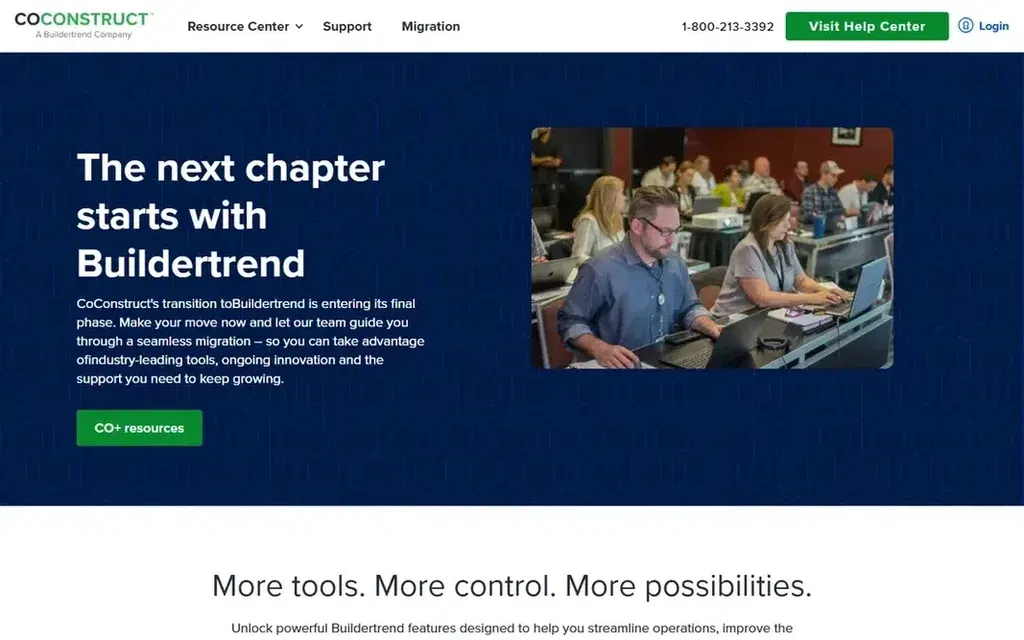
Choose CoConstruct for builders and remodelers managing client projects. Consider alternatives when your priority is purely field task tracking or trade-specific billing. Worth adding: the unified direction recommends continuity for teams already working within that ecosystem.
Watch-outs: May be more than straightforward trade jobs need.
More specifically, since its focus leans toward client-facing project management, a subcontractor handling straightforward trade work may not need its full range. Evaluate whether the workflow matches your project types before committing. CoConstruct does not show a starting price in this comparison, so check the vendor site for current pricing. Free access: Not stated.
- Unified brand with Buildertrend
- Construction management focus
- Most solid fit for client-facing project work
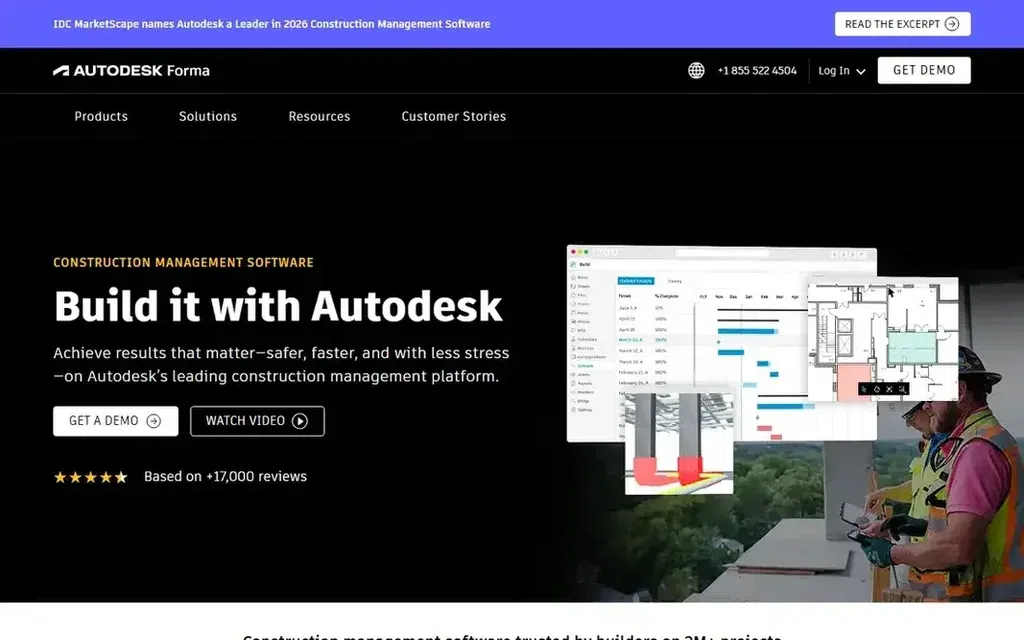
Pick Autodesk Construction Cloud if this describes you: secure project collaboration. On top of that, getting teams comfortable with the environment can take time.
What to check first: Best value for collaborative project work.
Choose it when secure collaboration across project stakeholders is central to how you work. The emphasis is on coordinated delivery instead of isolated task management. Check the vendor site for Autodesk Construction Cloud pricing; none is listed in this comparison. As for free access: Not stated.
- Part of Autodesk Forma
- Focus on on-time delivery
- Wide product may need onboarding

Procore is built with connecting field and office teams in mind. Since Procore positions itself as a wide system, smaller subcontractors with narrow workflows may find it more than they need.
More specifically, consider Procore when cross-team visibility and project coordination are the priority instead of a single-function need. Check the vendor site for Procore pricing; none is listed in this comparison. Free access: Not stated.
Honest limits: Needs setup and training.
- Live project visibility
- Wide construction management scope
- Wide scope may feel heavy for small trades
How the list was put together
We compared the tools on published pricing, free plan or trial availability, feature coverage for construction software subcontractor, and the limits each vendor documents. Where a price is missing, the vendor does not list one publicly or ties it to a quote. Always confirm before budgeting. The order reflects how well each tool fits the most common buying scenario for construction software subcontractor, then price clarity, then free plan access. It is a starting point, not a verdict.
Before you commit
- Ask Foundation Software, CoConstruct, Autodesk Construction Cloud and Procore for a written quote, since no starting price is shown.
- Test the free plan from Fieldwire against your real workload before relying on it.
- Run a trial of Knowify with real work before paying for a year; your own workflow is the best test.
- Read the limits listed for Foundation Software first: accounting-centric instead of field management.
- Map your must-have features to a specific Procore plan before you compare prices.
- Check the integration list for Knowify against the tools you run today, and note which ones need a higher plan.
FAQ
Which options for construction software subcontractor have a free plan?
Fieldwire is the only tool in this list with a free plan. Free plans usually cap users, projects or features, so check the limits on the vendor page. One other tool offers a trial instead. Each of the 6 options in this construction software subcontractor guide has its own card above with the price, free plan and limits.
Is field management or accounting software more important for subcontractors?
It relies on where your pain is. Fieldwire emphasizes jobsite task and drawing management, whereas Foundation Software focuses on construction accounting and payroll.
Can I try these tools before paying?
Often, yes. Fieldwire has a free plan and Knowify offers a free trial. Use your own data and a real task during the test, and check what the free tier or trial limits before you rely on it.
How are the tools for construction software subcontractor ordered?
Foundation Software sits first and Procore last because the order follows typical fit for construction software subcontractor, then price clarity and free access. It is a judgement call, so read each profile for fit and limits.
Do these tools publish their prices?
Not all of them. Foundation Software, CoConstruct, Autodesk Construction Cloud and Procore publish no starting price, so expect a quote request for those. The rest, Fieldwire included, show a starting price, though seats and billing terms still change the final cost.
Sources
- https://www.foundationsoft.com
- https://www.fieldwire.com
- https://www.knowify.com
- https://www.coconstruct.com
- https://construction.autodesk.com
- https://www.procore.com