Best Compress Video Software (2026): 5 Picks Checked on Vendor Pages
5 options for the best compress video software, with entry costs, free tiers and the buyer each one serves. Each pick lists its main limit. Easy to scan.
- Editor's choice
 DaVinci Resolve
Editing, color and delivery in one app
Starts atPricing on requestVisit blackmagicdesign.comFull review - Great alternative
 VLC Media Player
Fast conversion with software you have
Starts atPricing on requestVisit videolan.orgFull review - Also consider
 Adobe Premiere Pro
Compression inside a pro editing workflow
Starts atPricing on requestVisit adobe.comFull review
Direct answer
Start with DaVinci Resolve if you need editing, color and delivery in one app. If your case is different, VLC Media Player suits fast conversion with software you have and Adobe Premiere Pro suits compression inside a pro editing workflow. The full list of 5 tools follows, with free plan facts. None of these vendors publish plan prices, so pricing is on request for every option.
TL;DR:
- This list starts with DaVinci Resolve, which is built for editing, color and delivery in one app.
- DaVinci Resolve, Movavi Video Converter and the 3 others all sell by quote; expect sales conversations before you see a price.
- One limit worth knowing about Wondershare UniConverter: feature-heavy for straightforward jobs.
- DaVinci Resolve, Movavi Video Converter and the 3 others all need a premium plan or a trial, since no free plan is listed.
Last checked November 2026. Pricing on request: vendors did not publish plan prices when this guide was last checked (November 2026), so ask each vendor for a written quote.
Quick comparison
| Tool | Best for | Starts at | Free plan? | |
|---|---|---|---|---|
| DaVinci Resolve | Editing, color and delivery in one app | Pricing on request | Not stated | Visit |
| VLC Media Player | Fast conversion with software you have | Pricing on request | Not stated | Visit |
| Adobe Premiere Pro | Compression inside a pro editing workflow | Pricing on request | Not stated | Visit |
 Wondershare UniConverter | All-in-one conversion, compression and enhancement | Pricing on request | Not stated | Visit |
 Movavi Video Converter | Straightforward format conversion and compression | Pricing on request | Not stated | Visit |
5 options for compress video software in detail
This LinkVetted guide covers 5 options for compress video software. Each profile lists a starting price, free plan details, strengths and drawbacks, so you can drop poor fits quickly.
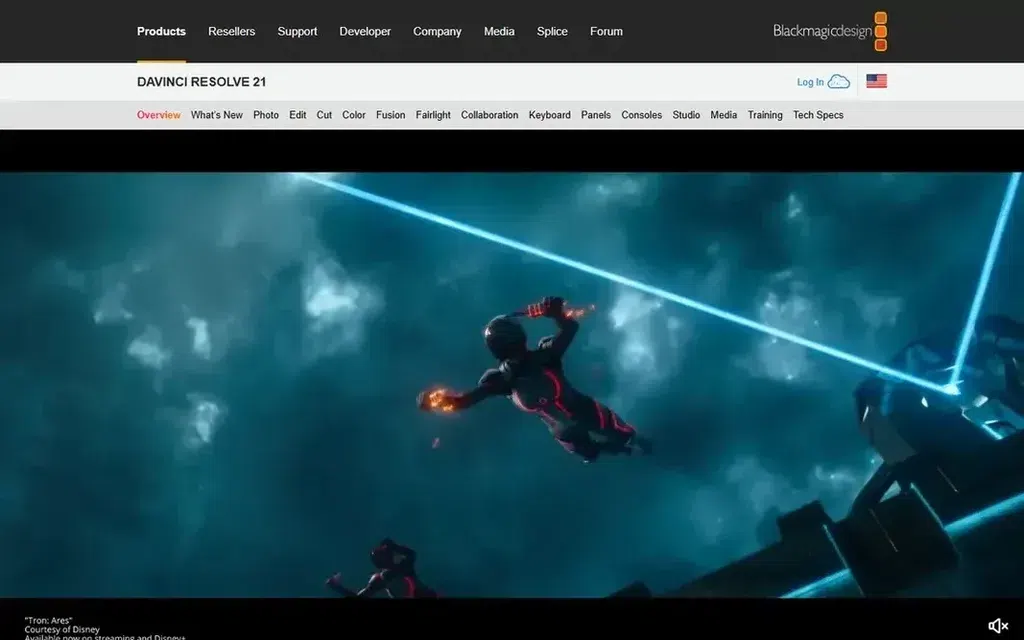
DaVinci Resolve serves editing, color and delivery in one app. DaVinci Resolve bundles professional video editing, color correction, visual effects and audio postproduction into a single application, with free and premium versions for Mac, Windows and Linux.
The main drawbacks: Large application with a ramp-up time.
Beyond that, the breadth is also the limitation: Resolve is a substantial application, and its render and delivery settings sit inside a larger interface that takes time to learn. In daily use, choose Resolve when compression is part of a fuller postproduction workflow. DaVinci Resolve shows no starting price here, so confirm the cost on the vendor site. Free options: Not stated. Reasons to shortlist it: Runs on Mac.
- VFX and audio combined
- Editing, color
- Compression is one part of a larger suite
VLC Media Player serves fast conversion with software you have. VLC is best treated as a convenient fallback instead of a primary compression tool.
Drawbacks to consider: Fewer compression controls than transcoders.
VLC Media Player shows no starting price here, so confirm the cost on the vendor site. Free plan details: Not stated.
- Plays most video and audio formats
- Free and open source
- Conversion is a secondary feature
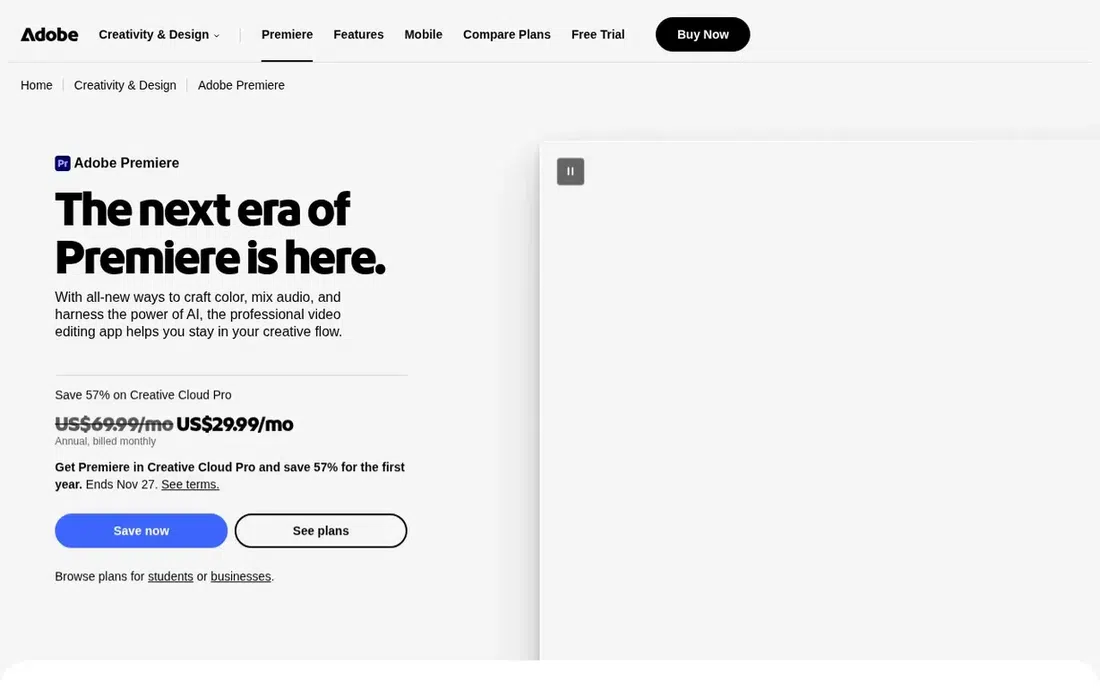
Choose Adobe Premiere Pro for compression inside a pro editing workflow. Adobe Premiere Pro is professional video editing software for trimming, effects, audio mixing and postproduction.
Where it falls short: Heavier than a standalone converter.
Upsides: audio mixing and trimming in one app. Compression is handled through export settings instead of as a standalone converter. Adobe Premiere Pro shows no starting price here, so confirm the cost on the vendor site. On free options: Not stated.
- Professional editing and postproduction toolset
- Export settings can target smaller files
- Subscription-based access
Wondershare UniConverter
Best for: All-in-one conversion, compression and enhancement
Wondershare UniConverter targets all-in-one conversion, compression and enhancement. The all-in-one design means a busier interface than a single-purpose transcoder, and the advanced features take time to learn.
Drawbacks to consider: Feature-heavy for straightforward jobs.
It fits users who want multiple media tasks in one place, particularly those working with high-resolution footage who require compression alongside conversion and enhancement tools. This comparison lists no price for Wondershare UniConverter; ask the vendor. On free options: Not stated.
Reasons to shortlist it: Takes care of 4K and 8K HDR video.
- Enhancement and recording together
- Conversion, compression
- Advanced choices need time to learn
Choose Movavi Video Converter for straightforward format conversion and compression. Results also depend heavily on the output settings you choose.
Worth adding: Movavi Video Converter is presented as a simple way to convert videos and other media files between formats, geared toward users who want to say goodbye to format fuss without learning an editor. It is a converter instead of an editing suite, so advanced color, audio and effects work belongs elsewhere. This comparison lists no price for Movavi Video Converter; ask the vendor. Free access: Not stated.
What to check first: Less depth than pro editing suites.
- Takes care of typical video and media formats
- Positioned for quick format changes
- Compression quality relies on chosen settings
How we chose
Before you commit
- Request quotes from DaVinci Resolve, Movavi Video Converter and the others; the list shows no fixed prices.
- Before choosing DaVinci Resolve, weigh its main limit: large application with a ramp-up time.
- Confirm the exact DaVinci Resolve plan that includes your must-have features.
- Confirm that Movavi Video Converter connects to the apps your team already uses, on the plan you would actually buy.
- Check the support hours and onboarding help Adobe Premiere Pro offers; smaller vendors vary a lot here.
FAQ
Do these tools publish their prices?
No. None of the tools, from DaVinci Resolve to Movavi Video Converter, shows a fixed starting price here, so budget time for quotes.
What is the best free choice for compressing video?
DaVinci Resolve is the pick this page puts first, mainly for editing, color and delivery in one app. If your situation differs, VLC Media Player suits fast conversion with software you have, and Adobe Premiere Pro suits compression inside a pro editing workflow. Compare price and limits before you decide.
How are the tools for compress video software ordered?
DaVinci Resolve sits first and Movavi Video Converter last because the order follows typical fit for compress video software, then price clarity and free access. It is a judgement call, so read each profile for fit and limits.
Can I try these options before paying?
Not by default. None of the tools, from DaVinci Resolve to Movavi Video Converter, lists a free plan or a free trial here, so ask each vendor for a demo before committing.
Does any tool for compress video software here have a free plan?
No tool in this list, DaVinci Resolve and Movavi Video Converter included, has a permanent free plan. Trials and quotes are the usual route, so plan a short evaluation period.
What should I check before compressing high-resolution video?
Also check whether output settings are adjustable, since preset-only tools provide less control over file size and quality. Vendor pages list these details.
Sources
- https://www.blackmagicdesign.com/products/davinciresolve
- https://www.videolan.org/vlc
- https://www.adobe.com/products/premiere.html
- https://uniconverter.wondershare.com
- https://www.movavi.com/video-converter