Best Company to Set Up a Trust in 2026: 8 Services Compared
Find the best company to set up a trust online, comparing living trust plans, attorney help, funding steps, and prices in this plain 2026 guide today.
- Editor's choice
 Trust & Will
Simple online trust plans
Starts atSee websiteVisit trustandwill.comFull review - Great alternative
 LegalZoom
Trust plans with attorney access
Starts atSee websiteVisit legalzoom.comFull review - Also consider
 Rocket Lawyer
Ongoing legal help plus documents
Starts atSee websiteVisit rocketlawyer.comFull review
TL;DR:
- A revocable living trust is the core product here, and most plans add a pour-over will, health directive, and power of attorney.
- Trust and Will and LegalZoom offer the clearest trust focused plans, while Rocket Lawyer suits people who also want ongoing legal help.
- FreeWill works for a simple will, but it is not a full trust service, so check what each plan actually includes.
- Complex estates, blended families, business assets, and multi-state property usually need a local estate lawyer, not a template alone.
Quick comparison
| Tool | Best for | Starts at | Free plan? | |
|---|---|---|---|---|
| Trust & Will | Simple online trust plans | See website | No | Visit |
| LegalZoom | Trust plans with attorney access | See website | No | Visit |
| Rocket Lawyer | Ongoing legal help plus documents | See website | No | Visit |
 Quicken WillMaker & Trust | One-time software for DIY planners | See website | No | Visit |
 LawDepot | Flexible DIY documents | See website | Free trial | Visit |
 Nolo | Planners who want guidance books | See website | No | Visit |
 FreeWill | A free simple will | Free | Yes | Visit |
 GoodTrust | Digital assets and simple planning | See website | No | Visit |
The best companies to set up a trust
Setting up a trust online can be far cheaper than hiring a lawyer for a simple estate, but the documents must still match your state rules and your family situation. We compared services that produce revocable living trusts plus the supporting documents, such as a pour-over will and power of attorney.
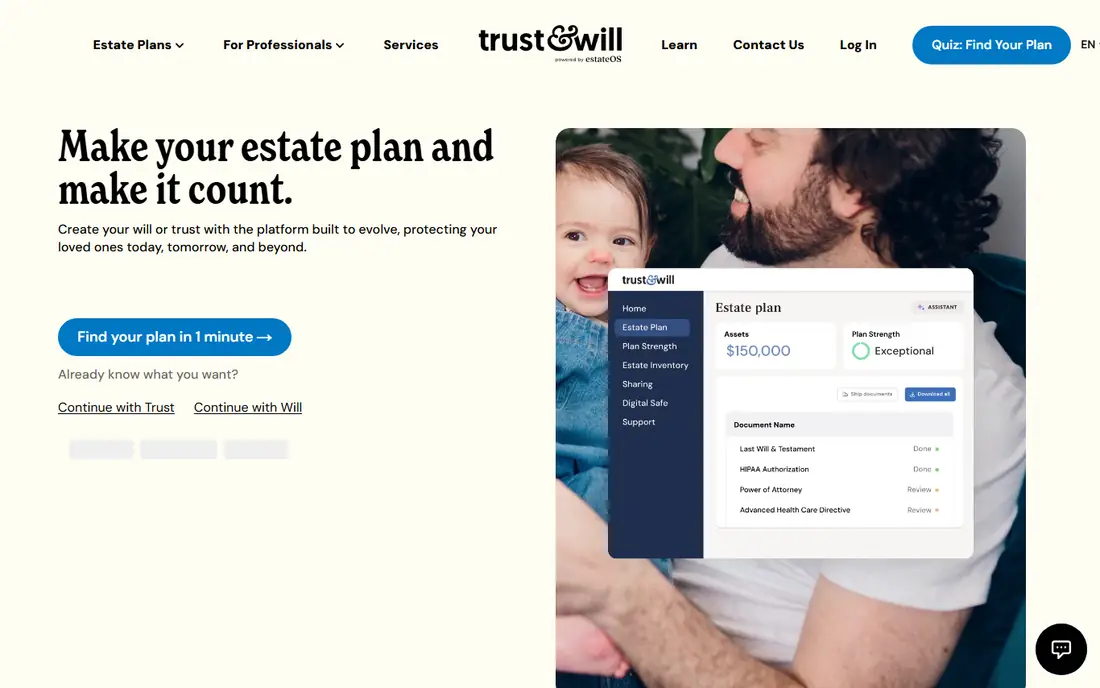
For shoppers who want a clear starting point, Trust & Will is worth a close look because guided trust plans with individual and couples options and a clear step by step flow. In practice, that means Trust & Will works best for people setting up a straightforward revocable living trust. The trade off is attorney support costs extra, and complex estates still need separate legal advice. Before you commit, check the current terms on the official site, including any fees, limits, and eligibility rules, because those details can change and they matter more than a headline rate or feature list.
- Guided trust and will plans
- Individual and couples options
- Document storage
- Attorney support is an add-on
- Complex estates need separate advice
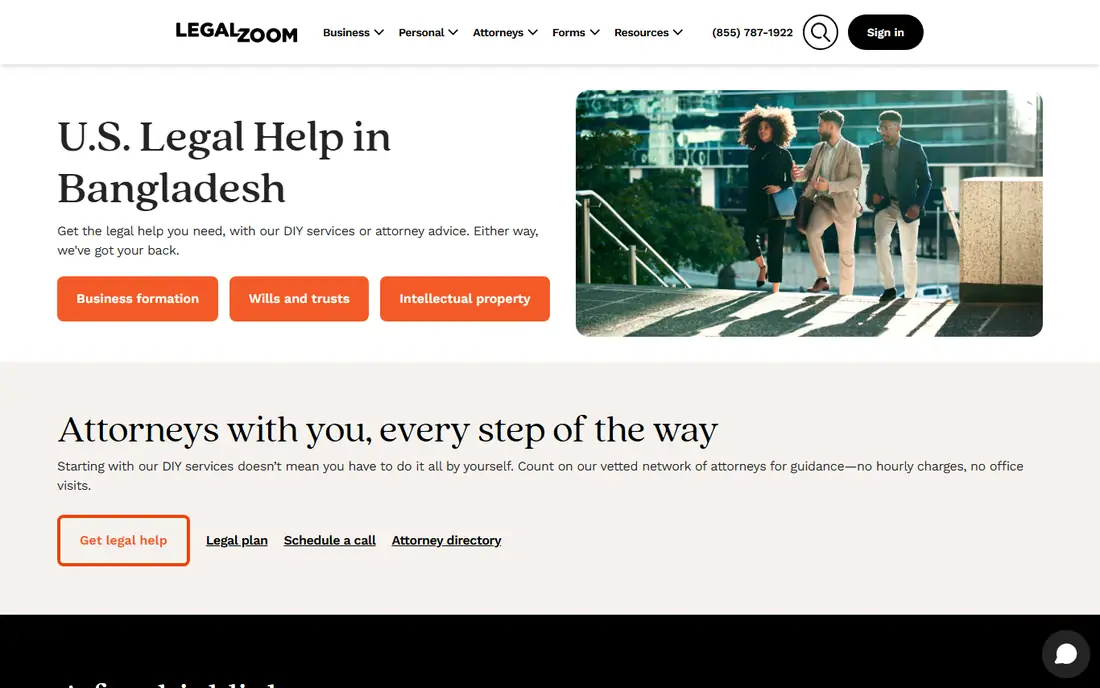
What stands out first about LegalZoom is trust plans paired with attorney consultations on its Premium tier. That profile makes LegalZoom a sensible fit for people who want a trust plus access to a lawyer, provided you accept the Premium tier costs more, and the flow can feel sales led at checkout. Read the terms carefully, compare the total cost over the full period, and confirm that the plan still works if your circumstances change partway through.
- Basic and Premium trust plans
- Attorney consultations on Premium
- Full document set
- Premium costs more
- Questionnaire starts after checkout on some plans

If your main concern is people who want ongoing legal help beyond one document, Rocket Lawyer deserves a place on the shortlist. So Rocket Lawyer suits people who want ongoing legal help beyond one document who value a subscription that pairs documents with attorney consultations and can live with the monthly cost adds up, and trust coverage varies by state. Compare it side by side with one or two others on this list before deciding, and keep a note of the renewal, cancellation, and support terms.
- Subscription with attorney consultations
- Document library
- E-signature tools
- Subscription cost adds up over time
- Trust depth varies by state
We would point DIY planners who prefer a one-time purchase buyers toward Quicken WillMaker & Trust first, mainly because one-time software that covers wills, trusts, and health documents without a subscription. Put simply, Quicken WillMaker & Trust is a good match for DIY planners who prefer a one-time purchase. The honest catch is no attorney review is included, and the interface feels dated, so weigh that against the benefit of one-time software that covers wills, trusts, and health documents without a subscription before you sign up or place an order.
- One-time purchase
- Wills, trusts, and health documents
- Offline use
- No attorney review included
- Interface feels dated to some users
Among the options here, LawDepot is the one that puts DIY users who update documents often front and center. In practice, that means LawDepot works best for DIY users who update documents often. The trade off is standard plans do not include attorney review, and subscriptions renew unless cancelled. Before you commit, check the current terms on the official site, including any fees, limits, and eligibility rules, because those details can change and they matter more than a headline rate or feature list.
- Monthly or per-document pricing
- State specific customization
- Legal damages guarantee on its terms
- No attorney review in standard plans
- Subscription renews unless cancelled
A practical reason to consider Nolo is clear written guidance alongside its software, drawn from a long self-help legal history. That profile makes Nolo a sensible fit for planners who like reading guidance before they answer questions, provided you accept it is less guided than newer platforms, and attorney help is limited. Read the terms carefully, compare the total cost over the full period, and confirm that the plan still works if your circumstances change partway through.
- Long history in self-help legal publishing
- Downloadable software
- Clear explanations
- Less guided than newer platforms
- Attorney help is limited
For many people, FreeWill will be the simplest match, since a free and simple route to a basic will. So FreeWill suits people who need a simple will at no cost who value a free and simple route to a basic will and can live with it is not a full trust service, and customization is limited for complex estates. Compare it side by side with one or two others on this list before deciding, and keep a note of the renewal, cancellation, and support terms.
- Free will creation
- Simple questionnaire
- Nonprofit partnerships
- Not a full trust service
- Limited customization for complex estates
The case for GoodTrust rests on digital asset planning alongside will and power of attorney documents, paired with a setup that suits people who want digital accounts included in their plan. Put simply, GoodTrust is a good match for people who want digital accounts included in their plan. The honest catch is trust coverage is narrower than trust focused rivals, and attorney access is limited, so weigh that against the benefit of digital asset planning alongside will and power of attorney documents before you sign up or place an order.
- Digital asset planning features
- Will and power of attorney documents
- Simple flow
- Trust coverage is narrower than trust focused rivals
- Attorney access is limited
How we picked these
This is general information, not legal advice. We compared official plan pages, document lists, attorney access terms, and pricing structures. We favored services that state clearly what is included in a trust plan, which states they support, and where attorney help costs extra. A template service can work for a simple estate, but it cannot replace advice for tax, business, or contested family situations.
How to set up a trust without missing a step
Choose the right trust type first. Most people here need a revocable living trust, which you can change during your lifetime. An irrevocable trust is a different tool with tax and control consequences, and it should not be chosen from a template without legal advice.
Complete the supporting documents. A trust alone does not cover every situation. Add a pour-over will, a financial power of attorney, and a health care directive, and name guardians if you have minor children. Check signing, witness, and notarization rules for your state.
Fund the trust after you sign it. A trust only controls assets that are titled in its name. That step, often called funding, means retitling property and accounts as the trust documents direct. Many online plans explain funding, but the transfer itself is still your job, and a lawyer can help with real estate deeds.
Before you decide, compare the total cost, the contract length, and the support you will actually get, not just the headline feature. Read the current terms on the official site, check whether the service covers your state, region, or use case, and confirm what happens if you cancel, pause, or need help. A short trial, a demo, or a small first order can reveal problems that a sales page will not show, including slow support, unclear billing, or limits that only appear after signup. Keep notes on the options you compared, so you can return to the second choice if the first one does not work out as promised.
FAQ
What is the difference between a will and a living trust?
A will takes effect after death and usually goes through probate. A revocable living trust can hold assets during your lifetime and pass them to beneficiaries without probate in many cases. Many plans include both, with a pour-over will catching assets left outside the trust.
Do I still need a lawyer if I use an online trust service?
For a simple estate, an online service may be enough, especially if you add an attorney review. For blended families, business ownership, special needs planning, or property in several states, a local estate lawyer is the safer route.
How much does it cost to set up a trust online?
Prices vary by service and plan, and Premium tiers with attorney help cost more. Compare the full document set, not just the headline price, and check whether revisions, storage, or attorney time are included or charged separately.
What does funding a trust mean?
Funding means moving assets into the trust by retitling them in the trust name, as directed by your documents. An unfunded trust may not avoid probate for those assets, even if the trust document itself is signed correctly.
Can I change a revocable living trust later?
Yes, a revocable living trust can usually be amended or revoked during your lifetime, following the amendment rules in the document. Life changes such as marriage, divorce, a new child, or a move to another state are good reasons to review it.