Best CMMS Software for Manufacturing in 2026: 8 Tools Compared
Compare the best cmms software for manufacturing in 2026. We review 8 tools for work orders, preventive maintenance, assets and inventory for plants today.
- Editor's choice
 MaintainX
Fast technician adoption
Starts atFreeVisit getmaintainx.comFull review - Great alternative
 Fiix
Published pricing and asset intelligence
Starts at$45 per user per monthVisit fiixsoftware.comFull review - Also consider
 UpKeep
Small mobile first teams
Starts at$24 per user per monthVisit upkeep.comFull review
TL;DR:
- MaintainX is the easiest start for a plant that needs technicians to adopt fast, with a free Basic plan and paid plans from $20 per user per month.
- Fiix suits plants that want published pricing, asset intelligence, and a link to Rockwell Automation controls.
- UpKeep fits smaller teams that want to get organized on mobile quickly, with paid plans from $24 per user per month in published summaries.
- Limble, eMaint, and Accruent suit deeper preventive maintenance, condition monitoring, and regulated programs where reporting depth matters.
- Price by technician seats, not just the headline plan, and confirm which features sit on higher tiers before you compare totals.
Quick comparison
| Tool | Best for | Starts at | Free plan? | |
|---|---|---|---|---|
| MaintainX | Fast technician adoption | Free | Yes | Visit |
| Fiix | Published pricing and asset intelligence | $45 per user per month | Yes | Visit |
| UpKeep | Small mobile first teams | $24 per user per month | Free trial | Visit |
 Limble | Preventive maintenance focus | See website | Yes | Visit |
 eMaint | Condition monitoring and regulated sites | See website | Free trial | Visit |
 Fracttal | AI assisted maintenance planning | See website | No | Visit |
 MicroMain | Deep asset and facility control | See website | Free trial | Visit |
 Accruent Maintenance Connection | Enterprise and multi site | See website | Free trial | Visit |
The best cmms software for manufacturing
A CMMS turns hallway complaints into scheduled, tracked, completed work. In a plant, that means work orders, asset histories, preventive maintenance schedules, parts inventory, and downtime records in one place. The eight tools below cover that work for different plant sizes.
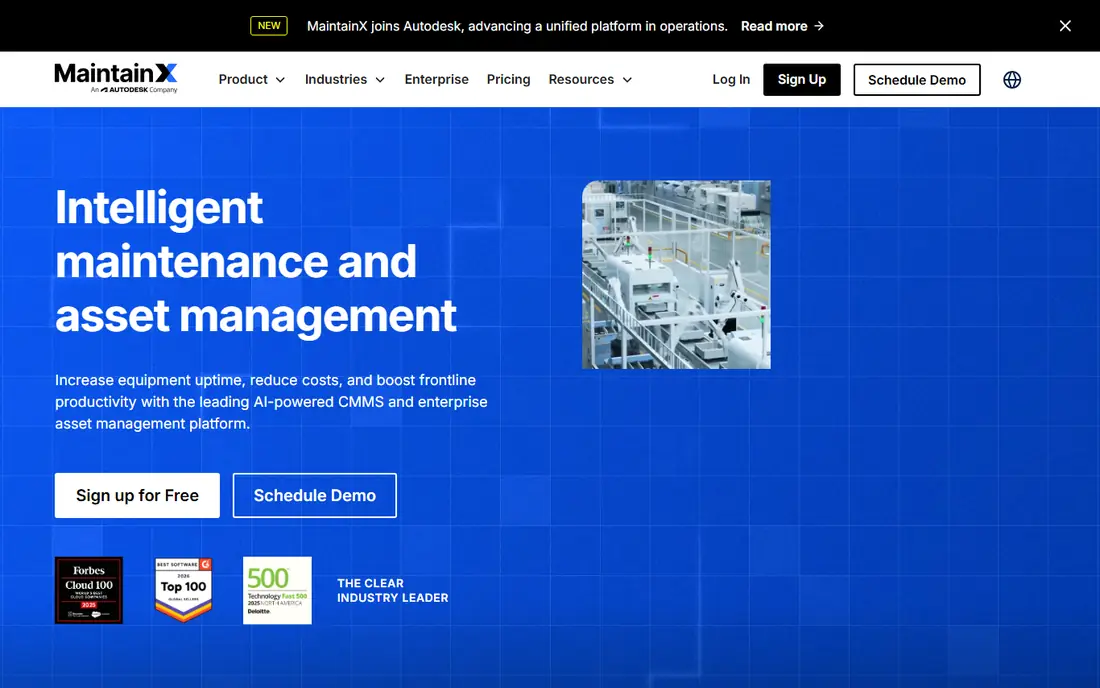
MaintainX has built its name on adoption. Technicians complete work orders, capture photos, and message each other from the plant floor, with offline mode for areas with weak signal. The free Basic tier covers the core work order loop, while Essential at $20 per user per month in published pricing adds preventive maintenance and integrations, and Premium at $65 adds meter based PM and ERP connectors.
The trade is depth. Plants with complex reliability programs may find PM logic and reporting lighter than Fiix or eMaint. For the common problem of a team still running on paper and radio, MaintainX gets a site live quickly and technicians actually use it, which matters more than a long feature list.
- Free Basic tier for small teams
- Mobile app built for technicians with offline mode
- Unlimited free requester accounts for reporting issues
- Per user pricing adds up with large crews
- Advanced PM and reporting depth sits on Premium
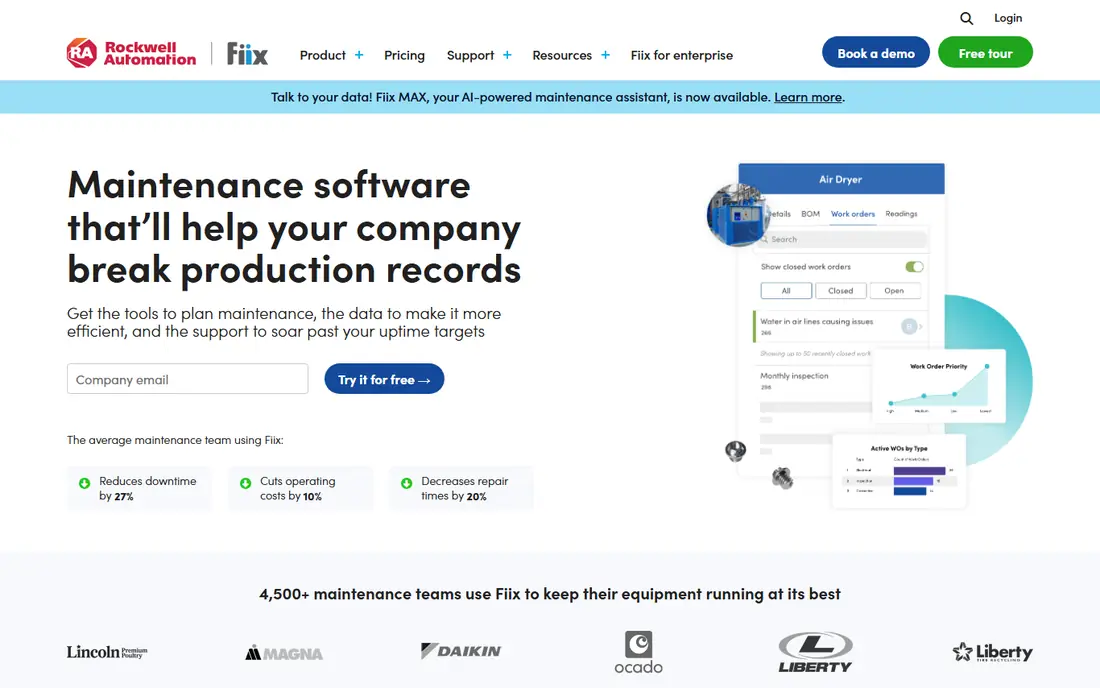
Fiix is a strong choice for manufacturers that want pricing upfront without a sales call. Basic at $45 per user per month and Professional at $75 cover work orders, assets, PM scheduling, and inventory in increasing depth, with a free plan for basic use. The Rockwell Automation link matters for plants standardized on Rockwell controls, since machine signals can feed maintenance work.
The honest limit is reporting hygiene. Fiix works best when asset histories and backlogs are kept clean, and some advanced reporting needs care. For a mid size plant that wants a clear price and solid PM tools, Fiix is a reliable shortlist pick.
- Published pricing with a free plan
- Asset tracking and PM scheduling
- Rockwell Automation ecosystem link through FactoryTalk
- Professional features sit at $75 per user per month in published pricing
- Enterprise needs are quote based
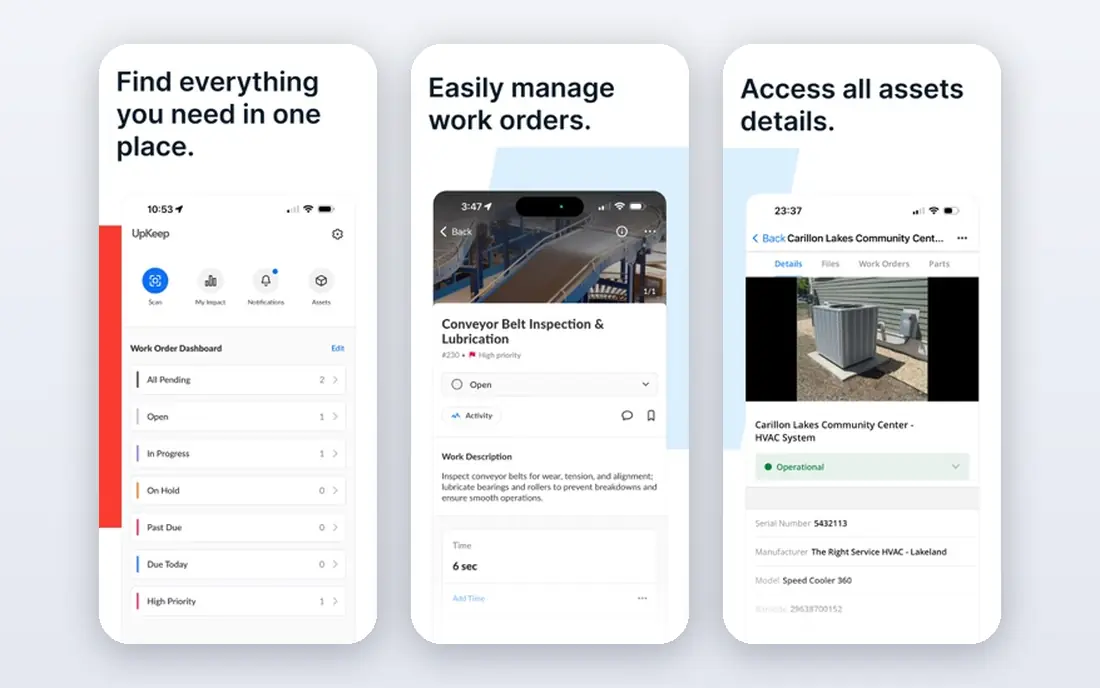
UpKeep suits a smaller team that wants to get organized on mobile quickly. Technicians see work orders, asset details, and procedures on a phone, operators can report issues, and the office tracks completion without paper. Paid plans start from $24 per user per month in published summaries, with higher tiers adding inventory and integrations.
UpKeep is less suited to a large enterprise reliability program than eMaint or Accruent. For a small to mid size plant that needs a mobile CMMS live in weeks, not months, UpKeep is a practical pick.
- Mobile first work orders and asset tracking
- Requester access for operators
- Fast setup for small teams
- Higher tiers needed for advanced inventory and integrations
- Per user pricing adds up for large crews
Limble is built around preventive maintenance as the core program. Teams can schedule PM by time, meter, or condition, track completion, and build asset histories that show whether PM is actually reducing breakdowns. The mobile app is simple enough for technicians to adopt without long training.
Pricing needs a direct check, since Limble uses a quote calculator rather than a single published tier list. For a team where PM is the whole program, Limble focus is a strength. For a team that needs deep ERP integration first, confirm that tier before you shortlist.
- Strong preventive maintenance scheduling
- Mobile app for technicians
- Free plan for small teams
- Pricing is via a quote calculator, so totals need a direct check
- Advanced integrations sit on higher tiers
eMaint, part of Fluke, suits condition monitoring programs and regulated sites. Automatic work orders can flow from sensor alarms, workflows can be shaped to site processes, and asset, inventory, and compliance records sit in one system. That depth matters for plants where audit trails and calibration records are part of daily work.
The trade is setup time. eMaint is more configurable than a simple mobile tool, and that configuration takes planning. For a plant with a reliability engineer and a condition monitoring program, eMaint depth pays off. For a small team that just needs work orders, a simpler tool may be faster.
- Condition monitoring with Fluke sensor links
- Configurable workflows for regulated sites
- Strong asset and inventory depth
- Pricing is tiered and quote based
- Setup takes more time than a simple mobile CMMS
Fracttal One is a modern CMMS with AI assisted planning. It helps teams schedule maintenance, track assets, manage inventory, and use data to spot patterns in failures. The interface feels current, and mobile tools support technicians in the field.
The watch out is enterprise depth in your region. Fracttal has a strong footprint in Latin America and Europe, and a growing North American presence, but a very large US enterprise may find more local references with Fiix, MaintainX, or Accruent. For a mid size plant that wants AI assisted planning, Fracttal is worth a demo.
- AI assisted maintenance planning and asset insights
- Modern interface
- Strong presence in Latin America and Europe as well as North America
- Pricing is quote based
- Large enterprise footprint in North America is smaller than Fiix or MaintainX
MicroMain suits plants with deep asset hierarchies and complex facilities. It handles parent and child assets, multi site structures, and detailed PM programs in a way that simpler tools struggle with. For a plant engineer who needs control over asset structure, that depth is the point.
The interface feels more traditional than MaintainX or UpKeep, and adoption may need more training for field staff. If your plant structure is complex and your reliability program is mature, MicroMain control outweighs that trade. If adoption speed matters most, start with a mobile first tool.
- Deep asset hierarchies and facility control
- Strong PM and work order tools
- Suited to complex plants and facilities
- Pricing is quote based
- Interface feels more traditional than mobile first tools
Accruent Maintenance Connection is the enterprise pick for multi site organizations. It handles maintenance across many sites, with professional and enterprise tiers, a mobile add on, and reporting for regulated industries. Large firms that need consistent processes across sites value that control.
The cost and setup reflect enterprise scope. Smaller plants will find MaintainX, Fiix, or UpKeep faster and cheaper. For a multi site manufacturer that needs one standard system, Accruent is a serious candidate, and you should price the full site and user count in the quote.
- Enterprise CMMS for multi site portfolios
- Mobile CMMS add on
- Strong fit for regulated industries and large organizations
- Pricing is enterprise grade and quote based for larger deployments
- Setup needs dedicated project time
How we picked these
We compared official product pages, pricing pages, and public reviews for CMMS tools used in manufacturing in October 2026. We kept only tools that handle work orders, assets, preventive maintenance, and inventory for plant or facility teams, and we favored tools with a mobile app for technicians. We did not claim hands on testing. Prices shown are published starting prices where available, and quote based tools are marked as See website.
What to check before you buy
Map your asset hierarchy first
List your sites, lines, machines, and parent child relationships before a demo. A tool that cannot model your hierarchy cleanly will force workarounds that hurt reporting later.
Test PM scheduling with real assets
Build a PM plan for a real machine during the trial, including time based, meter based, and condition based triggers. Check how overdue PM is flagged, how completion is recorded, and how history is reported.
Price the full technician crew
Per user pricing means a forty technician plant pays for forty seats. Price the full crew, plus requesters, supervisors, and any ERP or sensor integrations, before you compare headline plans.
Check offline and parts workflows
Test the mobile app in a low signal area, and test parts issue and reorder workflows with a real spare part. A CMMS that fails offline or loses parts control will lose technician trust fast.
FAQ
What is CMMS software for manufacturing?
It is software that manages maintenance work in a plant, including work orders, asset records, preventive maintenance schedules, parts inventory, and downtime tracking. It replaces paper work orders and spreadsheets with a shared maintenance record.
Is MaintainX or Fiix better for a small plant?
MaintainX is often easier to adopt, with a free Basic tier and a mobile first design. Fiix is often better when you want published pricing, asset intelligence, and a Rockwell Automation link. Trial both with real work orders before you decide.
Do I need a CMMS if I already use spreadsheets?
Spreadsheets work for a very small team with few assets, but they break down as asset counts, PM schedules, and technician numbers grow. A CMMS adds asset history, PM automation, and reporting that spreadsheets cannot sustain reliably.
How much does CMMS software cost?
Published starting prices range from free tiers to $20 to $45 per user per month for entry paid plans, with higher tiers at $65 to $75 and enterprise plans quoted. Price the full crew and the tier you need, not just the entry price.
What is the difference between CMMS and EAM?
CMMS focuses on maintenance work orders, assets, and PM schedules. EAM, or enterprise asset management, covers the full asset lifecycle, including procurement, finance, and long term planning, and is usually broader and more costly.