Best CMMS Software for Small Business in 2026: 8 Tools Compared
Compare the best cmms software for small business in 2026, with work orders, preventive maintenance, pricing and free plans for small teams in detail.
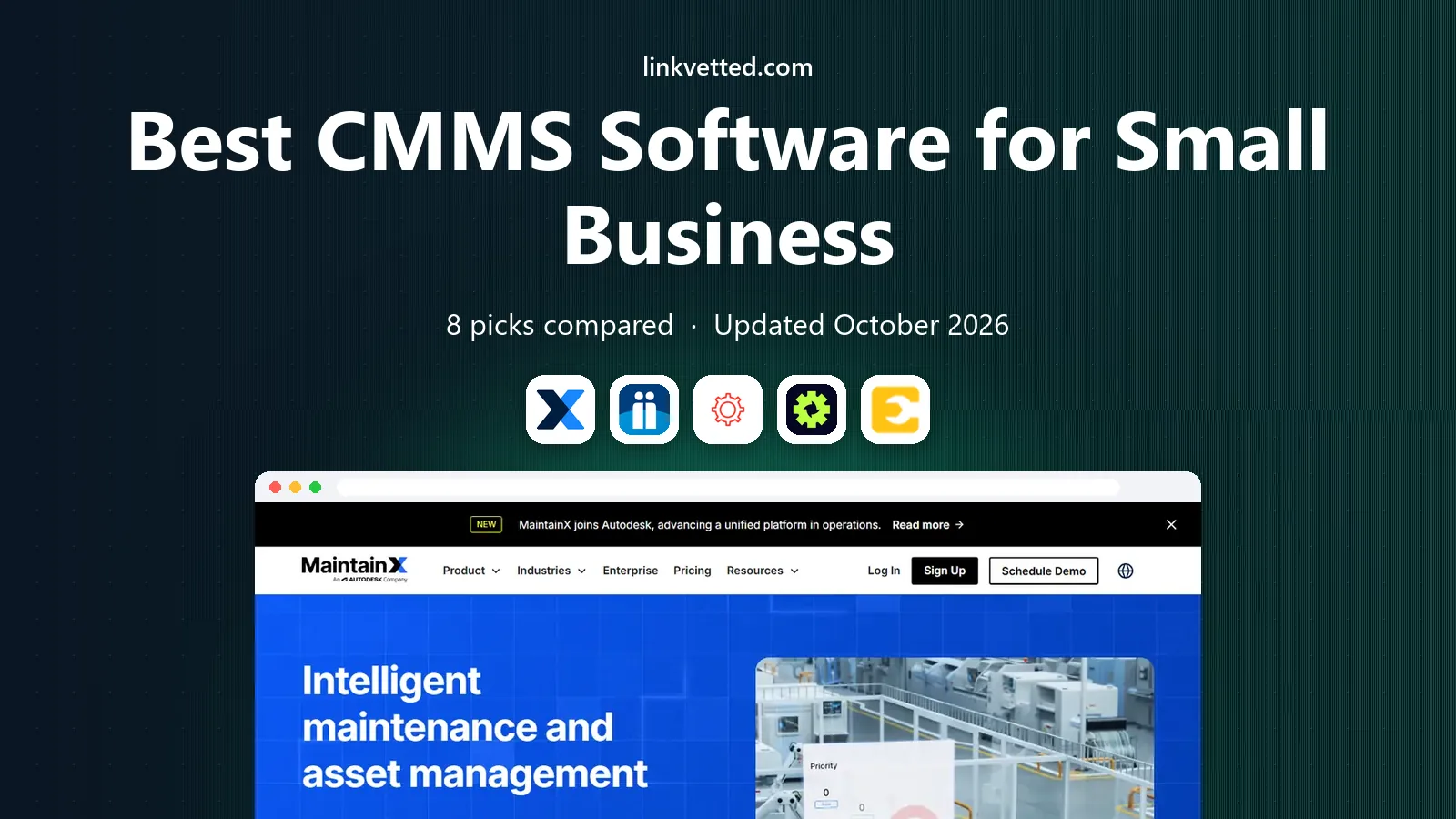
- Editor's choice
 MaintainX
Mobile-first teams that adopt fast
Starts atFreeVisit getmaintainx.comFull review - Great alternative
 Fiix
Manufacturers wanting asset intelligence
Starts atFreeVisit fiixsoftware.comFull review - Also consider
 UpKeep
Small teams wanting mobile work orders fast
Starts at$24 per user per monthVisit upkeep.comFull review
TL;DR:
- MaintainX and Fiix offer real free tiers, so a small team can move off spreadsheets before spending anything.
- Paid CMMS pricing clusters around $20 to $75 per user per month, with per-user costs adding up for larger crews.
- Mobile access matters most, since technicians work on the plant floor, not at a desk.
- Look for free requester accounts, so everyone can report issues without buying a full license for each person.
Quick comparison
| Tool | Best for | Starts at | Free plan? | |
|---|---|---|---|---|
| MaintainX | Mobile-first teams that adopt fast | Free | Yes | Visit |
| Fiix | Manufacturers wanting asset intelligence | Free | Yes | Visit |
| UpKeep | Small teams wanting mobile work orders fast | $24 per user per month | Free trial | Visit |
 Limble CMMS | Teams where preventive maintenance is central | See website | Yes | Visit |
 eMaint | Condition monitoring and regulated programs | See website | Free trial | Visit |
 Hippo CMMS | Facilities teams in schools and healthcare | See website | No | Visit |
 FMX | Schools and multi-facility operations | $35 per user per month | Free trial | Visit |
 Fracttal | AI-assisted maintenance planning | See website | No | Visit |
The best cmms software for small business
CMMS stands for computerized maintenance management system. In plain terms, it replaces spreadsheets and paper work orders with a system for assets, work orders, preventive maintenance and parts. For a small business, the right CMMS means fewer breakdowns, clearer asset history and less time chasing paper. These eight tools suit small teams, with different strengths on price, mobile use and depth.
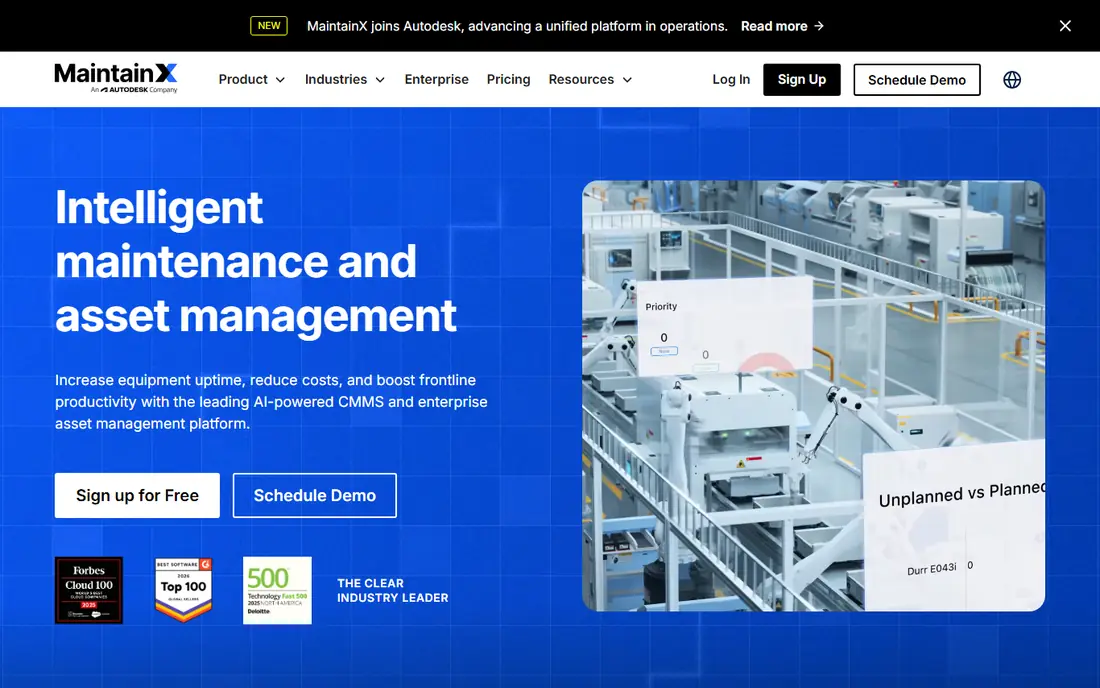
MaintainX has built its reputation on being the CMMS that does not feel like enterprise software. The mobile app is the center of the experience, which makes sense because technicians live on the plant floor, not at a desk. Work orders, asset histories and procedures are reachable from a phone, and the free Basic tier is genuinely usable for small operations. Paid Essential starts at $20 per user per month when billed annually, with Premium at a higher tier for advanced features.
The honest catch is per-user pricing. A plant with many technicians pays for many seats, so do the math on your full crew before comparing sticker prices. Requester accounts are free, so anyone can report an issue without a license. For small teams that need fast adoption, MaintainX is our pick for most people.
- Free Basic tier for small teams
- Mobile app built for technicians
- Published paid pricing
- Advanced features require Premium tier
- Per-user pricing adds up with large crews

Fiix suits small manufacturers that want asset tracking, preventive maintenance scheduling and inventory in one system. Asset hierarchies help teams organize equipment by line, location or system, and work order history builds a clear record for each asset. The free plan lets small teams start without cost, while Basic at $45 per user per month adds more users and features, and Professional at $75 per user per month adds deeper reporting and integrations.
Fiix costs more per seat than MaintainX at the paid level, so small teams should compare total crew cost. For manufacturers that want asset intelligence and integrations with industrial systems, Fiix offers depth that simpler tools lack.
- Free plan available
- Asset hierarchies and inventory tools
- Published Basic pricing
- Basic starts at $45 per user per month
- Advanced features sit on higher tiers

UpKeep is built for mobile-first teams that want to get organized quickly. Technicians create and close work orders from a phone, attach photos, and log asset history without returning to a desk. Setup is faster than many enterprise CMMS tools, which helps small firms that need a working system this week, not next quarter. Essential starts at $24 per user per month, with Premium at $55 per user per month for deeper features.
UpKeep has no permanent free tier, only a free trial, so budget for paid seats from the start. For small teams moving off spreadsheets and paper, UpKeep offers a fast, practical path with a strong mobile experience.
- Mobile-first work orders
- Quick setup
- Clear asset logs and image uploads
- No permanent free plan
- Advanced reporting sits on higher tiers
Limble CMMS suits teams where preventive maintenance is the whole program, not an afterthought. Custom preventive schedules, barcoding, vendor tracking and offline mobile access help teams keep planned work on track even in areas with poor connectivity. Asset hierarchies are deep, which helps facilities with many related assets.
Pricing is quote-based on the vendor site, so buyers should request a written quote for their user count. A free tier is available for small teams. For maintenance-led firms that want strong preventive tools and offline access, Limble is a strong contender.
- Strong preventive maintenance tools
- Deep asset hierarchies
- Offline mobile app
- Pricing is not published clearly
- Setup takes care for complex hierarchies
eMaint, part of Fluke, suits mid-market and regulated maintenance programs that need condition monitoring, KPI dashboards and compliance documentation. Work order templates, role-based permissions, parts inventory and multi-site support help firms with audit needs. Condition data from Fluke sensors can feed maintenance decisions, which is useful for plants with critical equipment.
Pricing is higher than simpler tools, with Team and Professional tiers reported around $69 and $85 per user per month in third-party listings, though the vendor site should be checked for current pricing. For small firms in regulated industries, eMaint offers controls that justify the cost. For tiny teams, a free-tier tool may be enough.
- Strong reporting and KPI dashboards
- Condition monitoring tools
- Compliance documentation
- Higher price point than simpler CMMS tools
- More system than a tiny team needs
Hippo CMMS focuses on facilities maintenance for schools, healthcare, government and similar organizations. Work orders, preventive maintenance, asset tracking and vendor management fit facilities teams that manage buildings, grounds and equipment across sites. The interface is straightforward, which helps facilities staff who are not full-time maintenance specialists.
Pricing is quoted, so small facilities teams should request a clear quote for their user and site count. For facilities-focused small businesses, Hippo offers a focused fit that manufacturing-led tools sometimes miss.
- Facilities-focused workflows
- Work order and preventive tools
- Suitable for education and healthcare
- Quote-based pricing
- Less manufacturing depth than Fiix or eMaint
FMX suits schools, municipalities and multi-facility operations that need a central system for work requests, maintenance and scheduling across sites. Staff can submit requests through a portal, and maintenance teams can track work by building and asset. Starting at $35 per user per month, FMX offers a published price point that helps budgeting for public-sector and education buyers.
FMX is less focused on heavy industrial manufacturing than Fiix or eMaint, so plants with complex equipment may need deeper tools. For multi-site facilities teams, FMX offers a clear, practical option.
- Published starting price
- Multi-facility support
- Request portal for staff
- Less industrial depth than manufacturing CMMS tools
- Advanced features cost more
Fracttal adds AI-assisted planning to core CMMS work, helping teams prioritize work orders, plan preventive tasks and spot patterns in asset data. Its presence is strong in Latin America and Europe, which suits firms with operations there. Mobile tools and asset tracking cover the daily work, while AI features help planners move from reactive fixes to planned maintenance.
Pricing is quoted, and US buyers should confirm support coverage and integrations for their region. For firms interested in AI-assisted planning and with international operations, Fracttal is a distinctive pick in this list.
- AI-assisted maintenance planning
- Strong presence in Latin America and Europe
- Modern mobile tools
- Quote-based pricing
- Smaller US support footprint than larger rivals
How we picked these
We compared official pricing pages, product documentation and public reviews for CMMS platforms. We favored tools with real work order, preventive maintenance and asset tracking features, published or verifiable pricing where available, and mobile access for technicians. Where pricing was not published, we used See website rather than guessing. We did not claim hands-on testing. Instead, we weighed ease of adoption, mobile quality, preventive tools, reporting depth and total cost for small teams.
How to choose a CMMS for a small business
Start with your assets and your crew. List the equipment, buildings or vehicles you maintain, and count the technicians, managers and requesters who will use the system. That count drives cost, since most CMMS tools charge per user. Next, check mobile and offline needs. If technicians work in basements, plants or remote sites, offline mobile access matters more than a polished desktop dashboard.
Then test preventive maintenance setup. Create a real asset, set a recurring task, and see how work orders are generated and closed. If that flow feels heavy, adoption will suffer. Finally, check parts and inventory needs. Small firms often start with work orders only, then need parts tracking as volume grows. Choose a tool that can add inventory without a painful migration.
Getting adoption right
The best CMMS is the one technicians actually use. Keep required fields short, use photos and barcodes where possible, and train with real work orders, not slides. Start with one site or team, fix the workflow, then roll out wider. A tool that feels simple on day one will beat a powerful tool that nobody opens.
FAQ
What is CMMS software?
CMMS software manages maintenance work: assets, work orders, preventive schedules, parts and maintenance history. It replaces spreadsheets and paper with a shared system that shows what needs work, what was done, and what it cost.
How much does CMMS software cost for a small business?
Free tiers exist from MaintainX and Fiix. Paid pricing often falls between $20 and $75 per user per month, with MaintainX Essential at $20, UpKeep Essential at $24, FMX from $35 and Fiix Basic at $45 per user per month. Total cost depends on crew size and tier.
Is there a free CMMS for small business?
Yes. MaintainX offers a free Basic tier, Fiix offers a free plan, and Limble offers a free tier for small teams. Free tiers cover basic work orders and assets, while advanced reporting and integrations usually require paid plans.
Do technicians need a paid license each?
Not always. MaintainX offers free requester accounts, so anyone can report an issue without a full license. Most tools charge for technician and manager seats, so check requester rules before budgeting for your full headcount.
How long does it take to set up a CMMS?
Small teams can often start in days with MaintainX, UpKeep or Fiix, especially if asset lists are already in a spreadsheet. Complex hierarchies, integrations and multi-site setups take longer. Start with one team, test the workflow, then expand.